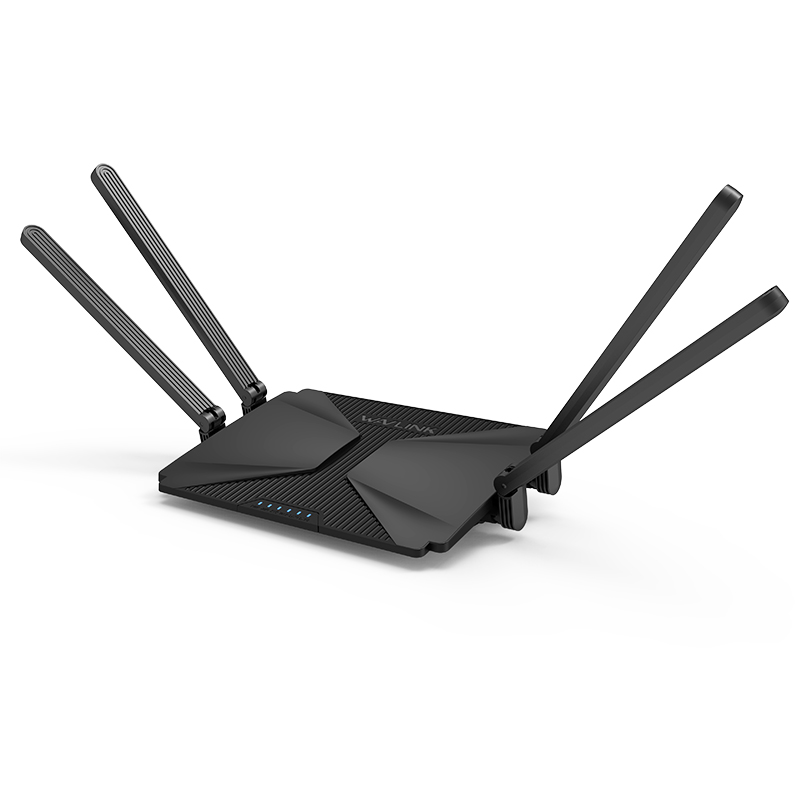
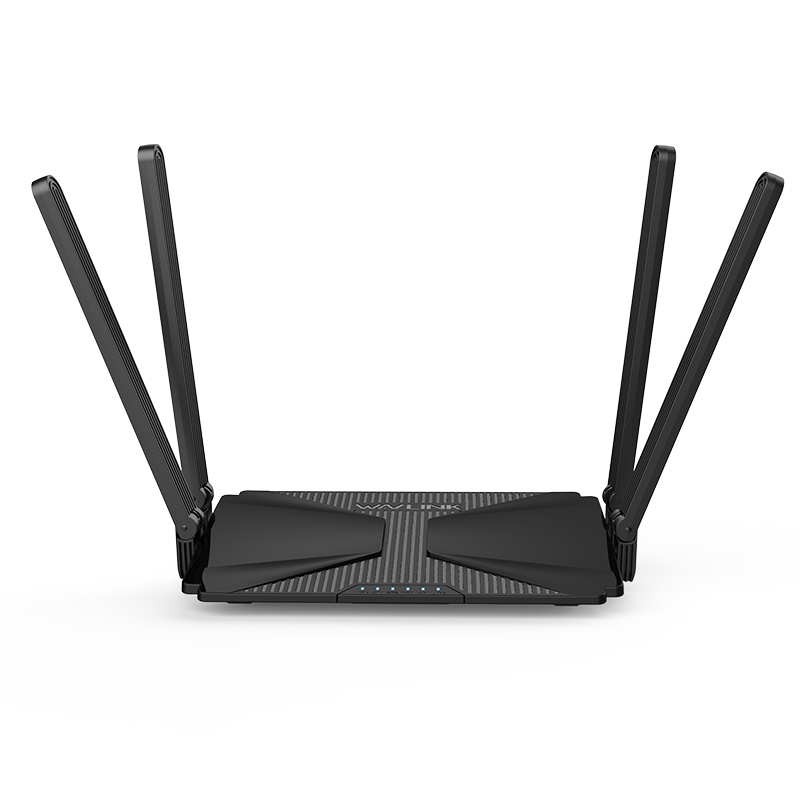
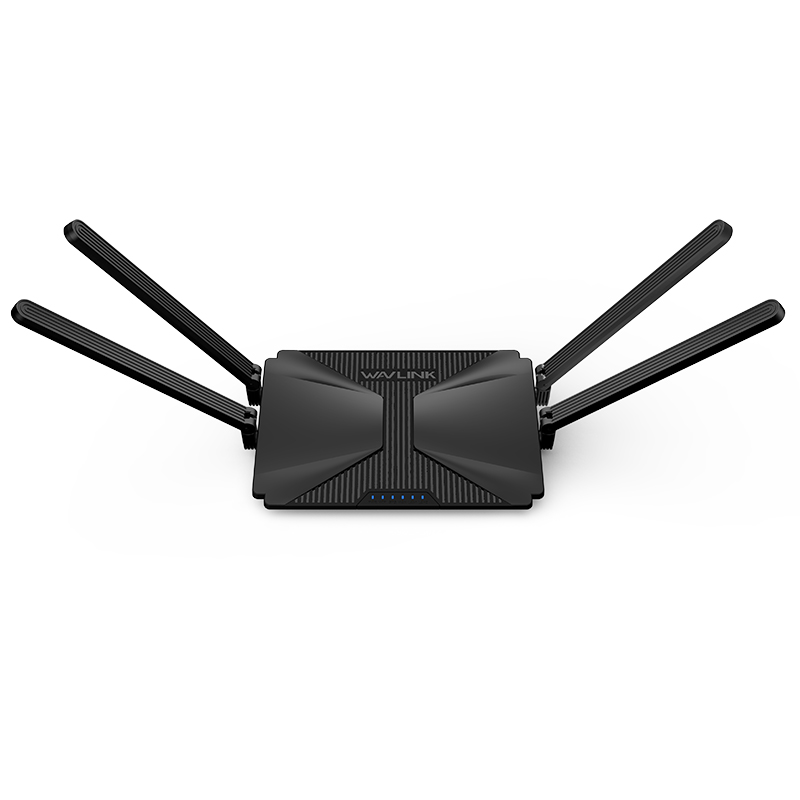
MIGHTY-EX1-Pro
Model: WL-WN586X3-B

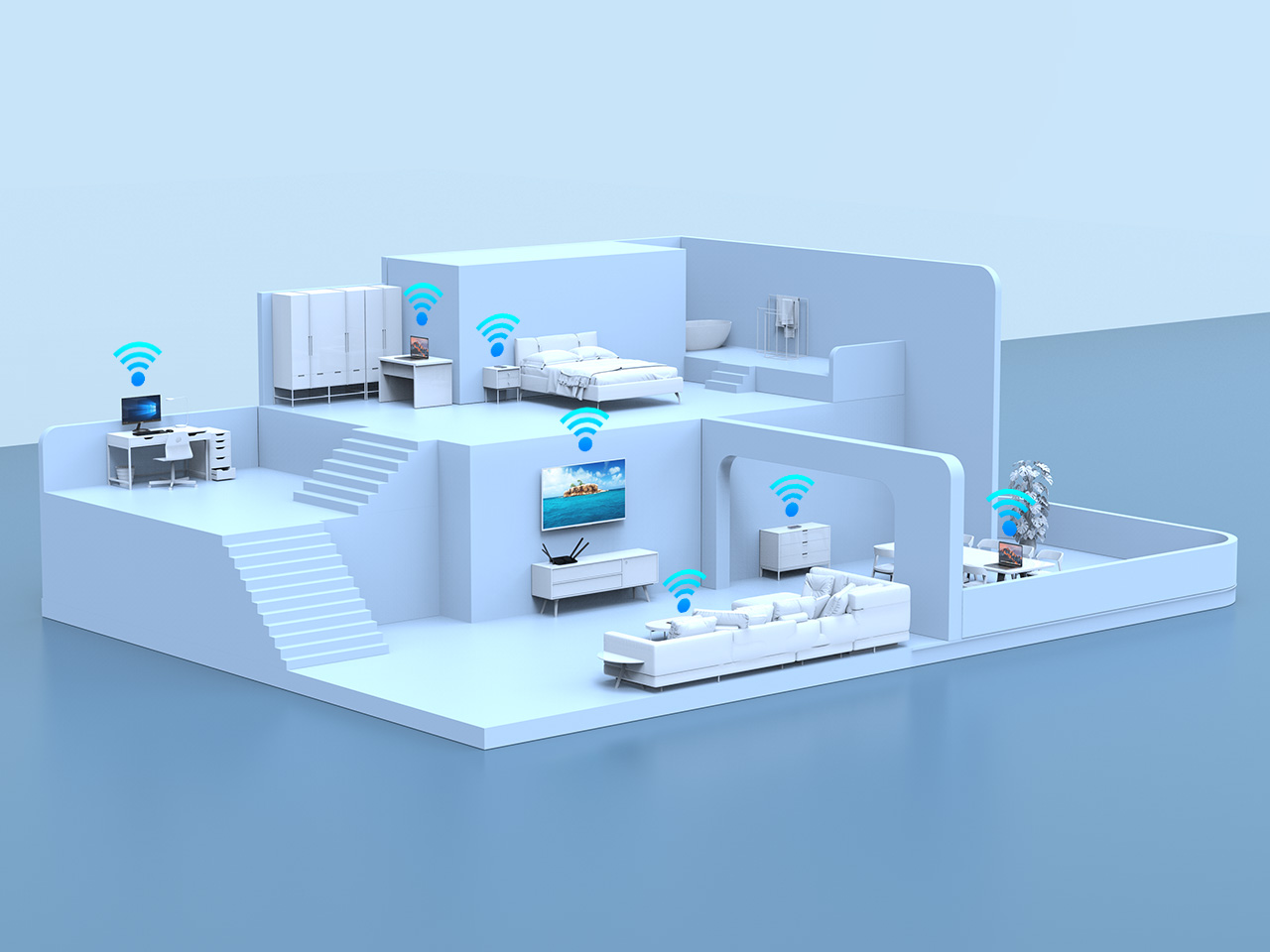
Adopting Wi-Fi 6 (802.11ax) technology, MIGHTY EX1 provides wireless connections for up to 256 devices simultaneously with reduced network congestion and lower latency.

MIGHTY EX1 achieves a total networking speed of about 2975Mbps — 2402Mbps on the 5GHz band and 573Mbps on the 2.4GHz band, a super network speed that suffices almost any data-heavy activities
Four 5dBi Omni Directional Antennas, patented and elegant, widen the wireless signal coverage and direction, giving you greater online experience.


Wi-Fi 6 upgrades Wi-Fi security protocol to WPA3. MIGHTY EX1 improves your network security with up to WPA2/WPA3-PSK MIX,

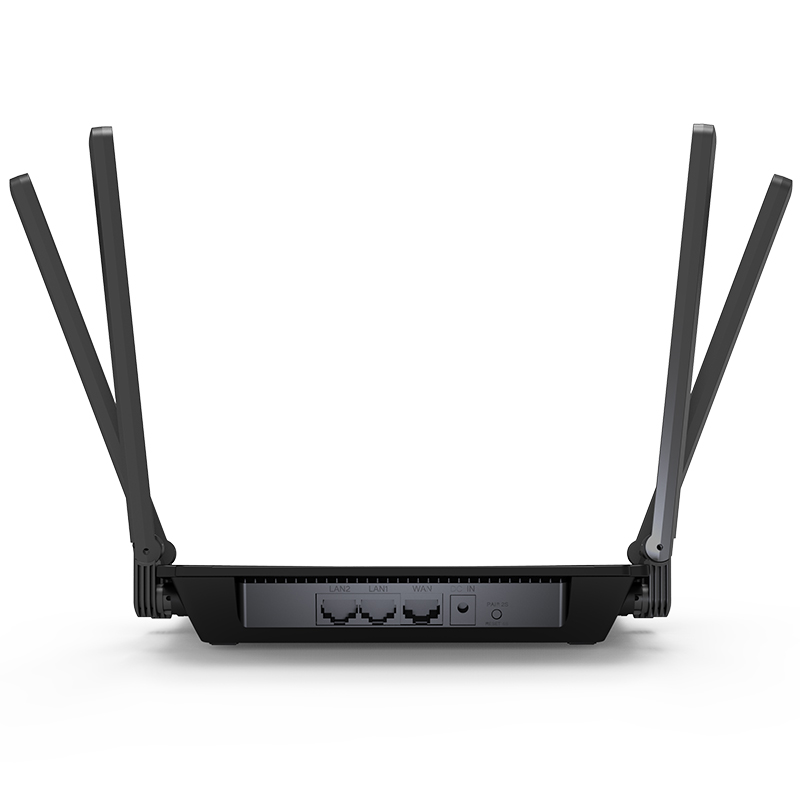
Gigabit Ethernet ports operates 10X faster than the standard, which helps your wireless devices achieve peak performance

Compatible with our AX3000 and AX6000 Mesh Wi-Fi systems for seamless roaming and whole-home coverage.

Setting up in minutes with the App or Web UI, easily managing Wi-Fi settings and monitor data usage.

Dual-Core CPU
16MB (128Mb)
256MB (2Gb)
1 x 10/100/1000Mbps WAN port
2 x 10/100/1000Mbps LAN port
Reset/Pair Button
2 x 5dBi 2.4GHz antennas
3 x 5dBi 5GHz antennas
Omni-Directional, foldable antennas
1 x WAN
2 x LAN
1 x WiFi
1 x Power
1 x SYS
IEEE 802.11ax/ac/n/a 5 GHz
IEEE 802.11n/b/g 2.4 GHz
802.11k/v
5GHz and 2.4GHz
5GHz: 2402 Mbps
2.4GHz: 573 Mbps
Open
WPA1/WPA2-PSK MIX
WPA2-PSK
WPA2/WPA3-PSK MIX
Coverage
5x5dBi Omni Directional Antennas
Multiple antennas form a signal-boosting array to cover more directions and large areas
Beamforming
Concentrates wireless signal strength towards clients to expand WiFi range
Dual-Band
Allocate devices to different bands for optimal performance
DFS Access an extra band to reduce congestion
2X2 Streams
Connect your devices to more bandwidth
5GHz:
11n HT20_MCS0: -87dBm, 11n HT20_MCS7:-68dBm
11n HT40_MCS0: -84dBm, 11n HT40_MCS7:-67dBm
11ac VHT20_MCS0: -86dBm, 11ac VHT20_MCS8:-64dBm
11ac VHT40_MCS0: -85dBm, 11ac VHT40_MCS9:-60dBm
11ac VHT80_MCS0: -84dBm, 11ac VHT80_MCS9:-57dBm
11ax HE20_MCS0: -93dBm, 11ax HE20_MCS11:-58dBm
11ax HE20_MCS0: -93dBm, 11ax HE20_MCS11:-58dBm
11ax HE80_MCS0: -87dBm, 11ax HE80_MCS11:-55dBm
11ax HE160_MCS0: -85dBm, 11ax HE160_MCS11:-53dBm
2.4G:
11n HT20_MCS0: -88dBm, 11n HT20_MCS7:-69dBm
11n HT40_MCS0: -85dBm, 11n HT20_MCS7:-66dBm
11ax HE20_MCS0: -93dBm, 11ax HE20_MCS11:-59dBm
11ax HE40_MCS0: -90dBm, 11ax HE40_MCS11:-58dBm
5ABS Plastic
Operation temperature: 0℃~40℃
Storage temperature: -10~70℃
Operation RH (relative humidity): 10%~90%,noncondensing
Storage RH: 10%~90%,noncondensing
1 x Wireless Router
1 x Power Adapter
1 x RJ45 Cable
1 x Quick Start Guide
Description : WL-WN586X3-B-Manuals
Post Date : 29/07/2026
Available : WL-WN586X3-B
Online Reading : View
Make sure you should connect the Wi-Fi signal of wavlink device.
Make sure you should enter the url in the address bar but not the search bar.
Make sure you entered the current URL.
Try to use http://192.168.30.1 to log in the management page.
If you try to log in by phone,please turn off your mobile network and try to log in again.
If you try to log in by your pc/laptop,please disconnect other internet connection.
Make sure the VPN should be disabled.
Restart your modem (wait 5 minutes). Disconnect extra Ethernet cable connection from the modem.
Test by connecting a computer directly to the modem via Ethernet cable. If you still could not get internet,there might some issue with the modem,please contact the isp.
For cable modems, clone the MAC address of the device which could get Internet from the modem via Ethernet cable in More >Network >Internet > MAC Clone>Custom MAC, then reboot
modem and router.
The Hardware NAT Settings's default open status leads to the absence of monitored data. If you wanna keep the flow monitoring accurate, you have to turn off the Hardware NAT Settings function manually, which inevitably will increase the CPU usage.
Please reset the device by pressing the reset button for 6s when the device is powered on.
No,wavlink device could not work as the modem,you have to connect the wavlink device to the modem via Ethernet cable.Otherwise it could not work.
Please press the reset button for 6s when the device is powered on.
No,this device could only form mesh system with the specific wavlink device which support everything mesh technology.
For the devices which support everything technology,please refer to the link below:
Get the Scoop First
Subscribe to our official website to receive exclusive first-hand news and stay up-to-date on our new product releases and promotions!