AERIAL D6X
Model: WL-WN583AX3
Works with any Wi-Fi Router

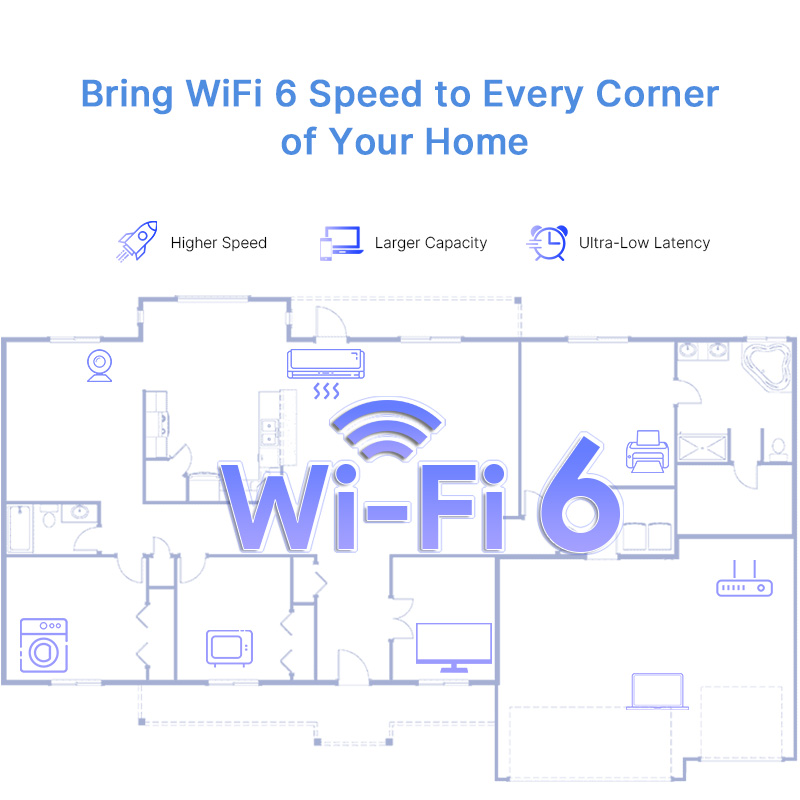
Our WiFi 6 range extender delivers fast speeds and greater range to a greater number of devices, increase your internet’s efficiency, and reduce network congestion.
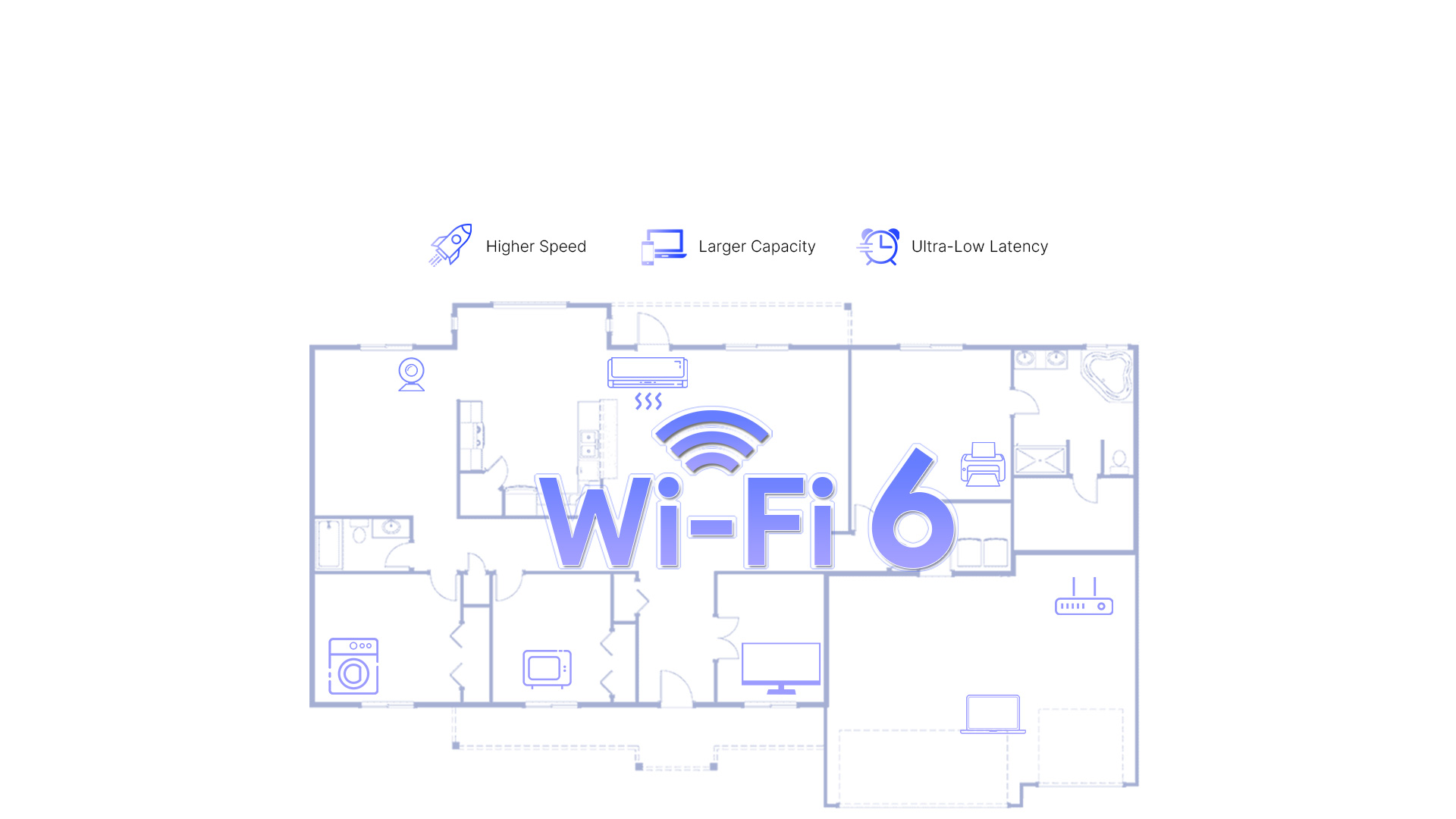
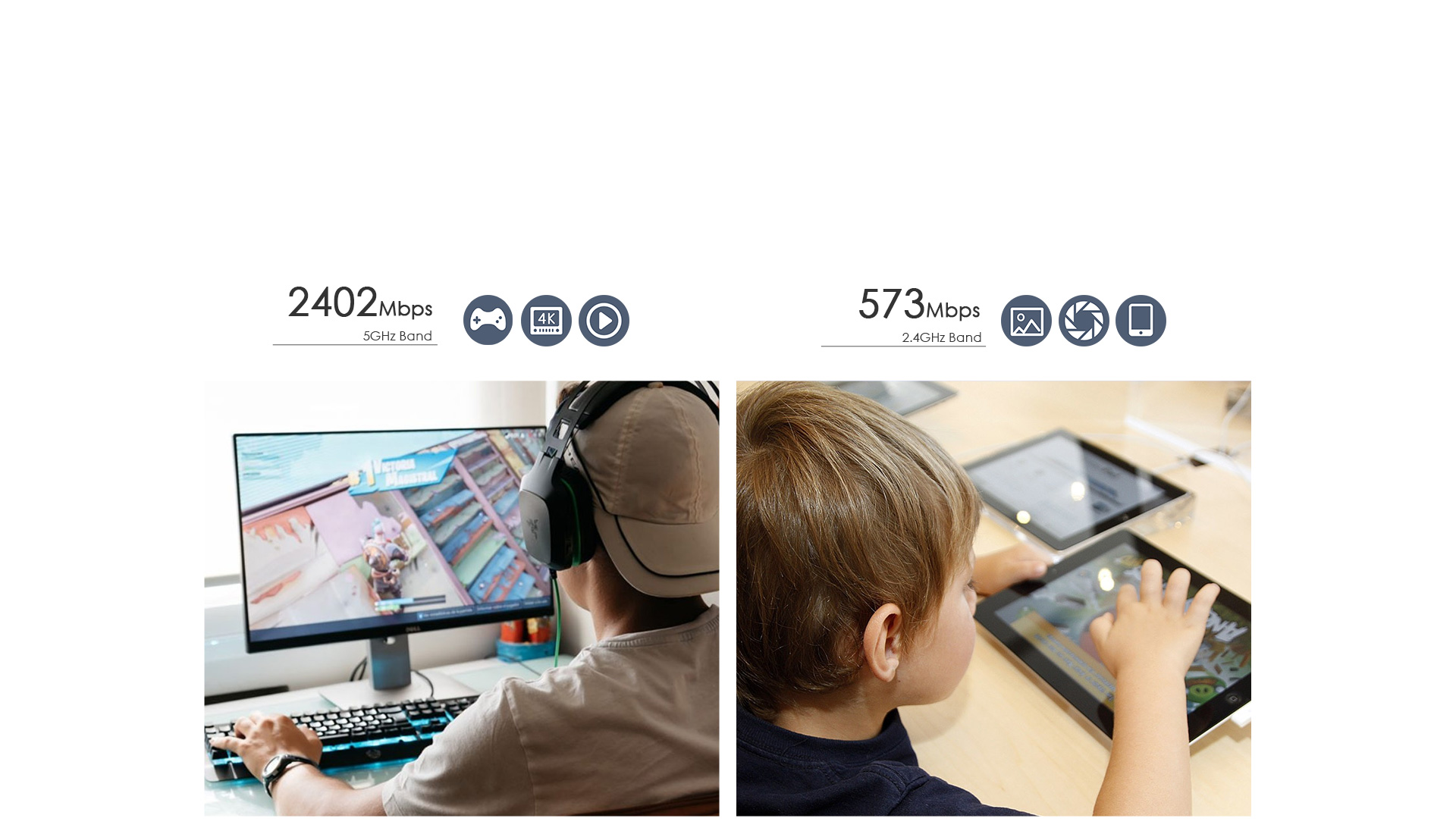
Keeps your network running at top-speed by automatically choosing the fastest connection path to the router.Use both WiFi bands to enjoy super-fast connections, ideal for HD streaming and gaming.
Create a single whole-home mesh network that auto-connects mobile devices to the strongest WiFi signal.Expand coverage of your Existing Router using your current WiFi name and password. The wall-plug design has two powerful internal antennas that extend WiFi signals to where your router WiFi cannot reach.

The Repeater can take an existing 2.4GHz or 5GHz wireless signal, repeat and extend it to a longer range where it is too far away for the router or access point to reach. Providing free WiFi service in big area such as factory , community , street or etc.

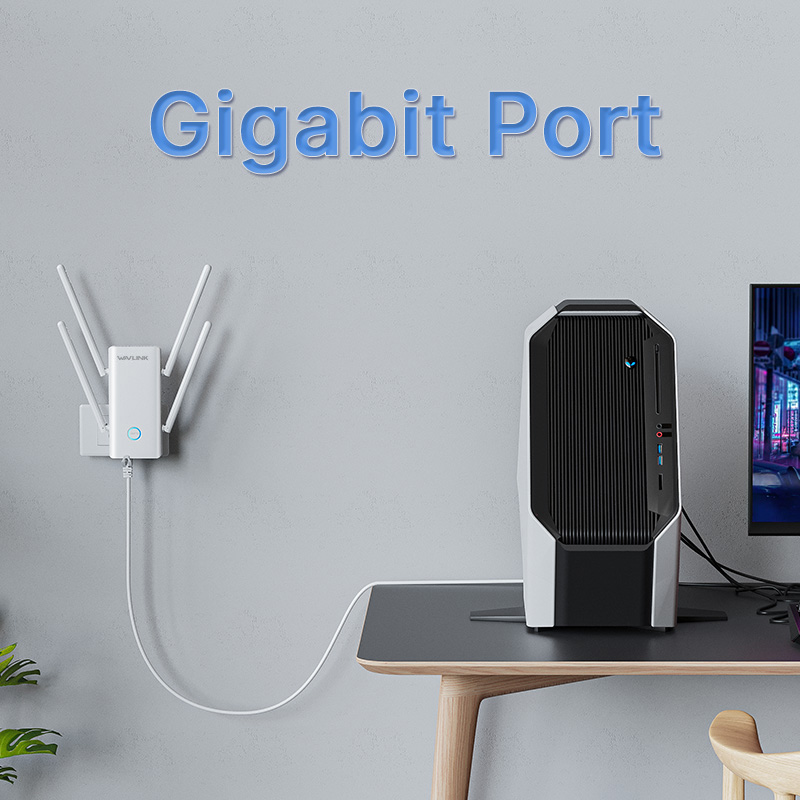
Create fast, stable wired connections for your PC, smart TV or gaming console anywhere in your home with the Gigabit Ethernet port.

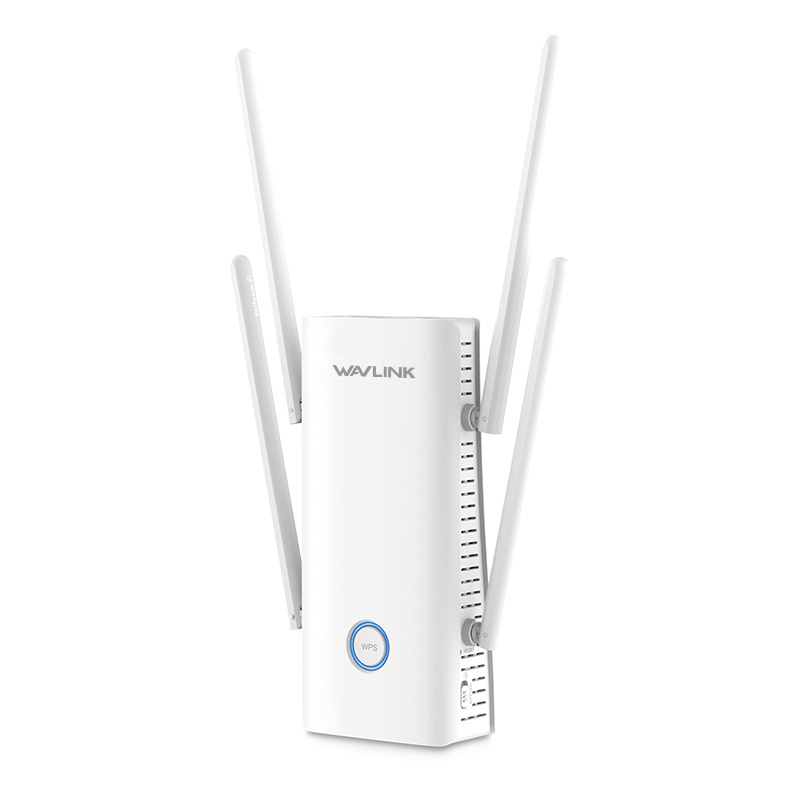
Equipped high-gain copper antennas widen the wireless signal coverage area and direction, making it possible to cover the whole home without dead zones effectively and dynamically.

More than just a wireless range extender.Simply plug an Ethernet cable into its port to easily turn that wired connection into a high-speed dual-band wireless signal.Can easily turns to be Range Extender / Router / AP by a simple switch.

The combination of MU-MIMO and OFDMA technology ensure that your PC is provided with better stability and high-speed performance even in a congested network with multiple devices.

WL-WN583AX3
1 x 10/100/1000Mbps WAN / LAN PORT
1 x Power Button
1 x WPS Button
1 x Reset Button
1 x WAN/LAN , 1 x Status , 1 x Smart night light
DC 5V / 2.5A
159 x 73.6 x 43mm(L x W x H)
IEEE 802.11 ax/ac/a/b/g/n
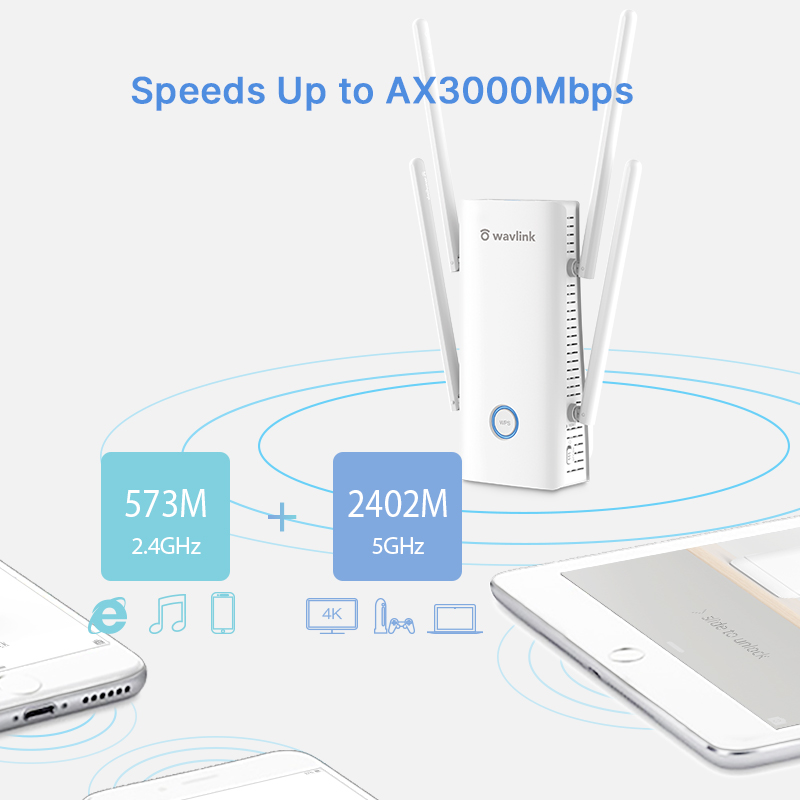
5GHz 2402Mbps and 2.4GHz 573Mbps
2.4GHz , 5GHz
4 x Omni Directional Antennas
WPA-PSK/ WPA2-PSK/ WPA3-PSK encryption
1 x AX3000 WiFi6 Range Extender
1 x RJ-45 Ethernet Cable
1 x Quick Start Guide
Please log in the management page and go to Advanced > Led Control to manage the light status.
1.If you can't log in the management when the device is in AP Mode, please check the IP address arranged by the upstream router, use this IP address to log in.
2.Make sure you have connected to the Wi-Fi of the device.
3.Please try to clean the cache of the browser.
4.Try to log in the management page via another browser.
5.Try to log in the management page via other devices.
6.If you still meet some problem,please be free to contact our support team.
Please choose the mode that suits your needs.
In AP Mode, it extends network coverage by connecting to a router/switch via Ethernet cable.
In Repeater Mode, it extends network coverage wirelessly by connecting to an existing Wi-Fi network.
In Mesh Router Mode, it converts the wired connection from your ISP into a Wi-Fi signal and acts as the primary mesh node.
In Mesh Extender Mode, it extendes network coverage by wirelessly joining an existing mesh network.
Please reset the device by pressing the reset button for 6s when the device is powered on.
No,this device could only form mesh system with the specific wavlink device which support everything mesh technology.
For the devices which support everything technology,please refer to the link below:
If you configure the wavlink device as repeater mode.
1.Please make sure you should enter the correct wifi password of the host router when you try to repeat the wifi signal.
2.Please make sure the dhcp of the host router is enabled.
3.Make sure the mac filter of the host router is not enabled.(Otherwise the wavlink device might be blocked)
If you configure the wavlink device as ap mode.
1.Please make sure the dhcp of the host router is enabled.
2.Make sure the mac filter of the host router is not enabled.(Otherwise the wavlink device might be blocked)
3.Please connect the pc to the modem/host router via Ethernet cable directly and check if you could get internet.(To rule out the problem of the modem/router)
Please press the reset button for 6s when the device is powered on.
No the device could not repeat the signal with captive portal.
Actually the device work as the wifi ranger extender,it could help help the user to get a larger wifi coverage.But it could not increase the internet speed from the host router.And the internet speed should be lower than the speed from the host router.
And there are some methods which might be helpful to help you get better performance in repeater mode.
1.Please try to adjust the position of the wavlink device.
And it is better to avoid too many obstacle like wall between the host router and wavlink device and try to avoid too many obstacle between the wavlink device and the target area.
2.Try to repeat the 5g signal of your host router,if there is no 5G signal.
If you still meet some problem,please be free to contact our support team.
Get the Scoop First
Subscribe to our official website to receive exclusive first-hand news and stay up-to-date on our new product releases and promotions!