12-IN-1 Thunderbolt™ 4 Docking Station
  • 12-IN-1 Thunderbolt™ 4 Docking Station 1
  • 12-IN-1 Thunderbolt™ 4 Docking Station 2
  • 12-IN-1 Thunderbolt™ 4 Docking Station 3
  • 12-IN-1 Thunderbolt™ 4 Docking Station 4
  • 12-IN-1 Thunderbolt™ 4 Docking Station 5

12-IN-1 Thunderbolt™ 4 Docking Station

ThunderDock Malle

Model: WL-UTD43-C
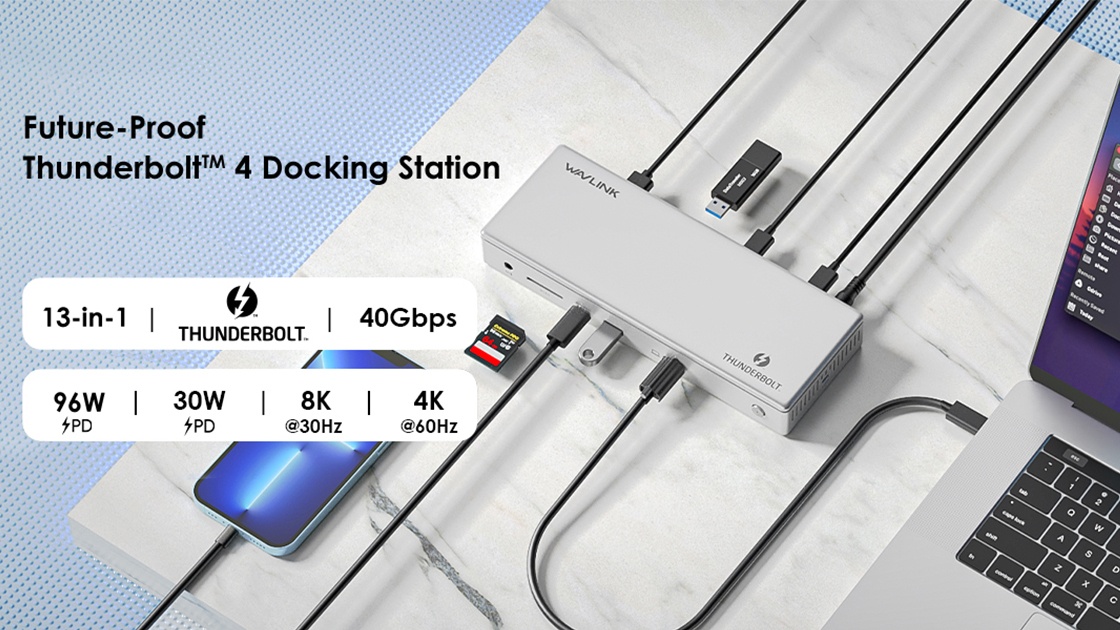
  • • Comprehensive Connectivity: 12 versatile ports.
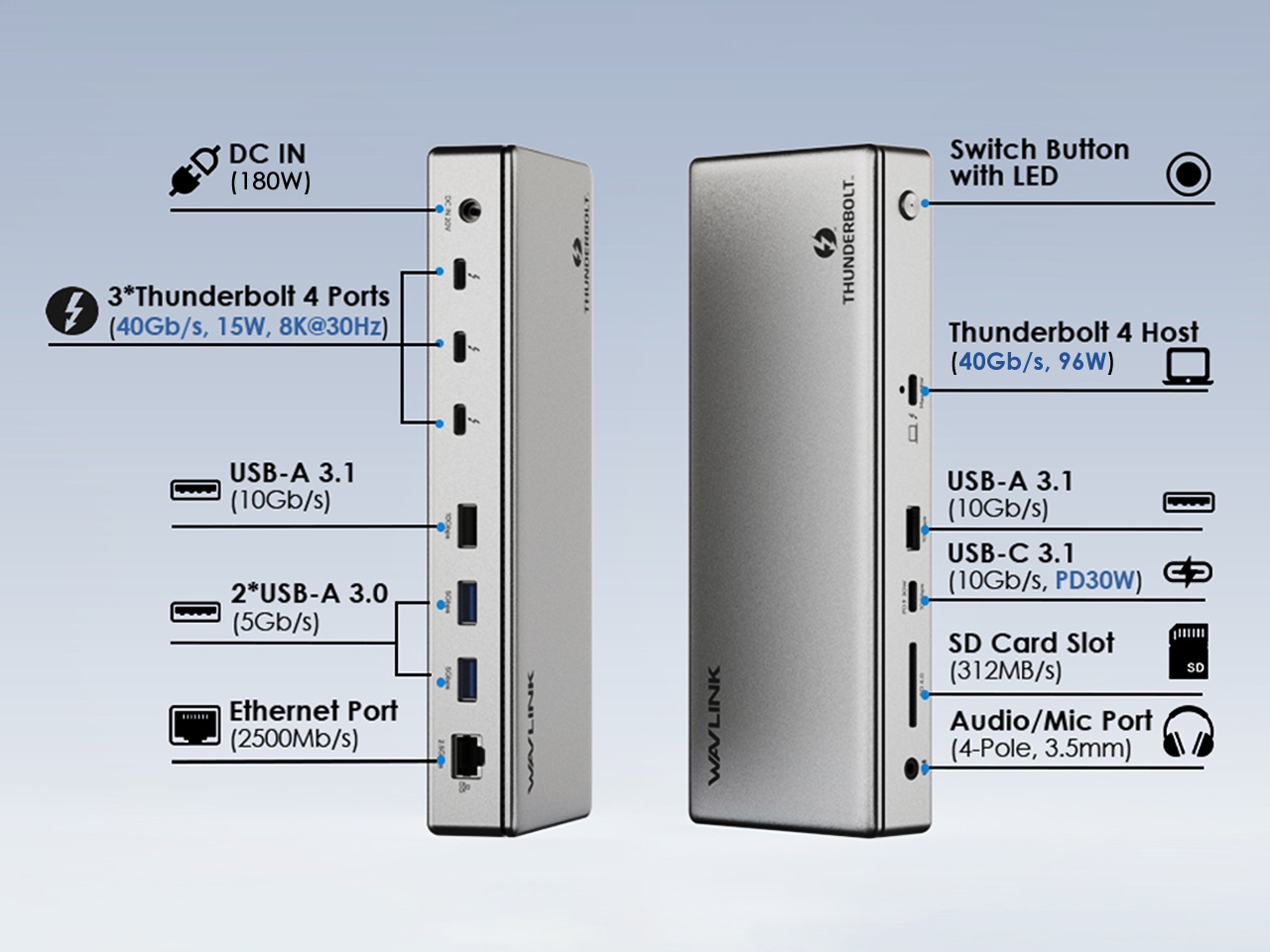
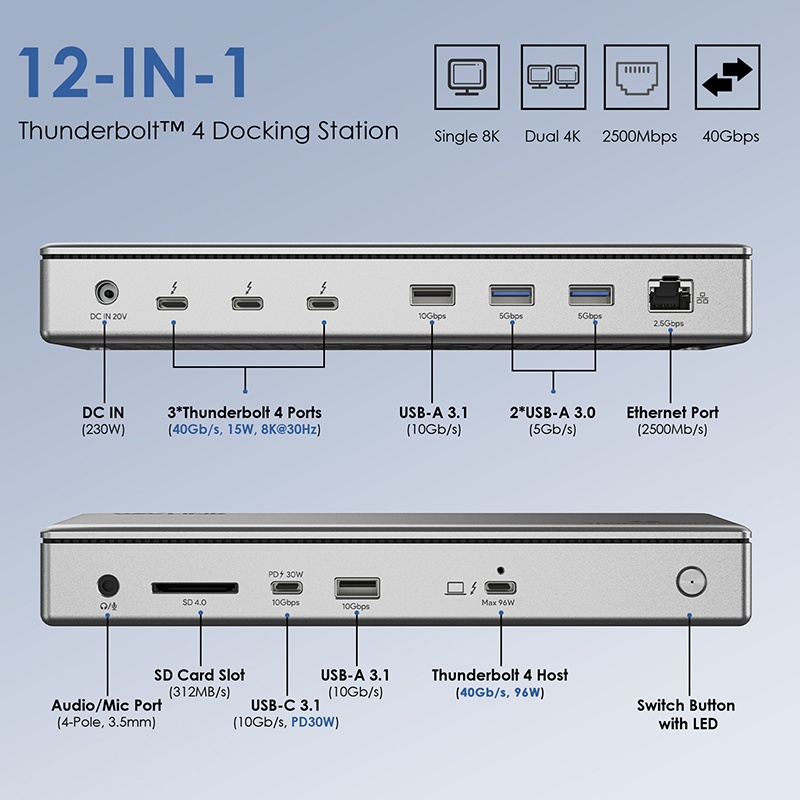
  • • Blazing-Fast Data Transfer: 3 x 40 Gb/s TBT4, 1 x 10 Gbps USB-C, 2 x 10Gbps USB-A, and 2 x 5Gbps USB-A.
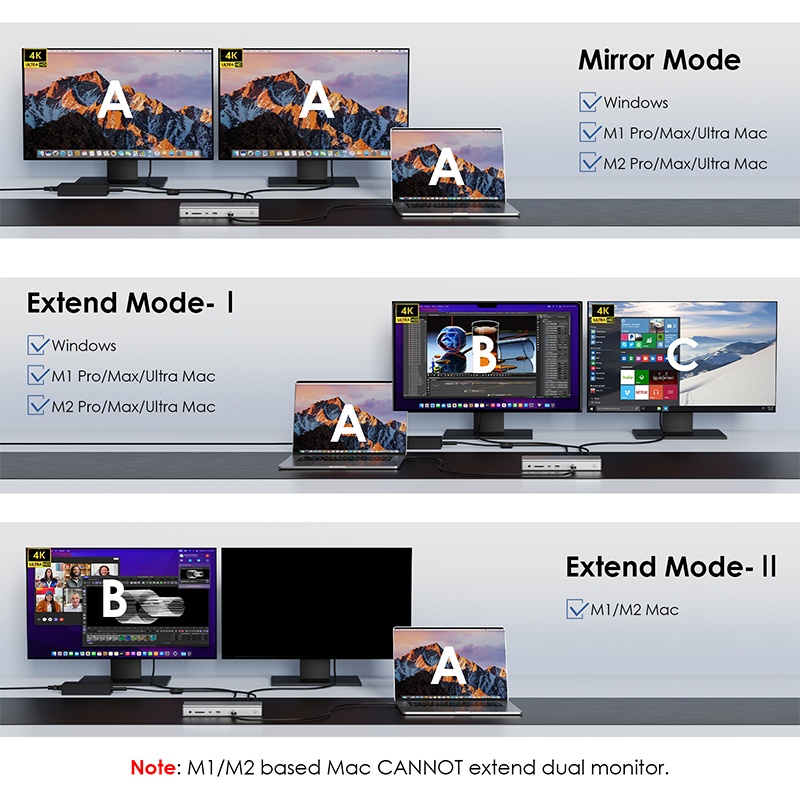
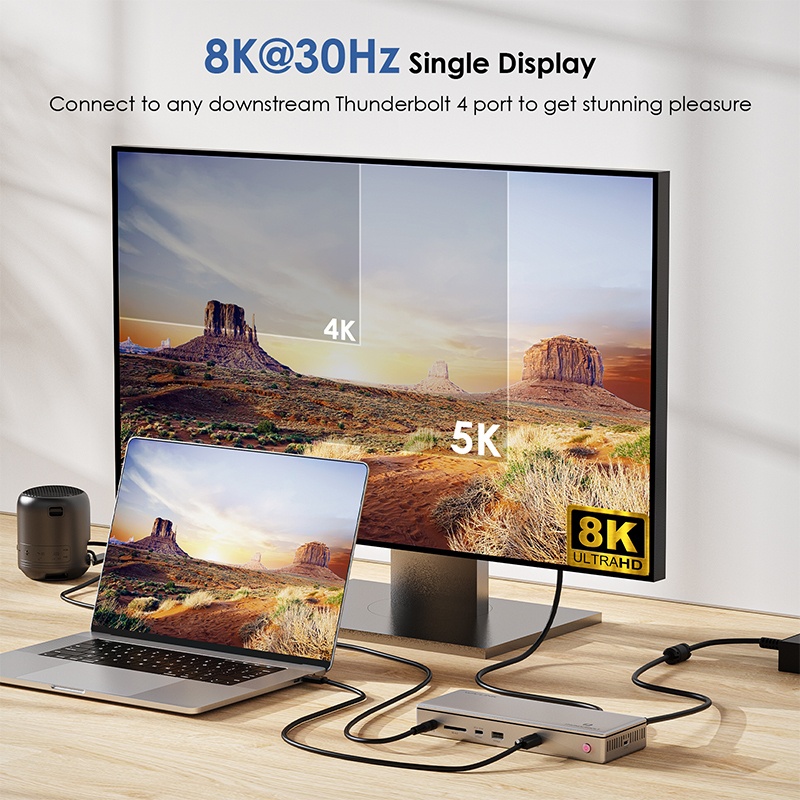
  • • Screen Mirroring/Extending: Single 8K@30Hz display or dual 4K@60Hz display.
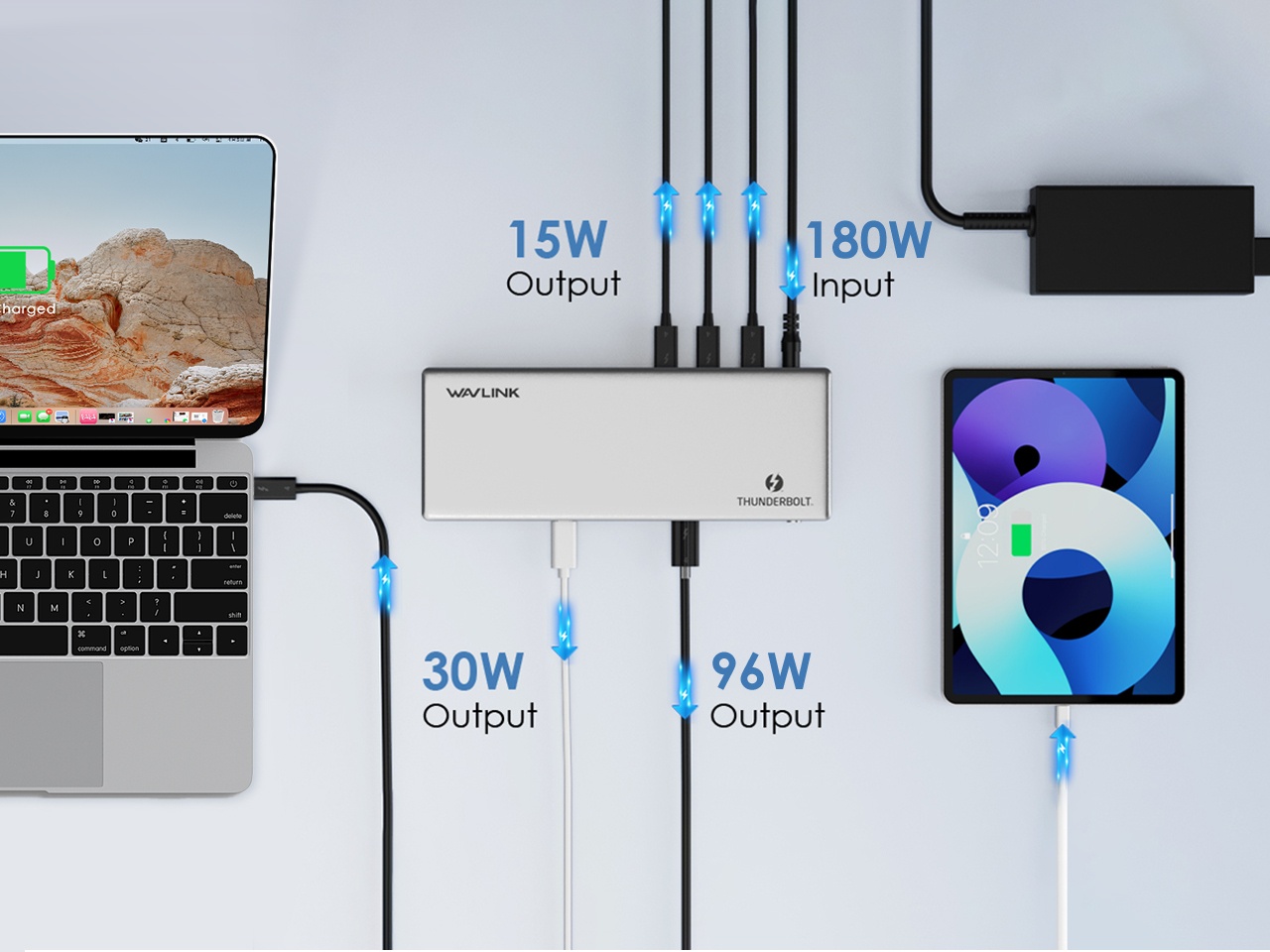
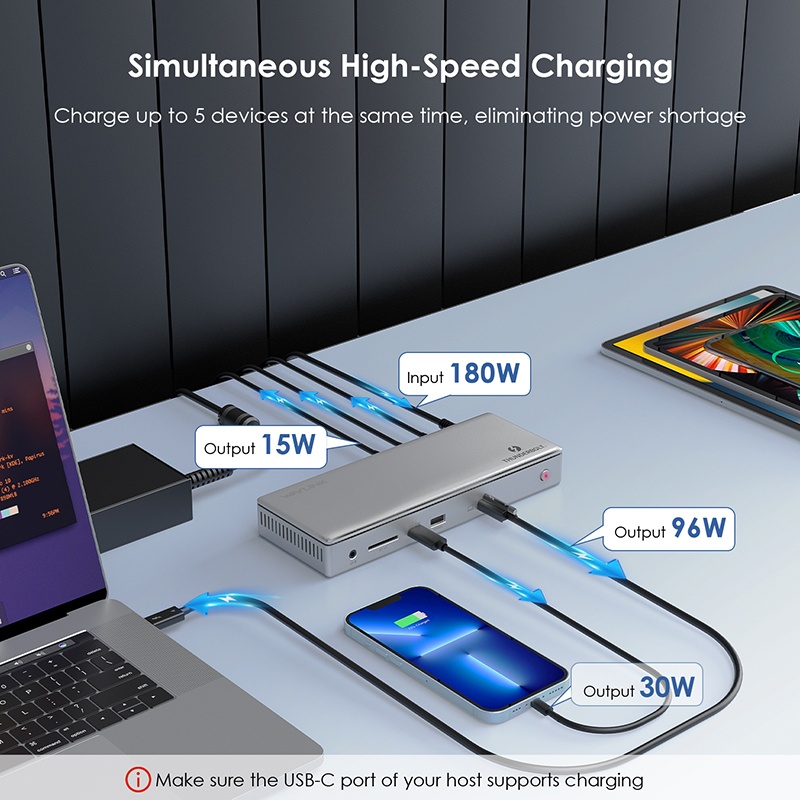
  • • Ultra-Fast Multi-Device Charging: 96W upstream charging to laptop, 30W and 15W downstream charging for USB peripheral devices.
  • • Superior Game Experience: 1 x 2.5 G Ethernet port.
  • • Ultra-Fast File Reading & Writing: 312MB/s SD slot.
  • • Earphone/Microphone Connection: 1 × 3.5 mm Audio/Mic interface.
Thunderbolt 4 12-in-1 Dual Display Ultra Docking Station
Single 8K@30Hz, Dual 4K@60Hz, 96W Upstream Charging, 3 x 40Gb/s TBT4 Ports, 2.5G Ethernet, 312MB/s SD Slot, 3.5mm Audio Jack
12-in-1 Extreme Connectivity
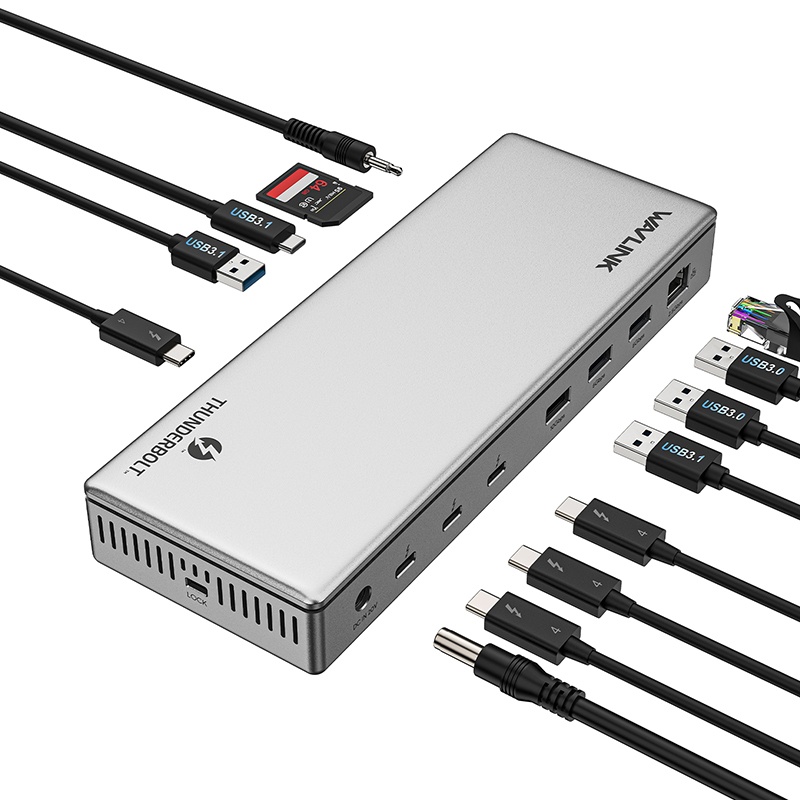
Featuring a comprehensive range of ports, this Thunderbolt 4 docking station includes an upstream Thunderbolt 4 port (96W PD, 40Gbps), 3*downstream Thunderbolt 4 ports (40Gbps, PD15W, 8K@30Hz), 2*USB-A 3.1(10Gbps), 1*USB-C 3.1 port (10Gbps+PD 30W), 2*USB-A 3.0 ports (5Gbps), a 2500Mbps Ethernet port, a SD card slot, a 3.5mm audio jack, and 1*180W DC power input.
8K@30Hz Visual Feast
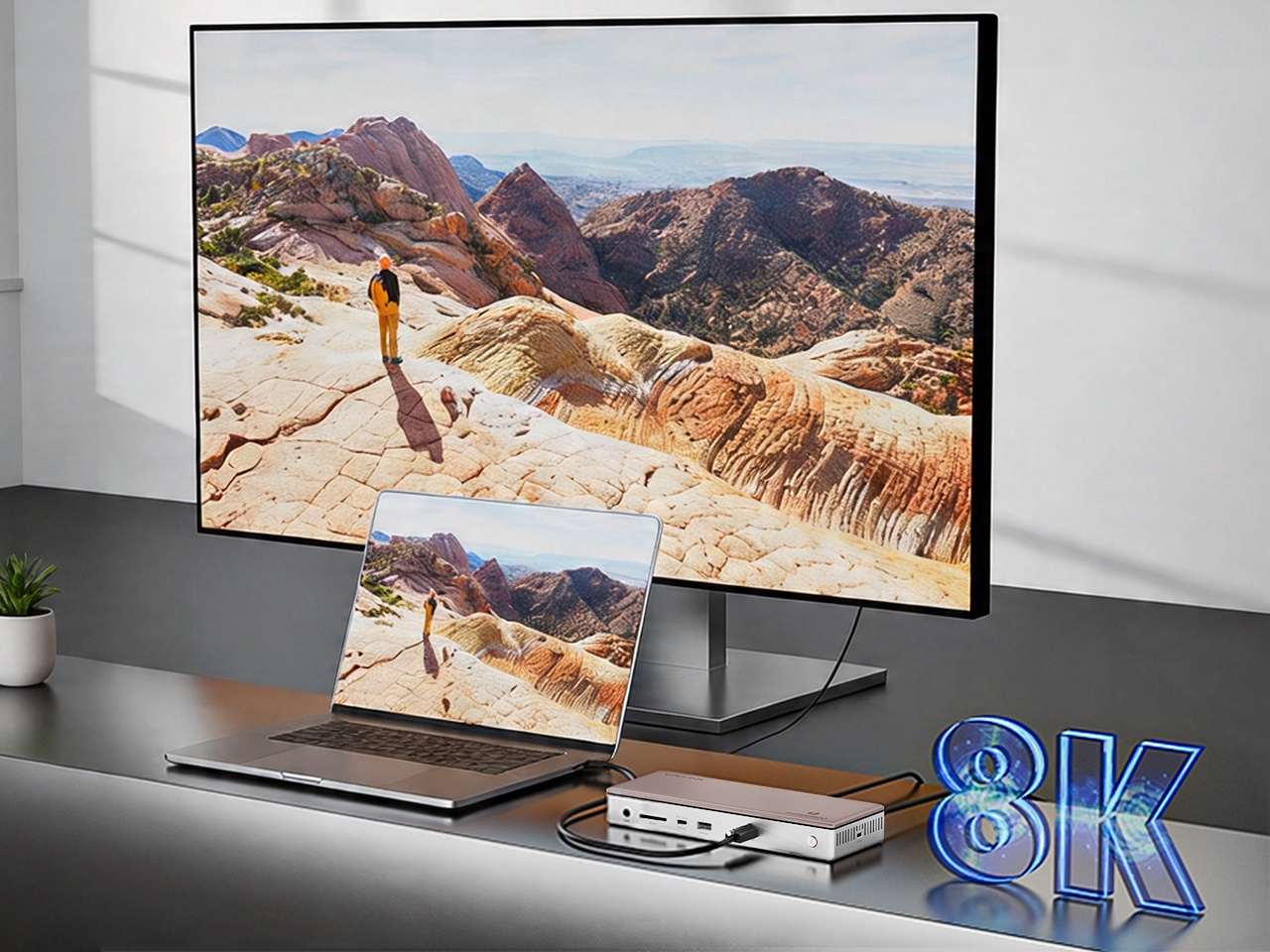
When connecting a single monitor, it can support an impressive resolution of up to 8K@30Hz (7680×4320), delivering stunning clarity and detail that brings your visuals to life, making it ideal for professional photo editing, video production, or immersive media consumption.

Dual 4K@60Hz Clarity
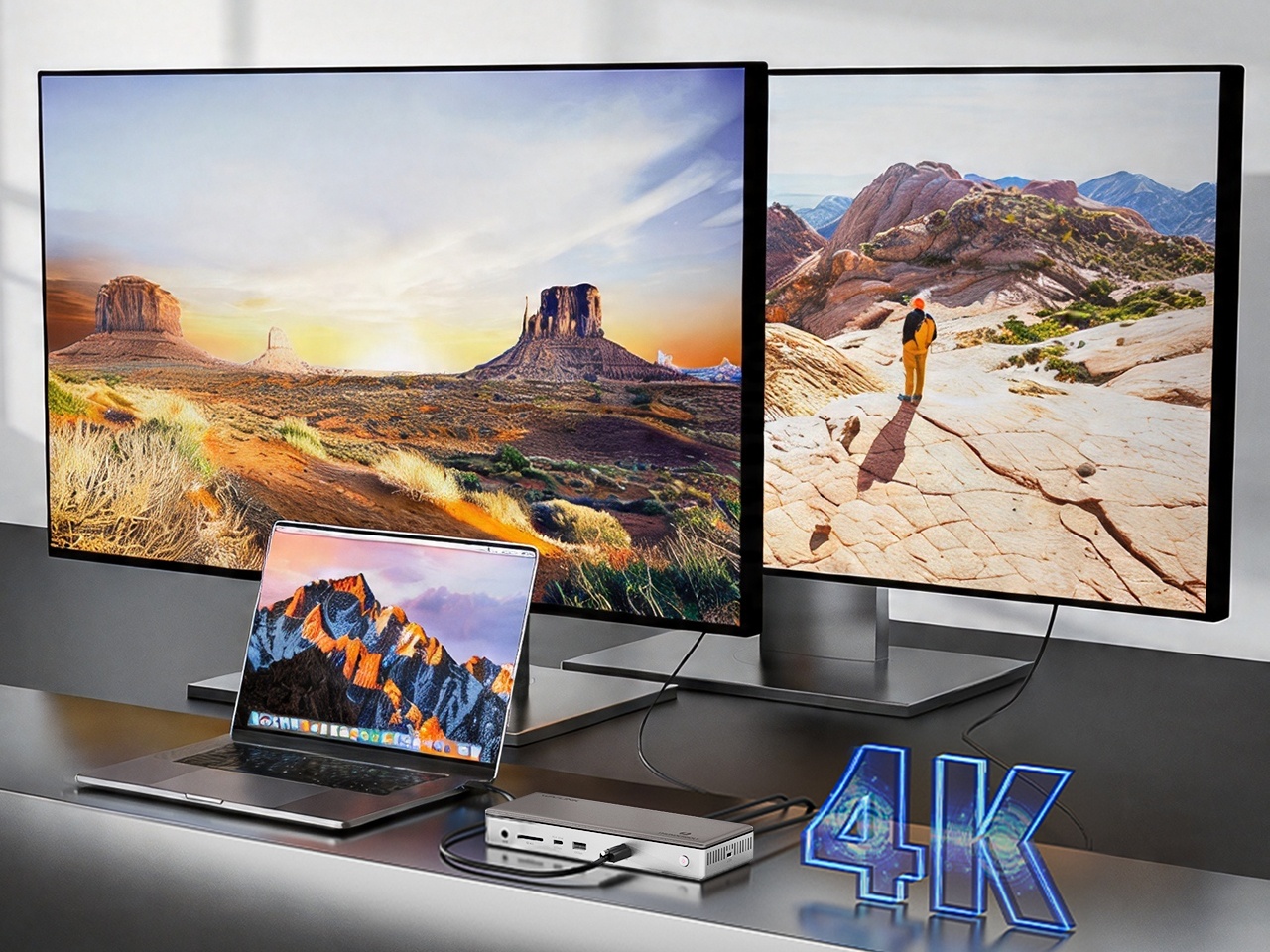
When connecting two monitors, they can achieve a maximum resolution of 2×4K@60Hz (3840×2160 per monitor), providing a seamless and expansive dual-screen workspace that boosts productivity for multitasking, such as comparing documents, editing and reviewing documents, or managing multiple applications simultaneously.

40 Gbps Data Transfer
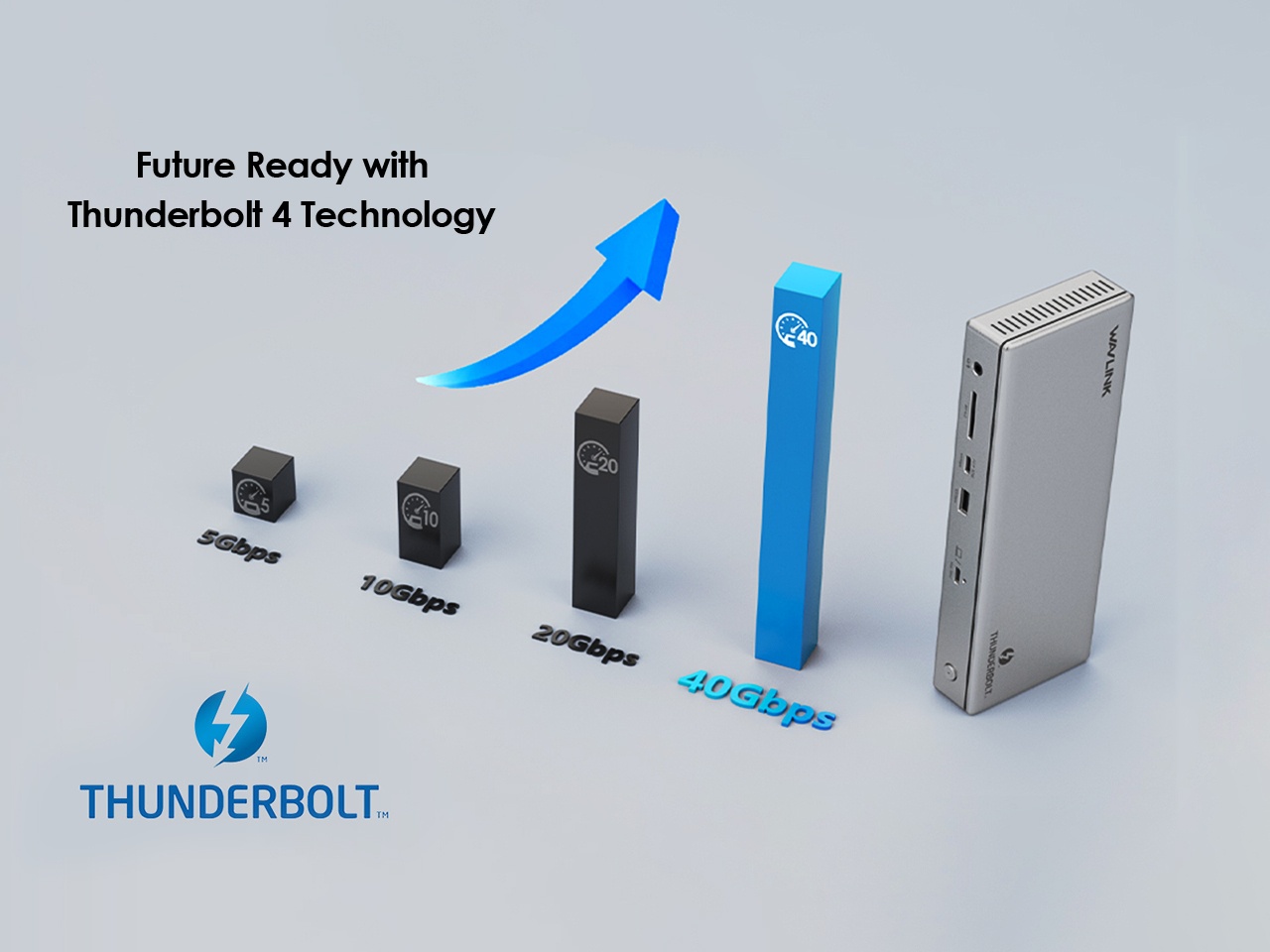
Thunderbolt 4 technology surpasses Thunderbolt 3 with its remarkable increase in the bandwidth of data transfer rate, elevating it from 16 Gbps to an impressive 32 Gbps. This substantial bandwidth empowers the dock to effortlessly connect a multitude of peripherals with exceptional performance and speed.

Sufficient Power for All Devices
This docking station provides support for upstream Thunderbolt 4 PD charging, allowing a maximum power delivery of 96 W to charge your connected laptop, which is sufficient to fast charge virtually any USB-C laptop, including the latest MacBooks. Additionally, you can simultaneously charge your phone/pad using the 15W downstream Thunderbolt 4 port or the 30W USB-C 3.1 PD port. One dock for all devices gets rid of power shortage.

Specifications

Connection To Host 80cm Thunderbolt 4 Cable
Plug & Play No Driver required
USB Power Delivery Supports USB PD 3.0 96 Watt Power Delivery
USB Port 1 x Thunderbolt 4 40Gbps upstream 96W PD
3 x Thunderbolt 4 for 1) 40Gbps, 2) video output, or 3) 15W PD charging
1 x USB-C for 1) 10Gbps or 2) PD 30W downstream
2 x USB-A 10Gbps ports to extend more connectivity to USB devices
2 x USB-A 5Gbps ports to extend more connectivity to USB devices
Audio Integrated TRRS 4-pole phone jack
Card Reader Integrated SD V4.0 Card Reader
Ethernet Speed 1 x RJ45 10/100/1000/2500Mbps Ethernet
LED 1 x Power LED
Button ON/OFF button to turn the docking station on and off
Lock Kensington lock
Power Adapter 1 x DC20V/9A 180Watt (Brick Style)
Operating Systems Microsoft Windows 10/11
Apple Mac OS 11 or later

Q&A

What should I do if the dock cannot deliver power to my laptop?

Please ensure that your laptop’s USB-C port supports power delivery (PD). 

Also, make sure you are using the Thunderbolt 4 cable that comes with the dock.

Why is there no display after connecting the dock to my laptop’s USB-C port?

If you connect the monitors to the thunderbolt 4 port of the docking, ensure your laptop’s USB-C port supports Thunderbolt 4.

Also, make sure you are using the Thunderbolt 4 cable that comes with the dock and verify that your laptop’s BIOS and drivers are up to date.

Why is this Thunderbolt 4 dock not working properly on my Thunderbolt 3 laptop?

Thunderbolt 4 is a newer technology and may have some compatibility limitations. Certain functions of the Thunderbolt 4 dock may not work fully when connected to a Thunderbolt 3 laptop. For best performance, we recommend using this dock with a laptop that has a Thunderbolt 4 port.

Why can't the video downstream ports of this docking station reach 8K resolution when the Thunderbolt 4 docking station works with my computer?

This Thunderbolt 4 docking station can reach up to 8K resolution, and the resolution and refresh rate of the docking station's video downstream ports depends on the graphics card capability of your computer.

Why does my dock get hot during use?

It is normal for the dock to generate heat while operating. For better heat dissipation, we recommend placing the dock in a well-ventilated, open area.

Top

Get the Scoop First

Subscribe to our official website to receive exclusive first-hand news and stay up-to-date on our new product releases and promotions!