Model: WL-UG69DK1
One Dock Connects All
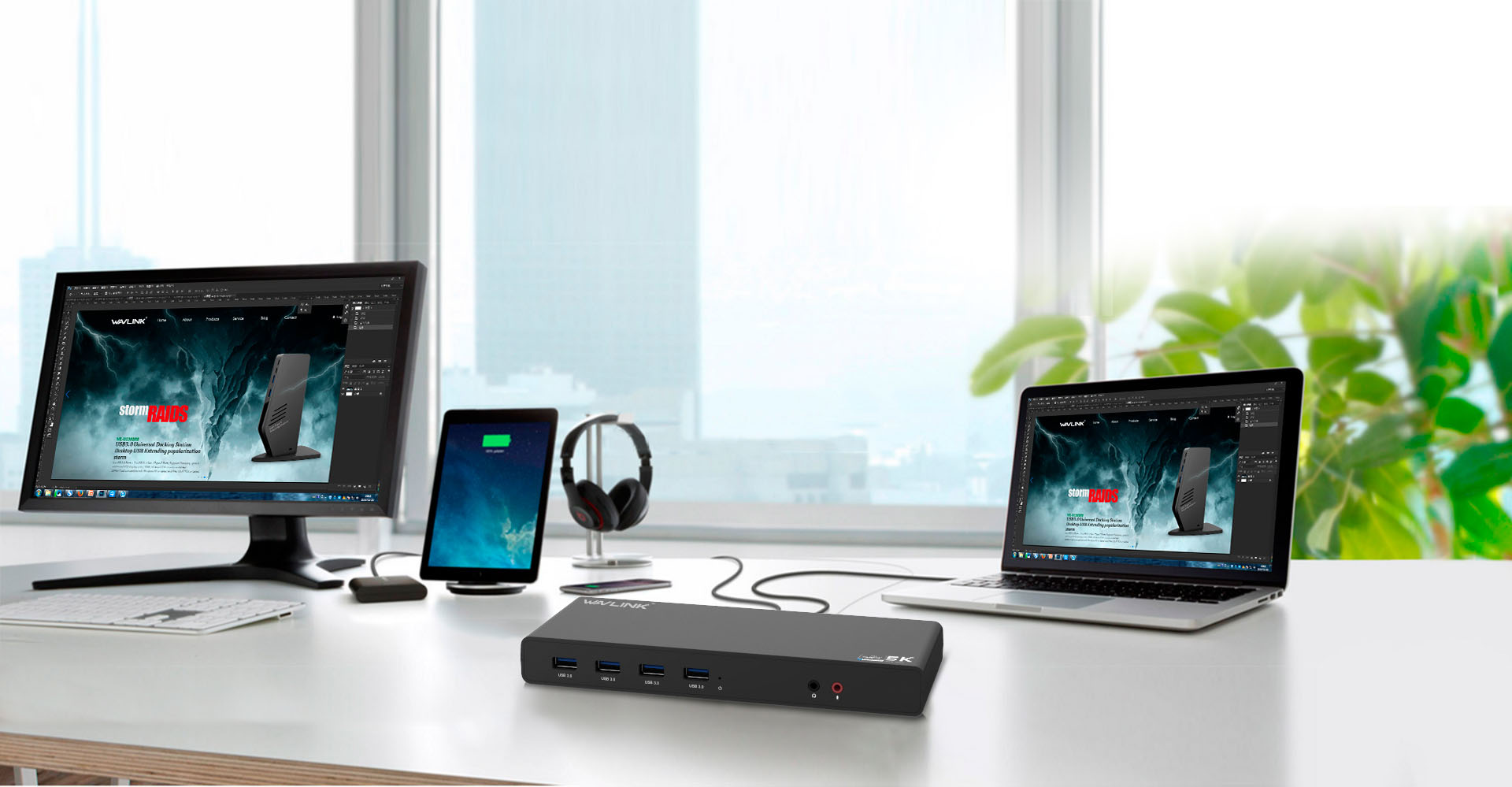
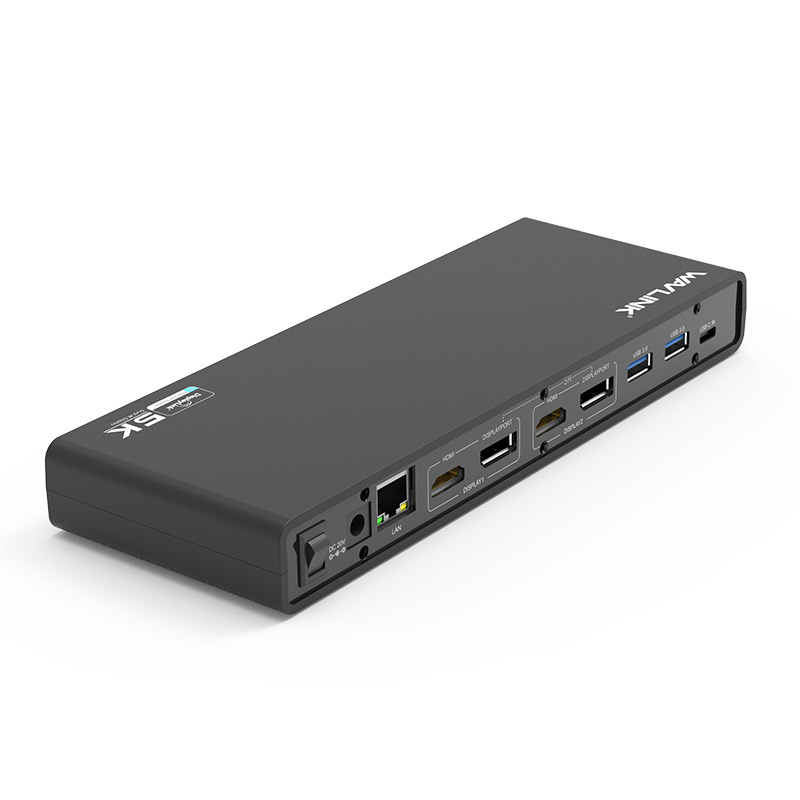
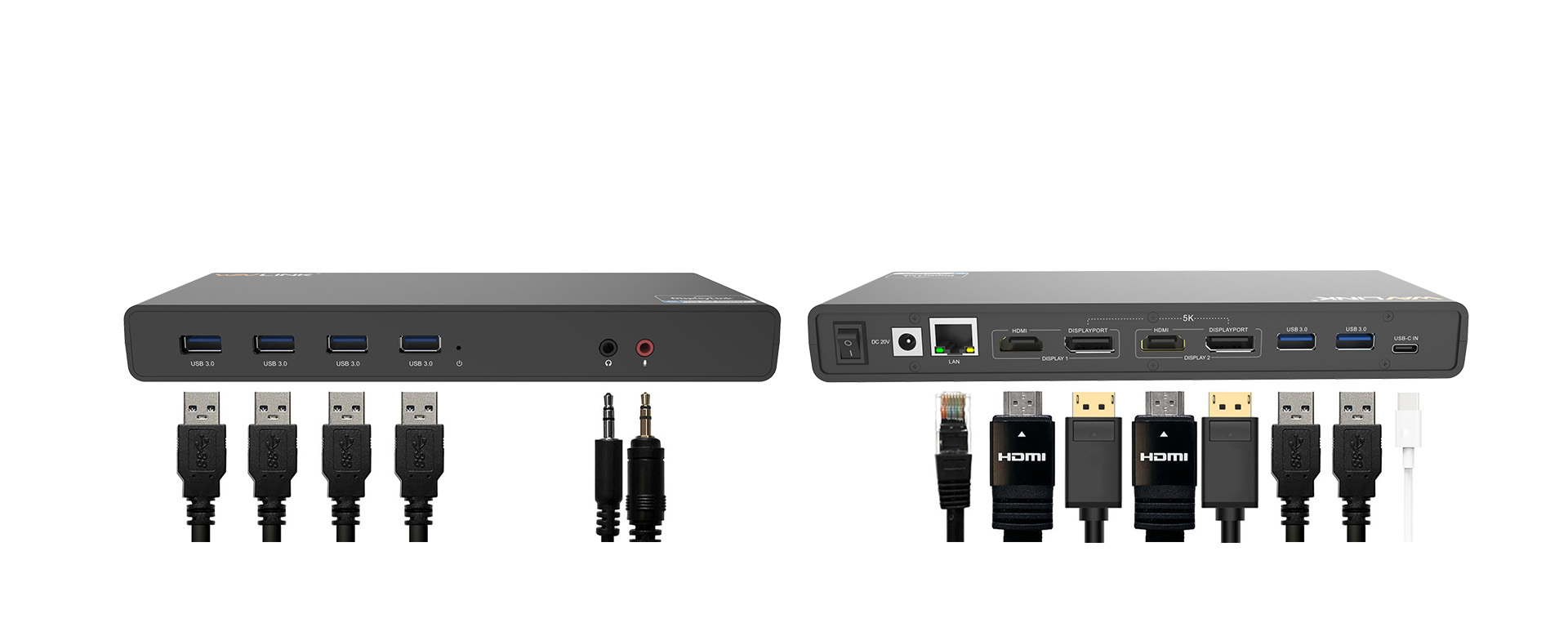
15 ports of incredible connectivity give you all your needs in a sleek, compact design.
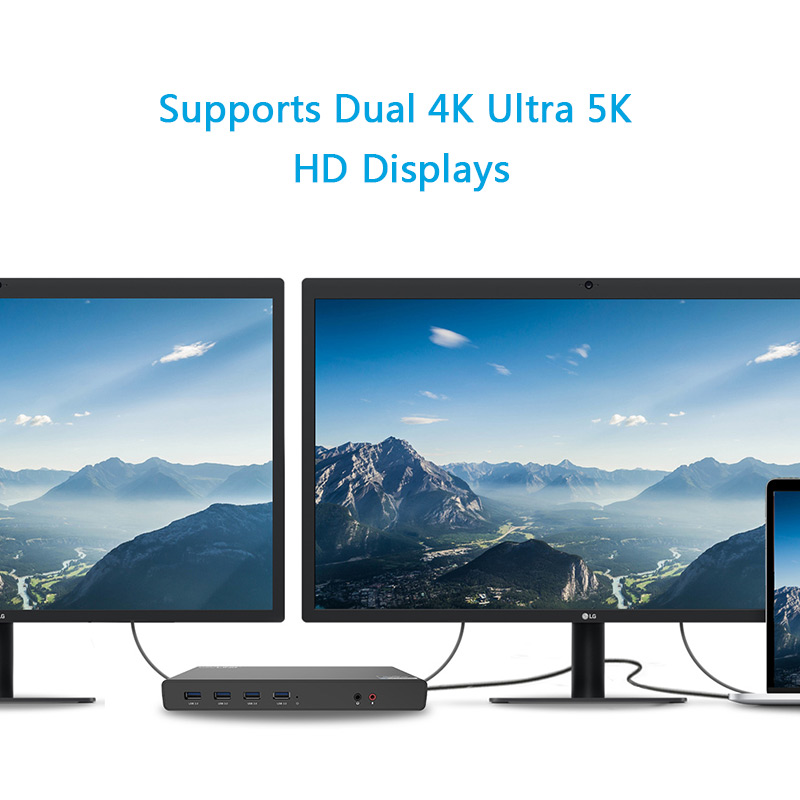
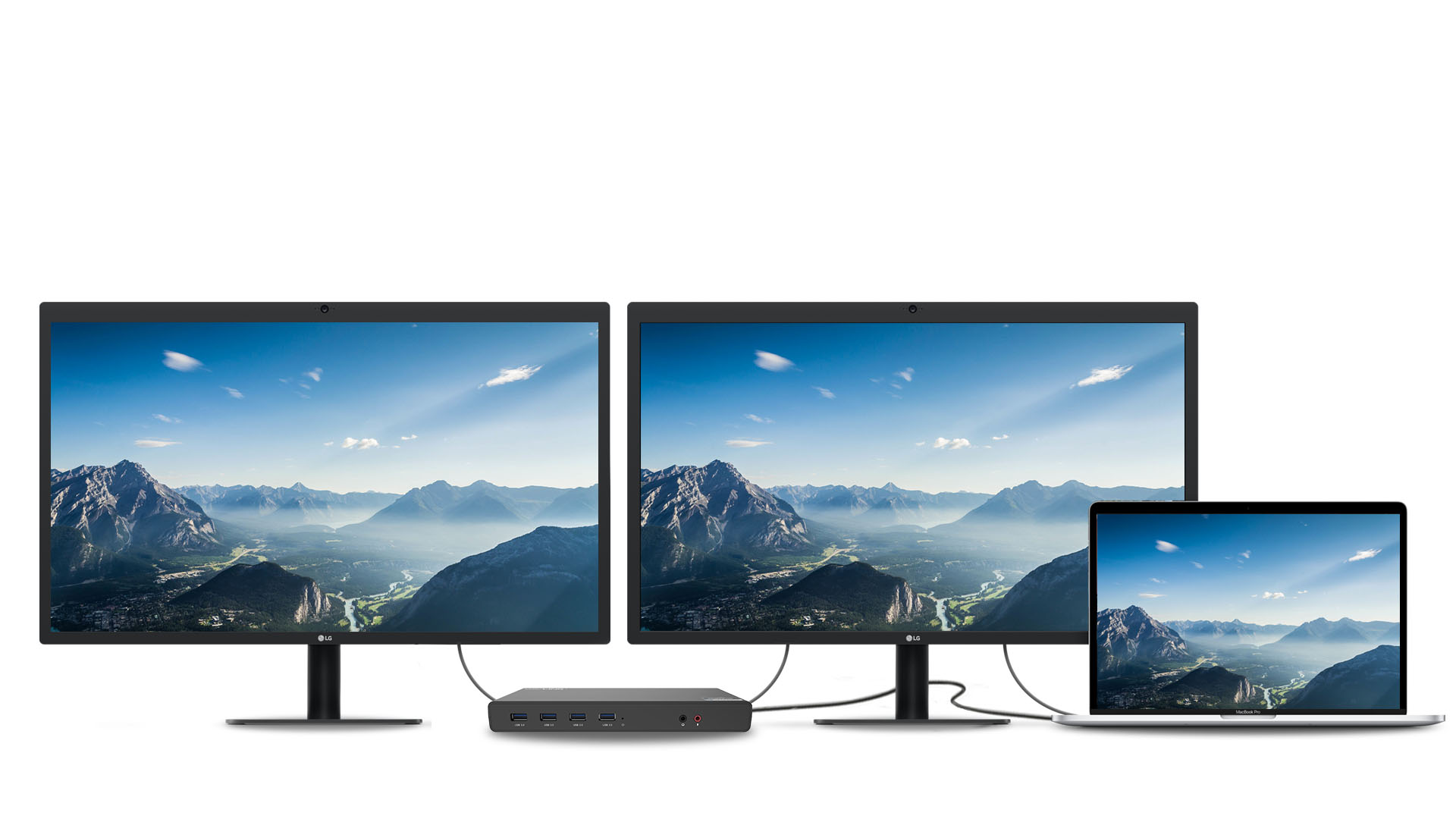
Wavlink UG69DK1 supports dual 4K ultra 5K HD displays with one single cable, it will greatly help you work on high-resolution works, graphically intensive images, video editing, CAD drawings, medical images and so on.
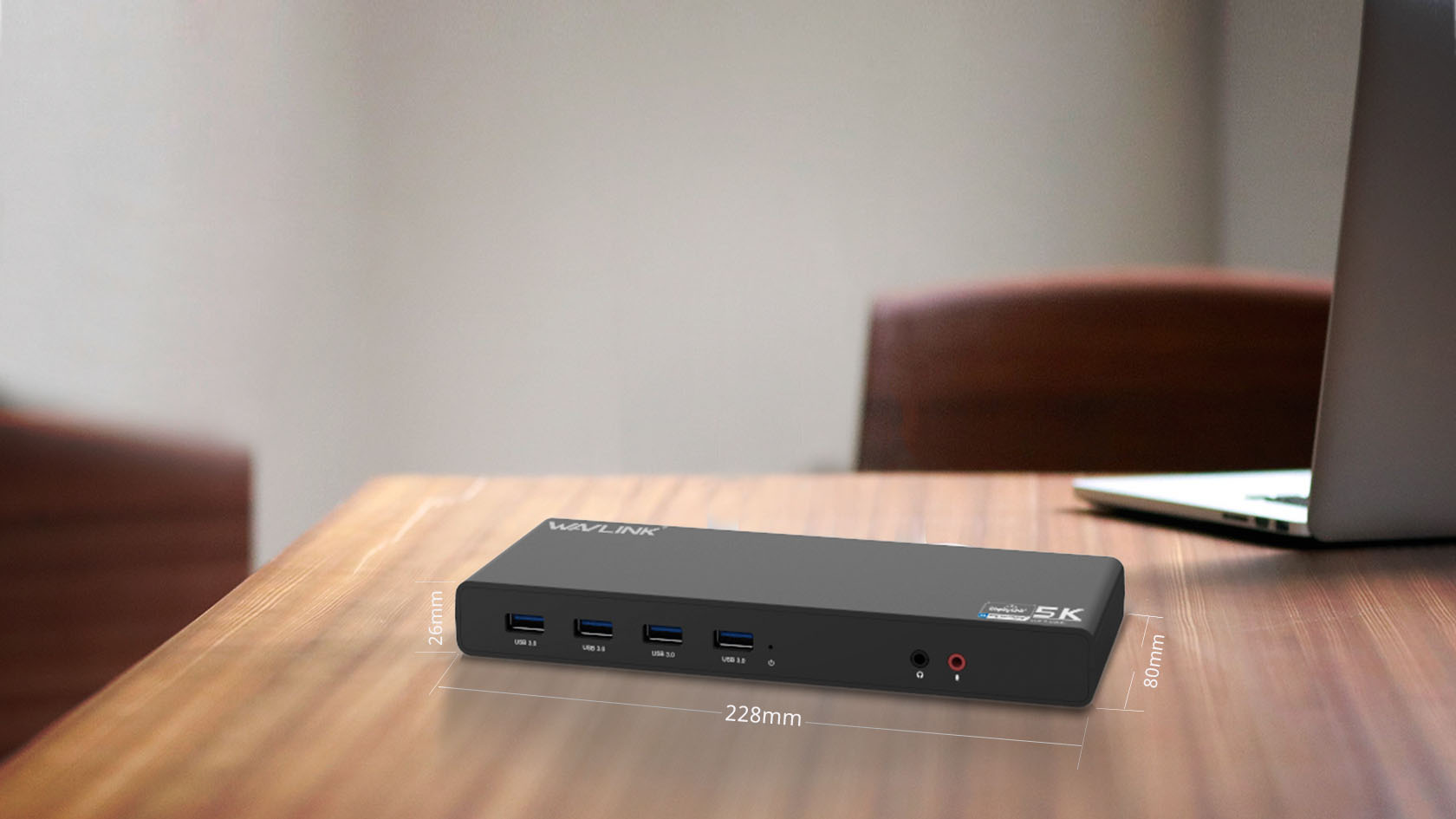
WAVLINK USB-C ultra Universal Dock is a perfect companion for users who desire additional ports.
- 6 x SuperSpeed USB 3.0 ports
- 2 x 4K DisplayPorts
- 1 x Audio out
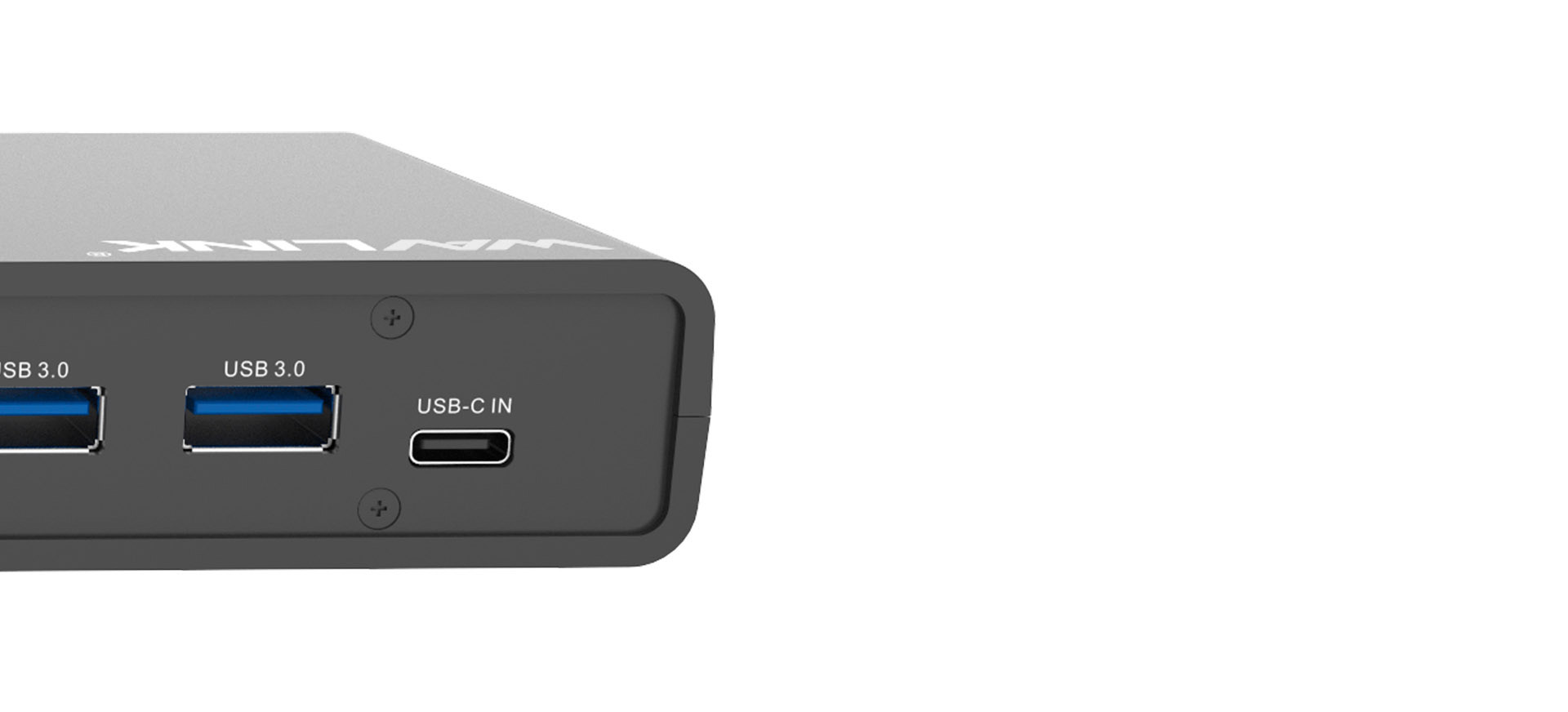
- 1 x USB-C in
- 2 x 4K HDMI
- 1 x Mic in
- 1 x Gigabit Ethernet
- 1 x 5k (DisplayPort + DisplayPort)
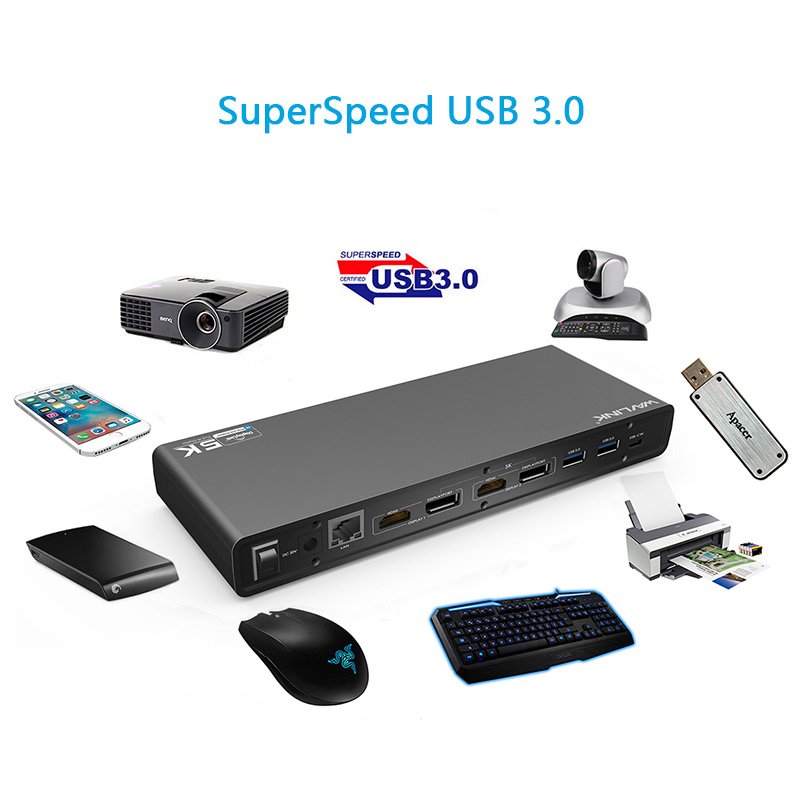
SuperSpeed USB 3.0 provides up to 5Gbps data transfer speeds, which is 10 times faster than USB 2.0. The WAVLINK UG69DK1 features 6 USB 3.0 ports, allowing for SuperSpeed data transfer between peripherals.
5Gb/s
usb 3.0480Mb/s
usb 2.0
Less than one minute to copy 3 hours of HD video

Less than one minute to copy 3,000 photos

Less than one minute to copy 1,200 songs
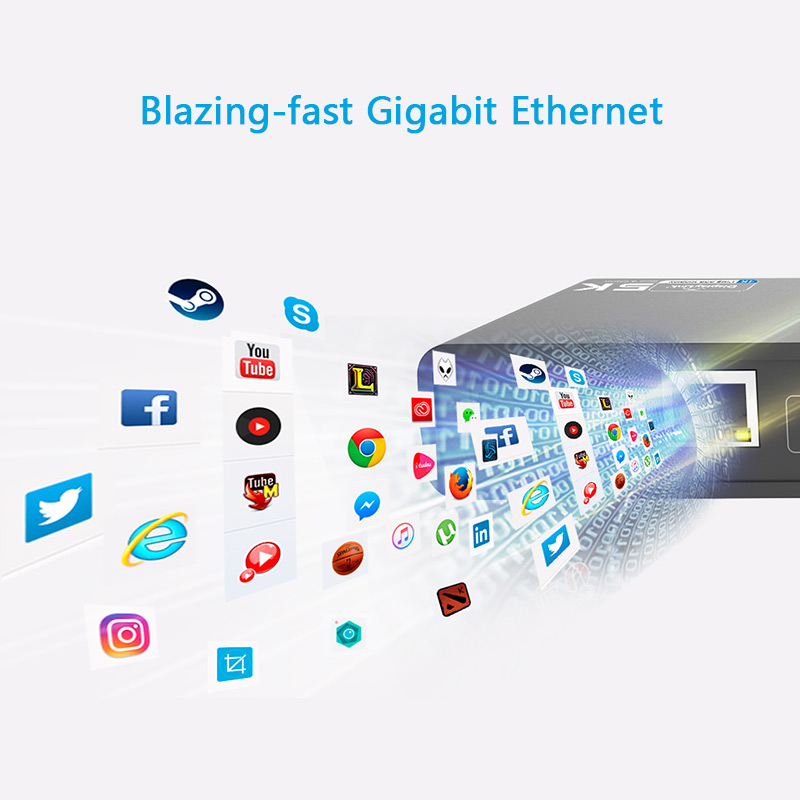
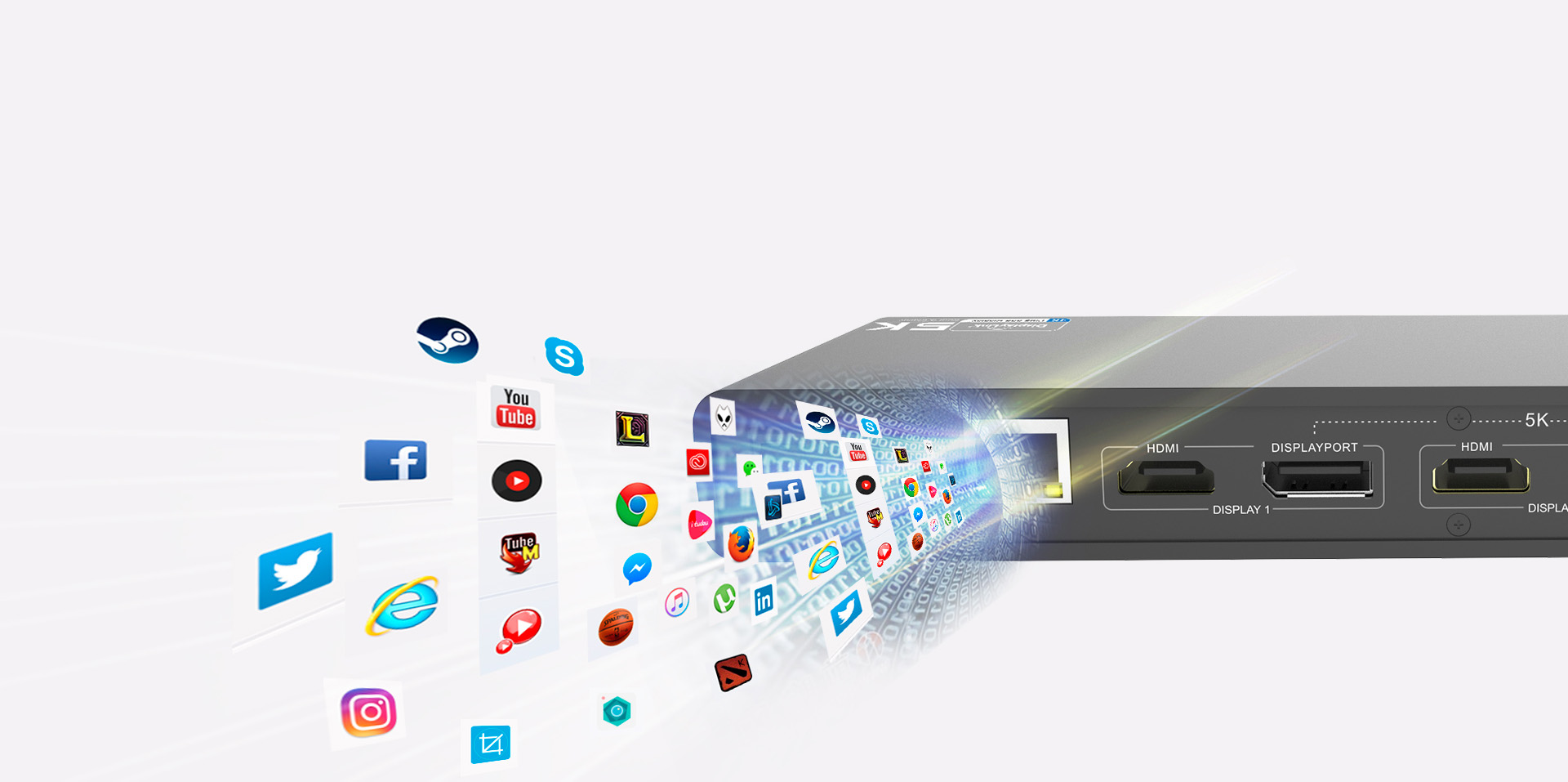
Wired network connections are faster and more reliable than any Wi-Fi. The dock helps you tap into the full performance of wired network connections with built-in Gigabit Ethernet port.
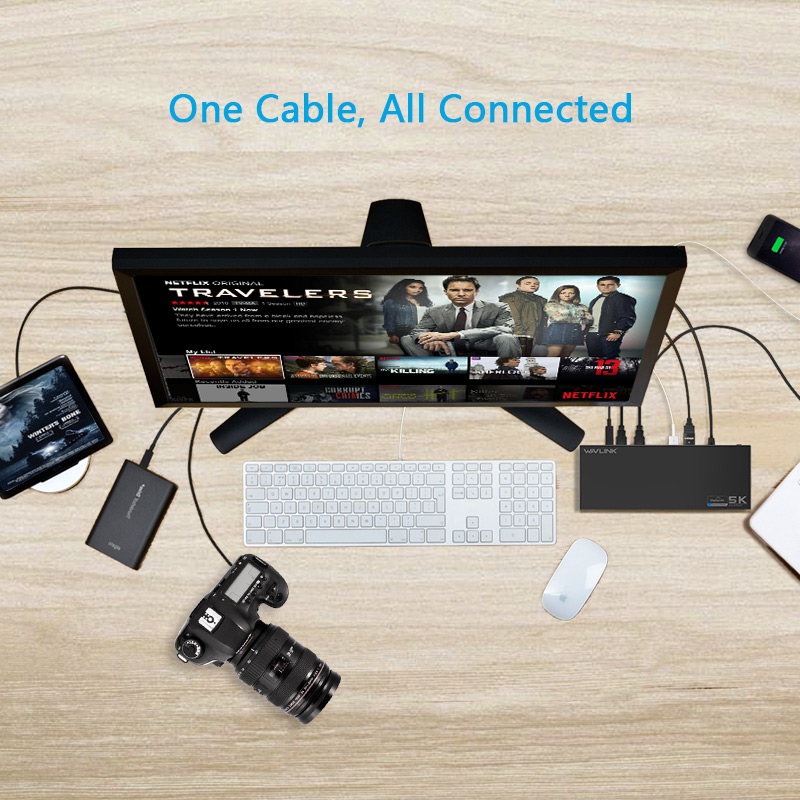
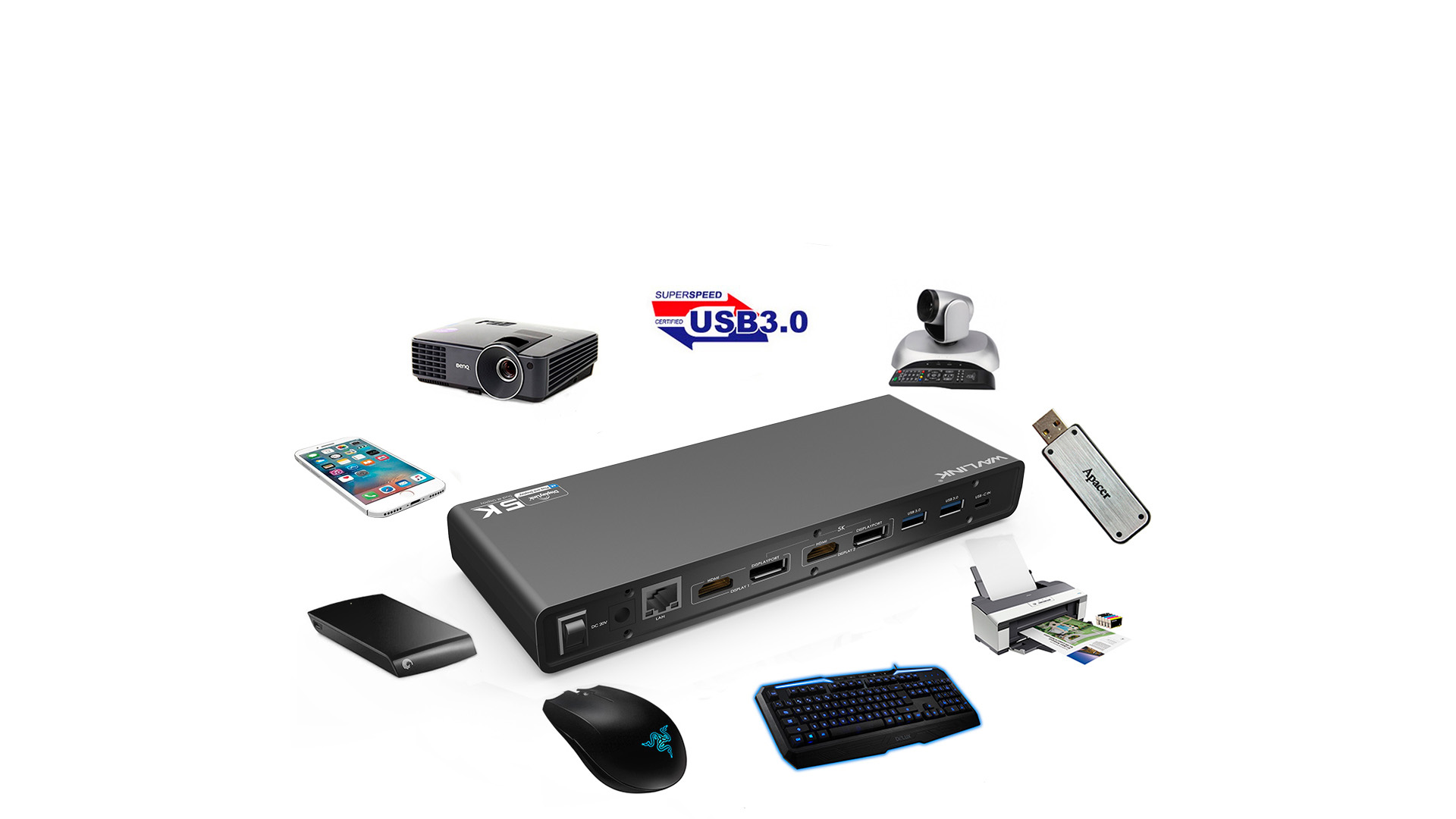
The WAVLINK UG69DK1 allows you easily connect various devices at once, helping you keep your workspace organized and efficient at all times.
With separate microphone input and amplified audio output, you can enjoy crystal-clear conference calls or any other project that benefits from having your voice heard.
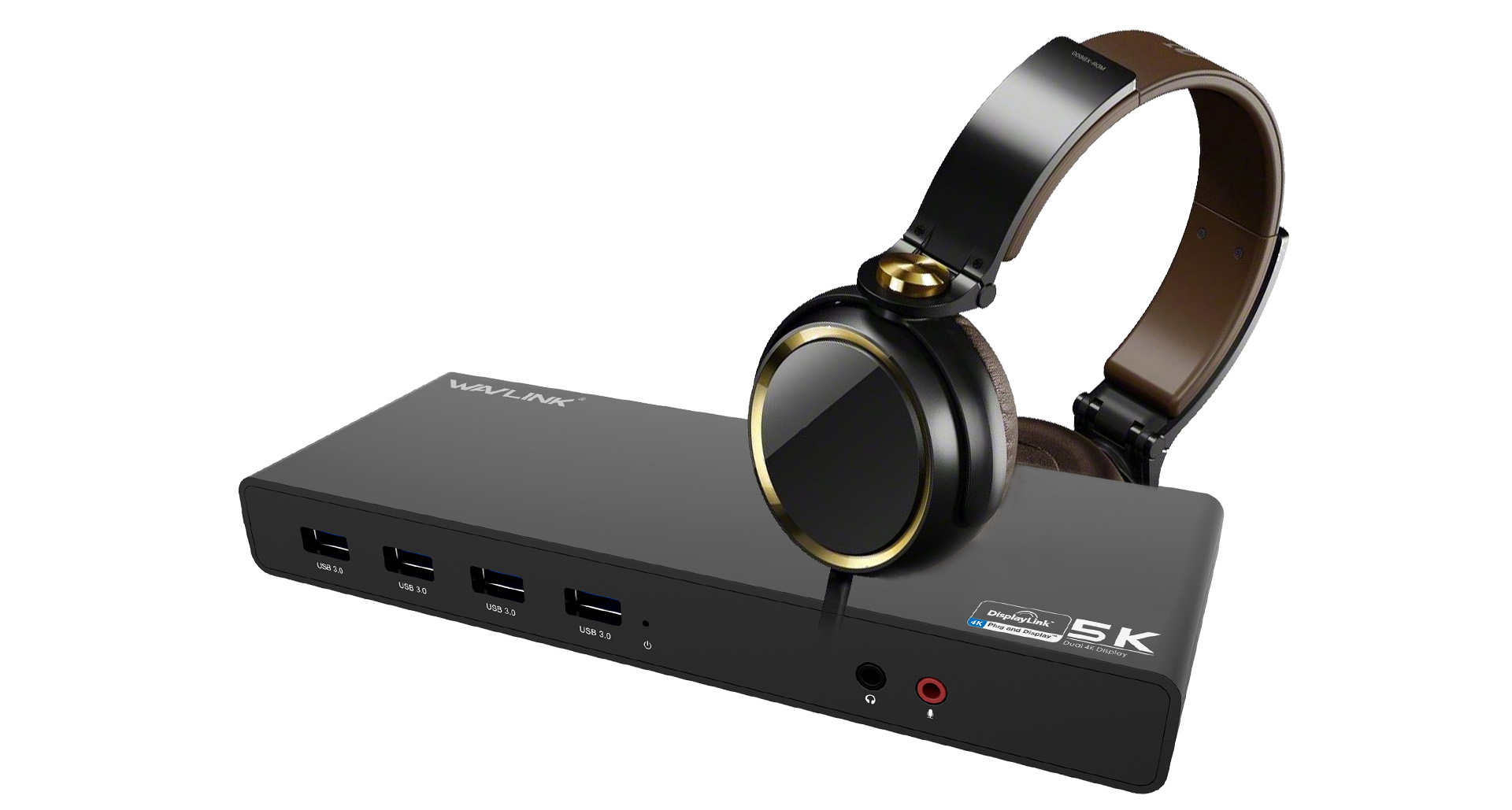
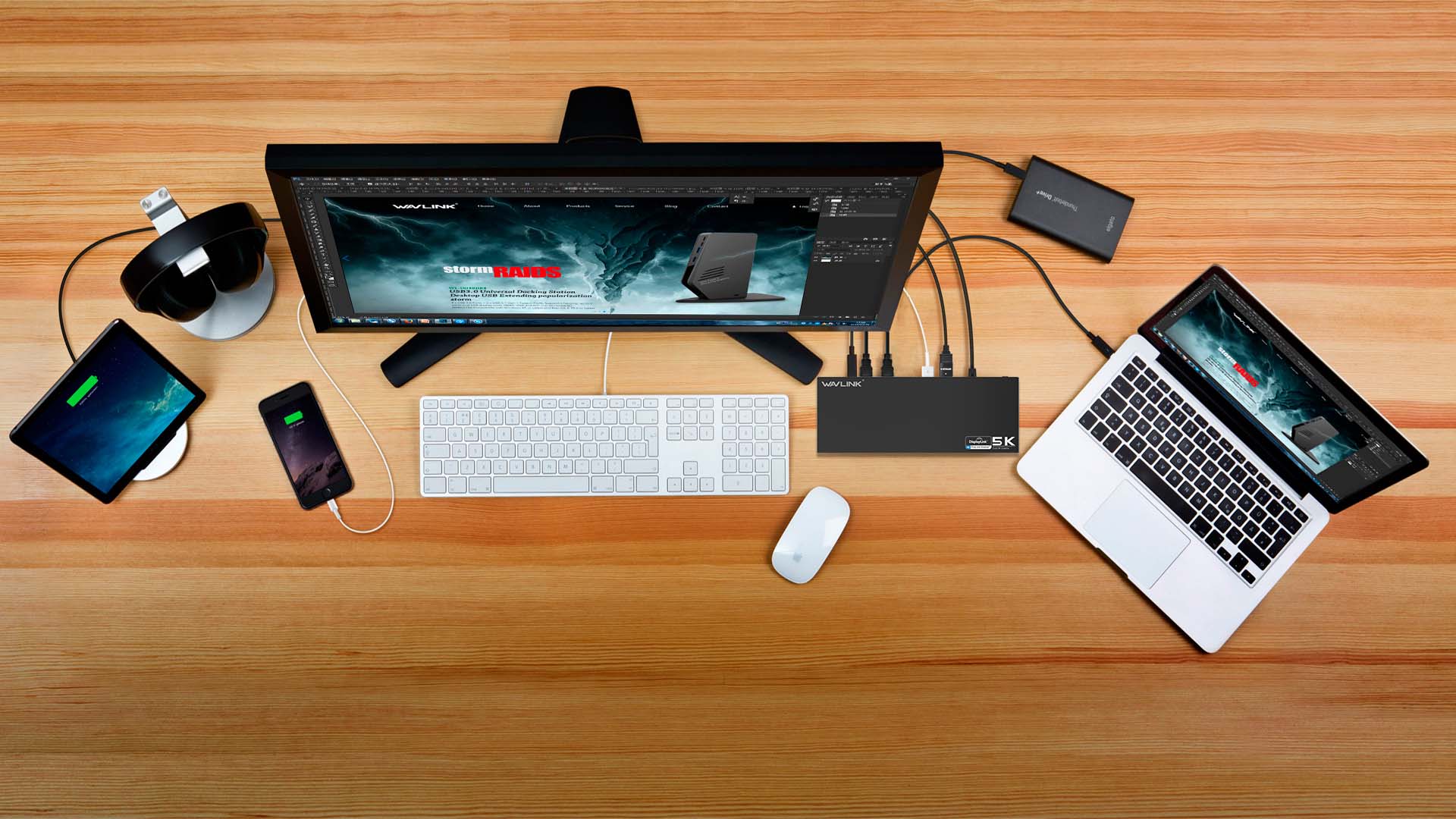
UG69DK1
6 x USB-A 3.0
2 x DisplayPort
2 x HDMI
1 x USB-C
1 x Audio Output Jack
1 x Microphone Input Jack
1 x RJ45 Gigabit Ethernet
1 x DC Power Jack Port
1 x Power ON/OFF Switch
Blue
DC20V / 2A
228mm x 80mm x 26mm ( L x W x H )
ABS
Black
Hub running at USB 3.0 speed
DisplayPort resolution Max.4096 x 2160@60Hz
Ethernet running at Gigabit
2.0 Channel Audio
Windows
Mac OS X
1 x USB-C Universal Docking station
1 x USB 3.0 C to C Cable
1 x USB 3.0 A to C Cable
1 x DC20V Certified Power Adapter
1 x User Manual
Description : WL-UG69DK1 Manuals
Post Date : 19/11/2025
Available : WL-UG69DK1
Online Reading : View
Please ensure that the DisplayLink driver for the dock is installed.
For macOS: Make sure you have installed the DisplayLink Manager App and granted permission for Screen Recording.
You can download the driver here :
DisplayLink macOS Software for Downloads Section | Synaptics
Please follow the steps below:
1. Disconnect the dock from your computer and unplug the power cable to fully power it off. Keep it disconnected until the final step.
2. Uninstall any DisplayLink software from Control Panel > Programs and Features (if present).
3. Download and run the DisplayLink Cleaner Tool:
DisplayLink Installation Cleaner for Windows | Synaptics
4. Restart your computer (even if not prompted).
5. Download and install the latest DisplayLink driver:
Windows Driver Downloads for Downloads Section | Synaptics
6. Reconnect the dock’s power first, then connect the dock to your computer.
If the device is not detected during installation, click “Skip” to complete the process, then restart your system again.
macOS requires users to grant Screen Recording permission for the DisplayLink driver to function properly. The DisplayLink Manager App does not send any information to Wavlink or DisplayLink/Synaptics, so there is no need to worry.
1.The docking station does not support HDCP, so protected content from services like Apple TV, Hulu, and Netflix cannot be played while the dock is connected. This is expected behavior. Please disconnect the dock when playing these videos.
2.Alternatively, you can try :
1) Open Google Chrome settings.
2) Click on "Advanced" and select "System."
3) Disable "Use hardware acceleration when available"
4) Select "Relaunch" to activate the new settings.
Get the Scoop First
Subscribe to our official website to receive exclusive first-hand news and stay up-to-date on our new product releases and promotions!