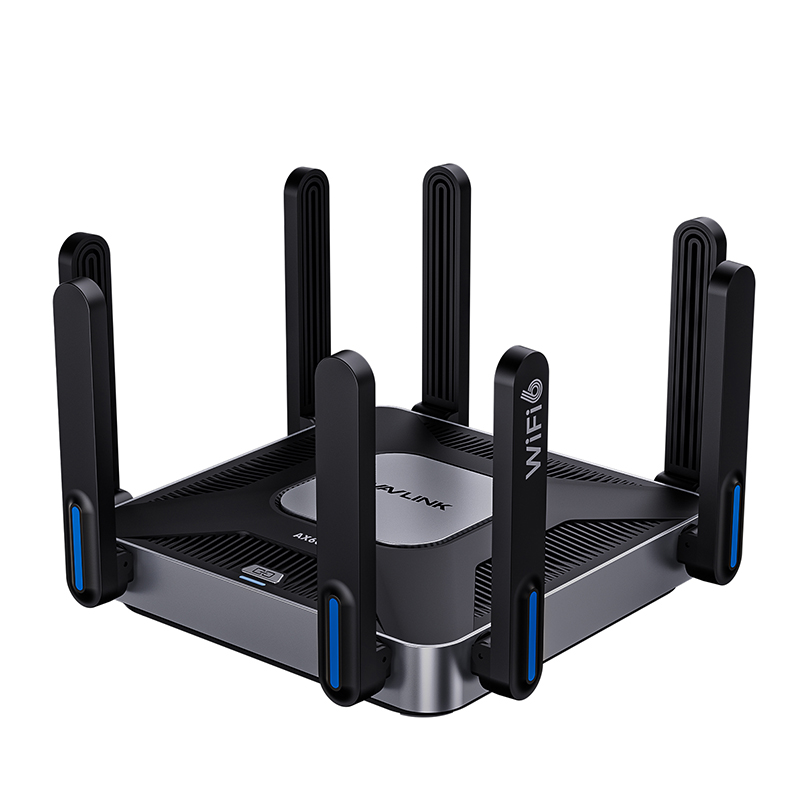
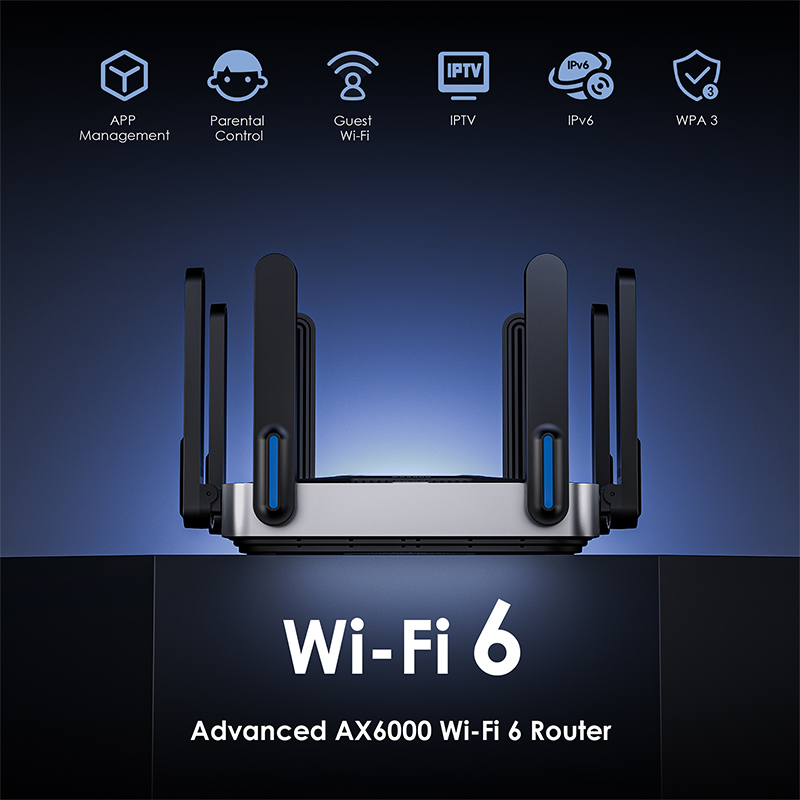
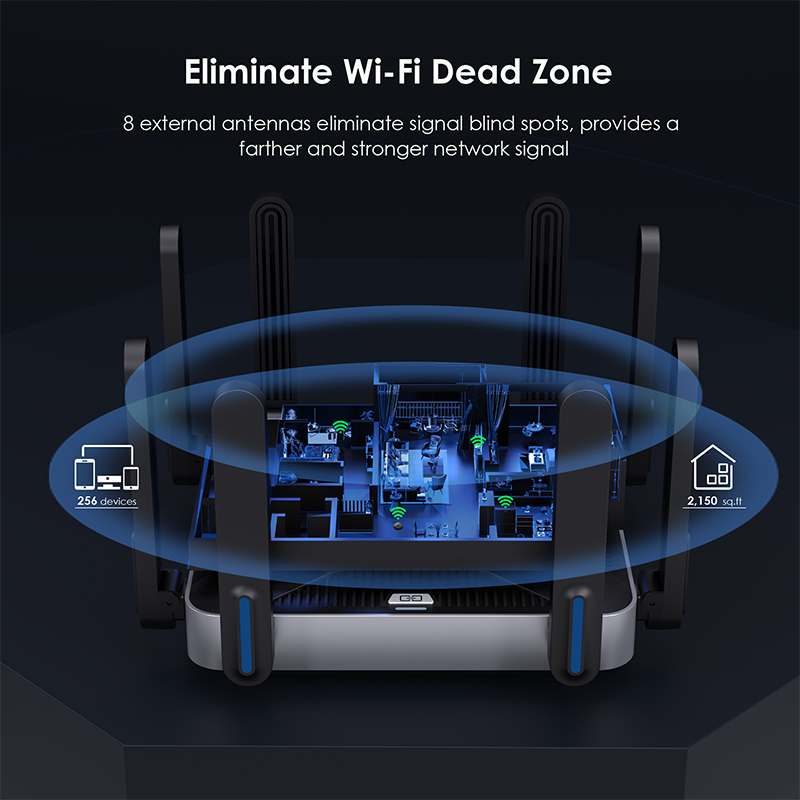
Giant Stream6
Model: WL-WN592AX6
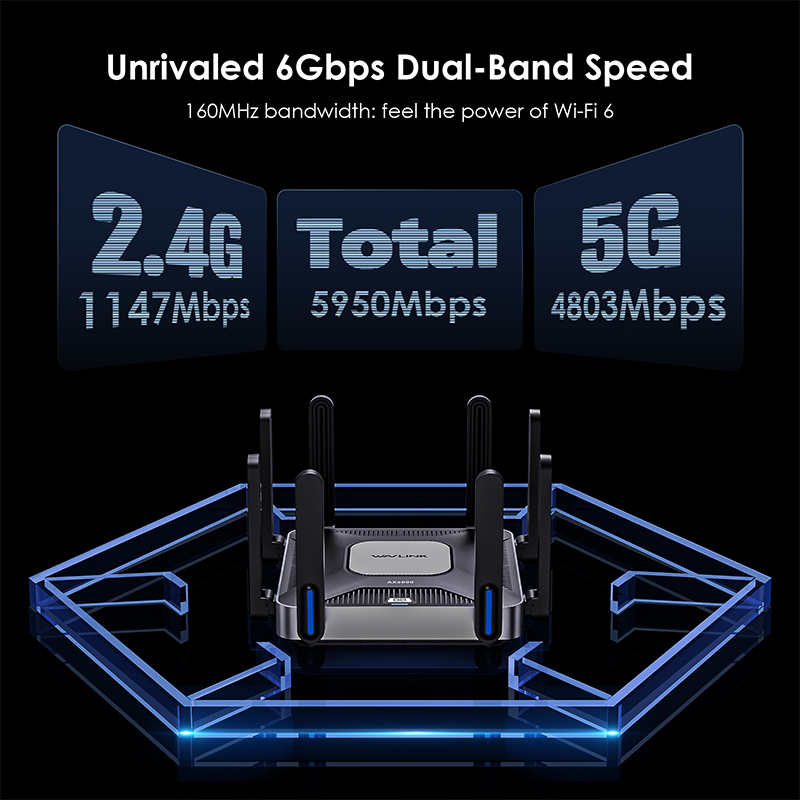
- Supports Wi-Fi 6 technology providing up to 4803 Mbps on 5.8 Ghz band and 1147 Mbps on 2.4 Ghz band.
- Supports Everything Mesh simply forming a Mesh network with a single Wi-Fi name for seamless whole-home coverage.
- Supports USB3.0 port sharing a storage drive with any connected device.
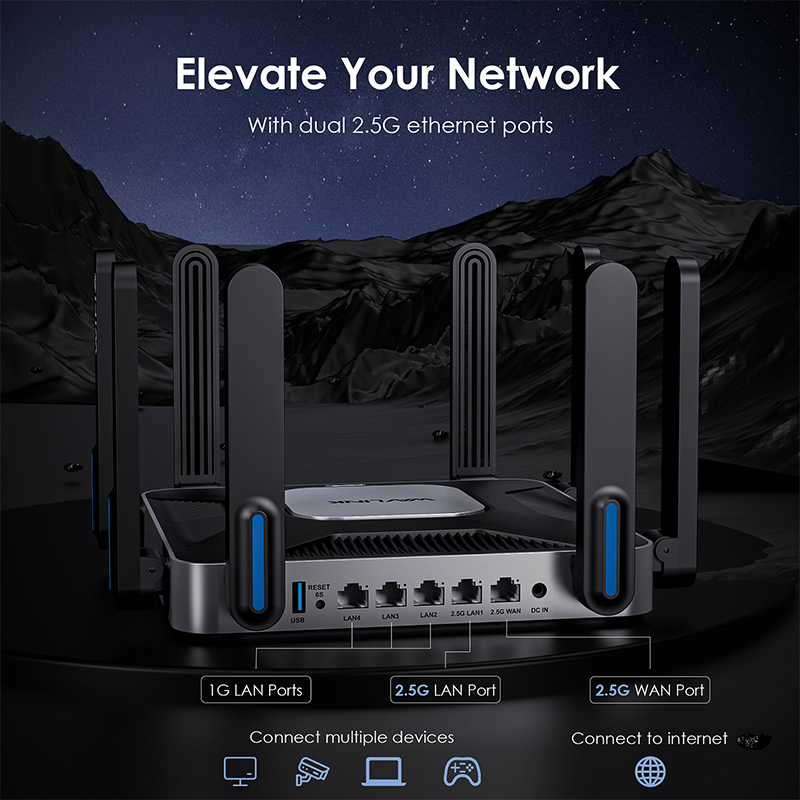
- Supports 1x2500Mbps WAN port,1x2500Mbps and 3x1000Mbps LAN ports.
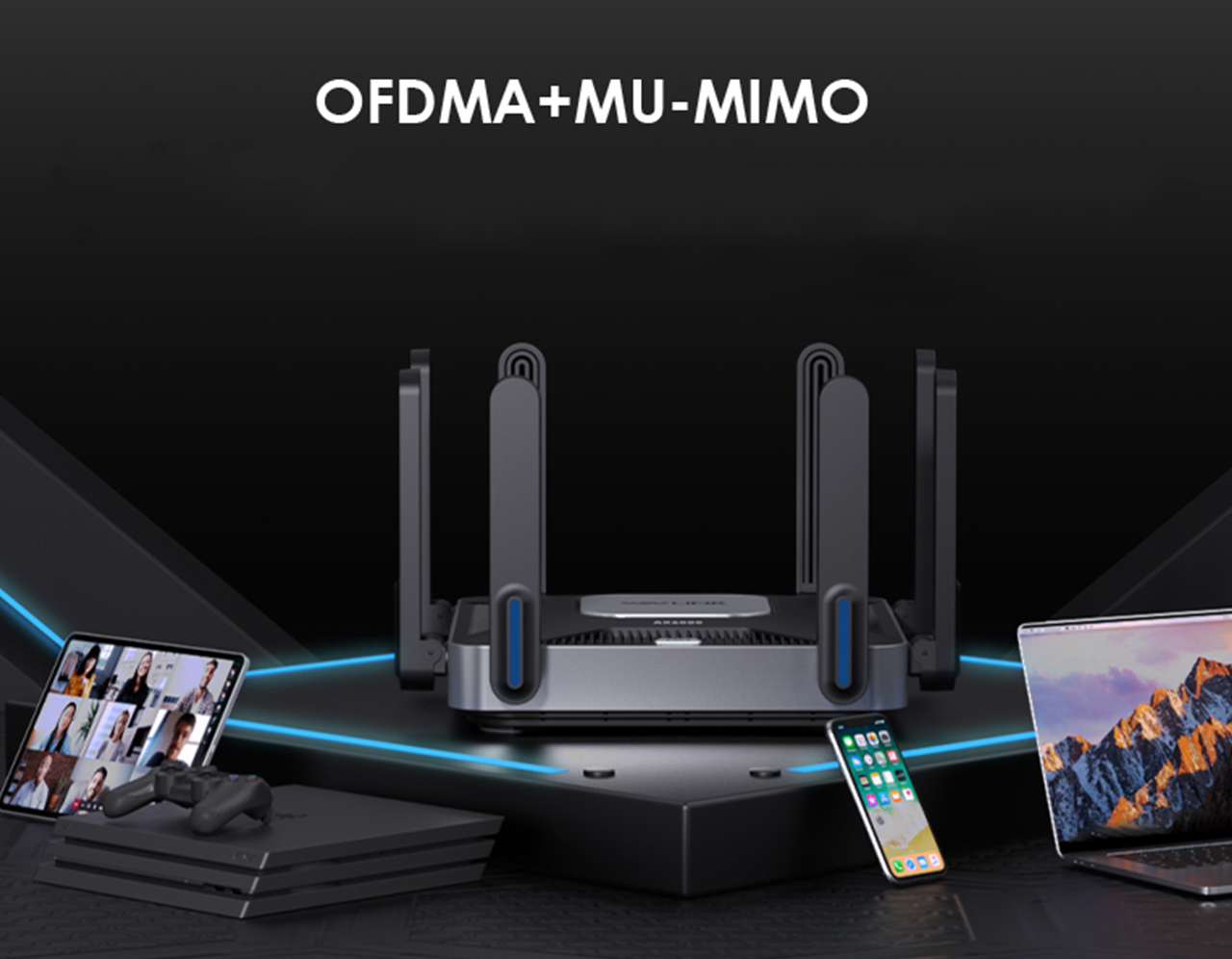
- The WiFi 6 MU-MIMO and MU-OFDMA techniques have greatly improved the device efficiency and performance.
- Supports AI QoE for intelligently allocating network bandwidth according to settings, and assigning network priority.
- Supports multiple VPNs for protecting user data from being stolen or monitored by the third parties, enhancing the privacy of network activities.
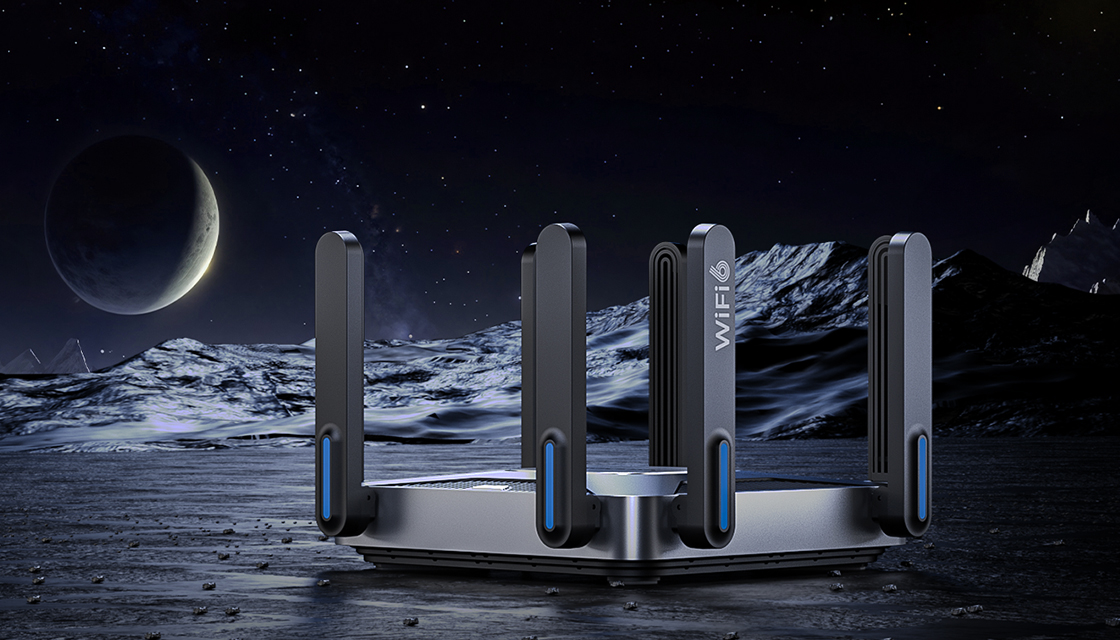
Attain a seamless whole-home network that automatically selects the best connection as you move around your home.

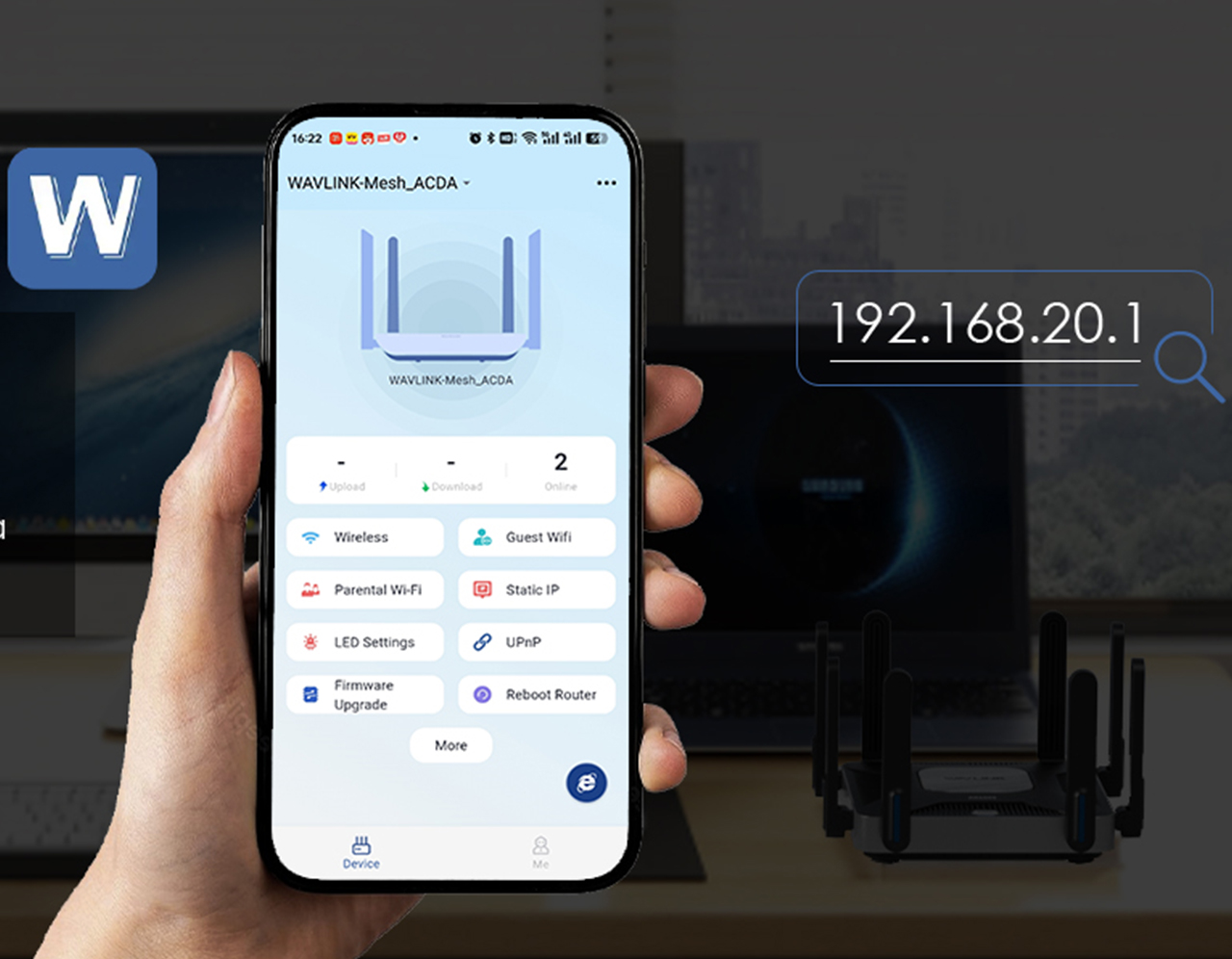
Configure the router using the WavRouter app or by entering 192.168.20.1 in your browser to unlock a range of features.
It can accommodate more devices seeking internet access simultaneously, offering significantly higher transmission efficiency and reduced latency.
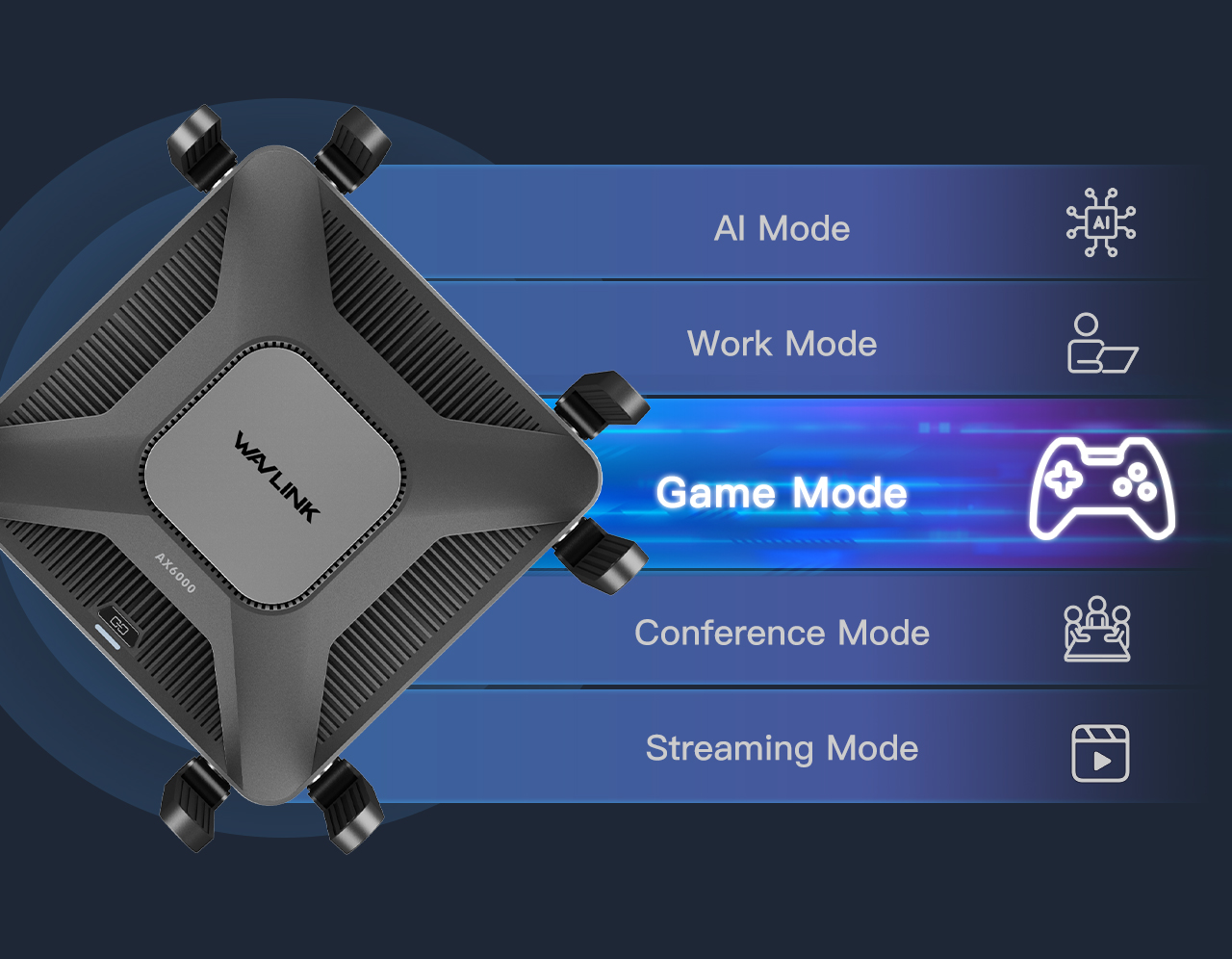
AI-driven Network QoE optimizes throughput, minimizes latency, and automatically prioritizes traffic.
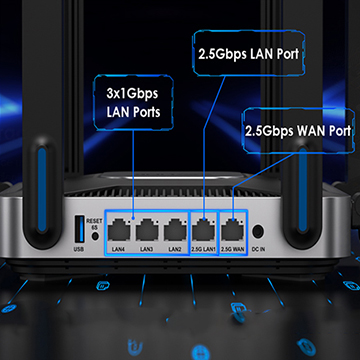
Supports 1x2500Mbps WAN port, 1x2500Mbps and 3x1000Mbps LAN ports.
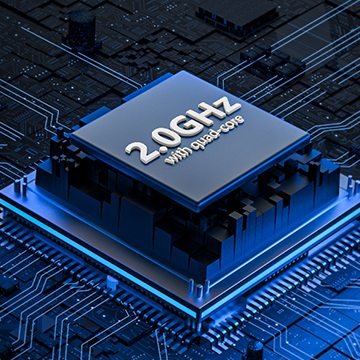
Equipped with a 2.0 GHz quad-core CPU, delivers exceptional performance to manage high-demand gaming networks efficiently.
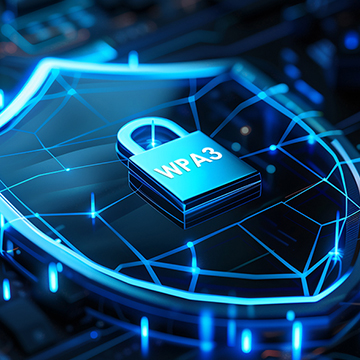
Supports WPA3 encryption for protecting user data from being stolen or monitored by the third parties, enhancing the privacy of network activities.

Description : WL-WN592AX6-Manuals
Post Date : 05/12/2025
Available : WL-WN592AX6
Online Reading : View
Make sure you should connect the Wi-Fi signal of wavlink device.
Make sure you should enter the url in the address bar but not the search bar.
Make sure you entered the current URL.
Try to use http://192.168.30.1 to log in the management page.
If you try to log in by phone,please turn off your mobile network and try to log in again.
If you try to log in by your pc/laptop,please disconnect other internet connection.
Make sure the VPN should be disabled.
Restart your modem (wait 5 minutes). Disconnect extra Ethernet cable connection from the modem.
Test by connecting a computer directly to the modem via Ethernet cable. If you still could not get internet,there might some issue with the modem,please contact the isp.
For cable modems, clone the MAC address of the device which could get Internet from the modem via Ethernet cable in More >Network >Internet > MAC Clone>Custom MAC, then reboot
modem and router.
The Hardware NAT Settings's default open status leads to the absence of monitored data. If you wanna keep the flow monitoring accurate, you have to turn off the Hardware NAT Settings function manually, which inevitably will increase the CPU usage.
Please reset the device by pressing the reset button for 6s when the device is powered on.
No,wavlink device could not work as the modem,you have to connect the wavlink device to the modem via Ethernet cable.Otherwise it could not work.
Please press the reset button for 6s when the device is powered on.
No,this device could only form mesh system with the specific wavlink device which support everything mesh technology.
For the devices which support everything technology,please refer to the link below:
Get the Scoop First
Subscribe to our official website to receive exclusive first-hand news and stay up-to-date on our new product releases and promotions!