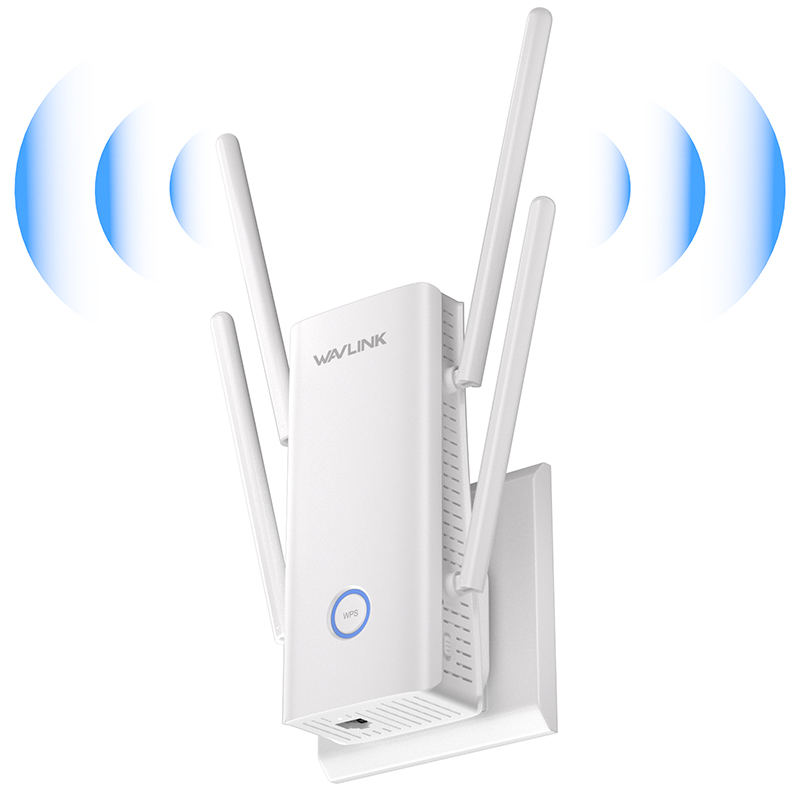
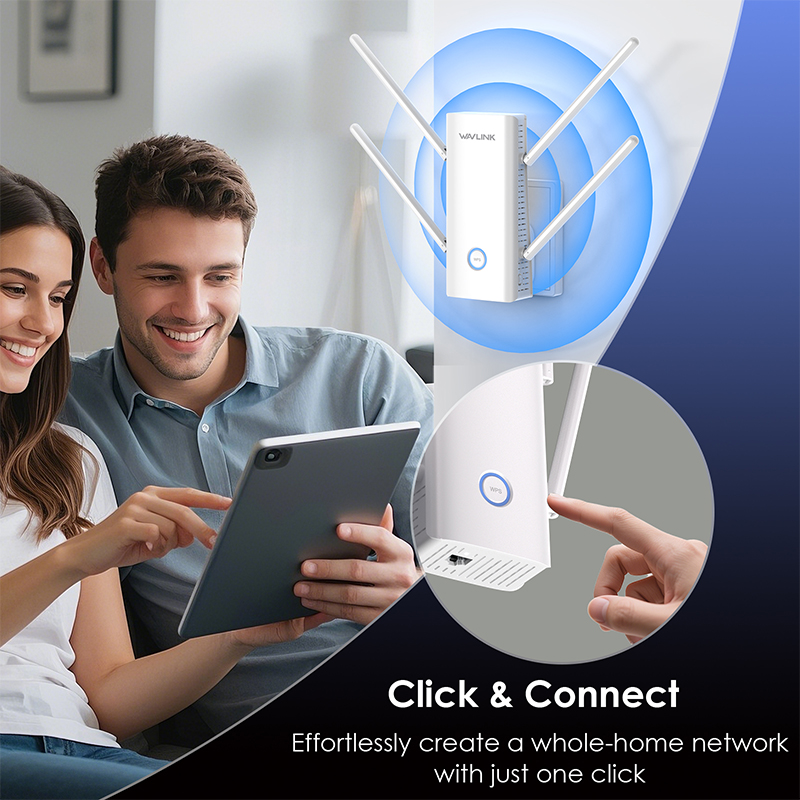
AERIAL D6XH: AX3000 Dual Band Wi-Fi 6 Repeater/AP/Router
  • AERIAL D6XH: AX3000 Dual Band Wi-Fi 6 Repeater/AP/Router 1
  • AERIAL D6XH: AX3000 Dual Band Wi-Fi 6 Repeater/AP/Router 2
  • AERIAL D6XH: AX3000 Dual Band Wi-Fi 6 Repeater/AP/Router 3
  • AERIAL D6XH: AX3000 Dual Band Wi-Fi 6 Repeater/AP/Router 4
  • AERIAL D6XH: AX3000 Dual Band Wi-Fi 6 Repeater/AP/Router 5

AERIAL D6XH: AX3000 Dual Band Wi-Fi 6 Repeater/AP/Router

Model: WL-WN583HX3

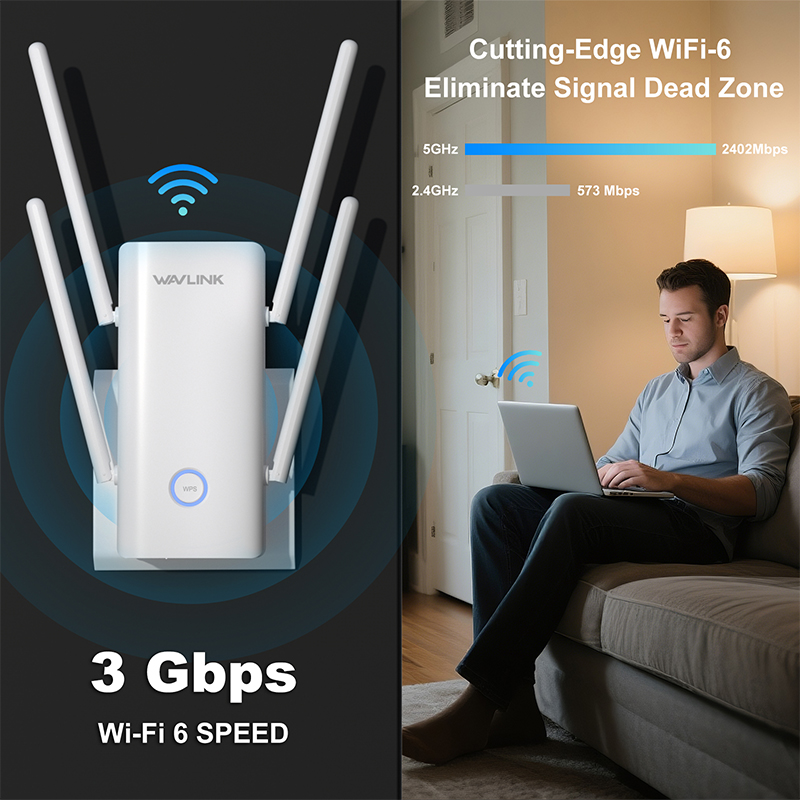
- Dual band 2.4G 573Mbps +5G 2402Mbps with the aggregated speeds up to 2975Mbps.
- The BSS coloring technology enables a better spatial reuse.
- The WiFi 6 MU-MIMO and OFDMA techniques have greatly improved the device efficiency and performance.
- One Gigabit Ethernet port provides your devices with high-speed network experience.
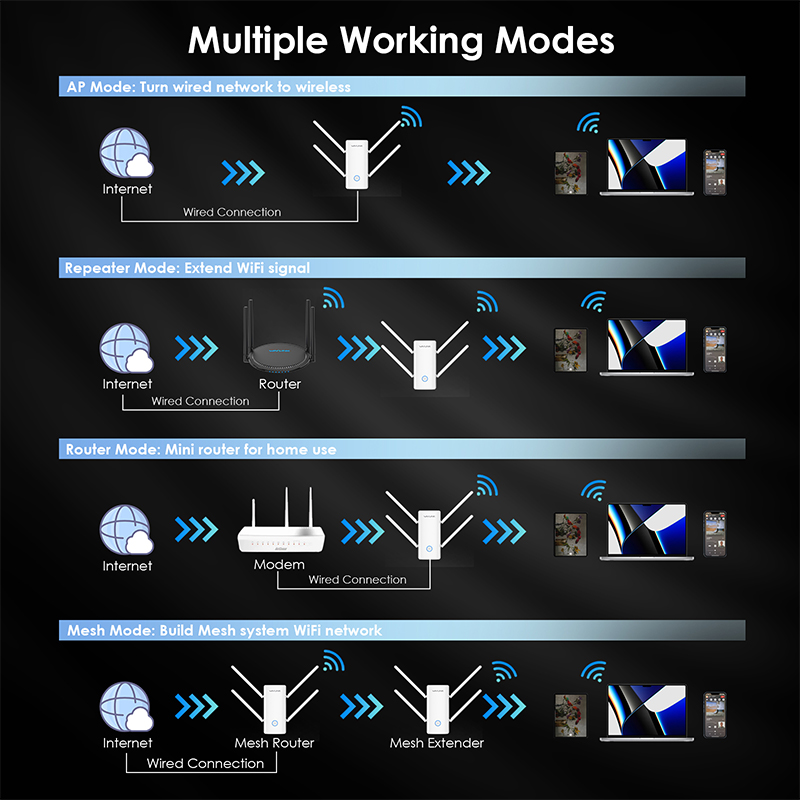
- With various modes, you can either use it as a regular Repeater/AP/Router or pair it with a Mesh device.
- High grade WLAN security with WPA3/WPA2-PSK MIX, WPA2-PSK, WPA2/WPA1-PSK MIX.
- Compact wall plug design for easy placement.
- Antenna: 4 x 5dBi high-performance external antennas+1 x 5dBi internal antenna
AX3000 Dual Band Wi-Fi 6 Repeater/AP/Router

Experience the Next Level of Network Reliability! Your Gateway to a Faster, More Efficient Online Experience.
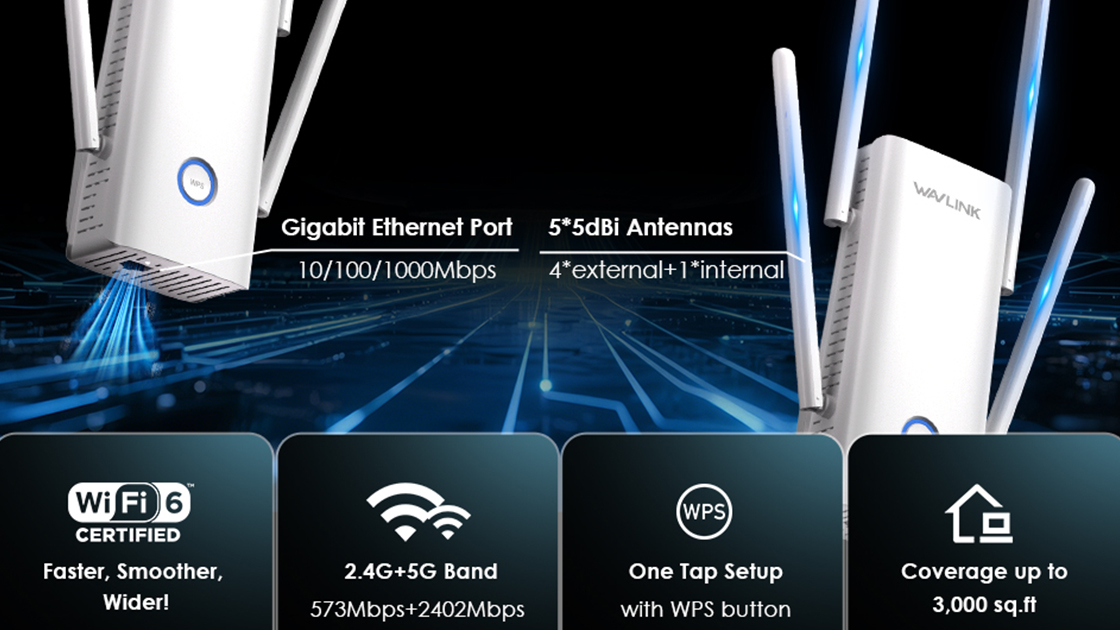
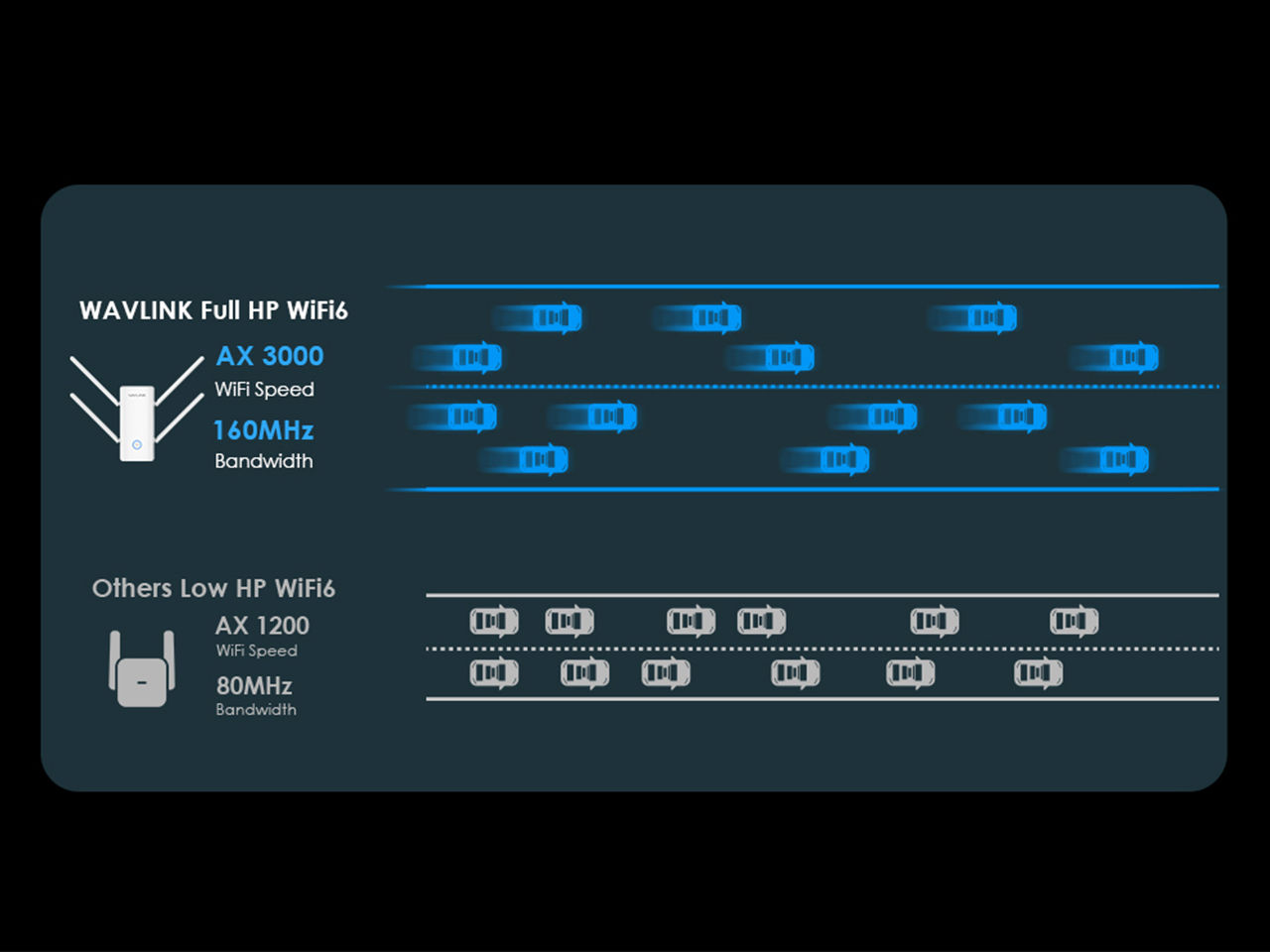
Unlock Lightning-Fast WiFi

Enjoy AX3000 speed + 160MHz bandwidth for a ridiculously fast and reliable connection, perfect for demanding apps, streaming, and online gaming!
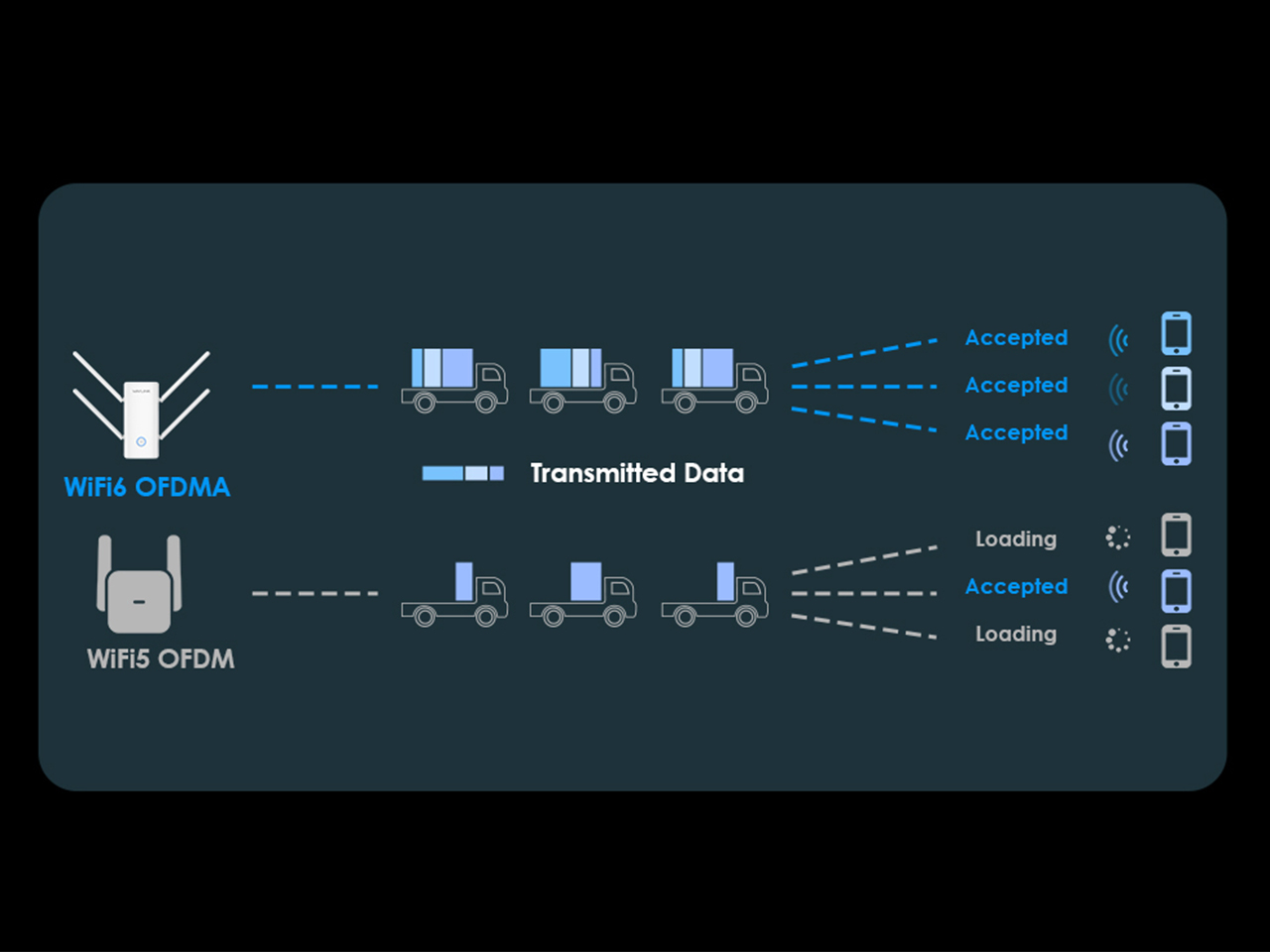
WiFi 6 OFDMA

OFDMA technology helps improve WiFi efficiency by allowing multiple devices to communicate with the router simultaneously, enhancing overall network performance for smoother connectivity.

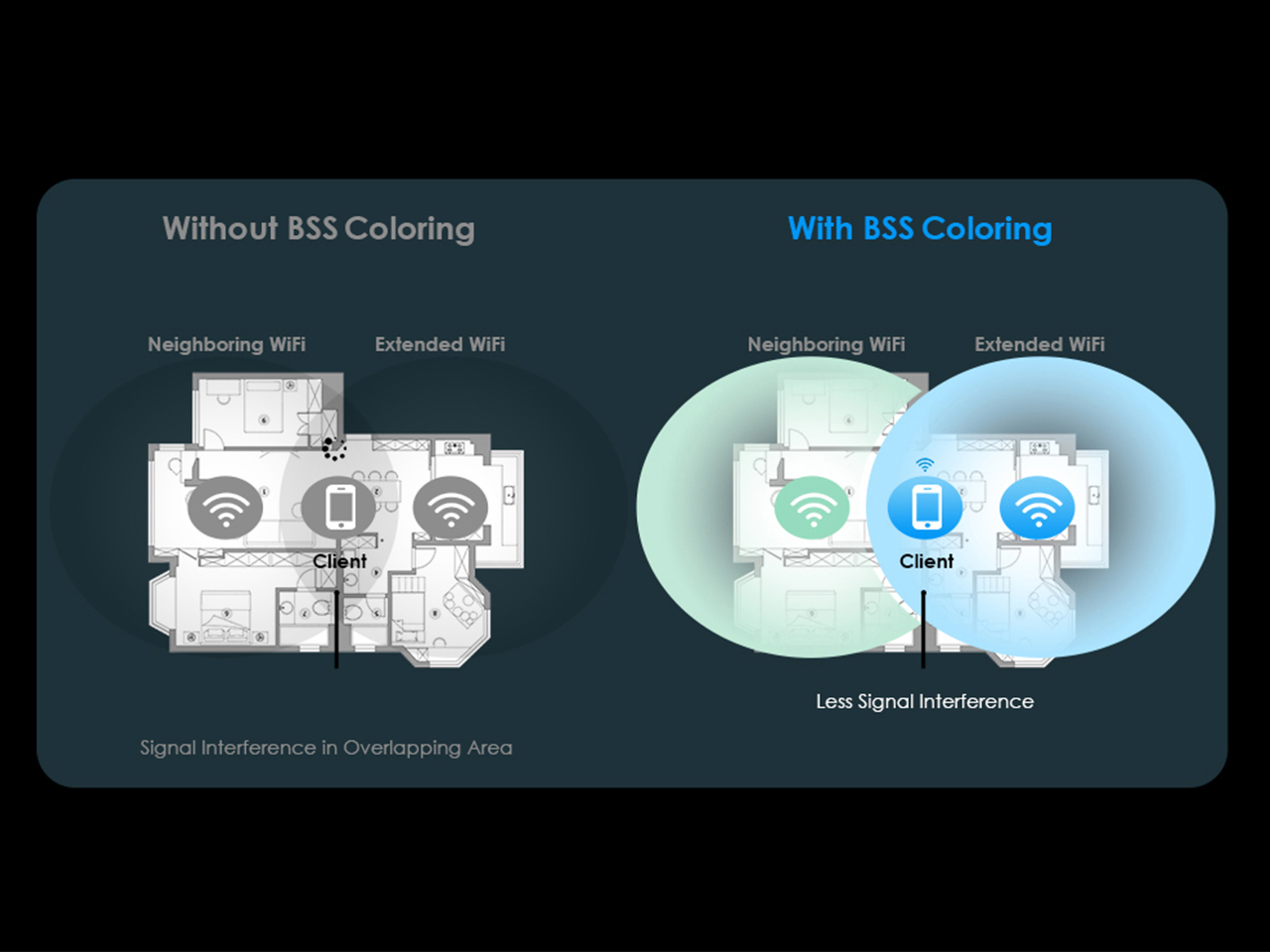
BSS Coloring

With BSS Coloring technology, the WiFi extender effectively minimizes interference from neighboring networks, ensuring a stable connection even in crowded network environments
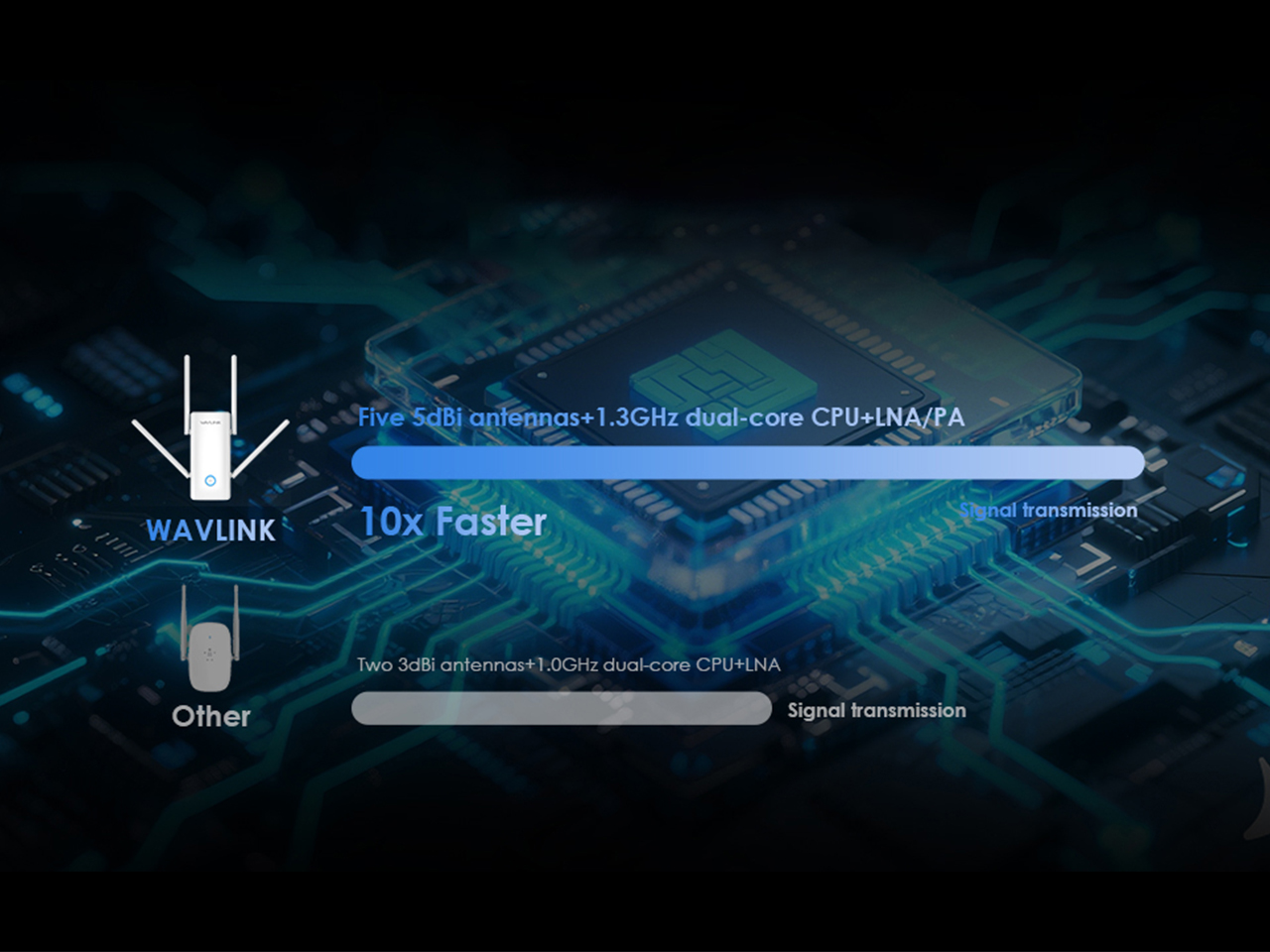
Supercharge Your Wi-Fi

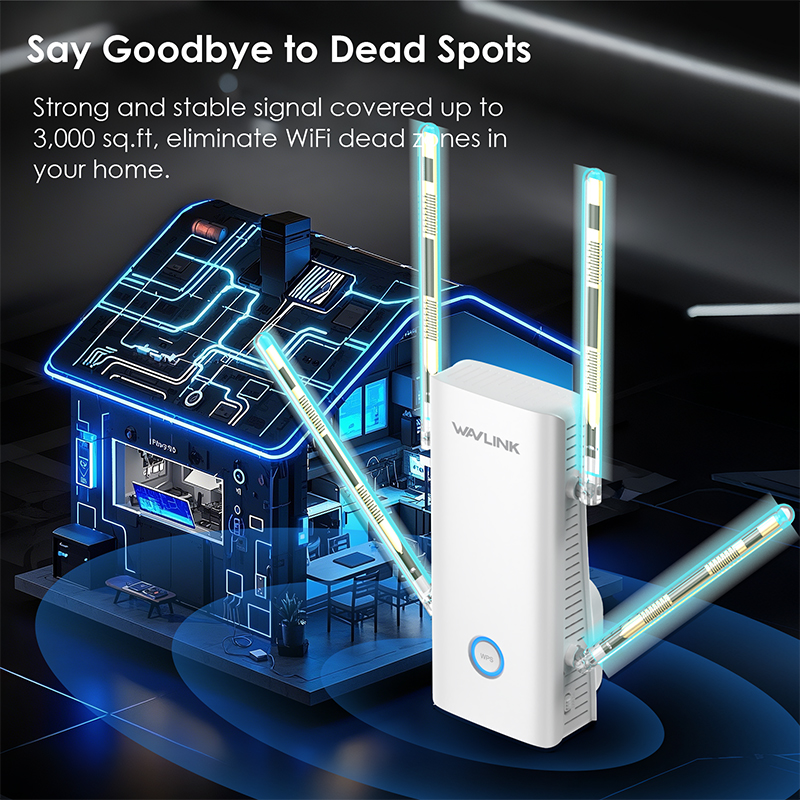
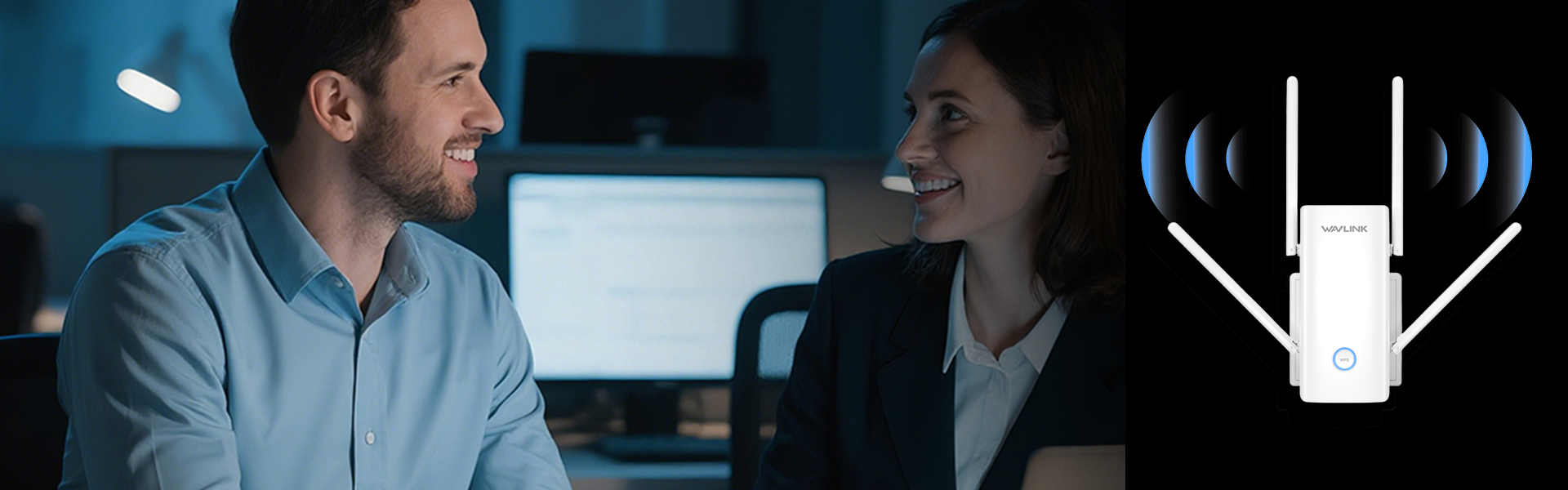
Enhance your home Wi-Fi experience with the latest omnidirectional antenna technology and enjoy lightning-fast Wi-Fi speeds.

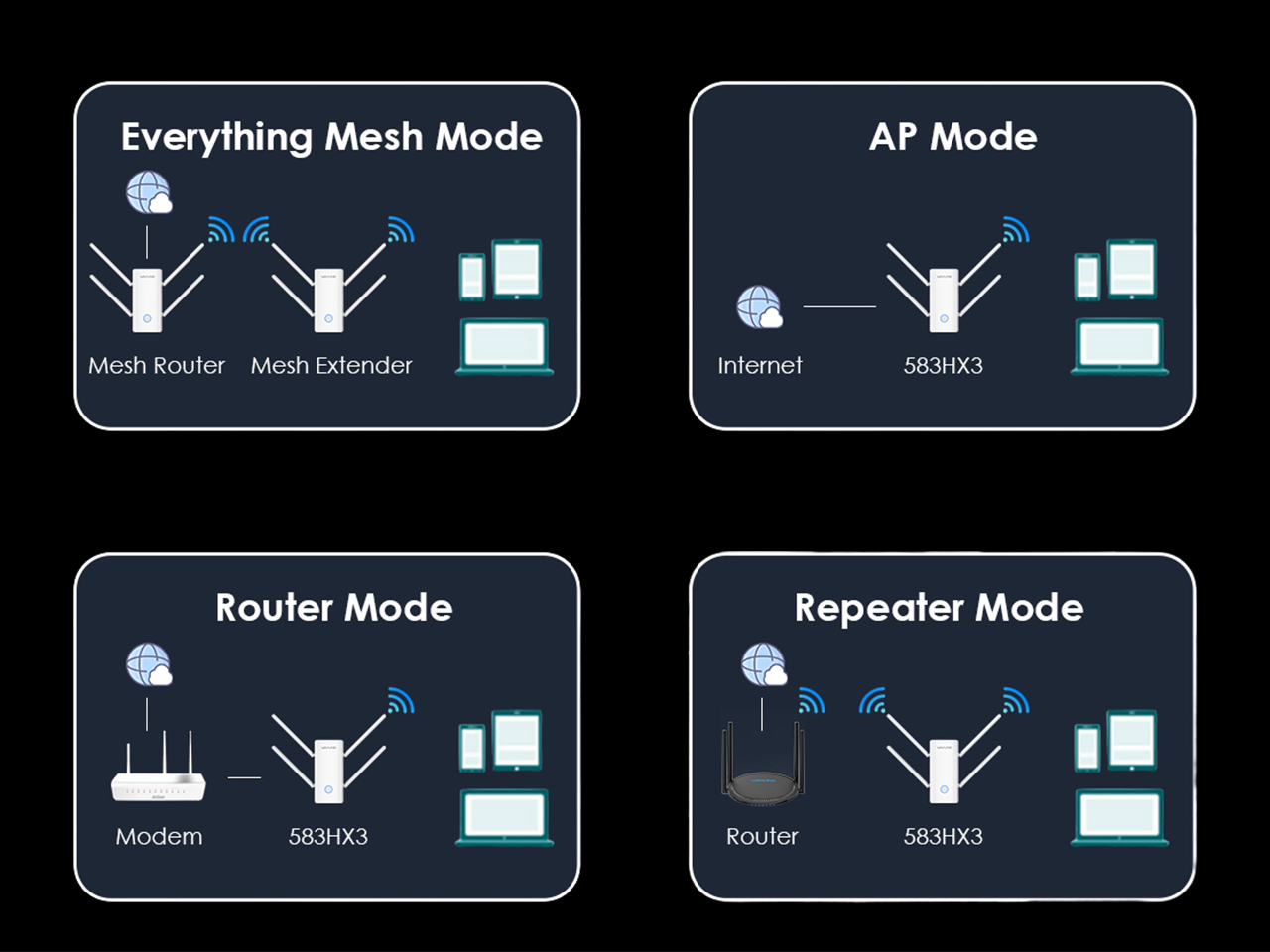
Multi-Working Modes

Provide users with flexibility and convenience, allowing them to easily switch between different modes to suit their specific needs.
Manual

WL-WN583HX3

Description :

Post Date : 19/11/2025

Available : WL-WN583HX3

Online Reading : View

Q&A

How do I turn off the LED light if it affects my sleep?

  • Please log in the management page and go to Advanced > LED Control to manage the light status.

Why can't I visit the web UI by inputting the IP address 192.168.10.1 or http://waplogin.link ?

  • 1.If you can't log with AP Modem, please check the IP address arranged by the upstream router, use the new IP address to log in.
  • 2.Make sure you have connected to the Wi-Fi of the device.
  • 3.Please try to clean the cache of the browser.
  • 4.Try to log in the management page via another browser.
  • 5.Try to log in the management page via other devices.
  • 6.If you still meet some problem,please be free to contact our support team.

The device supports four modes,which mode I should choose?

    • Please choose the mode that suits your needs.
    • In AP Mode, it extends network coverage by connecting to a router/switch via Ethernet cable.
    • In Repeater Mode, it extends network coverage wirelessly by connecting to an existing Wi-Fi network.
    • In Mesh Router Mode, it converts the wired connection from your ISP into a Wi-Fi signal and acts as the primary mesh node.
    • In Mesh Extender Mode, it extendes network coverage by wirelessly joining an existing mesh network.

What should I do if I forget my admin password?

Please reset the device by pressing the reset button for 6s when the device is powered on.

Can this device form a mesh network with my routers of other brands?

No,this device could only form mesh system with the specific wavlink device which support everything mesh technology.

What should I do if I could not get internet from wavlink device after configuration?

If you configure the wavlink device as repeater mode.

1. Please make sure you should enter the correct wifi password of the host router when you try to repeat the wifi signal.

2. Please make sure the dhcp of the host router is enabled.

3. Make sure the mac filter of the host router is not enabled.(Otherwise the wavlink device might be blocked)


If you configure the wavlink device as ap mode.

1.Please make sure the dhcp of the host router is enabled.

2.Make sure the mac filter of the host router is not enabled.(Otherwise the wavlink device might be blocked)

3.Please connect the pc to the modem/host router via Ethernet cable directly and check if you could get internet.(To rule out the problem of the modem/router)

How to reset the device?

Please press the reset button for 6s when the device is powered on.

Could this device repeat the wifi signal with captive portal?

No the device could not repeat the signal with captive portal.

If the internet speed from the extender is not as expected,what should I do?(In repeater mode)

Actually the device work as the wifi ranger extender,it could help help the user to get a larger wifi coverage.But it could not increase the internet speed from the host router.And the internet speed should be lower than the speed from the host router.

And there are some methods which might be helpful to help you get better performance in repeater mode.

1. Please try to adjust the position of the wavlink device.

And it is better to avoid too many obstacle like wall between the host router and wavlink device and try to avoid too many obstacle between the wavlink device and the target area.

2. Try to repeat the 5g signal of your host router,if there is no 5G signal.

If you still meet some problem,please be free to contact our support team.

Top

Get the Scoop First

Subscribe to our official website to receive exclusive first-hand news and stay up-to-date on our new product releases and promotions!