AERIAL HD9
Model: WL-WN573HX3 EAN: 6955362053536
Description : WL-WN573HX3-Manuals
Post Date : 05/06/2026
Available : WL-WN573HX3
Online Reading : View
1. Please connect the wifi signal of wavlink device then use http://waplogin.link or http://192.168.30.1 to log in the management page.
2. Try to use different device like your phone or pc to log in the management page.
3. If you try to use your phone to log in the management page,please try to disable the mobile network.
4. If you try to use your pc to log in the management page,please make sure your pc is not connect to the router via Ethernet cable.
5.If you can't log in the management when the device is in AP Mode, please check the IP address arranged by the upstream router, then use this IP address to log in.
No,they are not waterproof,please keep them away from the water.
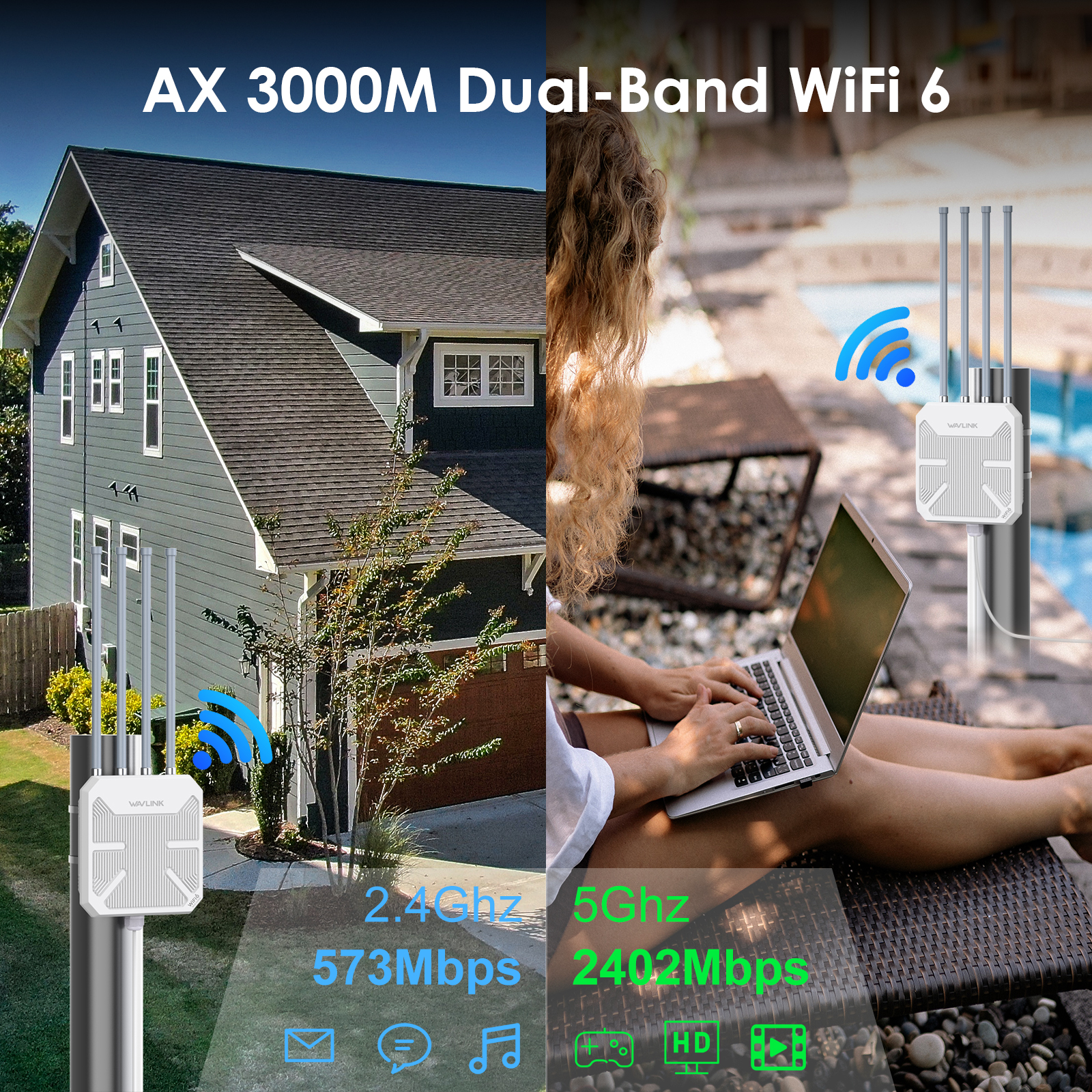
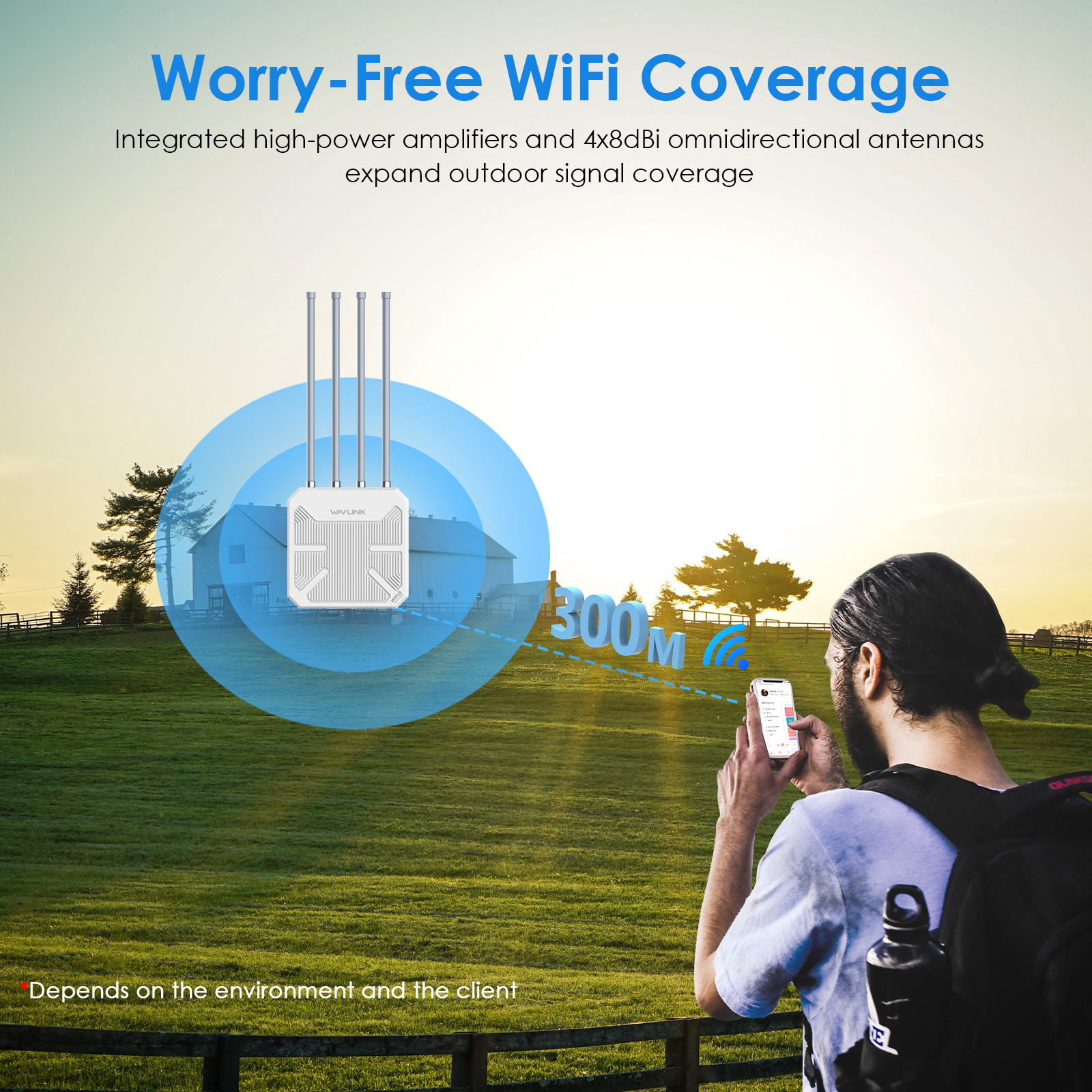
When there is no obstacle between the wavlink device and the target area,the 5g signal could reach about 300m and the 2.4g signal could reach about 100m.
Please try to avoid the obstacle.
The actual distance may depend on the environment.
Please be free to contact our support team if you meet any problem.
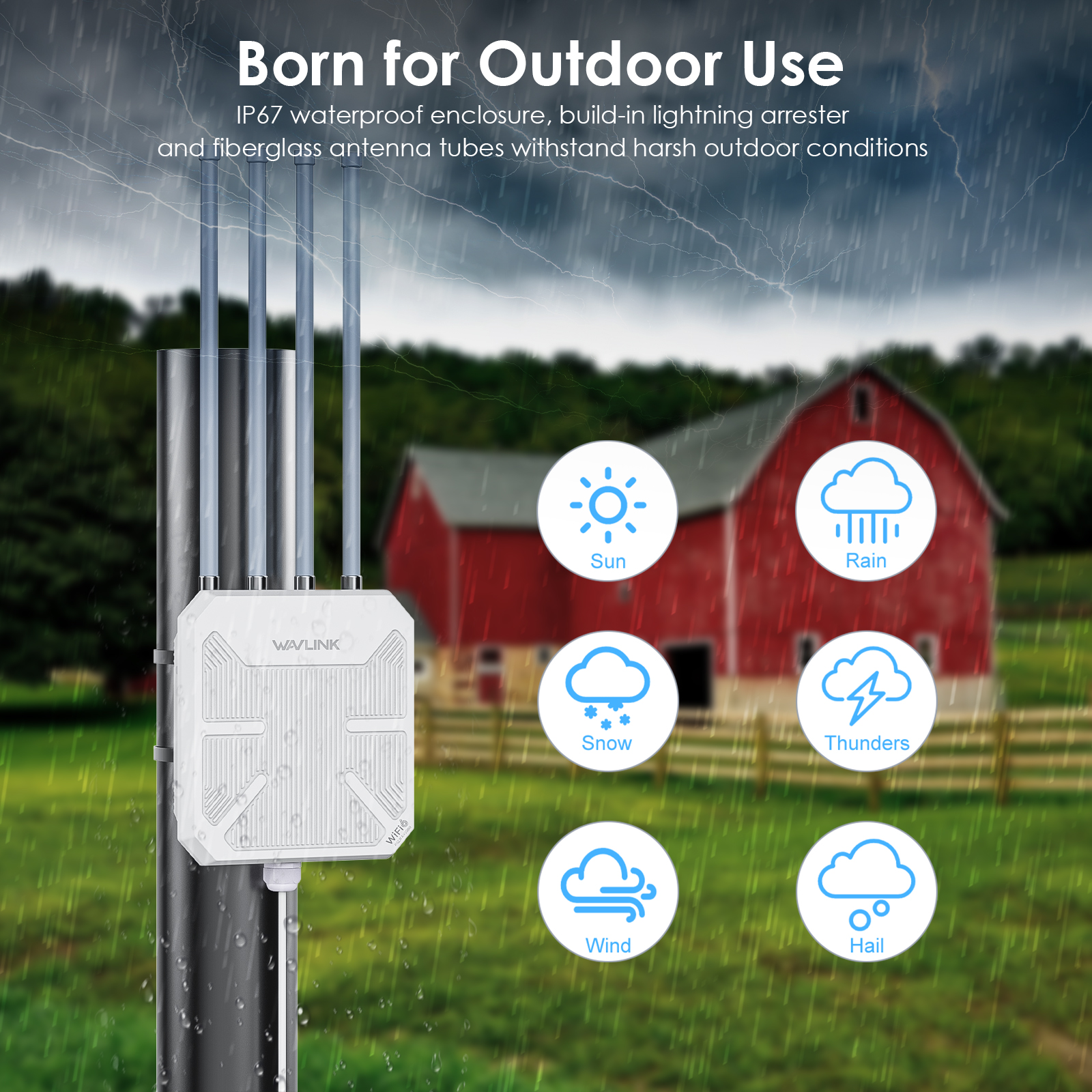
Yes,it is necessary to install the ground wire to avoid Static electricity and lightning strikes.
If you configure the wavlink device as repeater mode.
1. Please make sure you should enter the correct wifi password of the host router when you try to repeat the wifi signal.
2. Please make sure the dhcp of the host router is enabled.
3. Make sure the mac filter of the host router is not enabled.(Otherwise the wavlink device might be blocked)
If you configure the wavlink device as ap mode.
1.Please make sure the dhcp of the host router is enabled.
2.Make sure the mac filter of the host router is not enabled.(Otherwise the wavlink device might be blocked)
3.Please connect the pc to the modem/host router via Ethernet cable directly and check if you could get internet.(To rule out the problem of the modem/router)
No,this device could only form mesh system with the specific wavlink device which support everything mesh technology.
Yes,our device could support ap/router/repeater mode.
In repeater mode,it could build a wireless connection with the starlink router.
In router/ap mode,you could connect the wavlink device to the modem/host router via Ethernet cable.
Please press the reset button for 6s when the device is powered on.
No the device could not repeat the signal with captive portal.
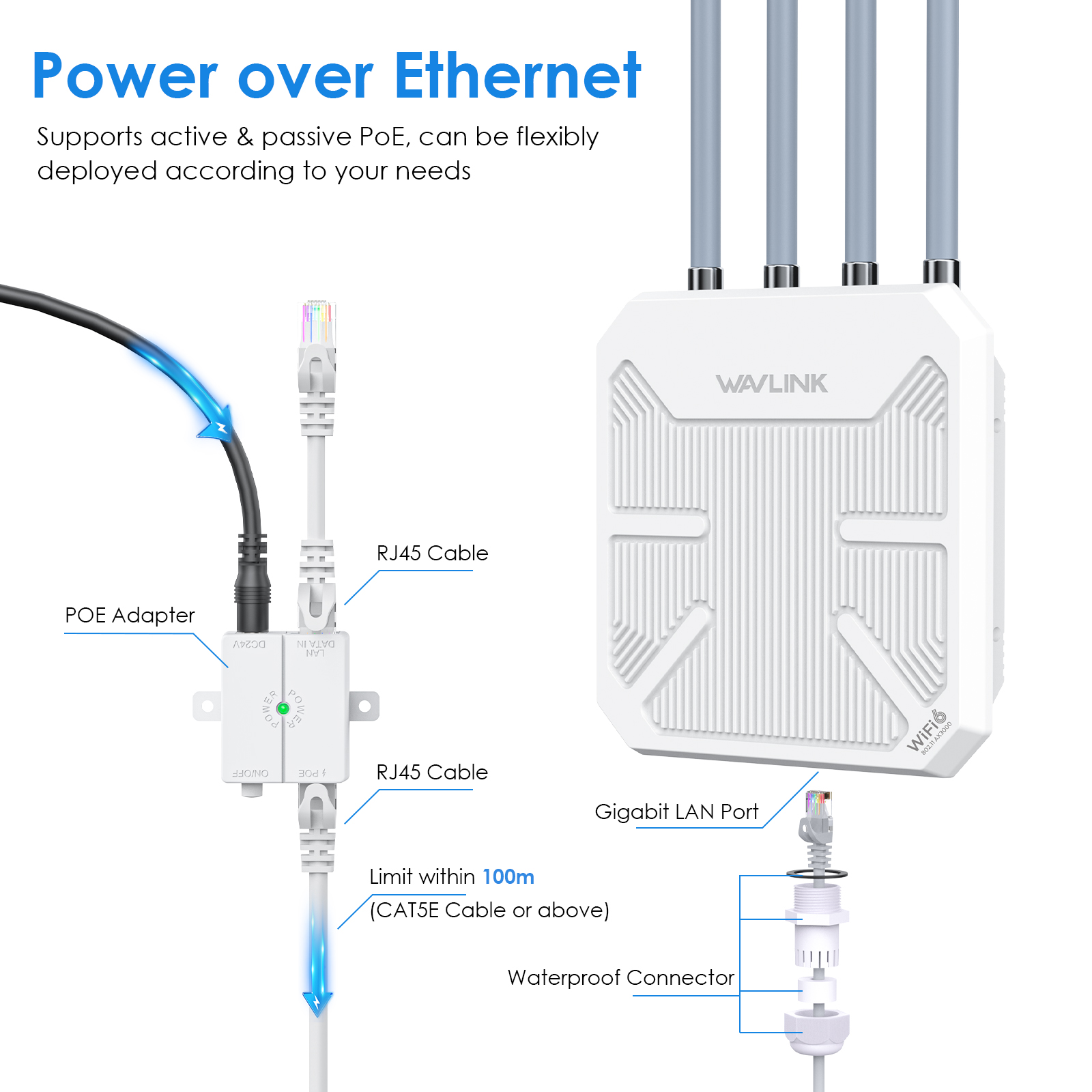
Yes,it could be powered by the solar battery,just make sure you could provide DC48-54v for the device.
In repeater mode,the wavlink device could build a wireless connection with the host router,you need not connect the wavlink device to host router via Ethernet cable.
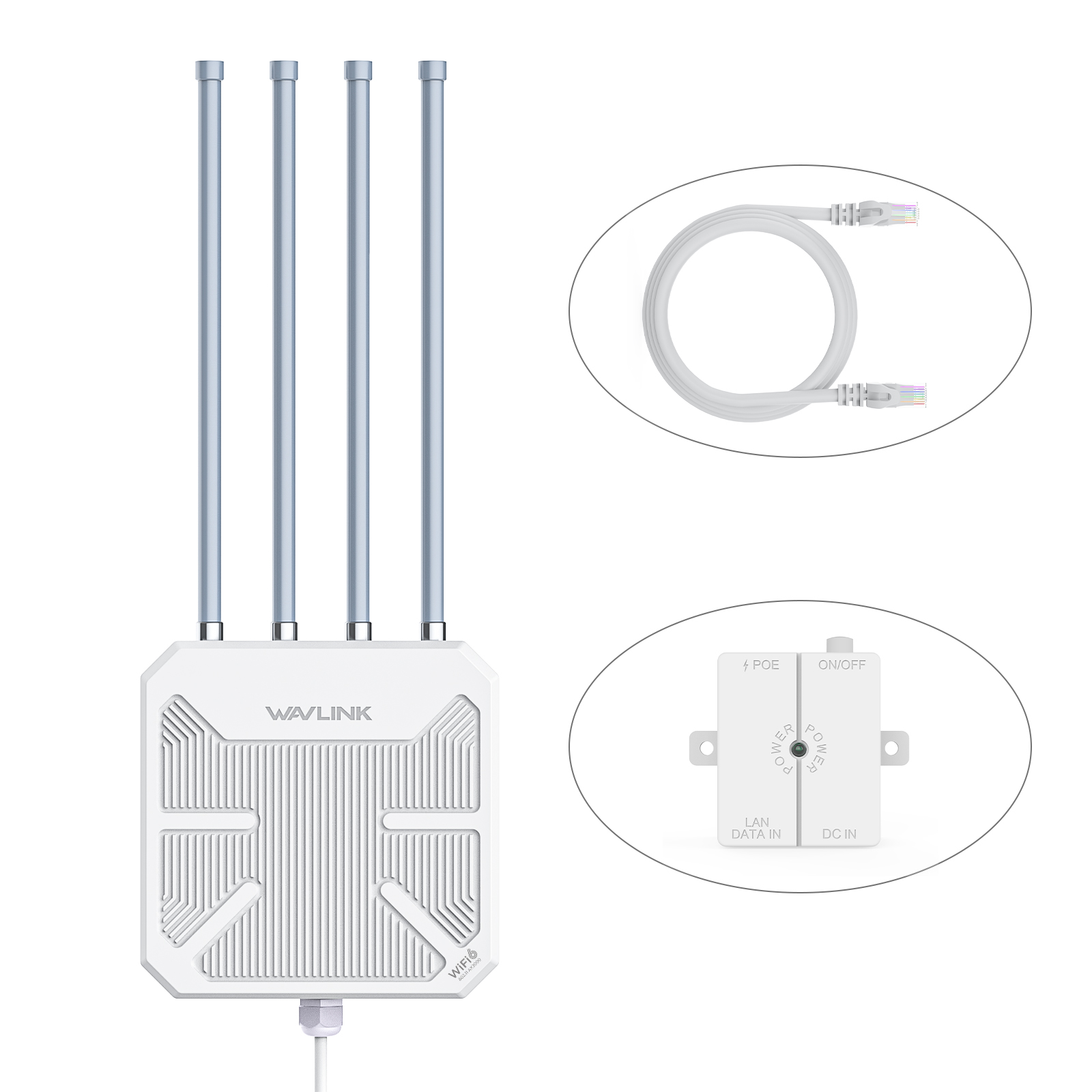
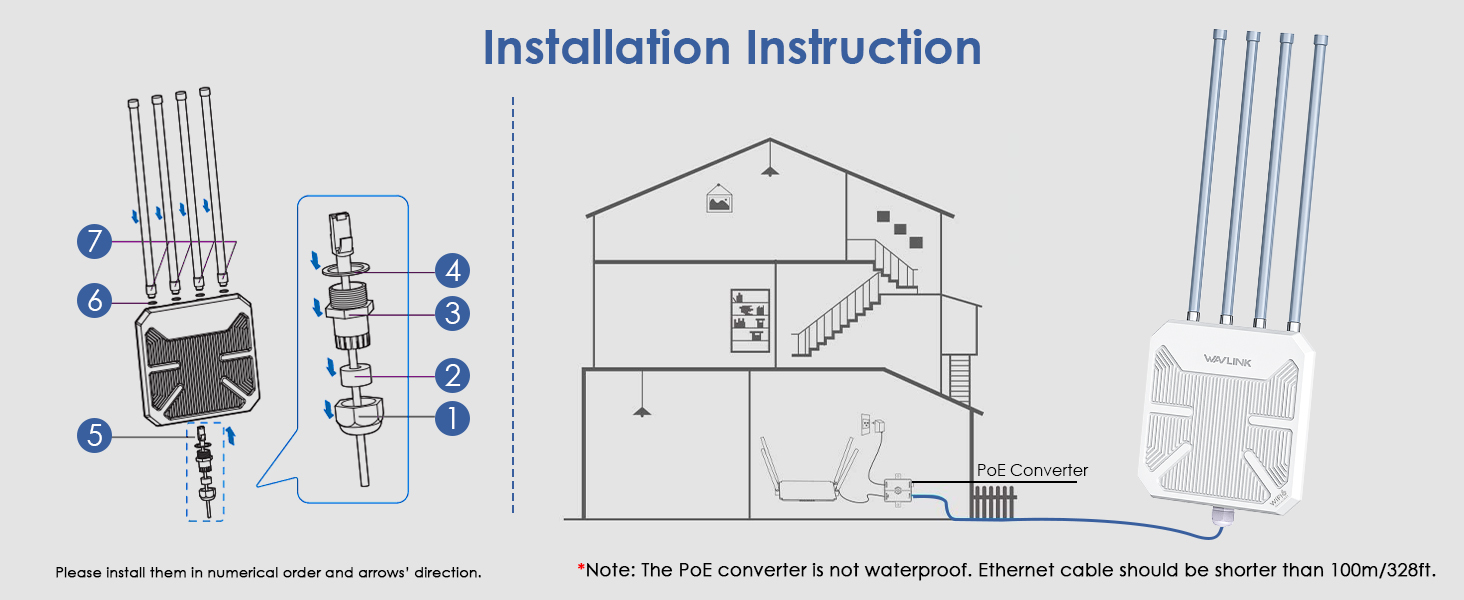
However you still need to connect the wavlink device to the poe box via Ethernet cable.It could only be powered by poe adapter/switch.
If the poe switch could support 802.3 at/af protocol,our device should work well with it.
Please configure the wavlink device as ap mode and connect it to the host router via Ethernet cable.Then you could control all the clients which connect to the wavlink device in the management page of the host router.
Get the Scoop First
Subscribe to our official website to receive exclusive first-hand news and stay up-to-date on our new product releases and promotions!