WING 12M
Model: WL-WN572HP3 Magazine Review
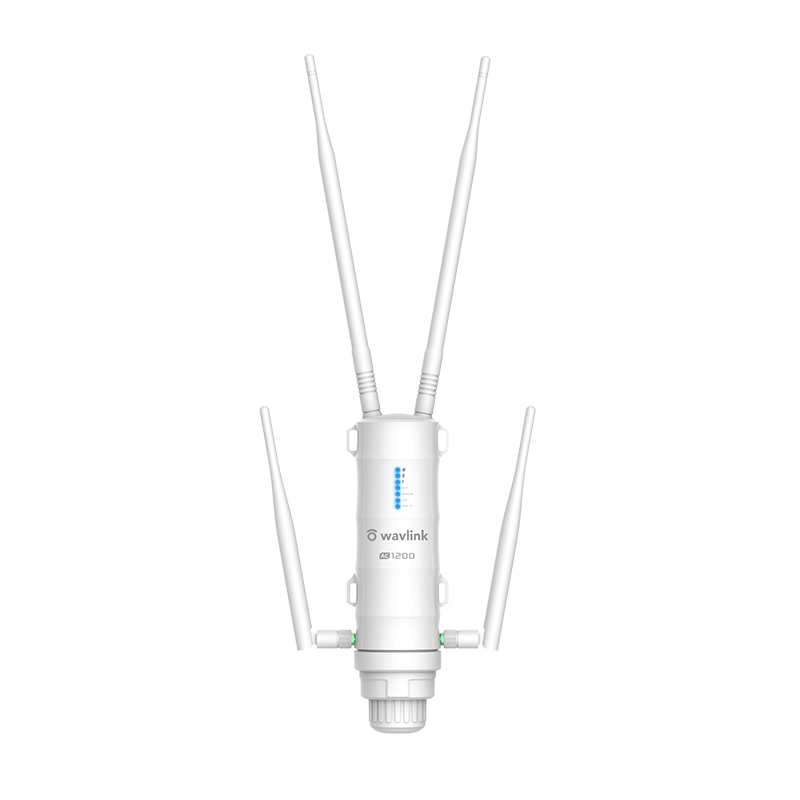
WN572HP3 is designed for WISP CPE and long distance wireless network, making it an ideal solution for small business offices and the home with outdoor networking requirements.

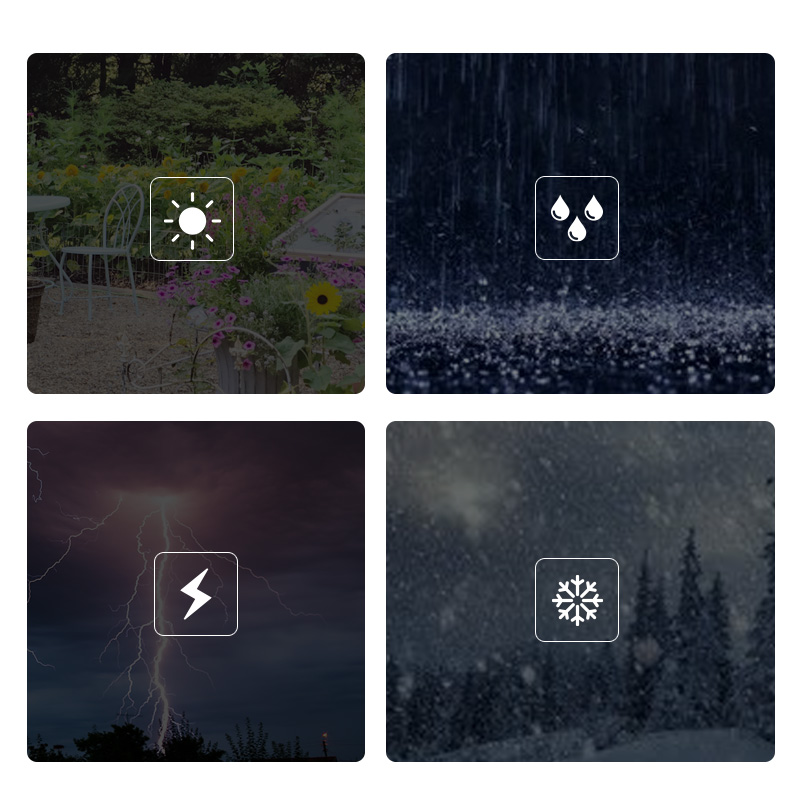
Consists of four external antennas with 2.4G and 5G two frequency bands, making it possible to cover hard-to-reach dead zones; to deal with extreme weatherproof, it is made of waterproof, heat-resistant materials.

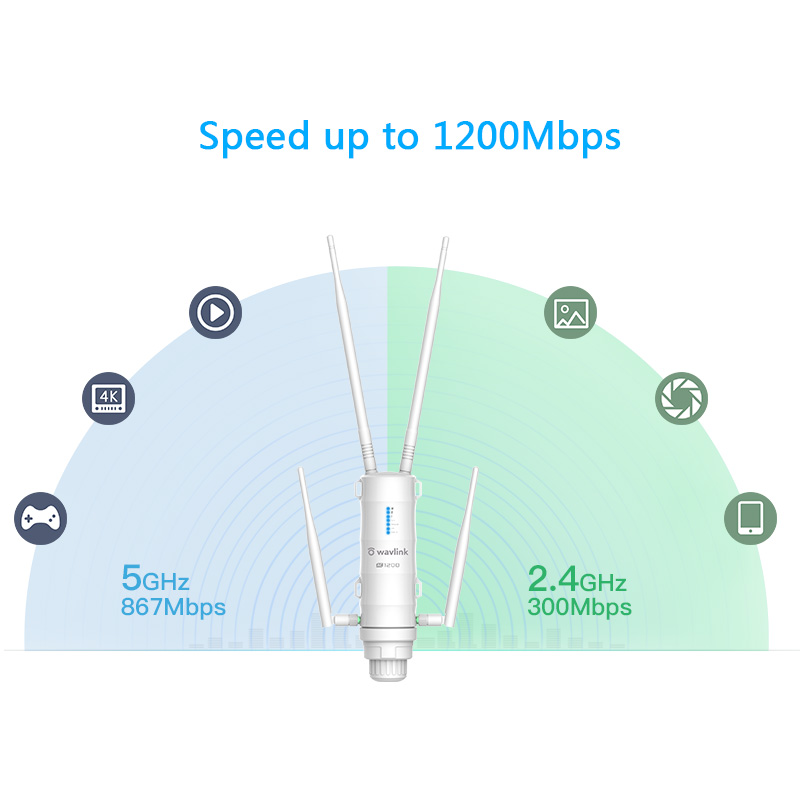
Comes with next generation 802.11AC Wi-Fi technology, the extender operates on both 2.4GHz and 5GHz up to 1200 Mbps. It lets you keep more devices connected at the same time with the dual bands, which is superior choice for seamless HD streaming, online gaming and other bandwidth-intensive tasks.

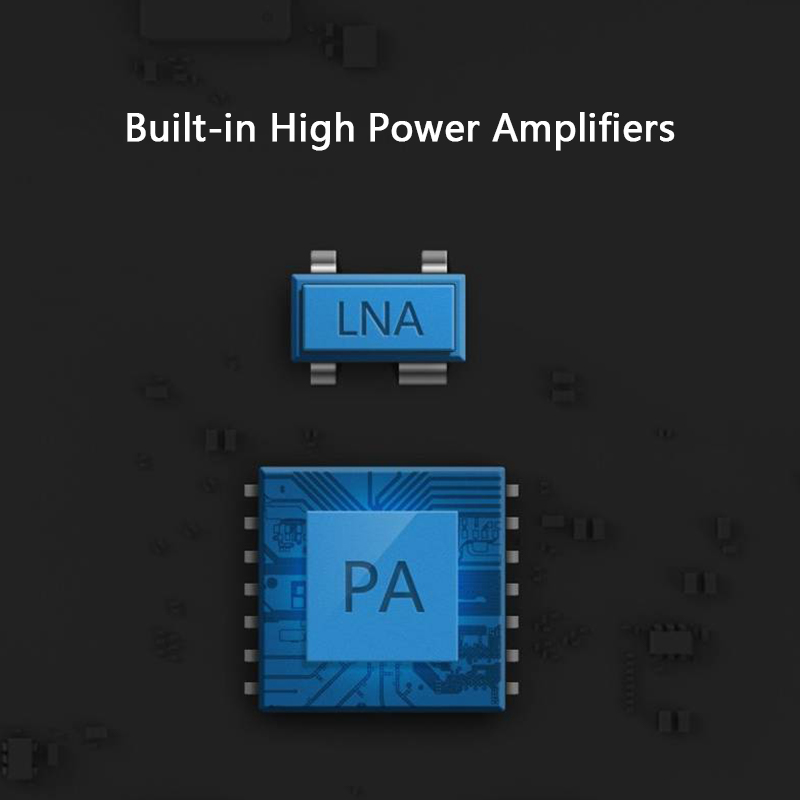
Internal amplifiers largely improve the quality of the router. The power amplifier (PA) is used to increase the magnitude of power, on the other hand, the low-noise amplifier (LNA) is designed to minimize additional noise and increase the power of signal.

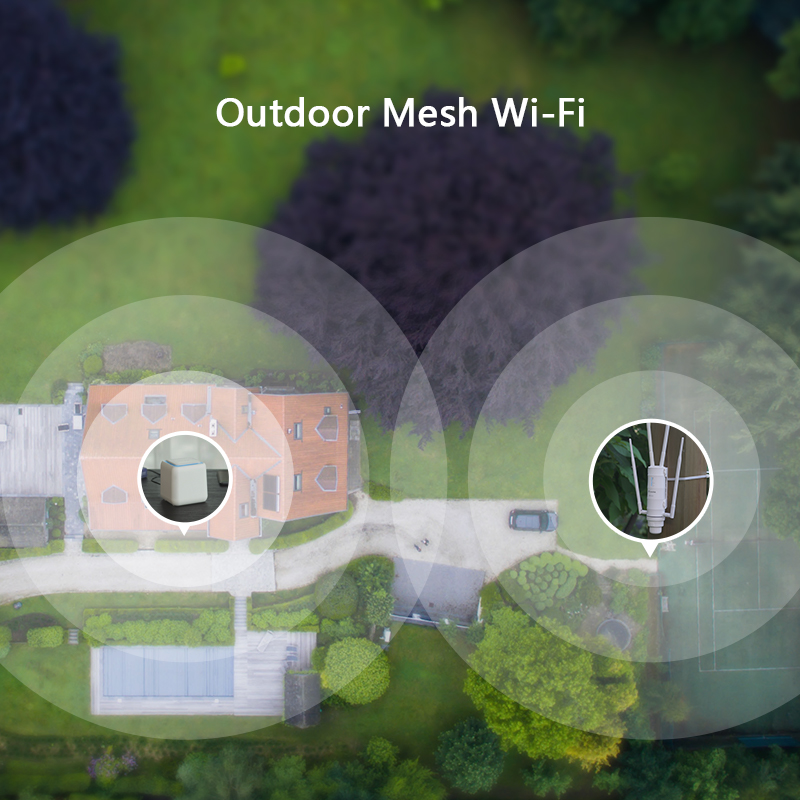
On account of adopting high power amplifiers and four omnidirectional antennas with two frequency bands, the extender extensively strengthens Wi-Fi signal and expands wider coverage in the open air, ensuring that you can also access to Internet when you walk around your home.

WAVLINK’s High power outdoor Wi-Fi range extender is specifically designed to provide an effective solution for outdoor wireless networking applications. With its centralized management platform and high degree of flexibility, it is the ideal choice for providing point-to-point, point-to-multipoint, and outdoor Wi-Fi coverage.

According to your own need and complexity in your home environment, you can switch between four different modes to establish a whole home coverage Wi-Fi network.

The WN572HP3 has integrated Power over Ethernet (POE) support, allowing the extender to be installed in areas where power outlets are not readily available.

Install the external antennas, and find a fixed pole or any similar objects outside. Attach the holder to extender and wrap the whole kit around the object to which you want to attach the extender.

This industry-leading hardware ensures that the extender can be deployed in a wide variety of environments, withstanding broad ranges of humidity and temperature (-30°C~70°C)(-22°F~158°F).

WL-WN572HP3
1 x 10/100/1000Mbps WAN
1 x 10/100/1000Mbps LAN
1 x Reset button
1 x Power
1 x WAN
1 x LAN
1 x WiFI
3 x Signal
DC24V / 0.6A Power over Ethernet ( Passive PoE)
input:100-240 Va.c. 50/60Hz
180mm x 50mm x 50mm ( L x W x H )
IEEE 802.11a/b/g/n/ac
IEEE 802.11ac: up to 867Mbps
IEEE 802.11n: up to 300Mbps
IEEE 802.11g: 54Mbps
IEEE 802.11b: 11Mbps
IEEE 802.11a: up to 54Mbps
2.4GHz, 5GHz
WPA-PSK/ WPA2-PSK encryption
4 x 7dBi Detachable Omni Directional Antennas
1 x Wi-Fi AP/Range Extender/Mesh Extender
4 x Detachable Omni Antennas
1 x RJ45 Networking Cable
1 x Power Adapter
1 x POE Converter
1 x Main body holder
2 x Cable ties
1 x Screw fittings
1 x Quick Guide
Description : WL-WN572HP3-Manuals
Post Date : 19/11/2025
Available : WL-WN572HP3
Online Reading : View
1. Please connect the wifi signal of wavlink device then use http://waplogin.link or http://192.168.30.1 to log in the management page.
2. Try to use different device like your phone or pc to log in the management page.
3. If you try to use your phone to log in the management page,please try to disable the mobile network.
4. If you try to use your pc to log in the management page,please make sure your pc is not connect to the router via Ethernet cable.
5. If you can't log in the management when the device is in AP Mode, please check the IP address arranged by the upstream router, then use this IP address to log in.
No,they are not waterproof,please keep them away from the water.
When there is no obstacle between the wavlink device and the target area,the 5g signal could reach about 300m and the 2.4g signal could reach about 100m.
Please try to avoid the obstacle.
The actual distance may depend on the environment.
Please be free to contact our support team if you meet any problem.
Yes,it is necessary to install the ground wire to avoid Static electricity and lightning strikes.
If you configure the wavlink device as repeater mode.
1. Please make sure you should enter the correct wifi password of the host router when you try to repeat the wifi signal.
2. Please make sure the dhcp of the host router is enabled.
3. Make sure the mac filter of the host router is not enabled.(Otherwise the wavlink device might be blocked)
If you configure the wavlink device as ap mode.
1.Please make sure the dhcp of the host router is enabled.
2.Make sure the mac filter of the host router is not enabled.(Otherwise the wavlink device might be blocked)
3.Please connect the pc to the modem/host router via Ethernet cable directly and check if you could get internet.(To rule out the problem of the modem/router)
No,this device could only form mesh system with the specific wavlink device which support everything mesh technology.For the devices which support everything technology,please refer to the link below:
Yes,our device could support ap/router/repeater mode.
In repeater mode,it could build a wireless connection with the starlink router.
In router/ap mode,you could connect the wavlink device to the modem/host router via Ethernet cable.
Please press the reset button for 6s when the device is powered on.
No the device could not repeat the signal with captive portal.
Yes,it could be powered by the solar battery,just make sure you could provide DC48-54v for the device.
In repeater mode,the wavlink device could build a wireless connection with the host router,you need not connect the wavlink device to host router via Ethernet cable.
However you still need to connect the wavlink device to the poe box via Ethernet cable.It could only be powered by poe adapter/switch.
There are two model for this device 572hp3 rev a and 572hp3 rev b.
If the poe switch could support 802.3 at/af protocol,572hp3 rev b should work well with it.
The 572hp3 rev a is not compatible with standard poe switch which supports 802.3 at/af protocol.
Please configure the wavlink device as ap mode and connect it to the host router via Ethernet cable.Then you could control all the clients which connect to the wavlink device in the management page of the host router.
Get the Scoop First
Subscribe to our official website to receive exclusive first-hand news and stay up-to-date on our new product releases and promotions!