WN536AX6  -  AX6000 Dual Band Wi-Fi 6 Router
  • WN536AX6  -  AX6000 Dual Band Wi-Fi 6 Router 1
  • WN536AX6  -  AX6000 Dual Band Wi-Fi 6 Router 2
  • WN536AX6  -  AX6000 Dual Band Wi-Fi 6 Router 3
  • WN536AX6  -  AX6000 Dual Band Wi-Fi 6 Router 4
  • WN536AX6  -  AX6000 Dual Band Wi-Fi 6 Router 5

WN536AX6 - AX6000 Dual Band Wi-Fi 6 Router

MIGHTY LX2

Model: WL-WN536AX6
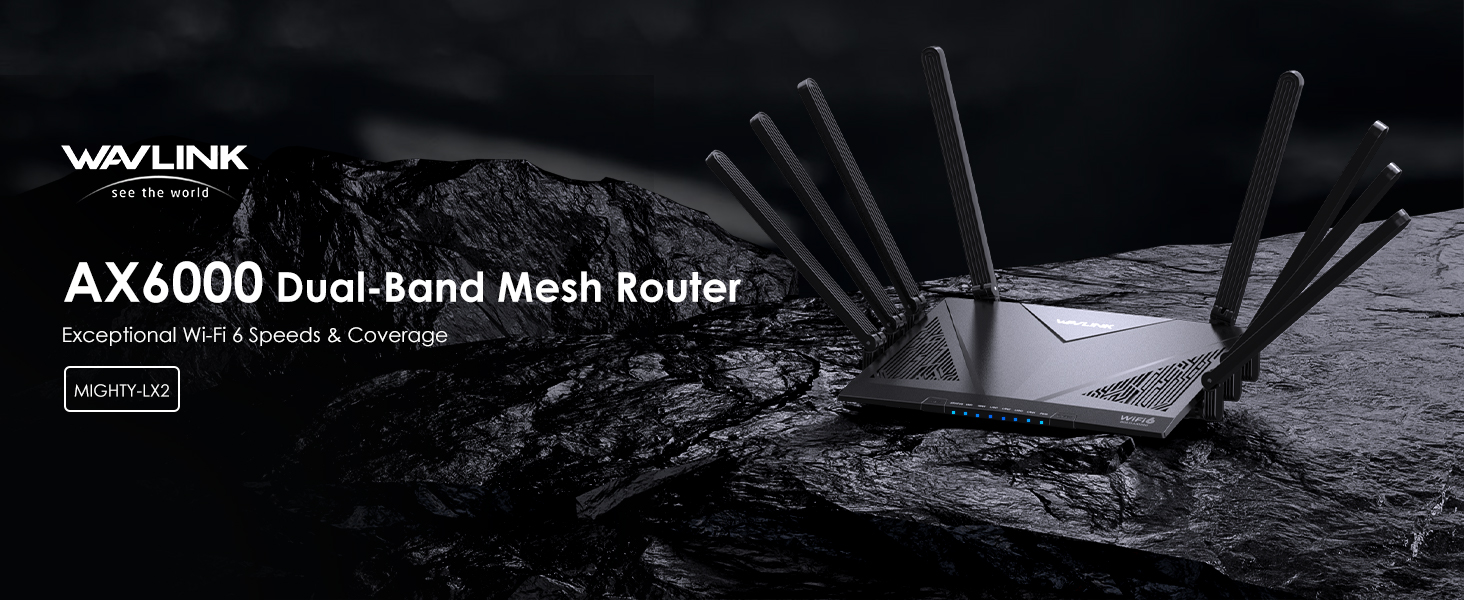
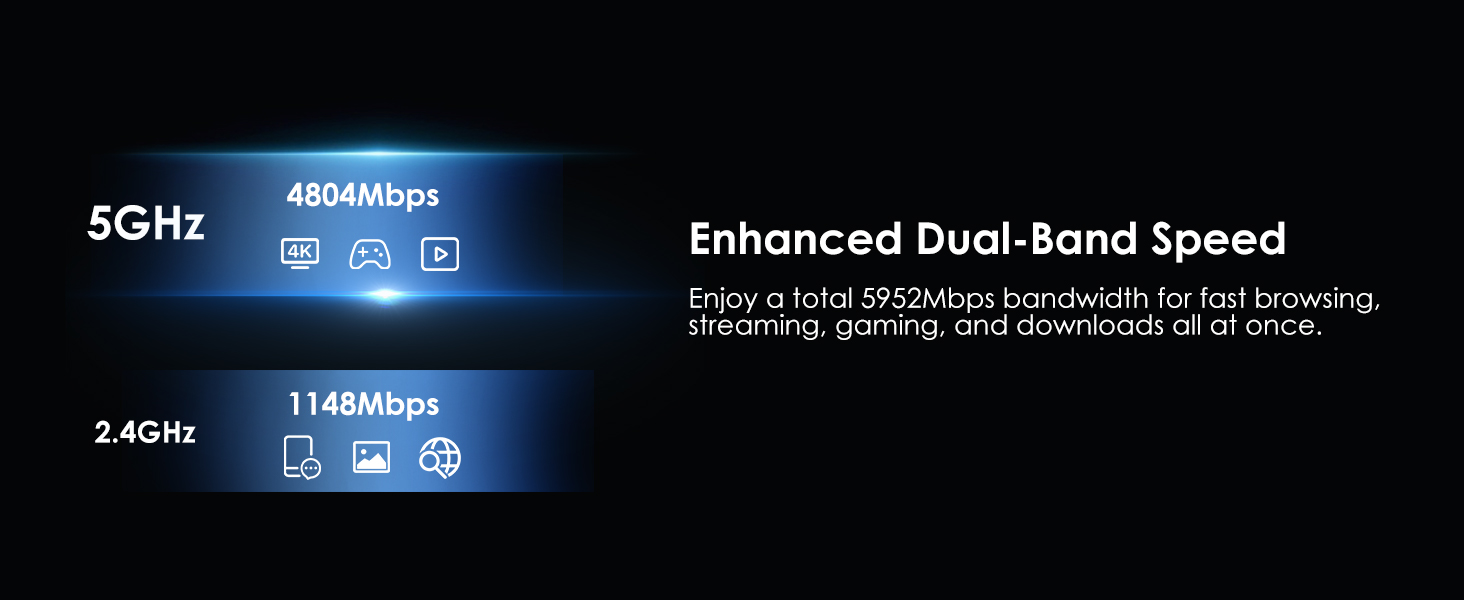
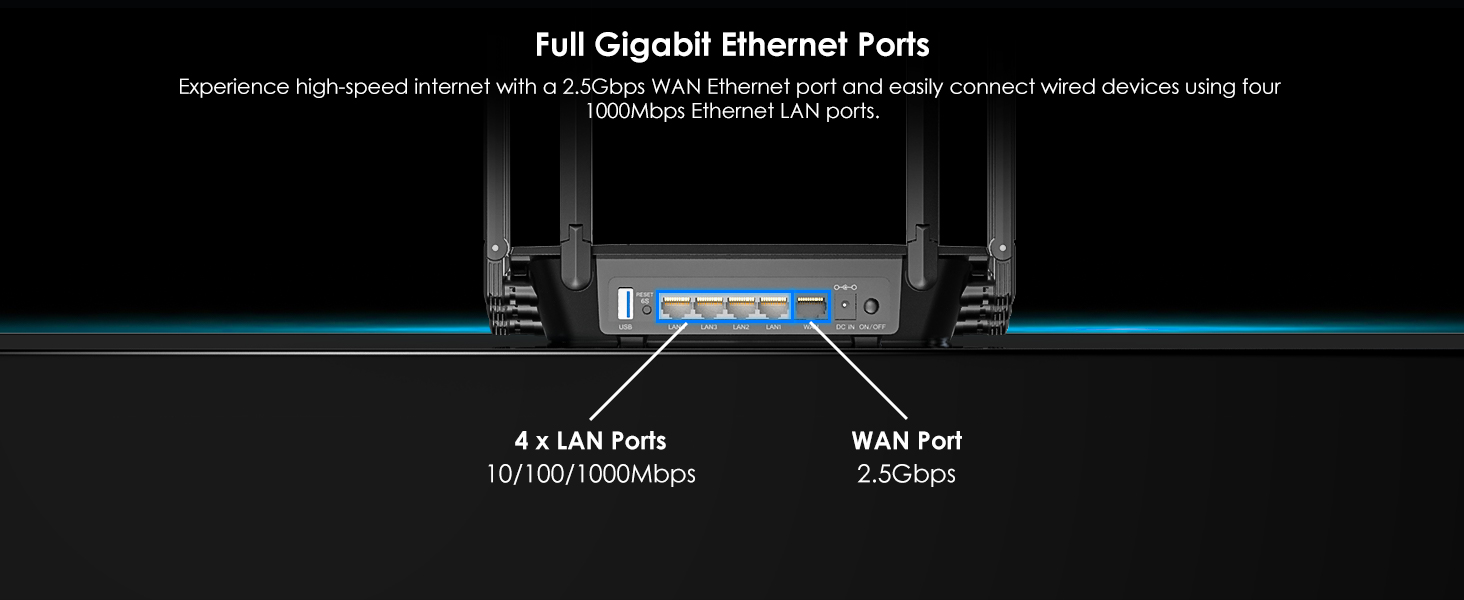
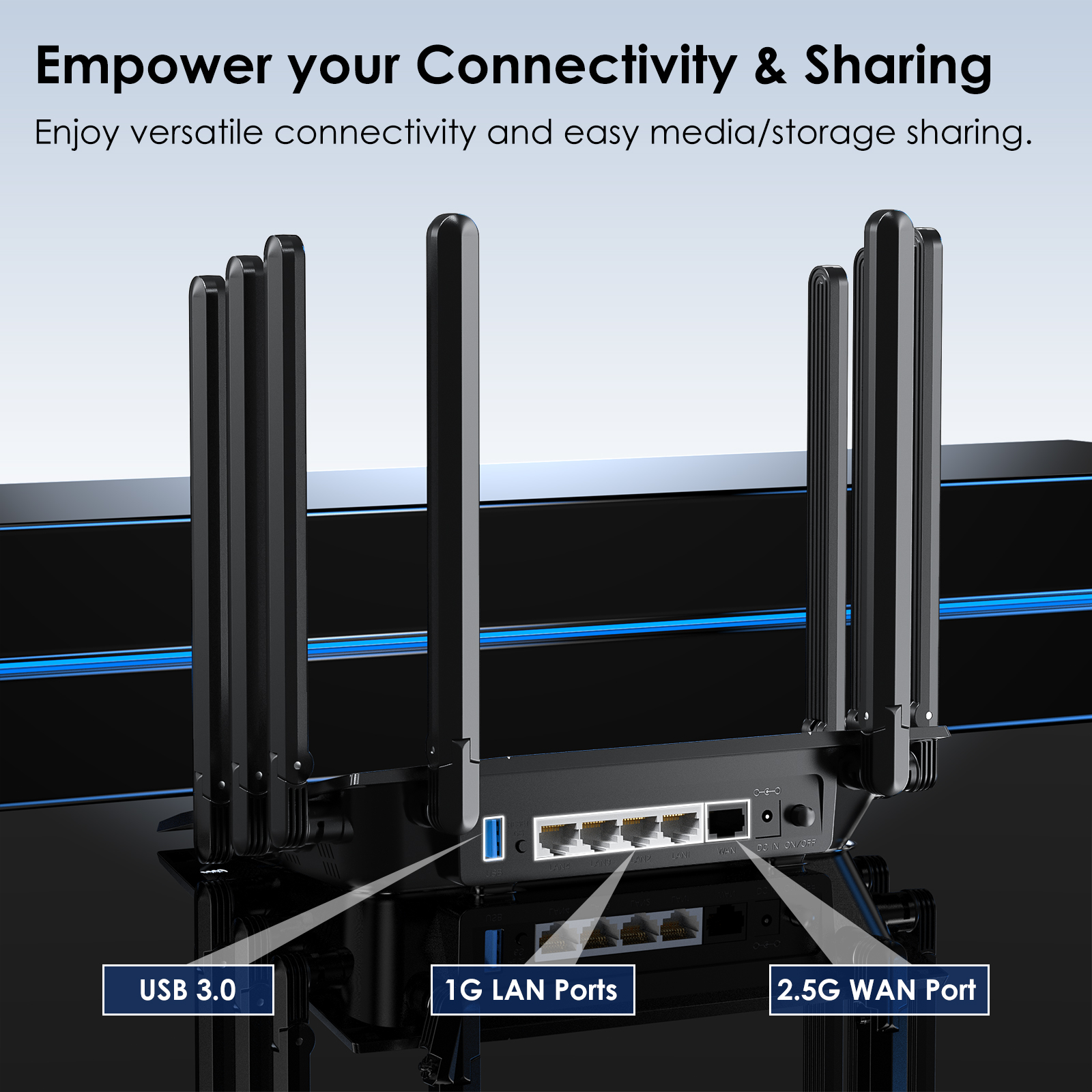
【New-generation Wi-Fi 6 Speed】 Experience ultra-fast AX6000 speed with 160MHz channels, up to 1148Mbps at 2.4GHz and 4804Mbps at 5GHz. Enjoy seamless browsing, smooth 4K streaming, and immersive gaming. Benefit from reduced latency for enhanced online gaming and uninterrupted video calls. Features include one 2.5G WAN port and four Gigabit LAN ports, offering versatile customization options for WAN/LAN applications.
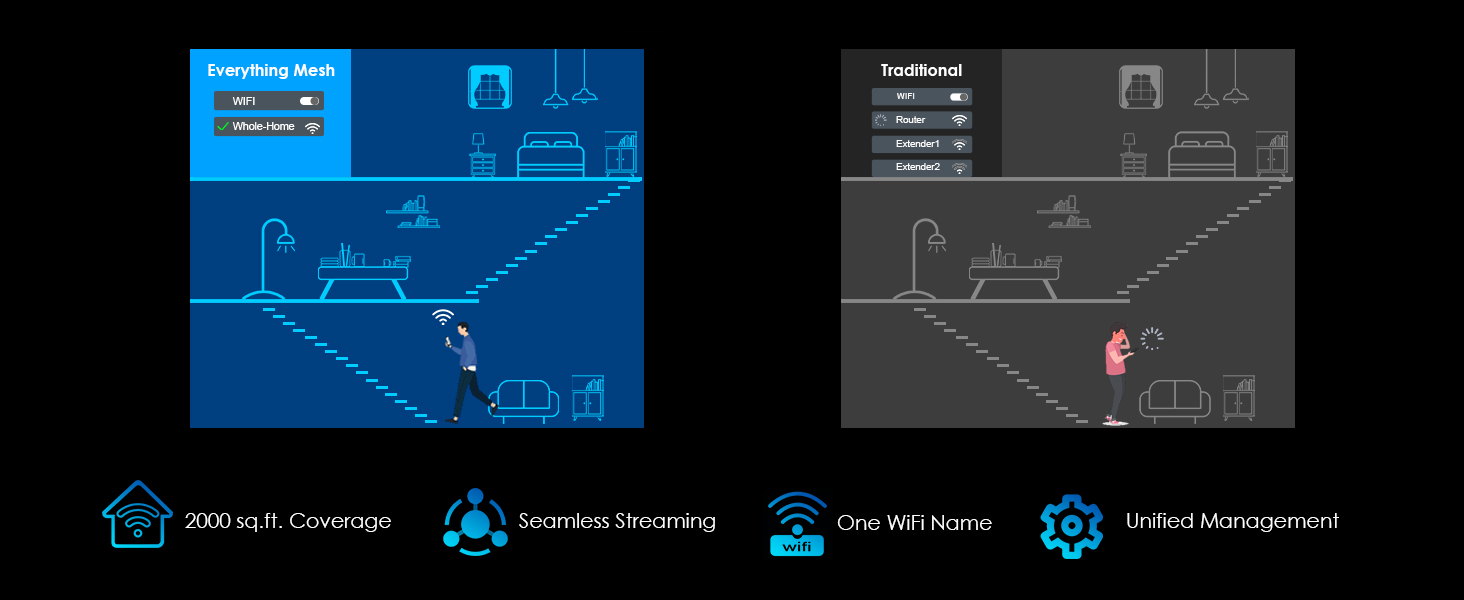
【Achieve Whole-Home Wi-Fi Flexibility】 Enjoy the convenience of creating a single WiFi network using Everything Mesh, allowing for uninterrupted whole-home coverage by simply adding a mesh extender. This setup ensures a high-speed WiFi experience throughout larger spaces, eliminating the need to manually switch networks while moving around your home. Say goodbye to signal drops and frustrating lags.
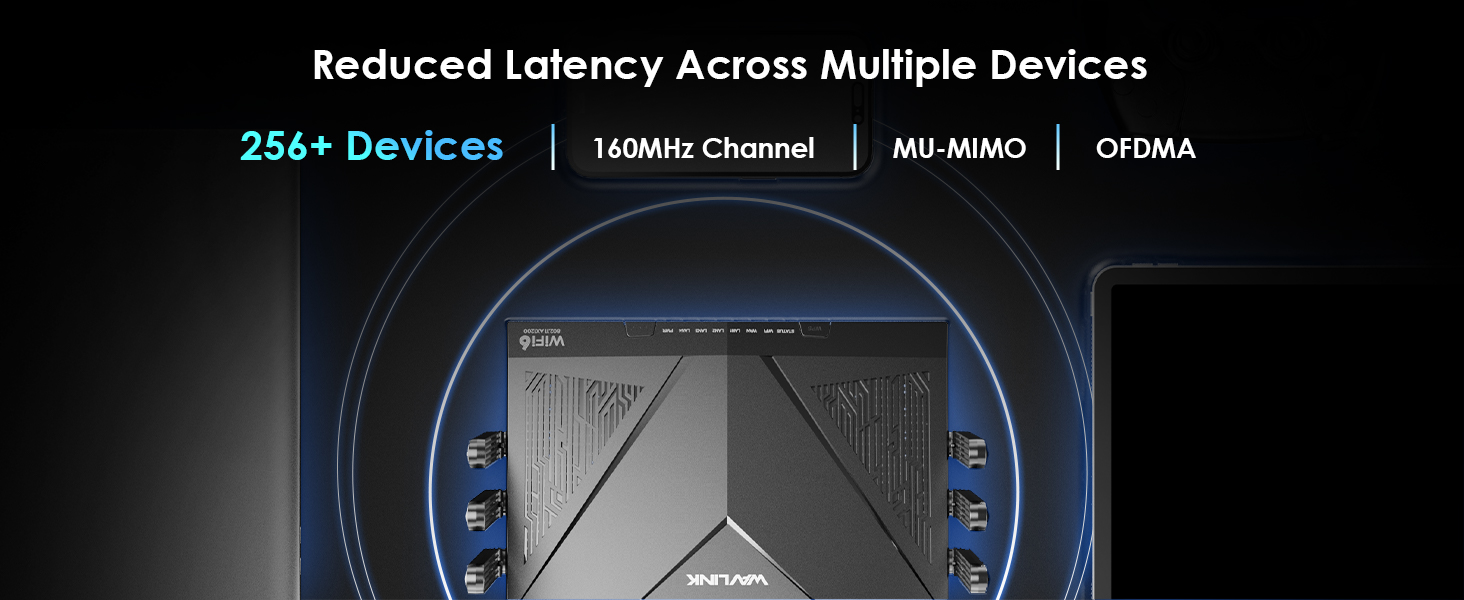
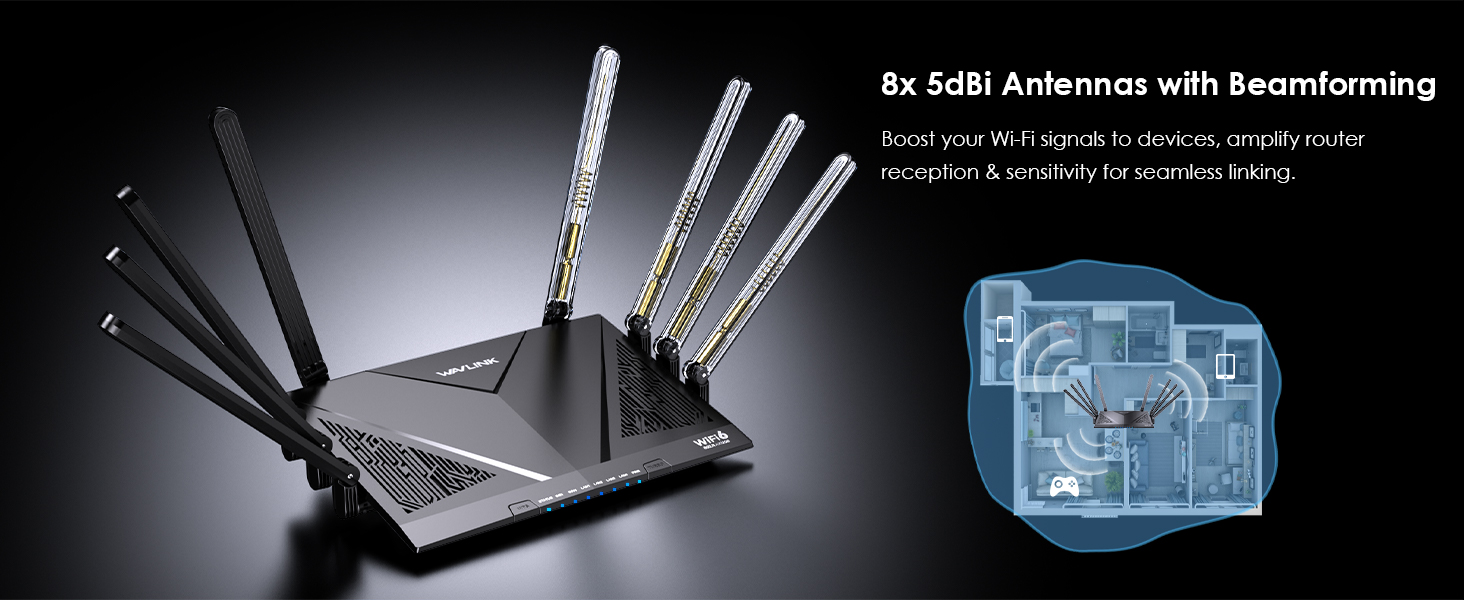
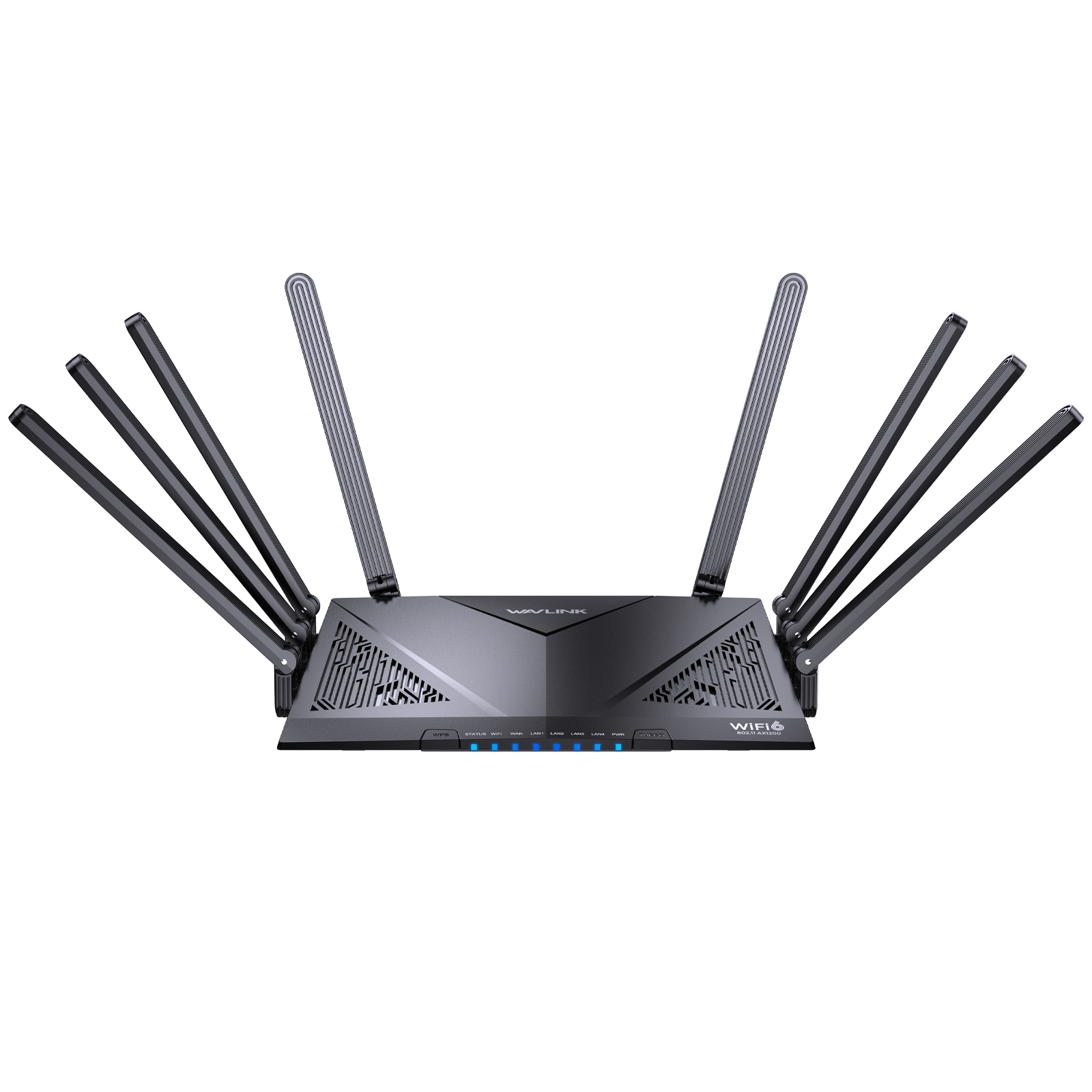
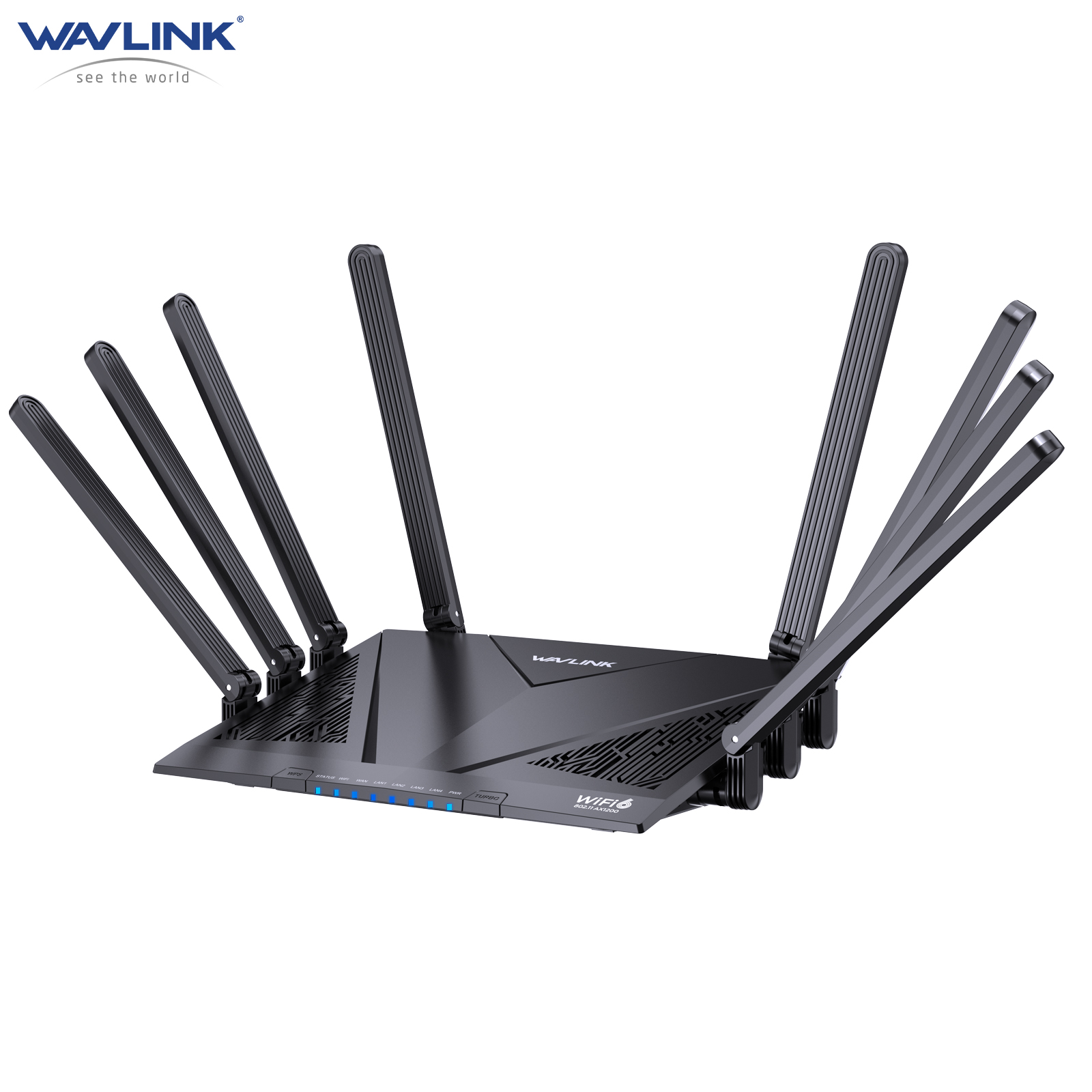
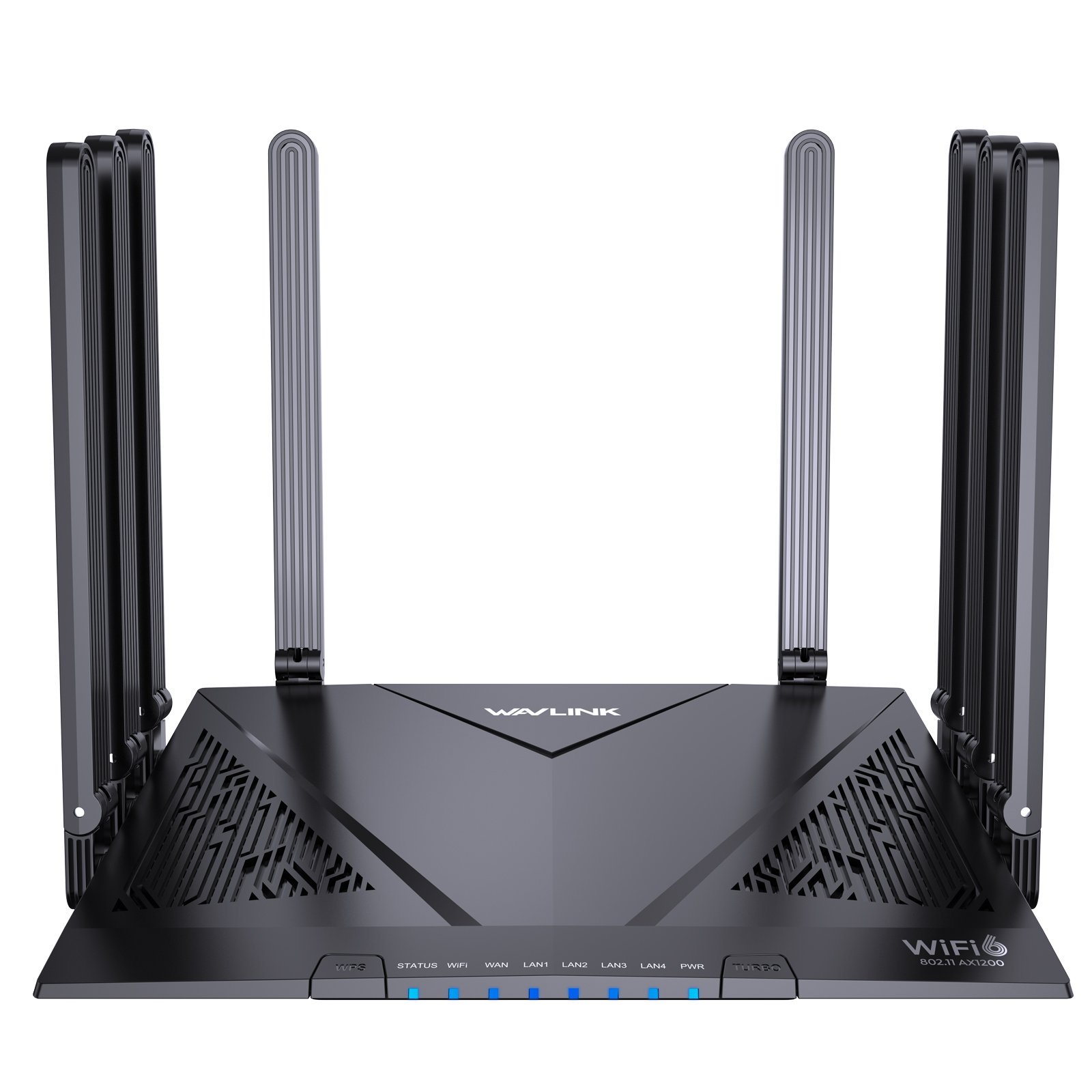
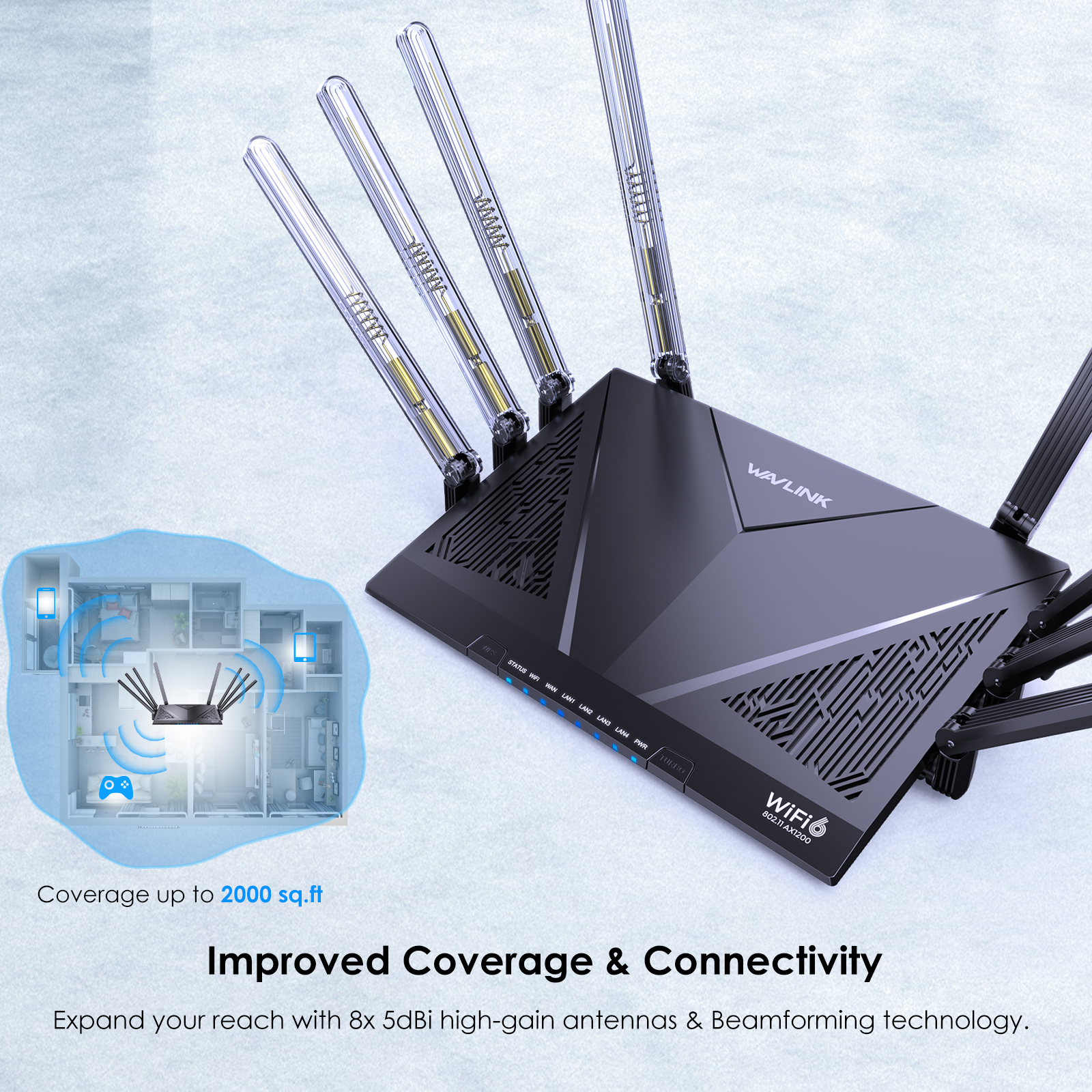
【Improved Coverage & Connectivity】 Utilizing 8x 5dBi omni directional antennas and beamforming tech, this wifi router provides robust and reliable Wi-Fi coverage throughout your home, spanning up to 2,000 sq.ft. Supporting OFDMA and 4x4 MU-MIMO, the router boosts network efficiency, tackling the complex task of simultaneous communication with more than 256 wireless devices.
【Advanced Encryption Support】 The wireless router protects your home network by supporting PPTP, L2TP, OpenVPN and WireGuard, and allows access to the remote VPN server on the home network. With WPA/WPA2-Enterprise, WPA2/WPA3-PSK MIX encryption support, the router fortifies the security of wireless connections with contemporary encryption standards, ensuring the confidentiality and integrity of data. 
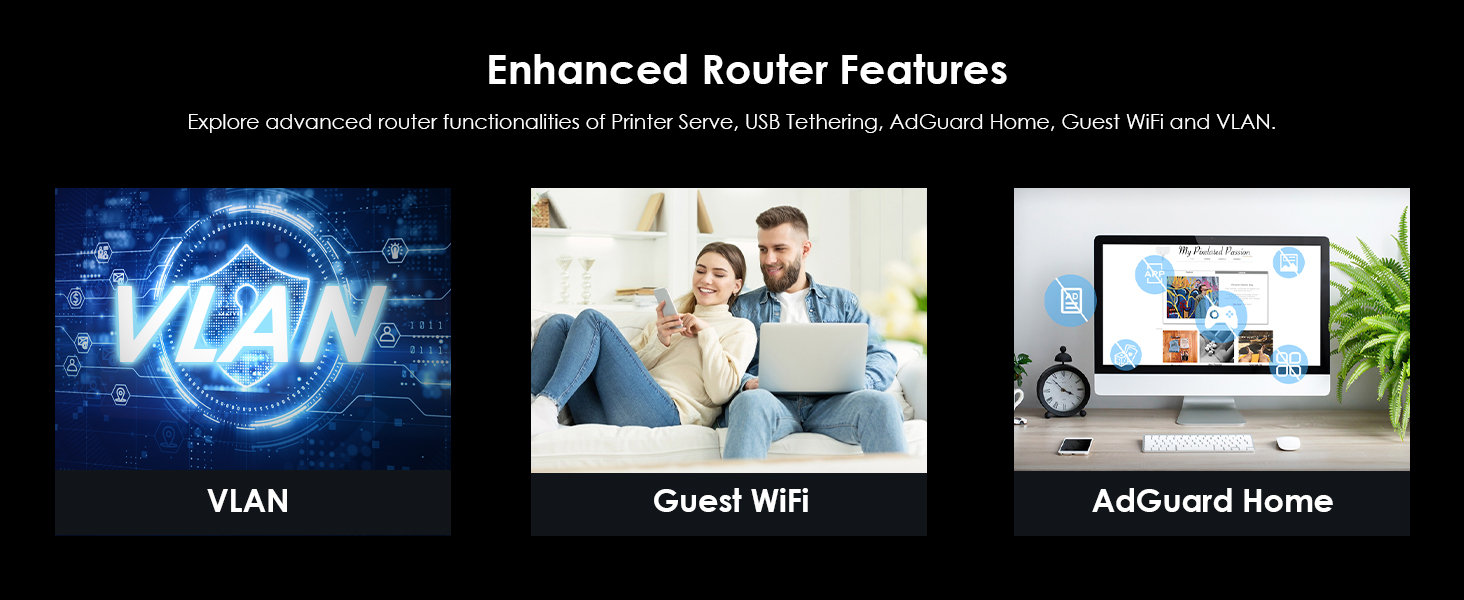
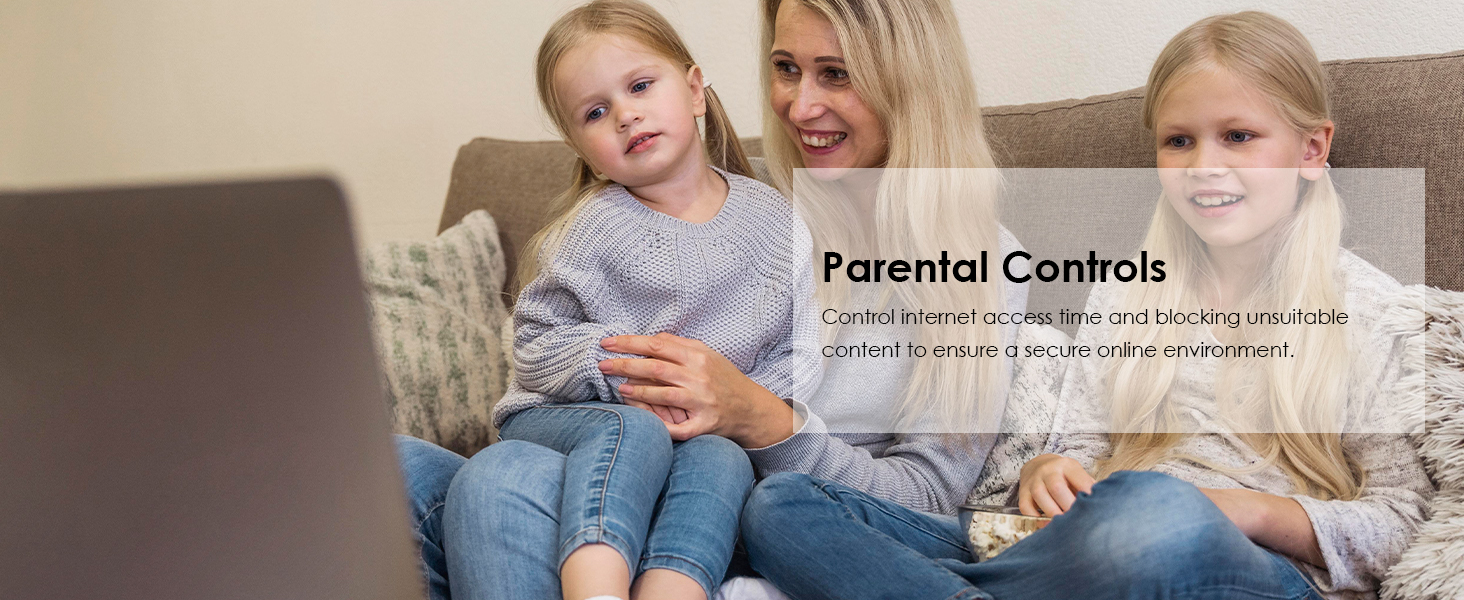
【Simplified Setup & Management】 Easily configure this WiFi 6 router with our user-friendly WavRouter app, which provides guided steps for quick setup. Or connect to the router's WiFi, enter 192.168.20.1 in your browser for UI access, and swiftly complete all steps. Explore various features, like parental controls and QoS settings, for enhanced network control.

Like it, Buy now:

Specifications

  • TECHNICAL SPECIFICATIONS
  • Model

    WL-WN536AX6

  • Ports

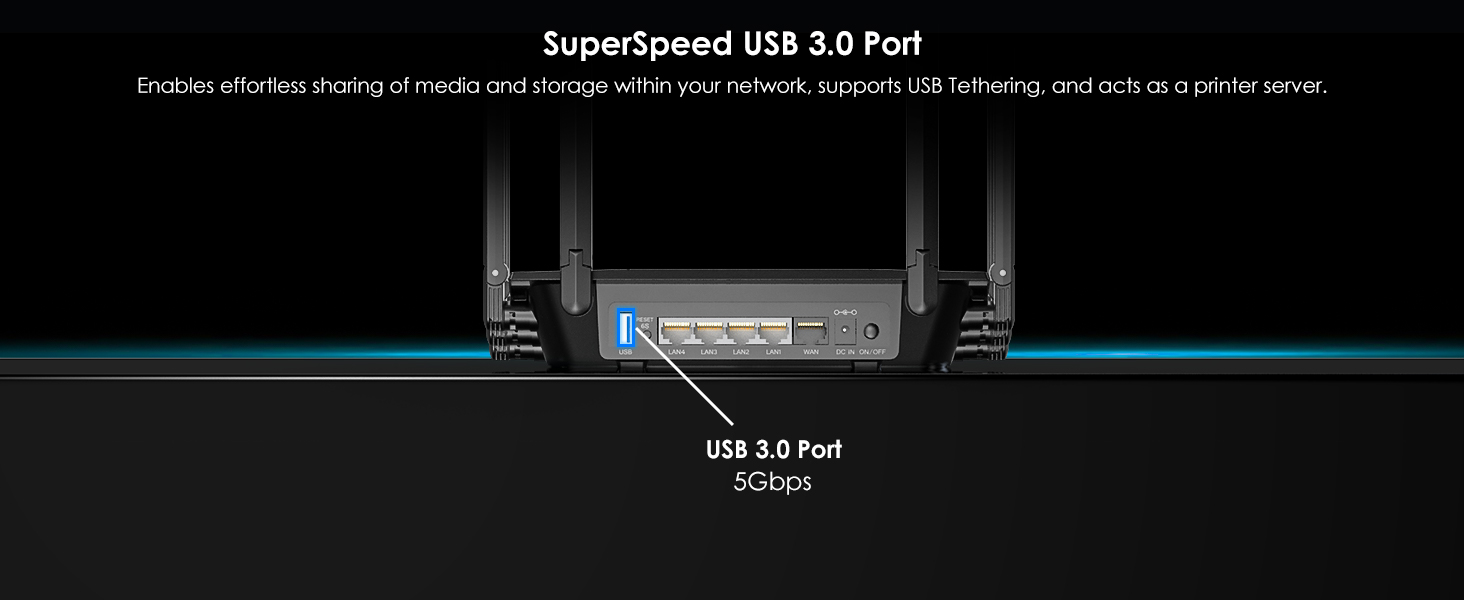
    1 x WAN(2.5Gbps); 4 x LAN(1000Mbps); 1 x USB-A 3.0; 1 x DC in

  • Button

    1 x Power On/Off; 1 x Reset(6s); 1x Pair(2s); 1x Turbo

  • Status LED(Blue)

    4 x LAN, 1x WAN, 1x WiFi, 1x Power, 1x Status

  • Power Adapter

    DC 12V/1.5A 18W

  • Frequency Band/Speed

    2.4GHz(1148Mbps)+5GHz(4804Mbps)

  • Antenna

    IEEE 802.11b/g/n/a/ac/ax

  • Wireless Security

    WPA2/WPA3-PSK MIX, WPA/WPA2-Enterprise

  • Unit Size(without antennas)

    23.5 x 15.6 x 4cm /9.3 x 6.1 x 1.6in (L x W x H) 

  • Ethernet Cable Length

    100cm/39.4in

  • Weight

    462g/16.3oz

Manual

WL-WN536AX6-Manuals

Description : WL-WN536AX6-Manuals

Post Date : 20/11/2025

Available : WL-WN536AX6

Download : English

Q&A

Why doesn't the login page appear after entering http://wavlogin.link?

Make sure you should connect the Wi-Fi signal of wavlink device.

Make sure you should enter the url in the address bar but not the search bar.


Make sure you entered the current URL.

Try to use http://192.168.30.1 to log in the management page.

If you try to log in by phone,please turn off your mobile network and try to log in again.

If you try to log in by your pc/laptop,please disconnect other internet connection.

Make sure the VPN should be disabled.

What should l do if l can't access the internet after configuration.

Restart your modem (wait 5 minutes). Disconnect extra Ethernet cable connection from the modem.

Test by connecting a computer directly to the modem via Ethernet cable. If you still could not get internet,there might some issue with the modem,please contact the isp.

For cable modems, clone the MAC address of the device which could get Internet from the modem via Ethernet cable in More >Network >Internet > MAC Clone>Custom MAC, then reboot

modem and router.

Why the flow monitoring is inaccurate?

The Hardware NAT Settings's default open status leads to the absence of monitored data. If you wanna keep the flow monitoring accurate, you have to turn off the Hardware NAT Settings function manually, which inevitably will increase the CPU usage.

What should I do if I forget my admin password?

Please reset the device by pressing the reset button for 6s when the device is powered on.

Could wavlink device work as the modem?

No,wavlink device could not work as the modem,you have to connect the wavlink device to the modem via Ethernet cable.Otherwise it could not work.

How to reset the device?

Please press the reset button for 6s when the device is powered on.

Can this device form a mesh network with my routers of other brands?

No,this device could only form mesh system with the specific wavlink device which support everything mesh technology.

For the devices which support everything technology,please refer to the link below:

Everything Mesh Setup Guide | WAVLINK User Guide

Top

Get the Scoop First

Subscribe to our official website to receive exclusive first-hand news and stay up-to-date on our new product releases and promotions!