Skyline Stream 5
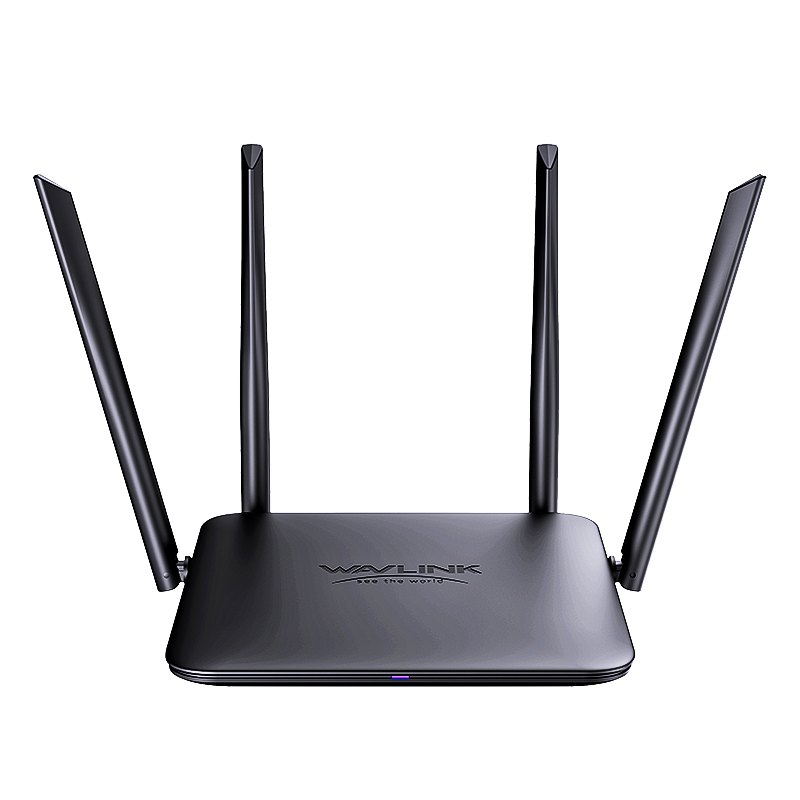
Model: WN530BE2-A
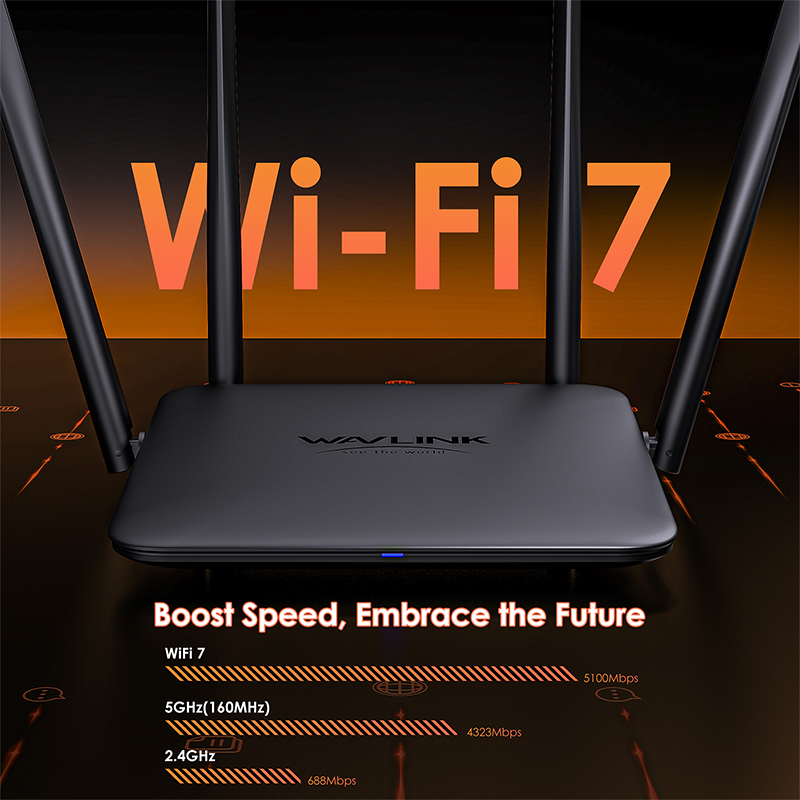
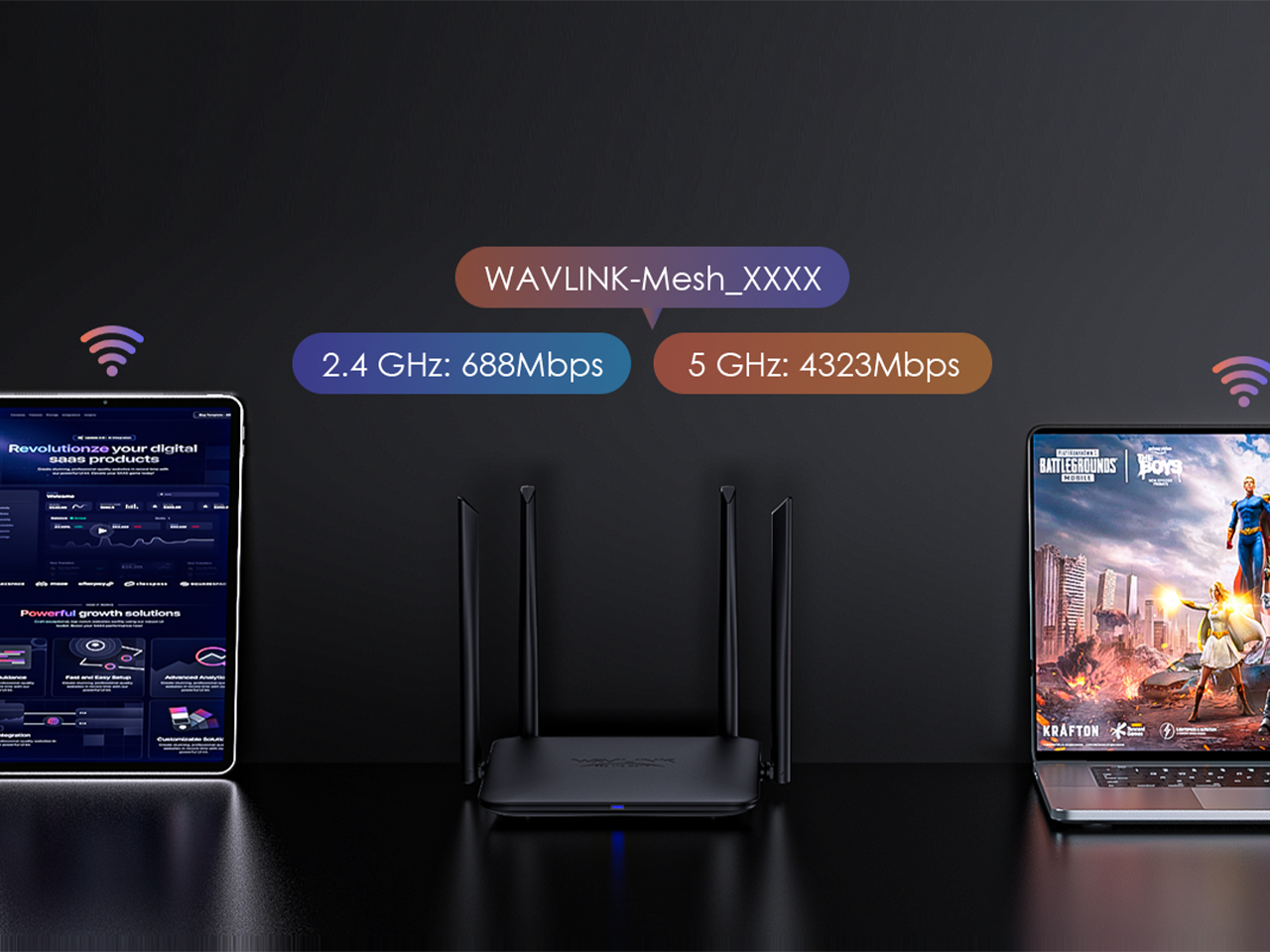
- Band Frequency: 2.4GHz@688Mbps+5GHz@4323Mbps, total@5100Mbps.
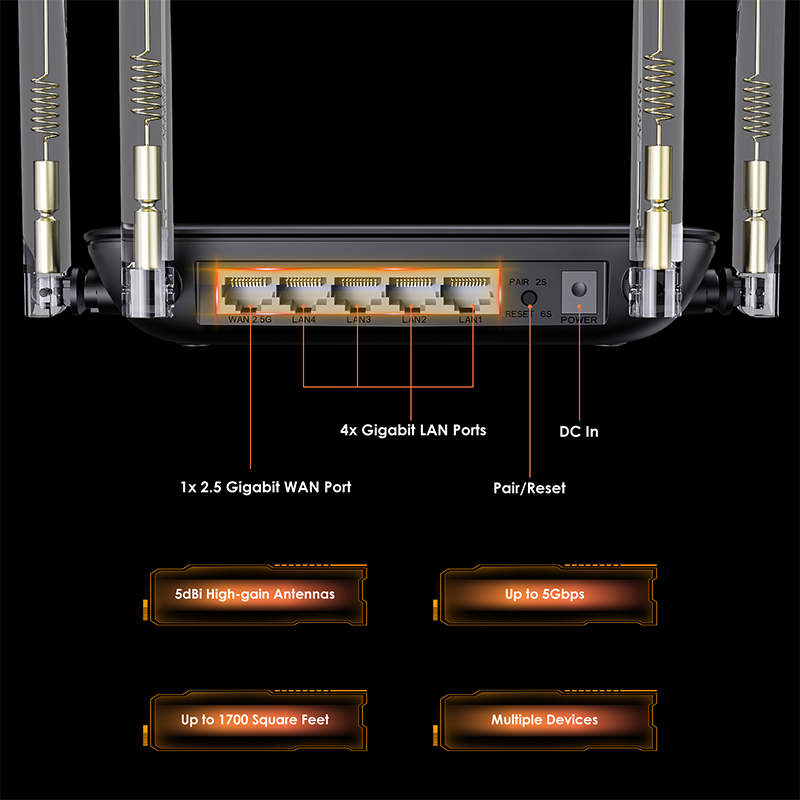
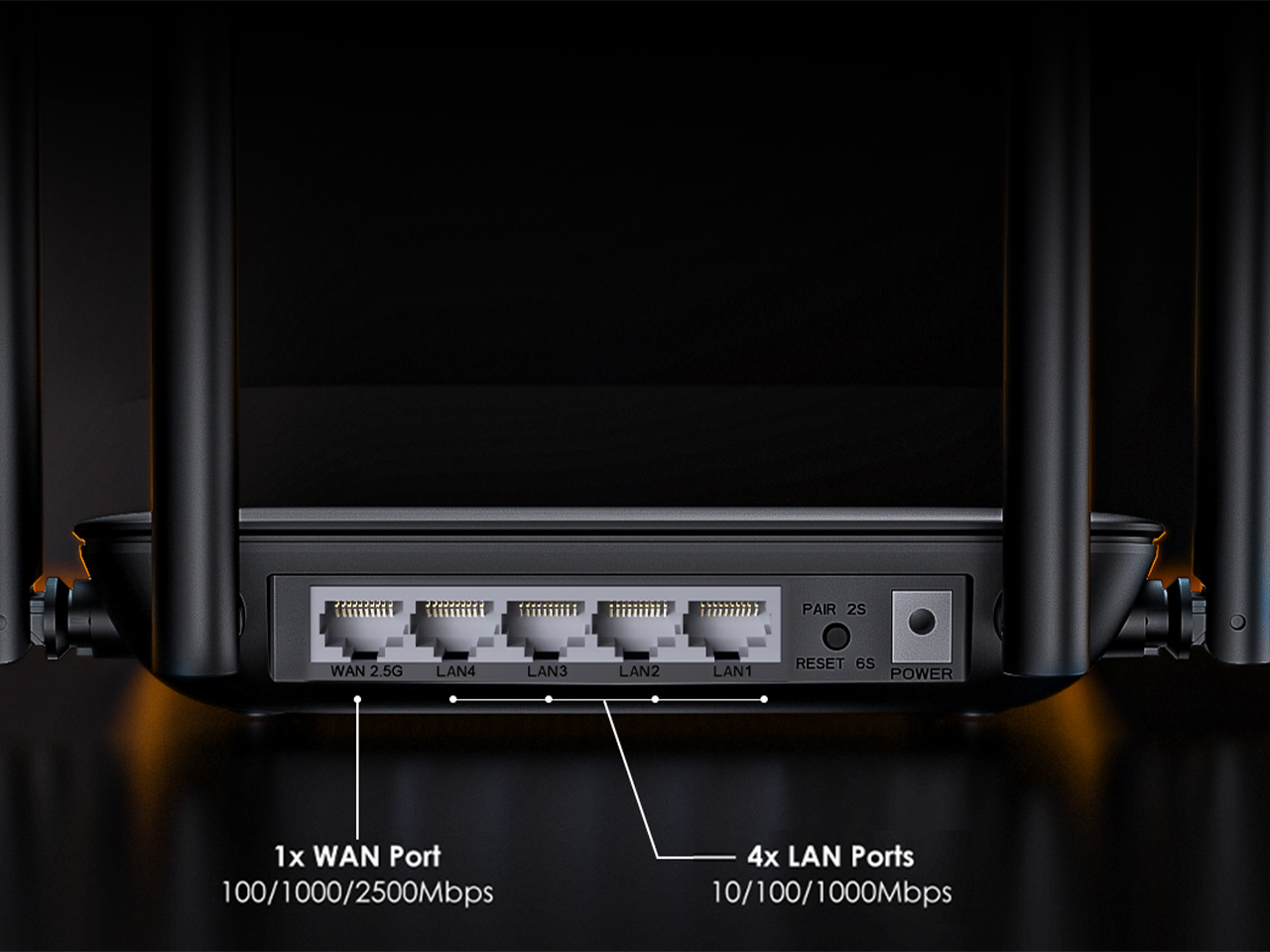
- Ethernet Ports: 4x10/100/1000Mbps LAN, 1x100/1000/2500Mbps WAN.
- 5dBi High-Gain Antennas.
- WPA2-PSK, WPA1-PSK/WPA2-MIX, WPA3-SAE/WPA2-PSK, WPA/WPA2-Enterprise.
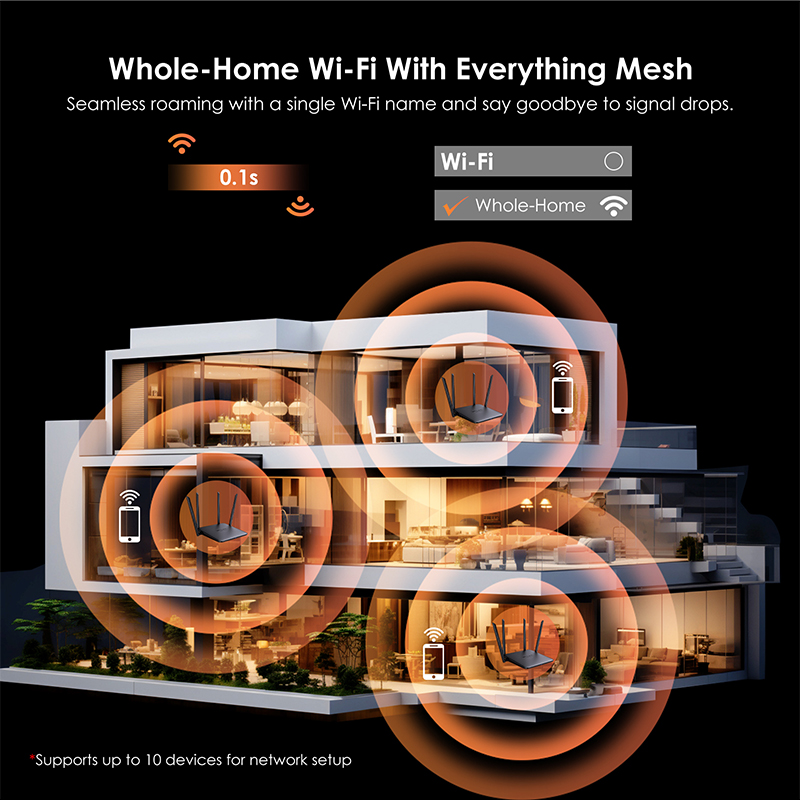
- WAVLINK Everything Mesh, Guest WiFi, Parental Control
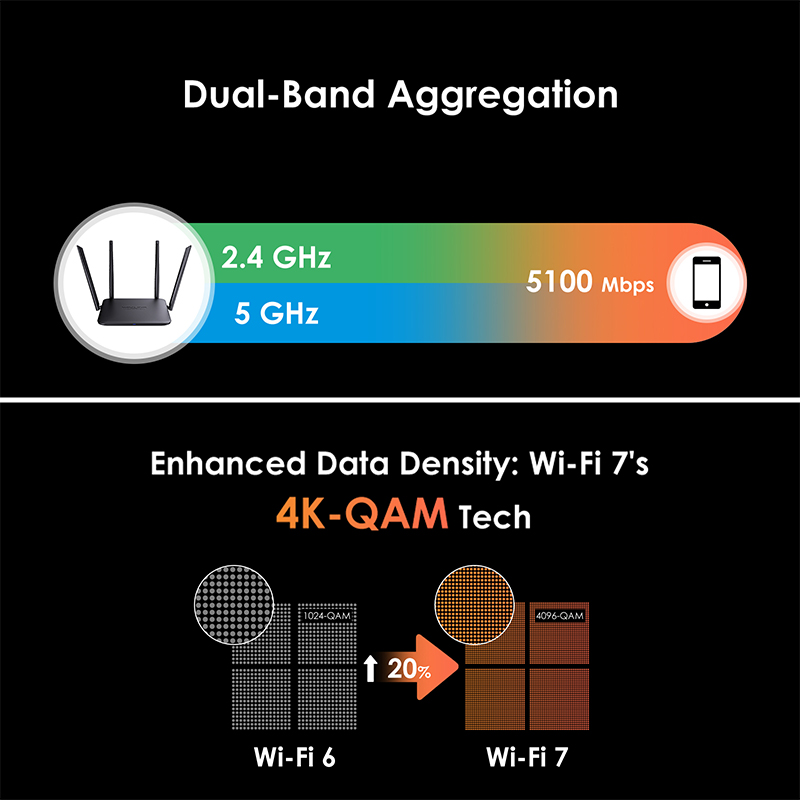
- 4096-QAM, OFDMA, UL/DL MU-MIMO
Elevates Your Network to the Next Level of Wi-Fi Performance
Enjoy high-speed internet with a 2.5 Gigabit WAN port and effortlessly connect wired devices via four 1000Mbps Ethernet LAN ports.
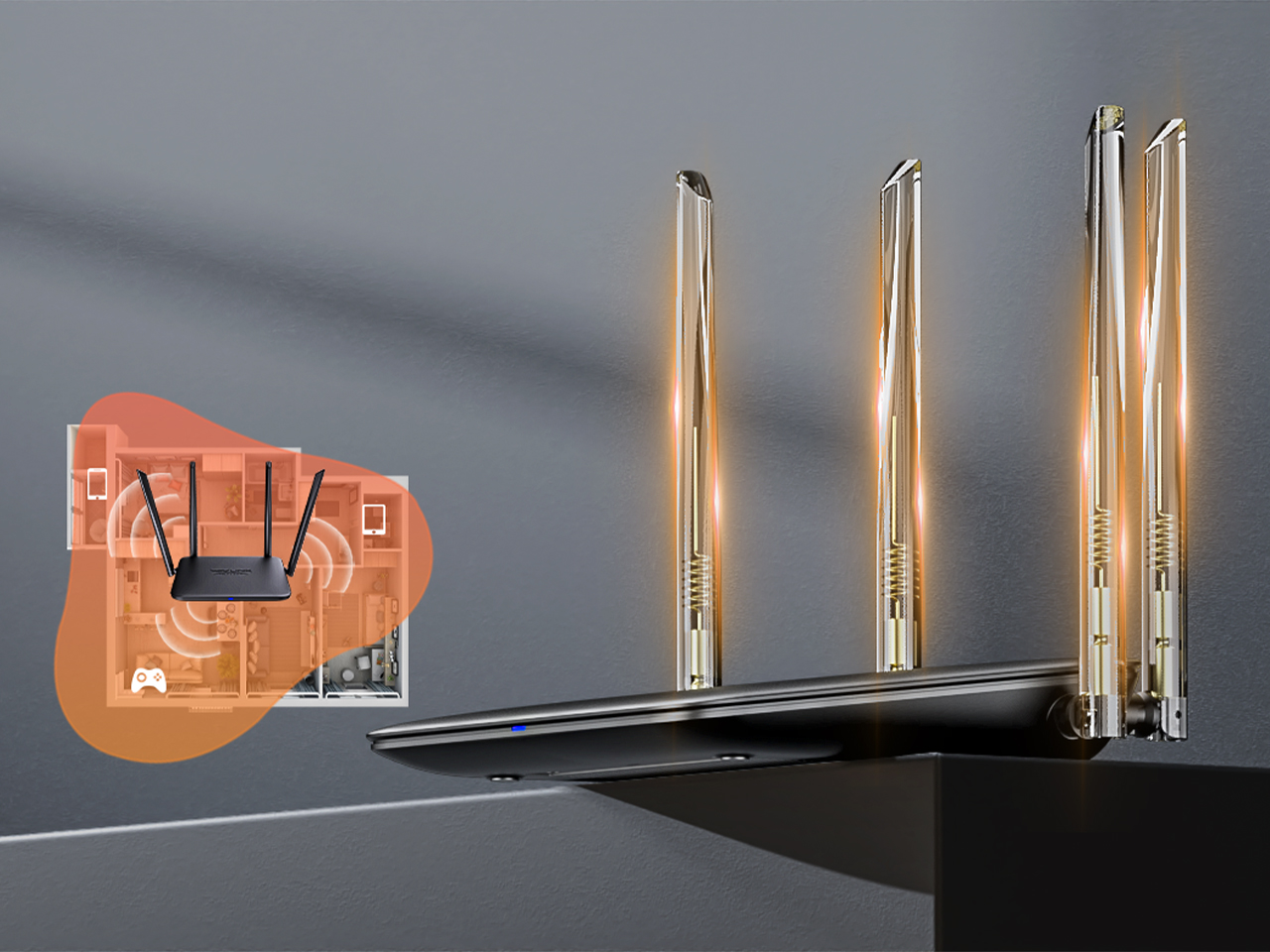
Boost your Wi-Fi signals to devices, amplify router reception & sensitivity for seamless linking.
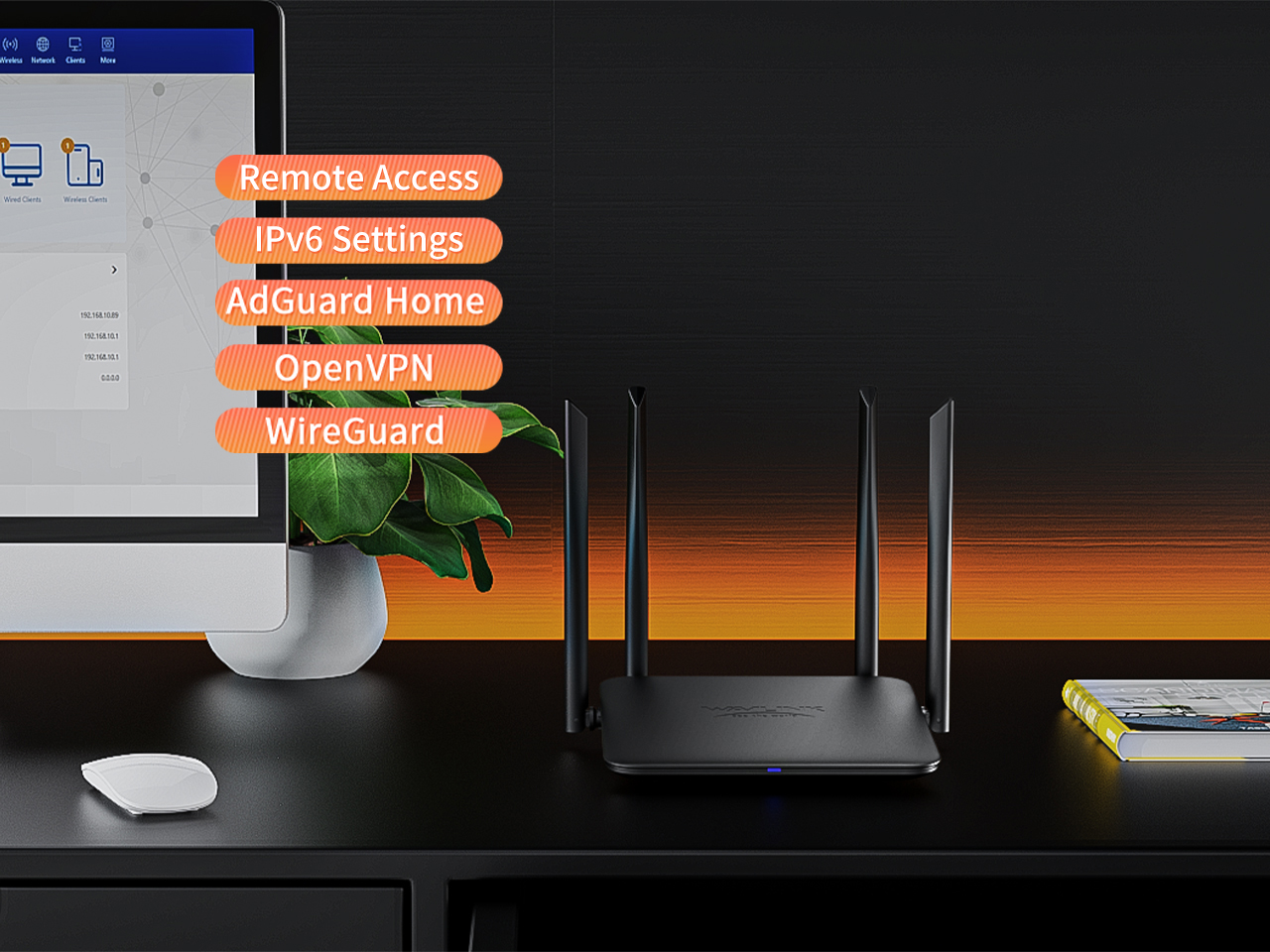
Set up the router via the WavRouter app or by entering 192.168.20.1 in your browser to access a host of features.

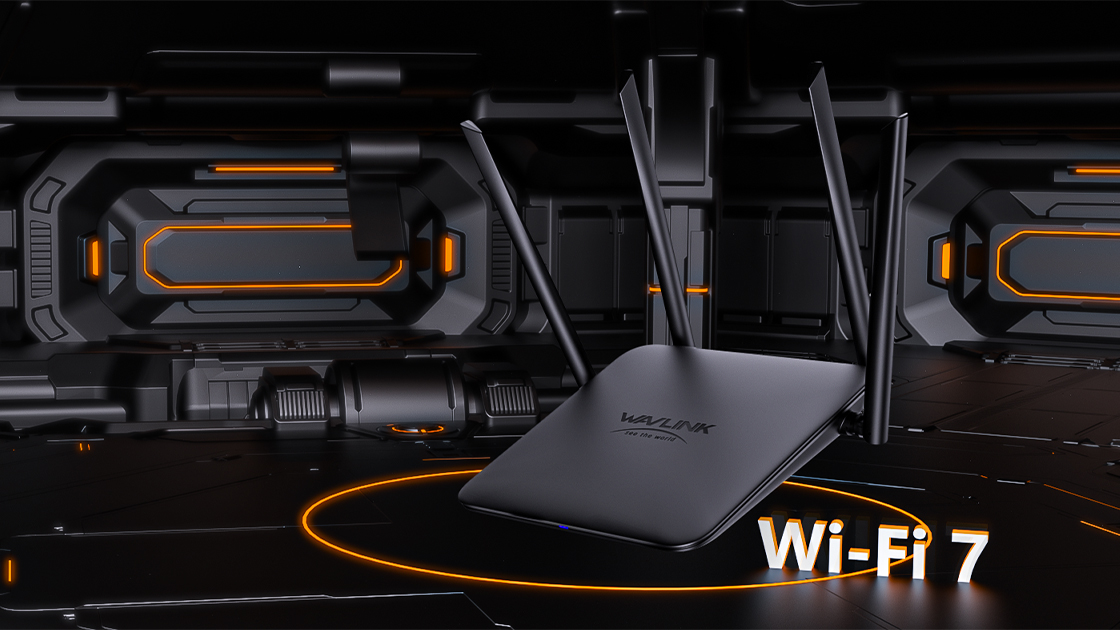
Experience unparalleled network performance and efficiency with cutting-edge Wi-Fi 7 technology, ensuring next-generation wireless connectivity.
Optimizes network speed and stability by combining two Wi-Fi frequencies for improved performance and seamless connectivity.

SPECIFICATION
| Hardware | Wireless | ||
| Ports | 1 x 2.5G WAN PORT 4 x10/100/1000Mbps LAN PORT |
Standard | IEEE 802.11b/g/n/ac/ax/be |
| Button | 1 x PAIR&Reset | Frequency band | 2.4GHz, 5GHz, |
| LED | 1 x SYS | Transmit Power | 2.4G:23dBm Max, 5G: 23dBm Max, |
| Solution | Sensitivity | 802.11be: -93dBm; 802.11g: -85dBm; 802.11n: -85dBm; 802.11ax: -80dBm | |
| Flash | spi-nand 128MB | Speed | 802.11be: 5GHz 4323 Mbps and 2.4GHz 688Mbps |
| DDR3 RAM | 512MB | Wireless Security | WPA3/WPA2-MIX,WPA2-PSK,WPAPSK/WPA2PSK-MIX |
| Power Supply | DC 12V/1A | Antennas | 2 x 2.4G 5dBi Omni Directional Antennas 3 x 5G 5dBi Omni Directional Antennas |
| Rated Voltage/requency | input:100-240 Va.c. 50/60Hz | Distance | |
| Dimensions | Software | ||
| Unit Dimensions | WAN Type | PPoE, Dynamic IP, Static IP | |
| Environmental | DHCP Settings | Server, Client | |
| Operating Temperature | 0℃~40℃ | Function | Network Settings Wireless Settings Mesh Network Advanced: Parental Control, QoS, VLAN, Parent Control,website block,IPV6 |
| Storage Temperature | -10~70℃ | ||
| Relative Humidity(Operational) | 10%~90%,noncondensing | ||
| Relative Humidity(Storage) | 10%~90%,noncondensing | ||
Make sure you should connect the Wi-Fi signal of wavlink device.
Make sure you should enter the url in the address bar but not the search bar.
Make sure you entered the current URL.
Try to use http://192.168.30.1 to log in the management page.
If you try to log in by phone,please turn off your mobile network and try to log in again.
If you try to log in by your pc/laptop,please disconnect other internet connection.
Make sure the VPN should be disabled.
Restart your modem (wait 5 minutes). Disconnect extra Ethernet cable connection from the modem.
Test by connecting a computer directly to the modem via Ethernet cable. If you still could not get internet,there might some issue with the modem,please contact the isp.
For cable modems, clone the MAC address of the device which could get Internet from the modem via Ethernet cable in More >Network >Internet > MAC Clone>Custom MAC, then reboot
modem and router.
The Hardware NAT Settings's default open status leads to the absence of monitored data. If you wanna keep the flow monitoring accurate, you have to turn off the Hardware NAT Settings function manually, which inevitably will increase the CPU usage.
Please reset the device by pressing the reset button for 6s when the device is powered on.
No,wavlink device could not work as the modem,you have to connect the wavlink device to the modem via Ethernet cable.Otherwise it could not work.
Please press the reset button for 6s when the device is powered on.
No,this device could only form mesh system with the specific wavlink device which support everything mesh technology.
For the devices which support everything technology,please refer to the link below:
Get the Scoop First
Subscribe to our official website to receive exclusive first-hand news and stay up-to-date on our new product releases and promotions!