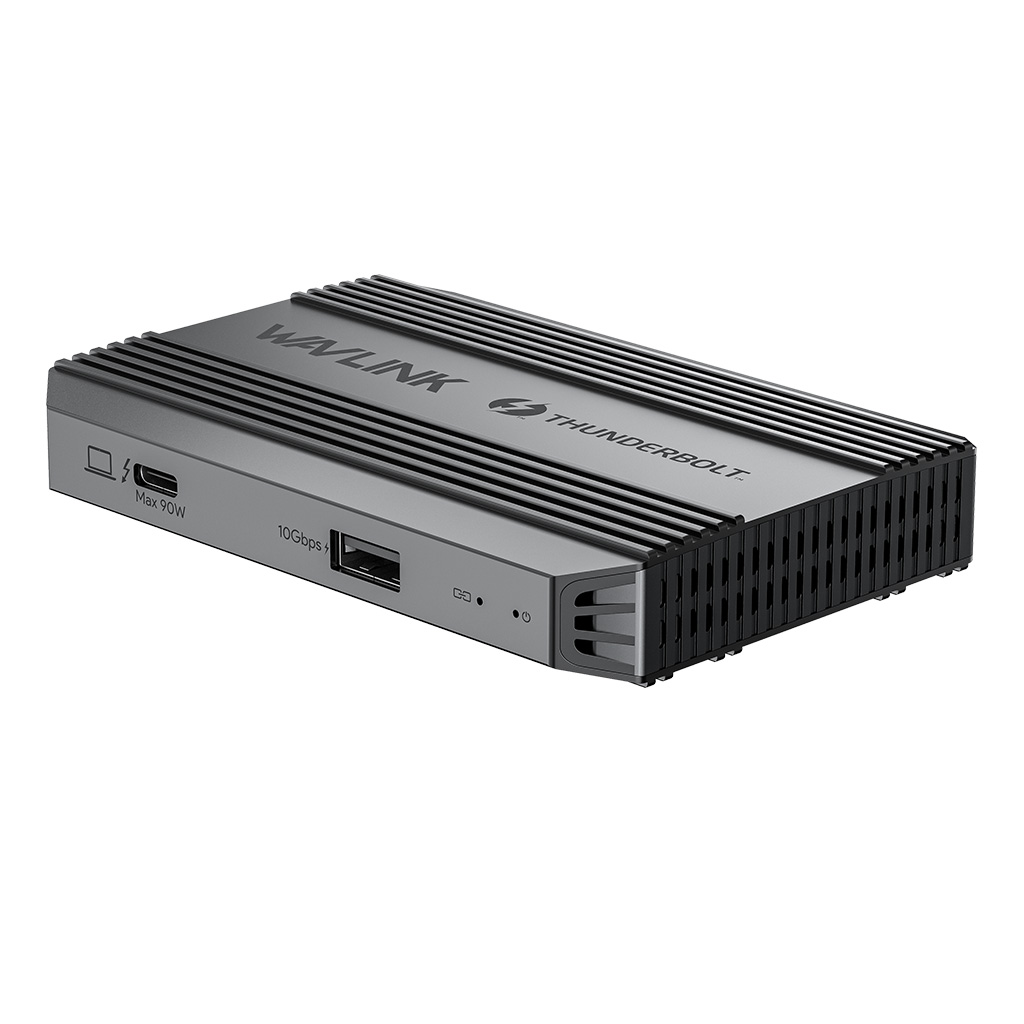
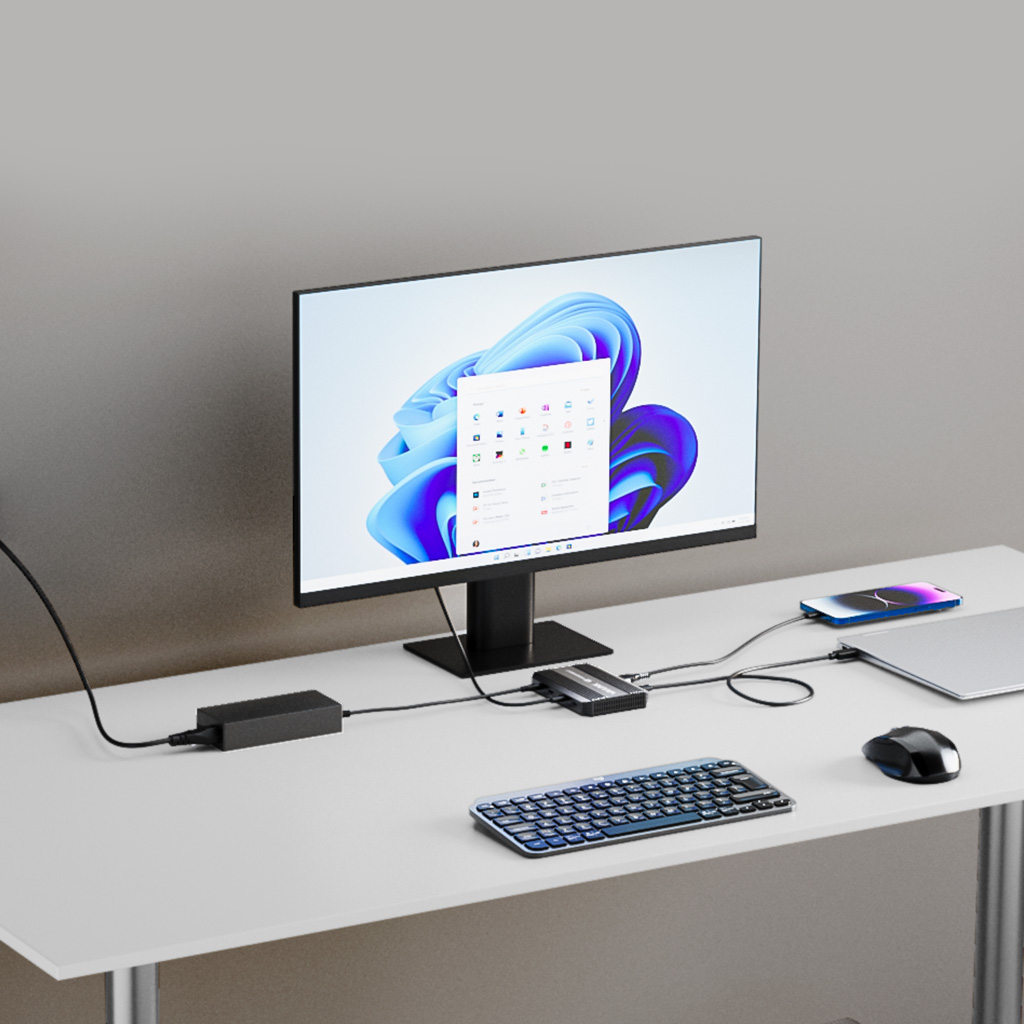
With 90W Power Delivery
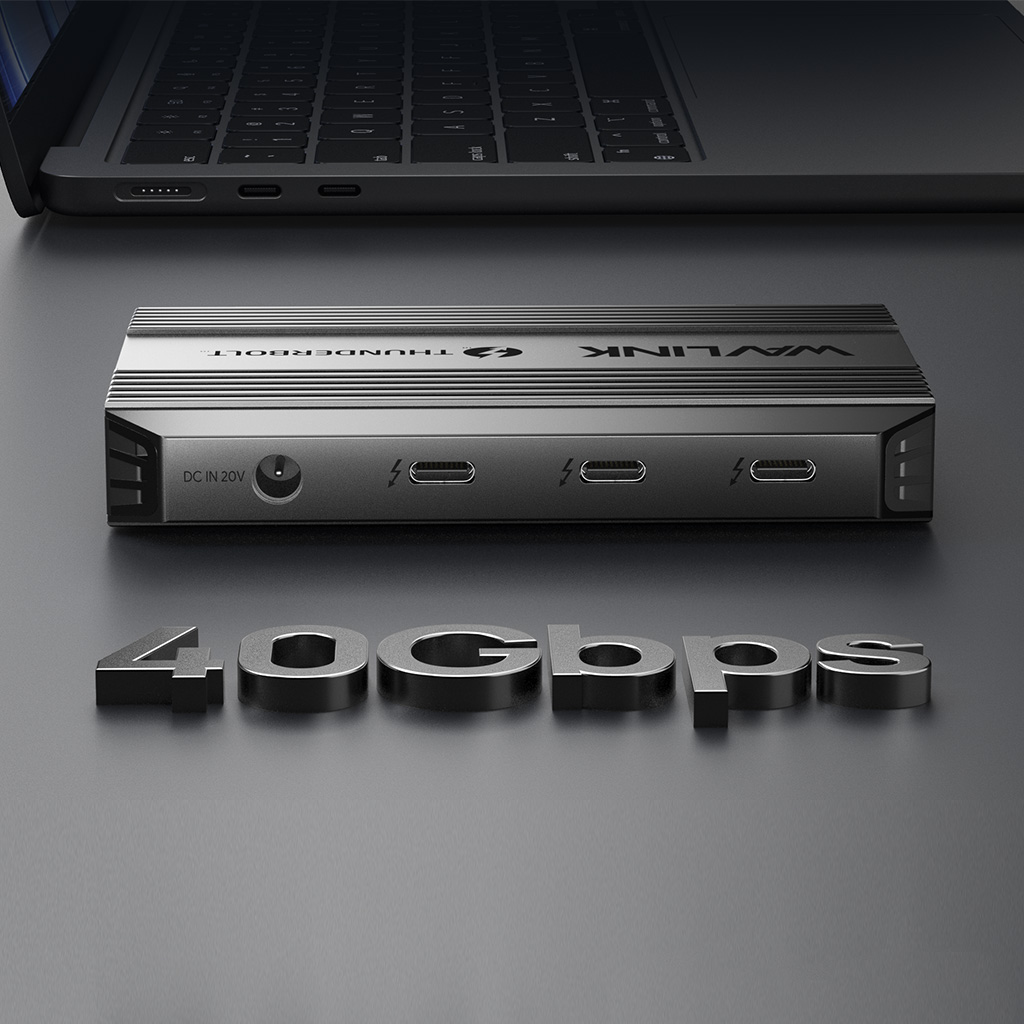
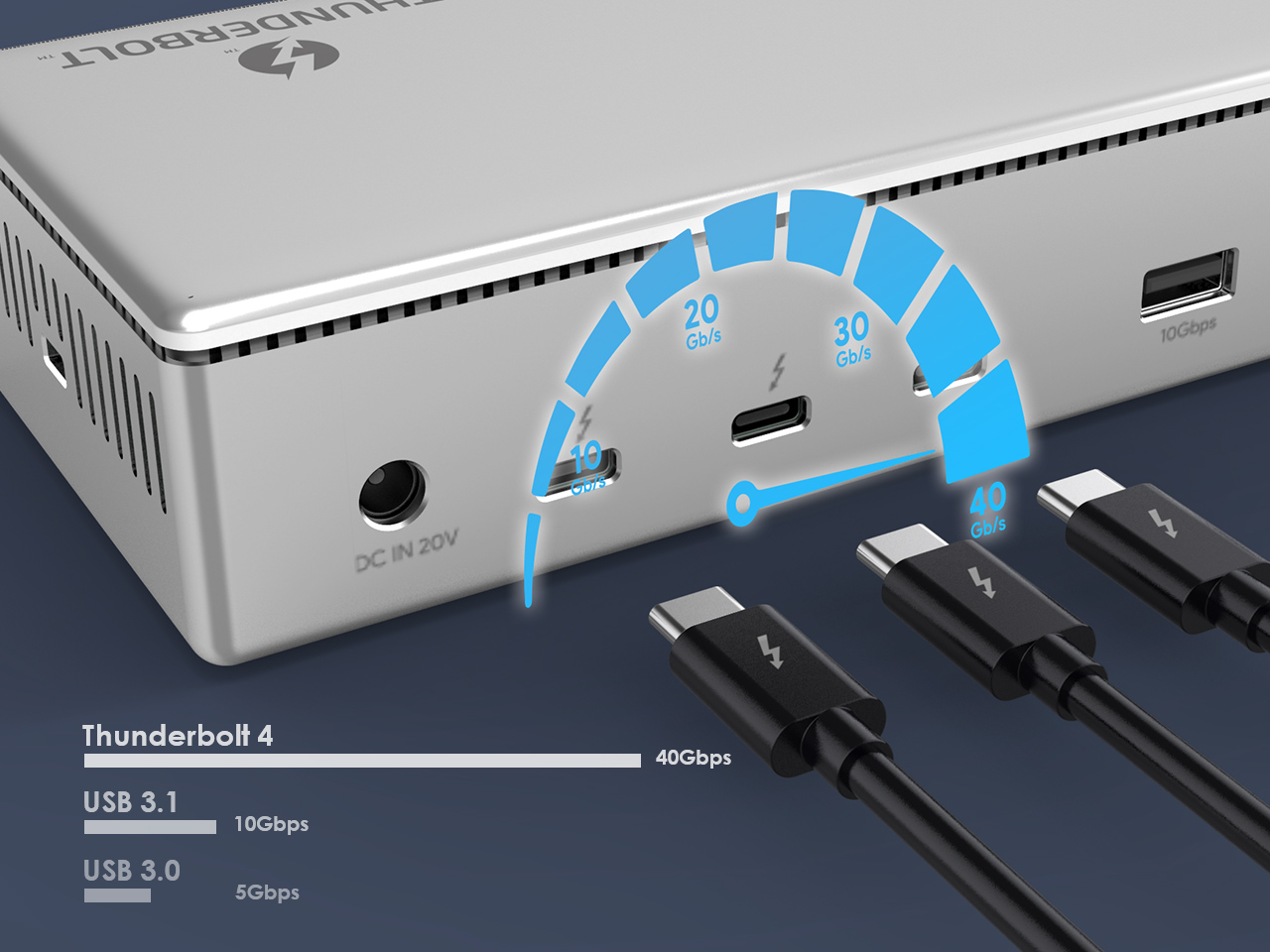
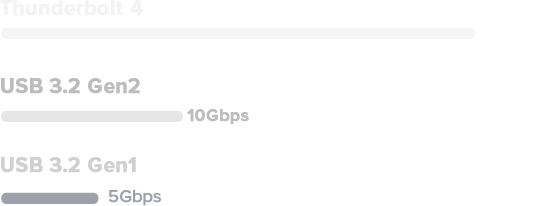
Thunderbolt 4 is the fastest port available with data transfer up to 40Gbps, 8 times more bandwidth than USB 3.0 for video and data transfer.
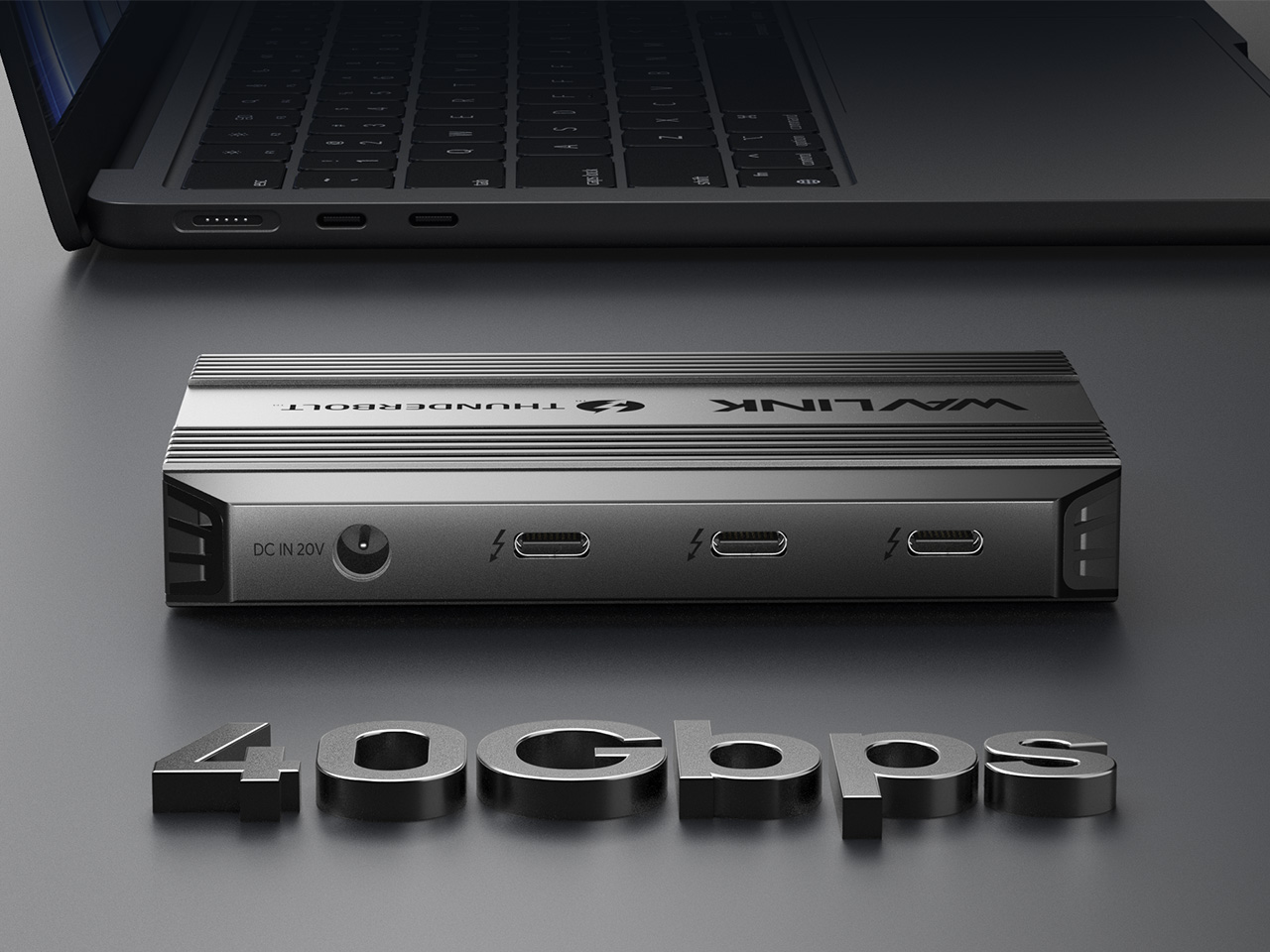
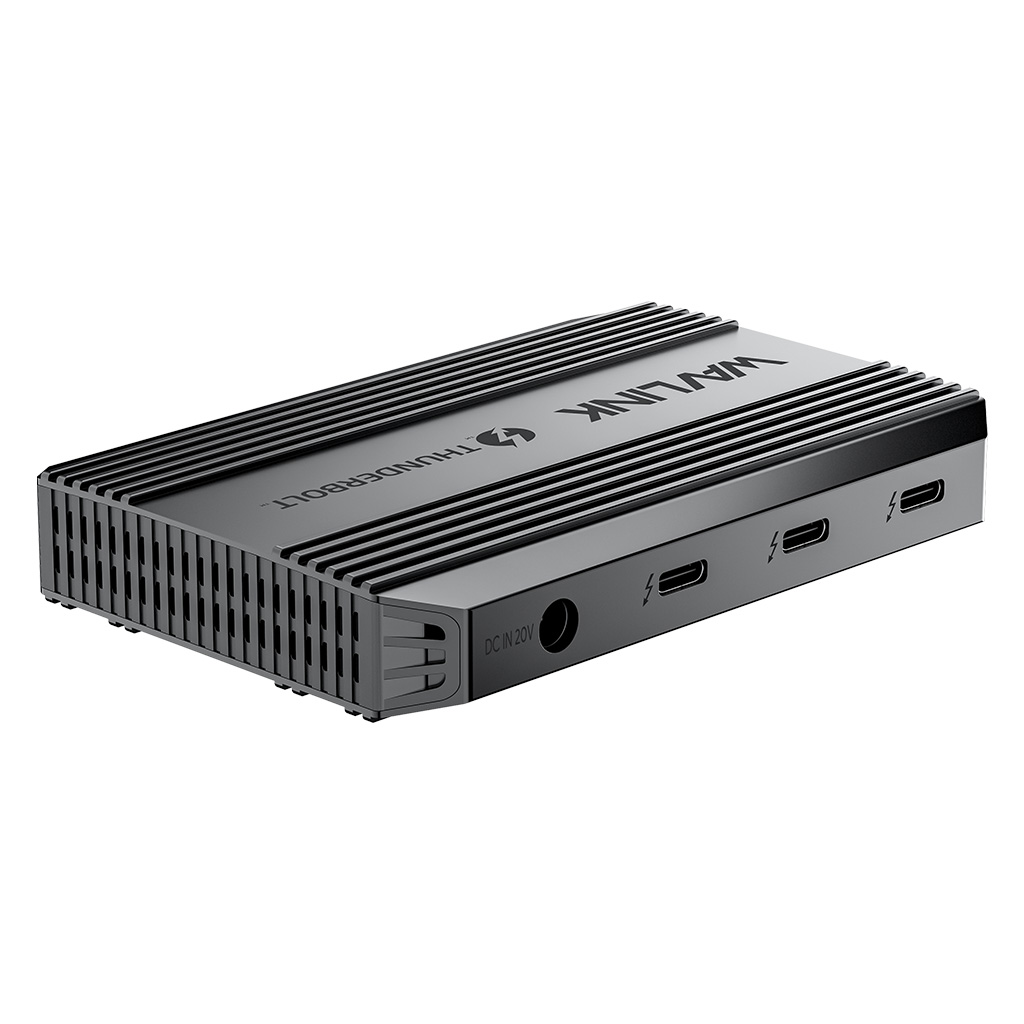
 5-in-1 Dock, Small but Efficient
With four Thunderbolt 4 ports, this dock provides your PC/laptop with maximum 40Gbps data transmission speed, and one USB-A port can connect to external USB devices like USB disk or Enclosure to improve your work efficiency.
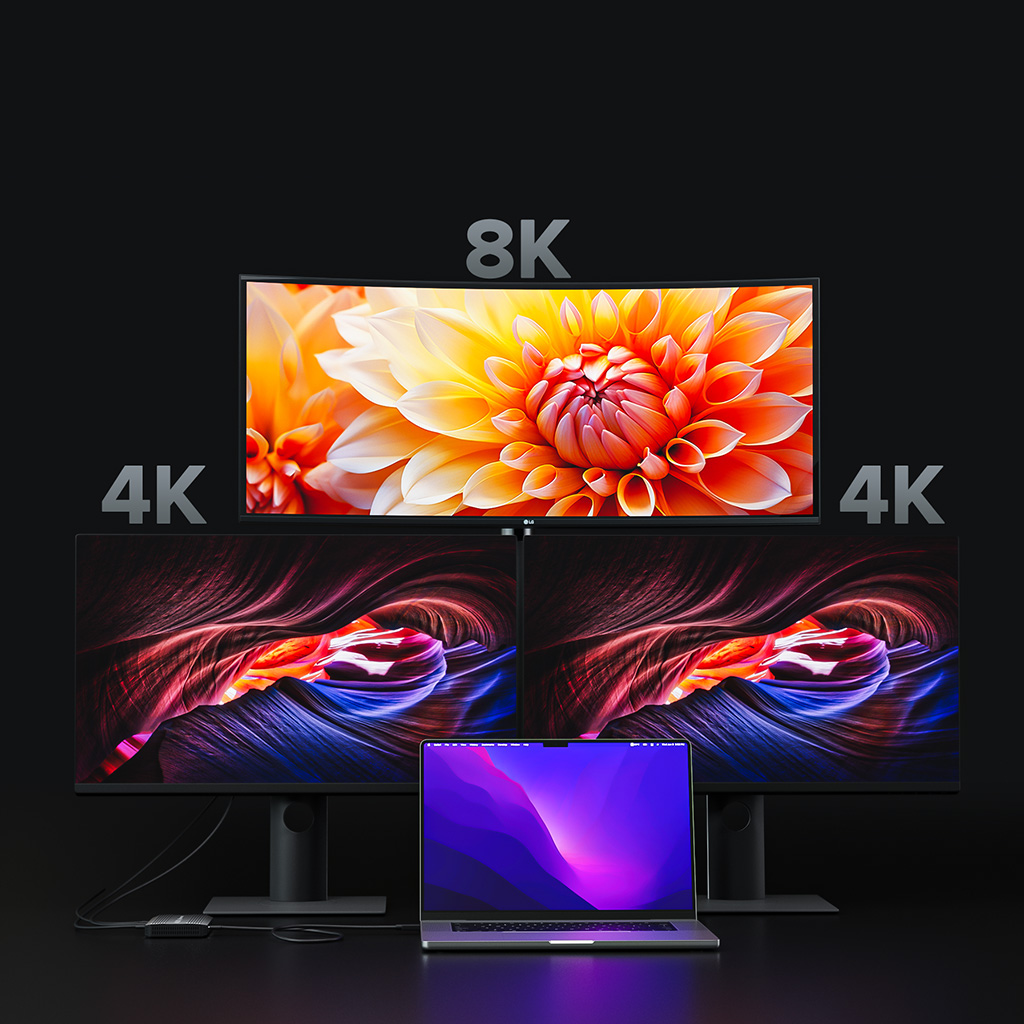
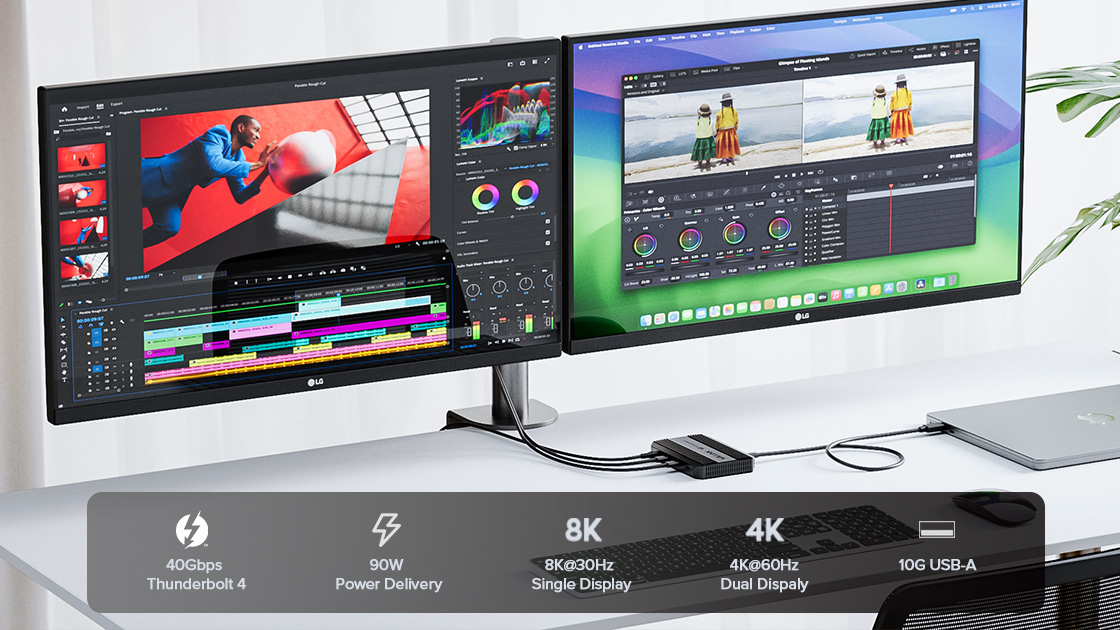
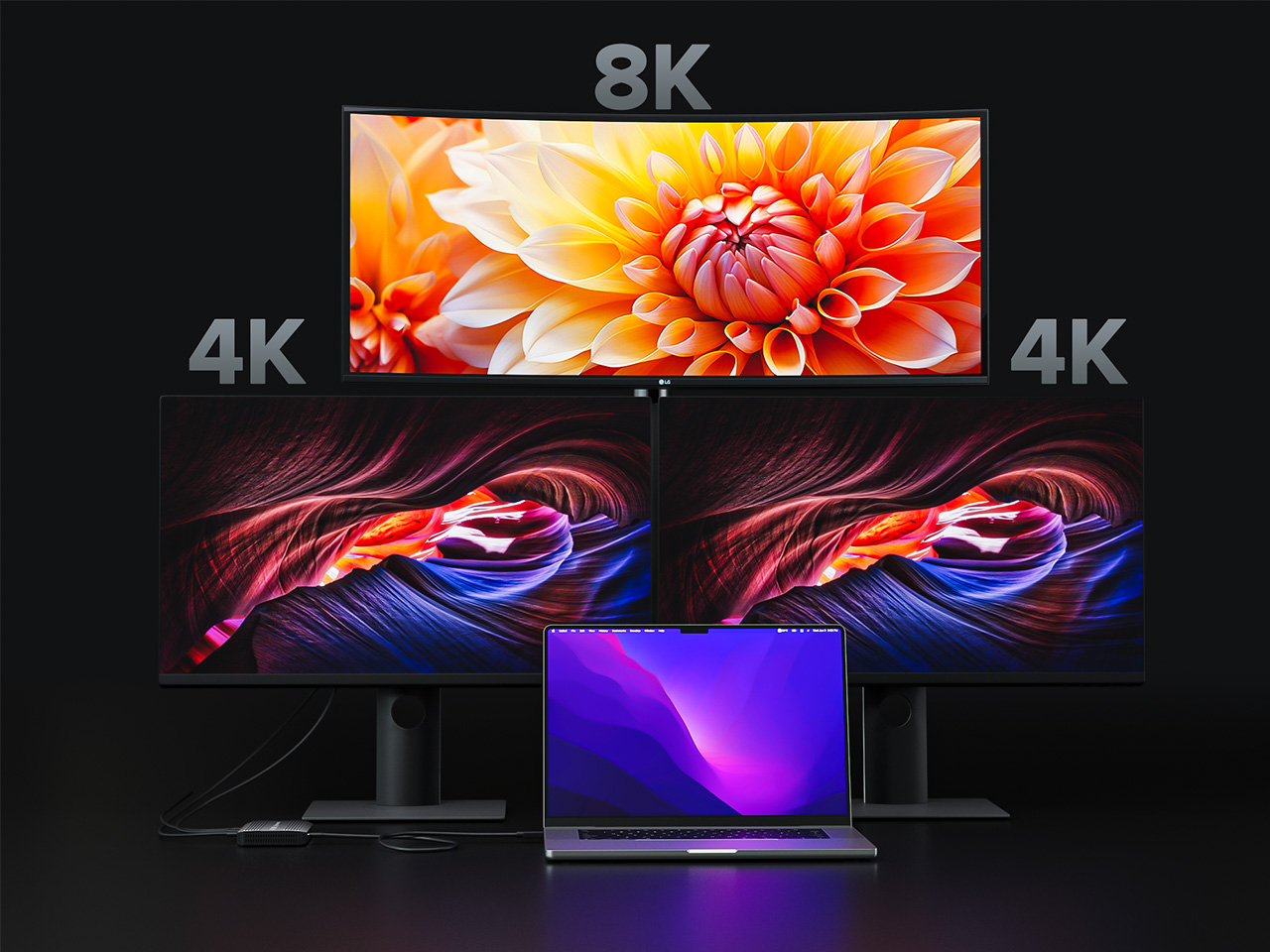
Four Thunderbolt 4 ports support single display up to 8K@30Hz and dual displays up to 4K@60Hz. Higher definition external monitors help to improve the quality of your PC/laptop’s screen display.
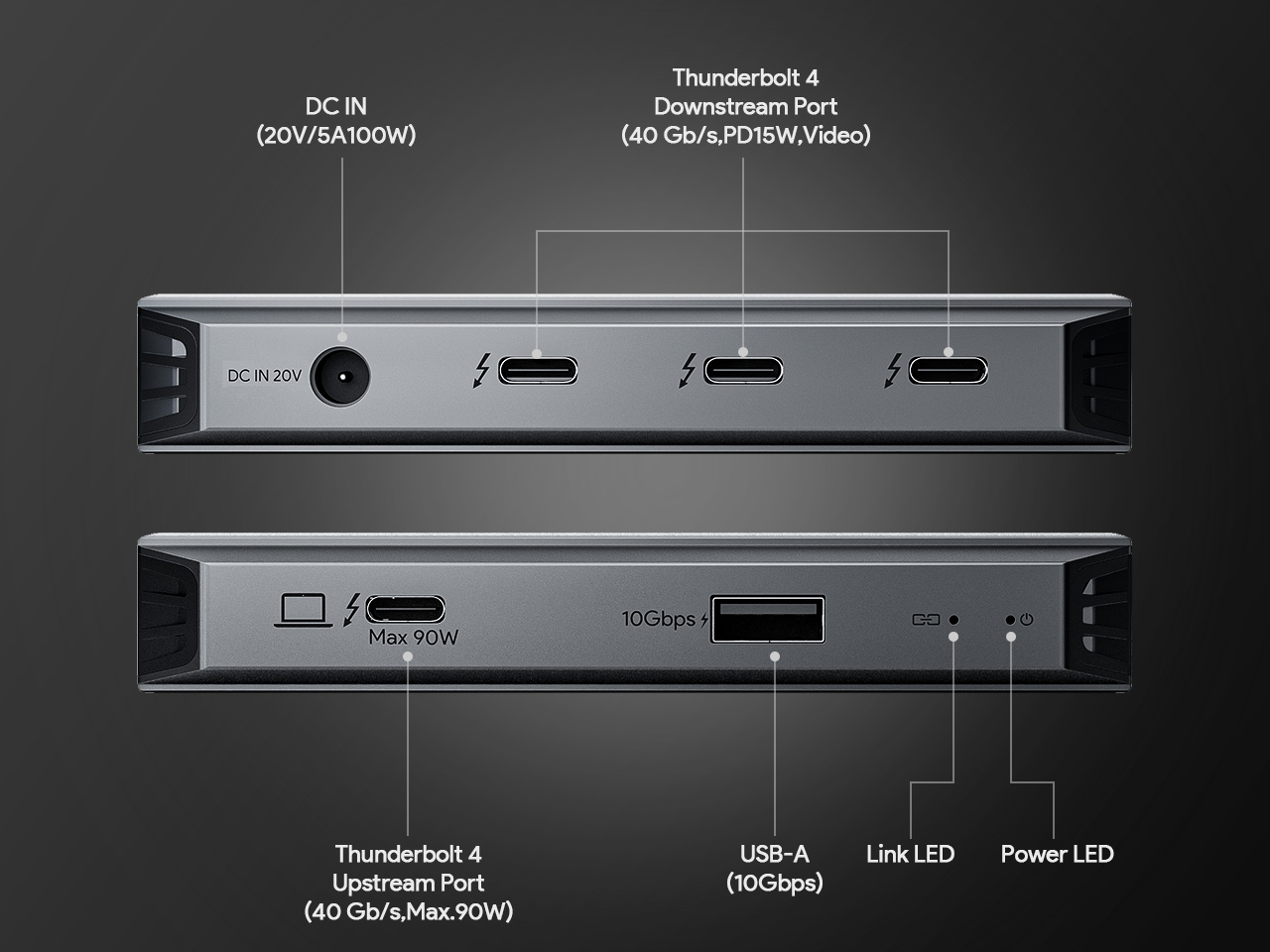
Connected to a power adapter, this docking station can charge your host PC/laptop up to 90W. And the 10Gbps USB-A port also supports BC 1.2 charging
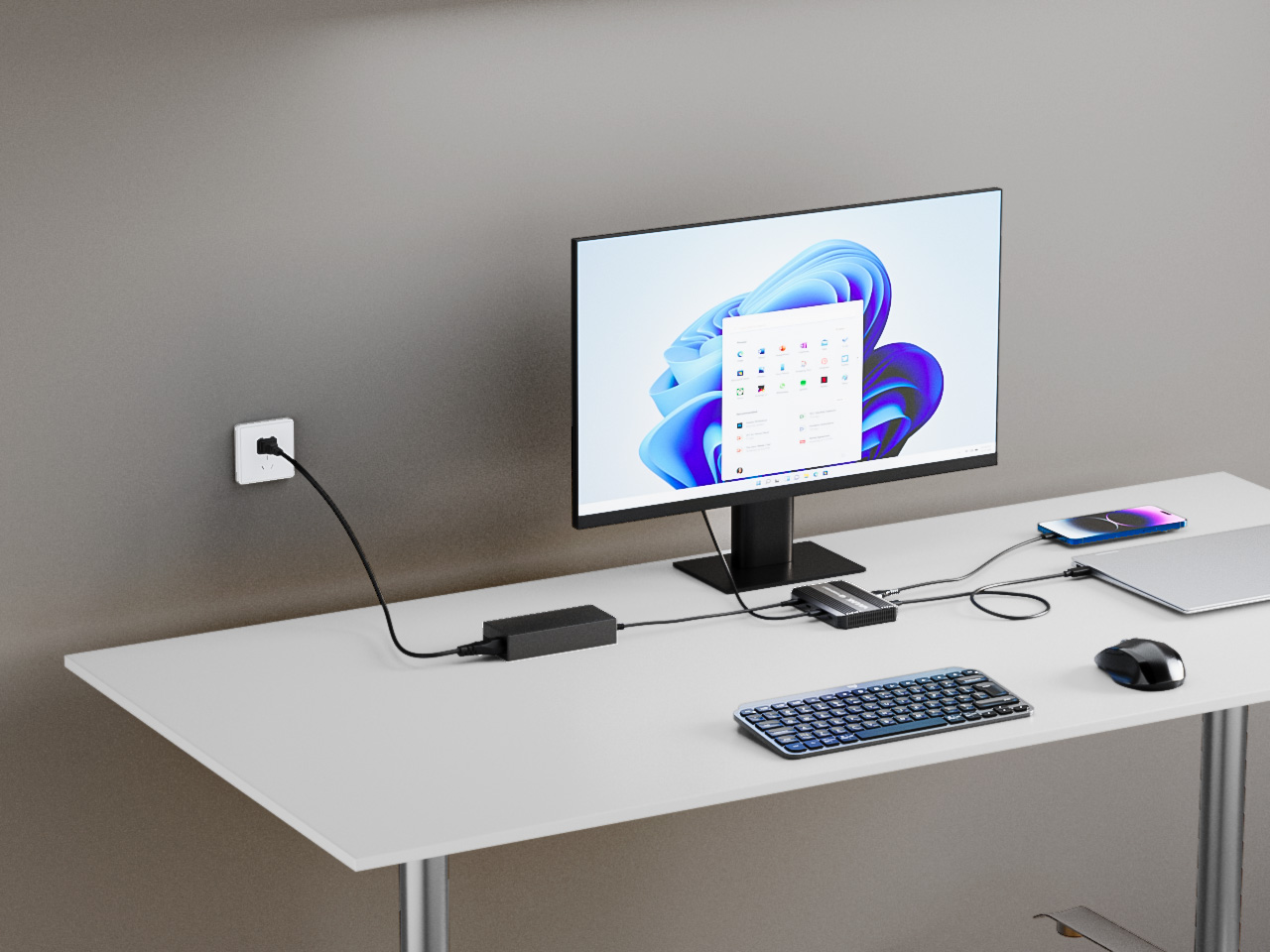
Please ensure that your laptop’s USB-C port supports power delivery (PD).
Also, make sure you are using the Thunderbolt 4 cable that comes with the dock.
If you connect the monitors to the thunderbolt 4 port of the docking,Ensure your laptop’s USB-C port supports Thunderbolt 4.
Also, make sure you are using the Thunderbolt 4 cable that comes with the dock and verify that your laptop’s BIOS and drivers are up to date.
Thunderbolt 4 is a newer technology and may have some compatibility limitations. Certain functions of the Thunderbolt 4 dock may not work fully when connected to a Thunderbolt 3 laptop. For best performance, we recommend using this dock with a laptop that has a Thunderbolt 4 port.
This Thunderbolt 4 docking station can reach up to 8K resolution, and the resolution and refresh rate of the docking station's video downstream ports depends on the graphics card capability of your computer.
It is normal for the dock to generate heat while operating. For better heat dissipation, we recommend placing the dock in a well-ventilated, open area.
Get the Scoop First
Subscribe to our official website to receive exclusive first-hand news and stay up-to-date on our new product releases and promotions!