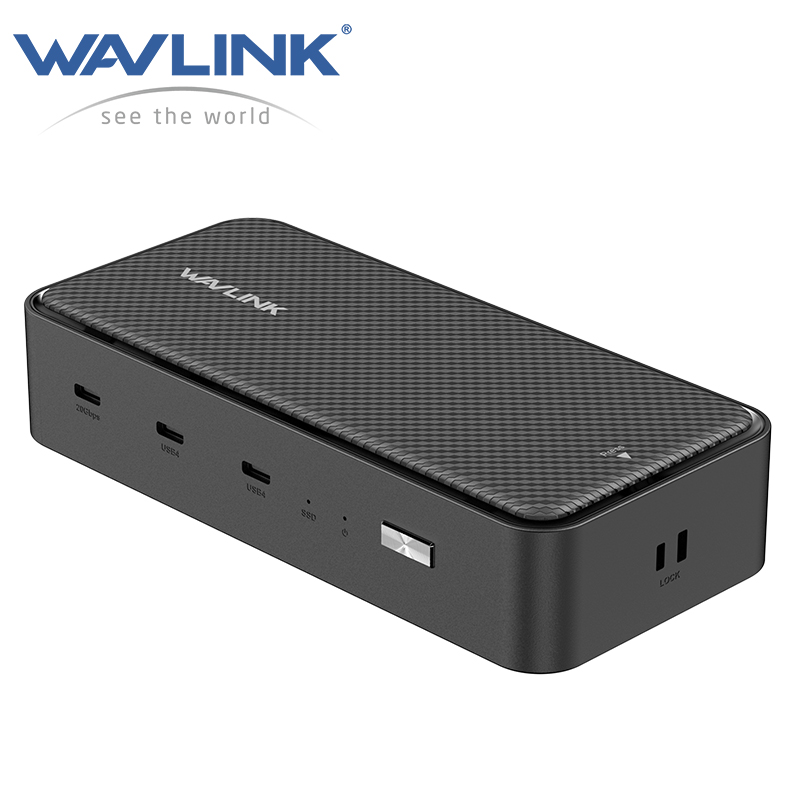
Model: WL-UMD4406
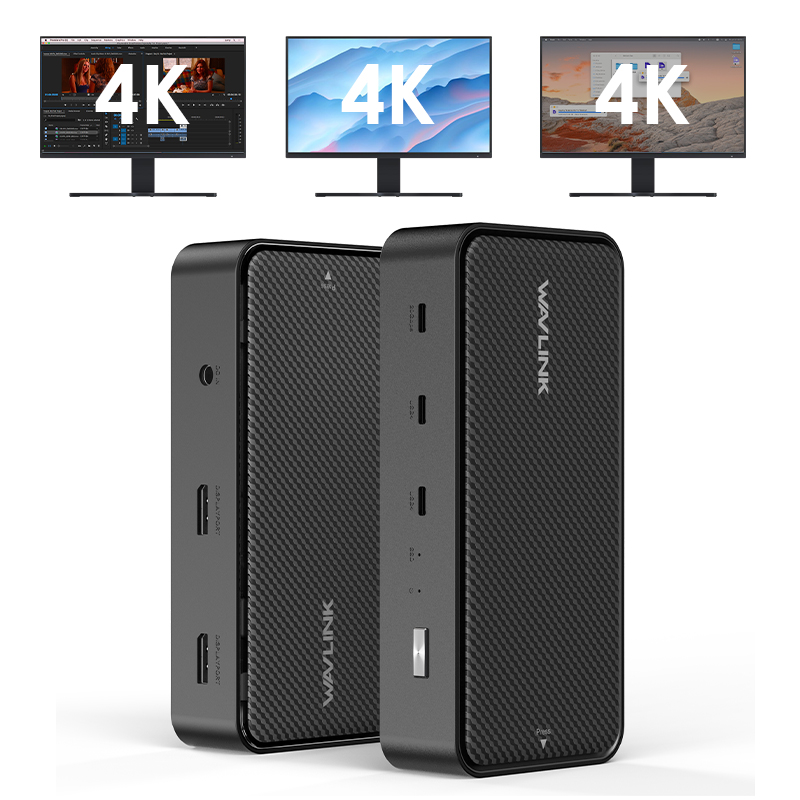
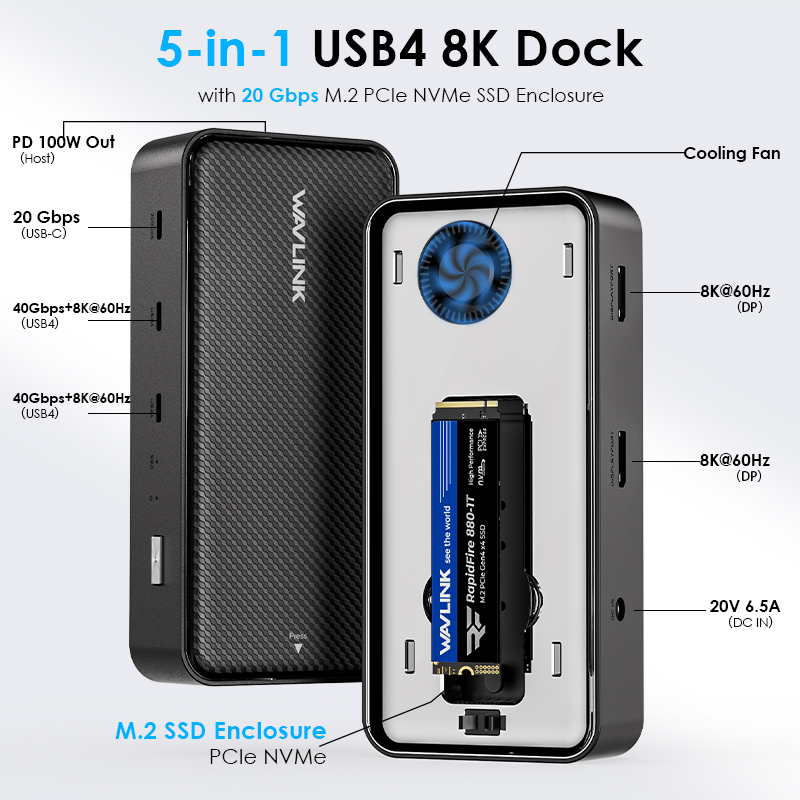
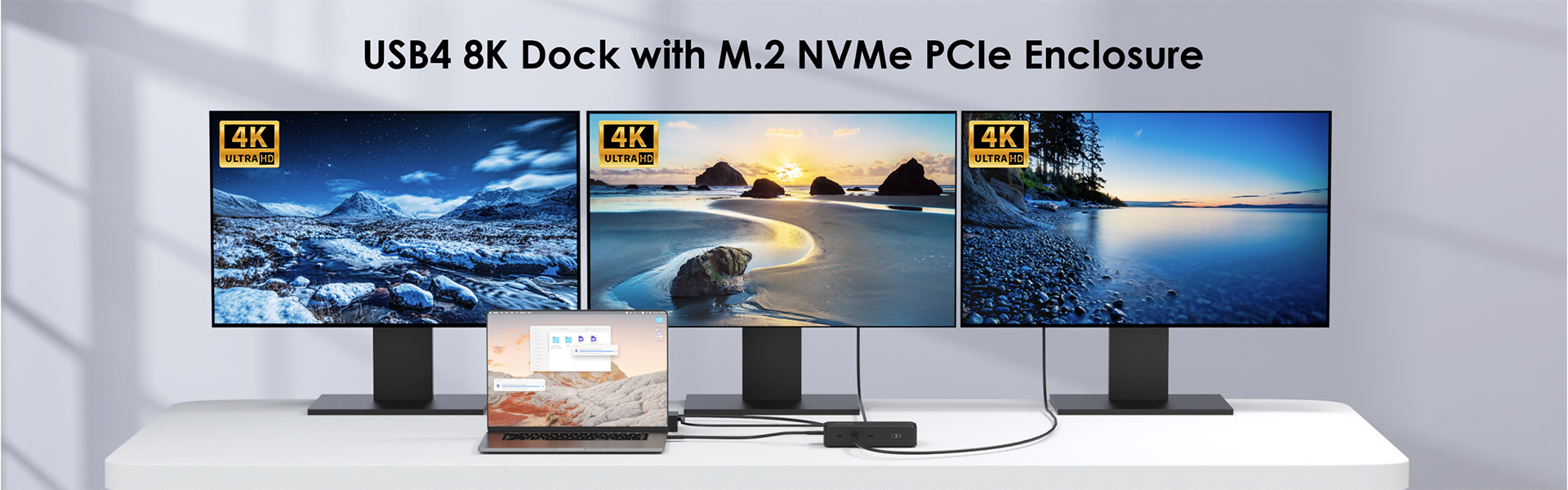
2 x 40Gbps USB4 Ports, 2 x 8K@60Hz DisplayPort, 20Gbps USB-C Port, 100W Pass-Through Charging, 20Gbps M.2 NVMe PCIe SSD Enclosure
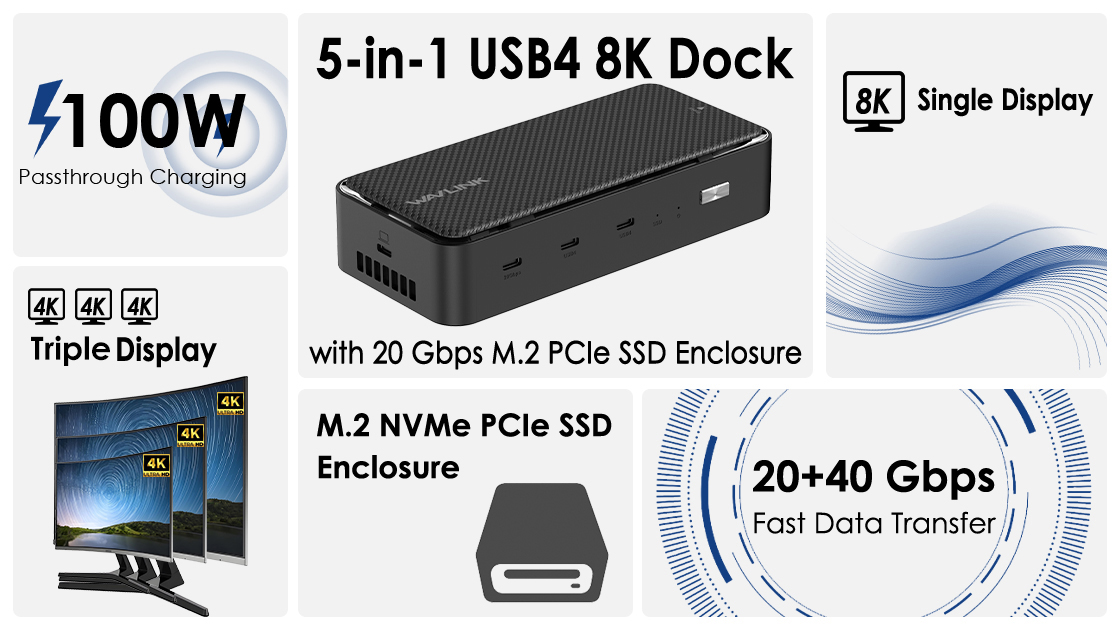
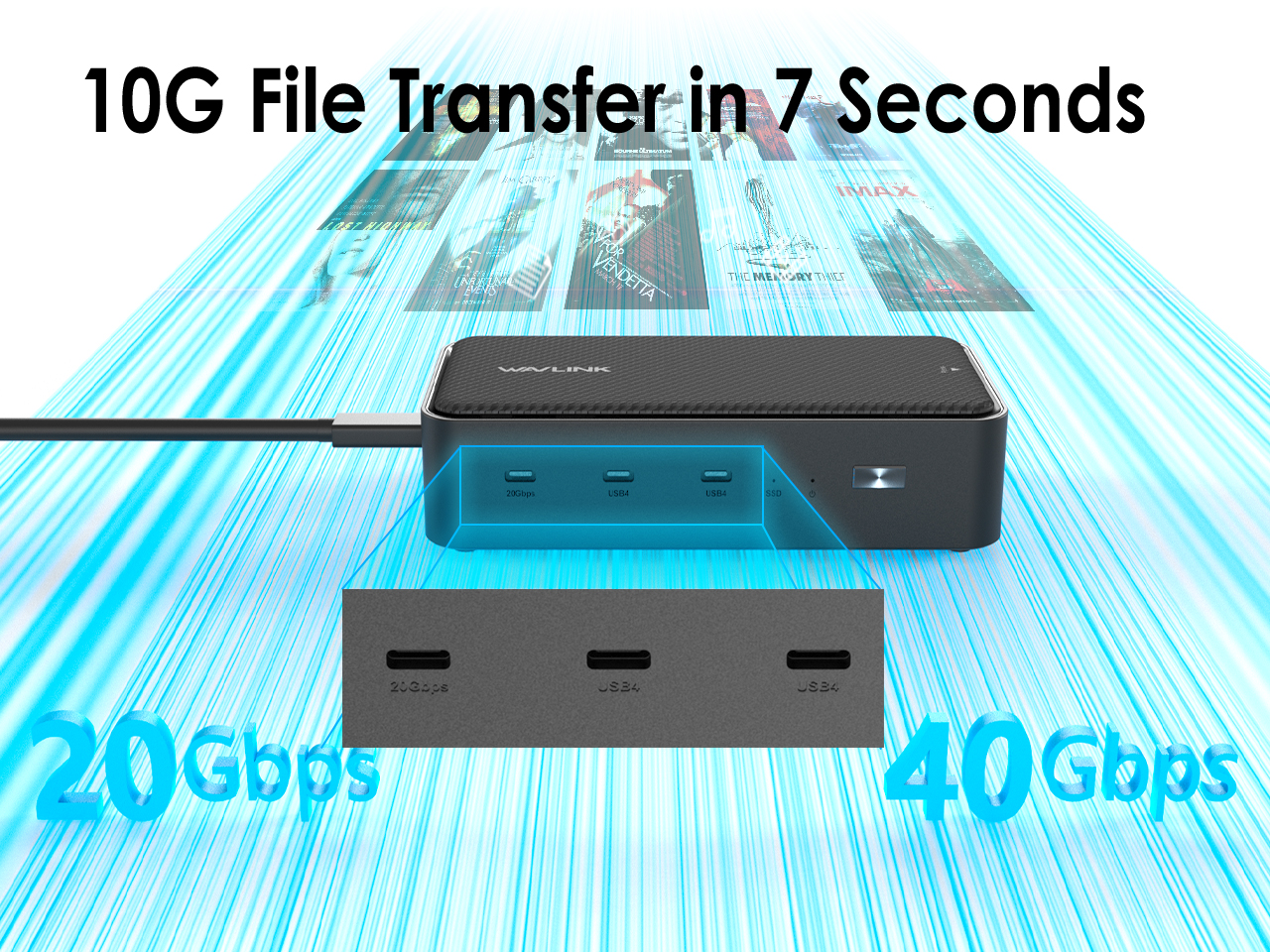
With two USB4 ports offering 40 Gbps transfer speeds—8x faster than USB 3.0—this dock accelerates large file transfers, video captures, and external drive performance. An additional USB-C port supports 20 Gbps USB 3.2 Gen 2x2 and remains backward compatible with older USB standards.
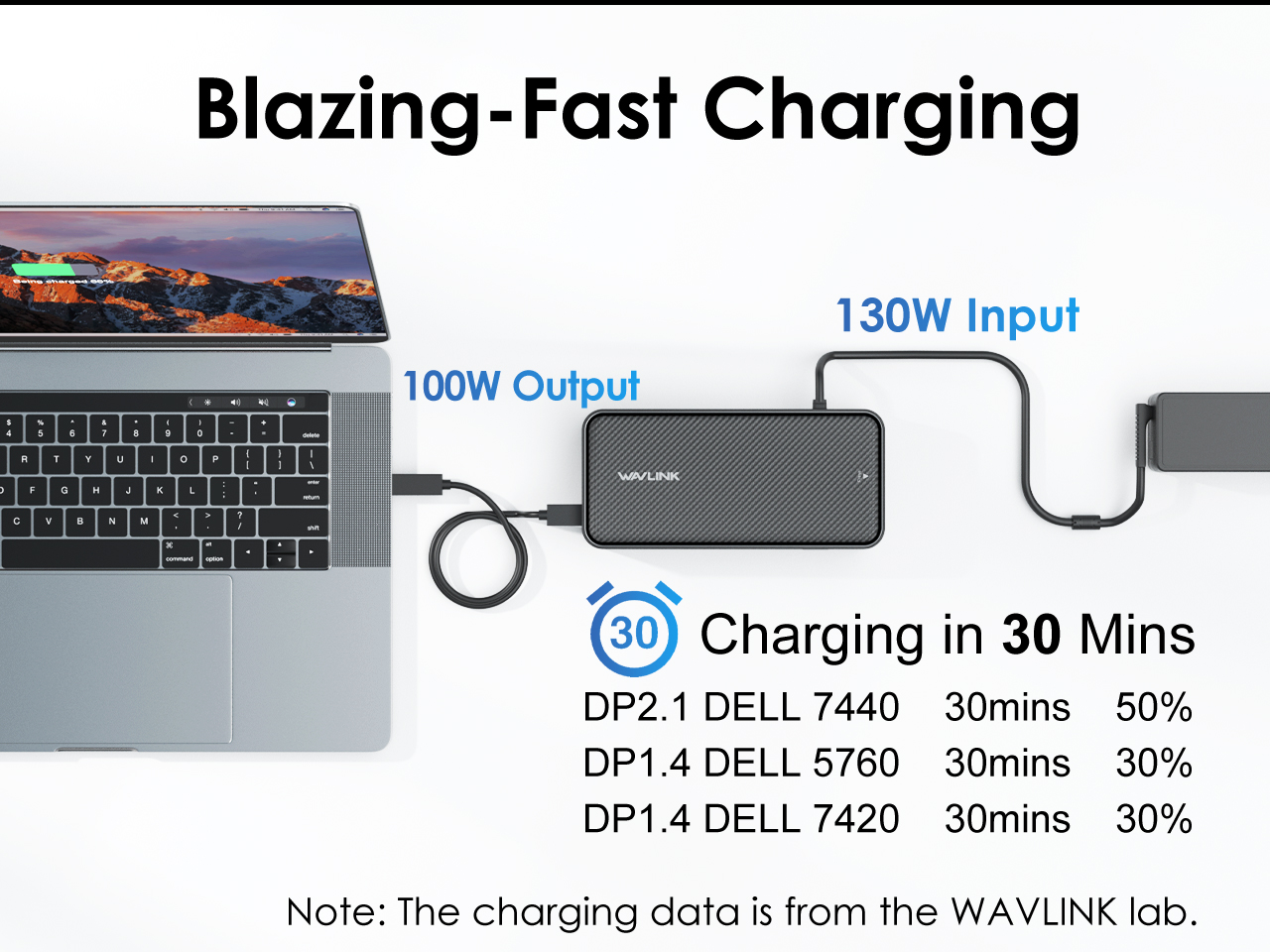
Includes a 130W power adapter to deliver up to 100W pass-through charging to your laptop. Recharge the DP2.1 DELL7440 laptop from 0% to 50% in about 30 minutes, ensuring uninterrupted productivity and eliminating battery anxiety during long work or play sessions.
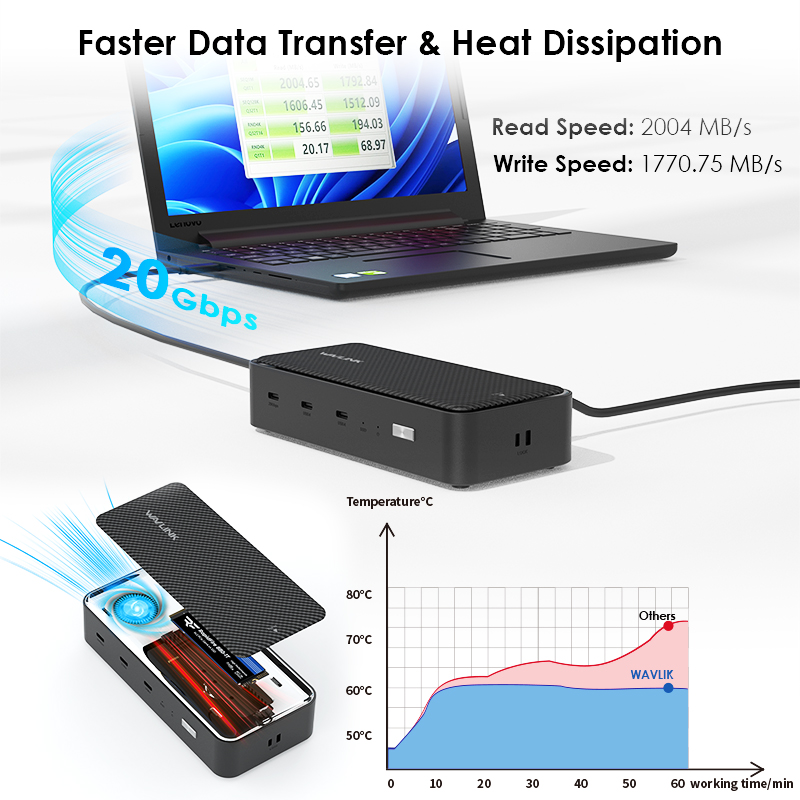
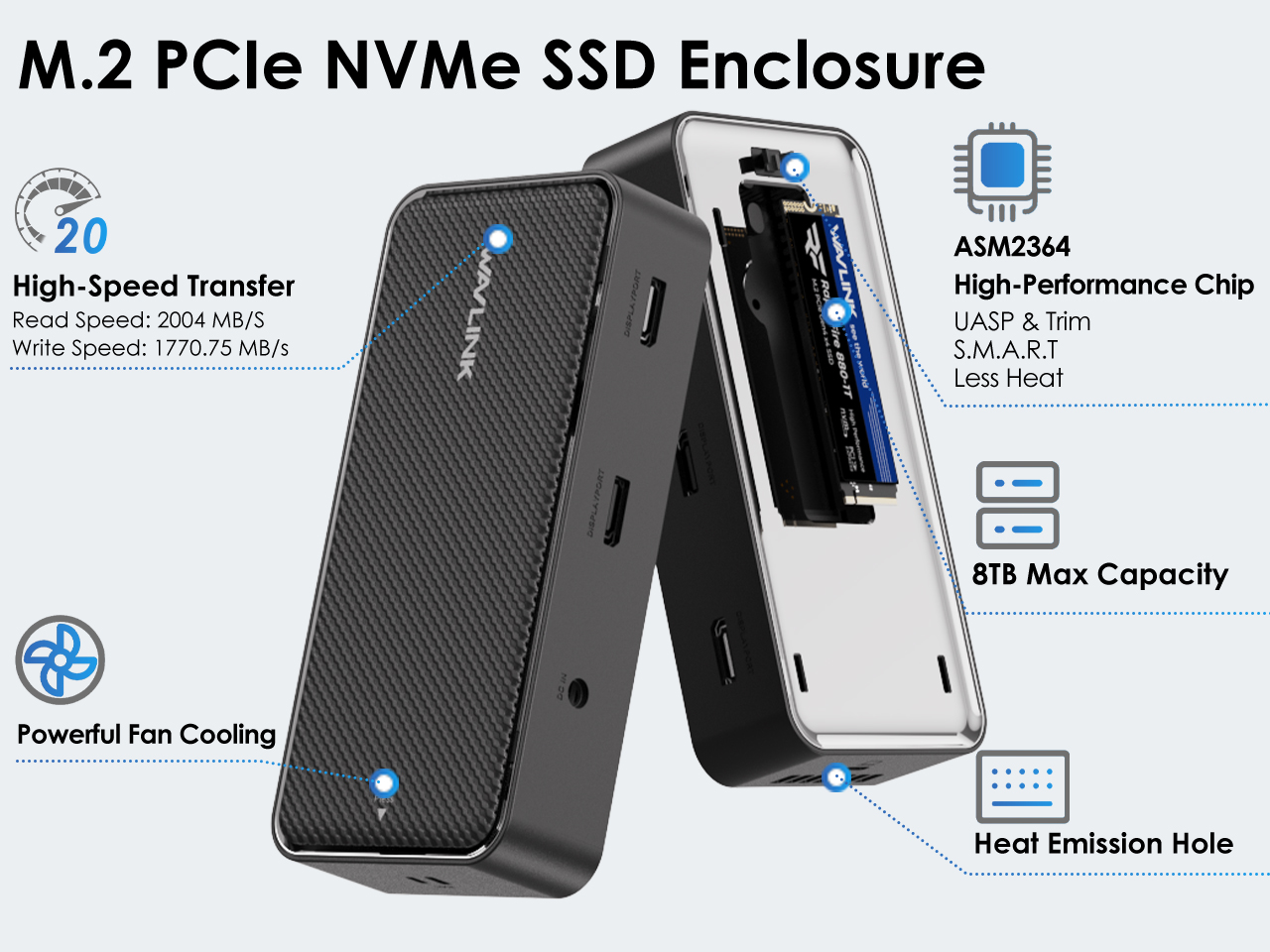
Running low on laptop storage? Simply insert an M.2 PCIe NVMe SSD into the dock’s dedicated enclosure for instant, tool-free expansion. This enclosure delivers 20 Gbps data transfer with 2004 MB/s read speed and 1770.75 MB/s write speed. It supports M-key SSDs up to 8TB capacity, compatible with 2230/2242/2260/2280 sizes, turning space limits into limitless possibilities.
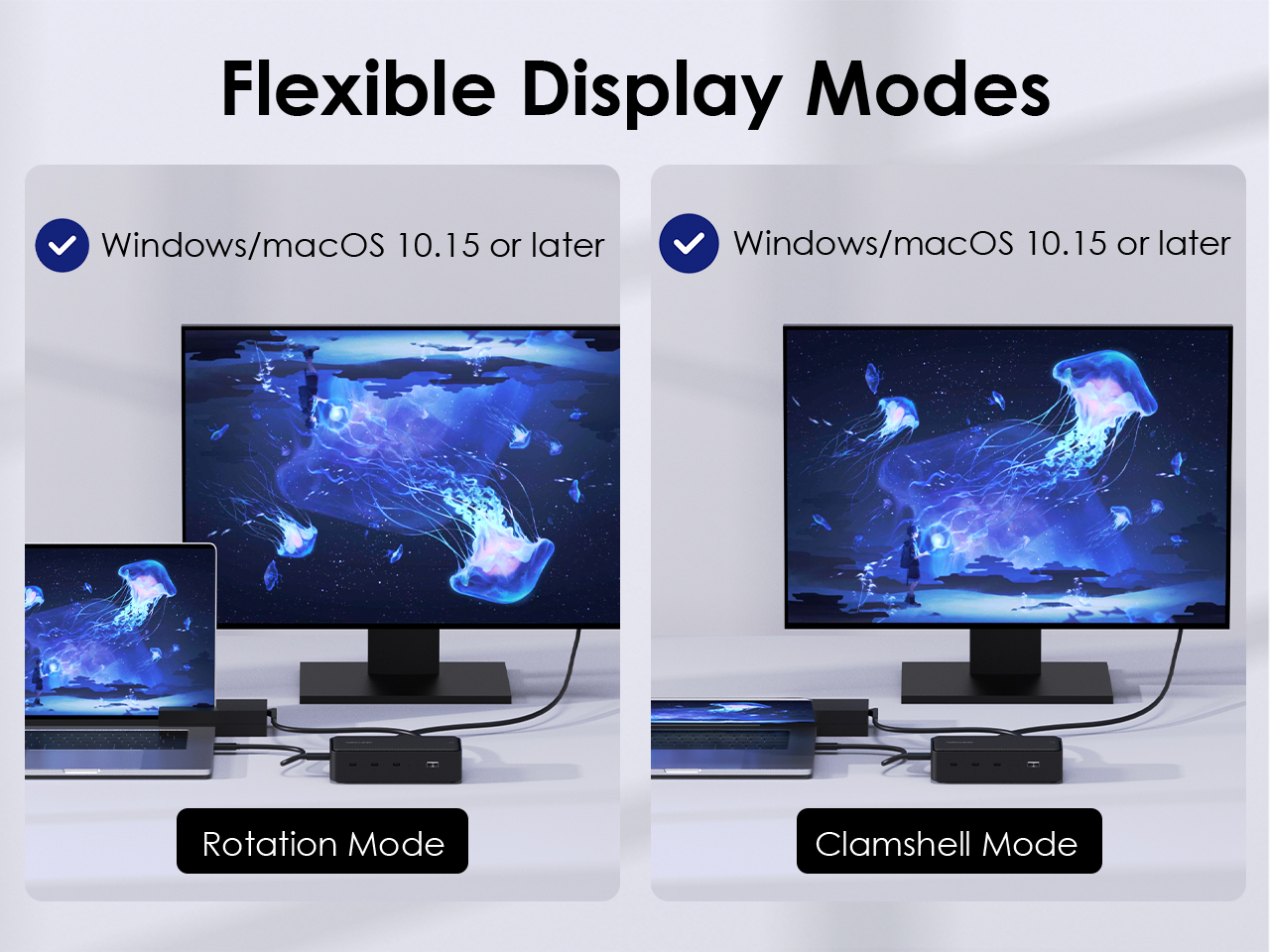
Clamshell mode converts your laptop into a desktop setup by closing the lid and using an external display. This boosts productivity, saves desk space, and can improve ergonomics and graphics performance. Meanwhile, rotation mode adjusts the screen orientation for optimal viewing of documents or videos, adding versatility across tasks and users.
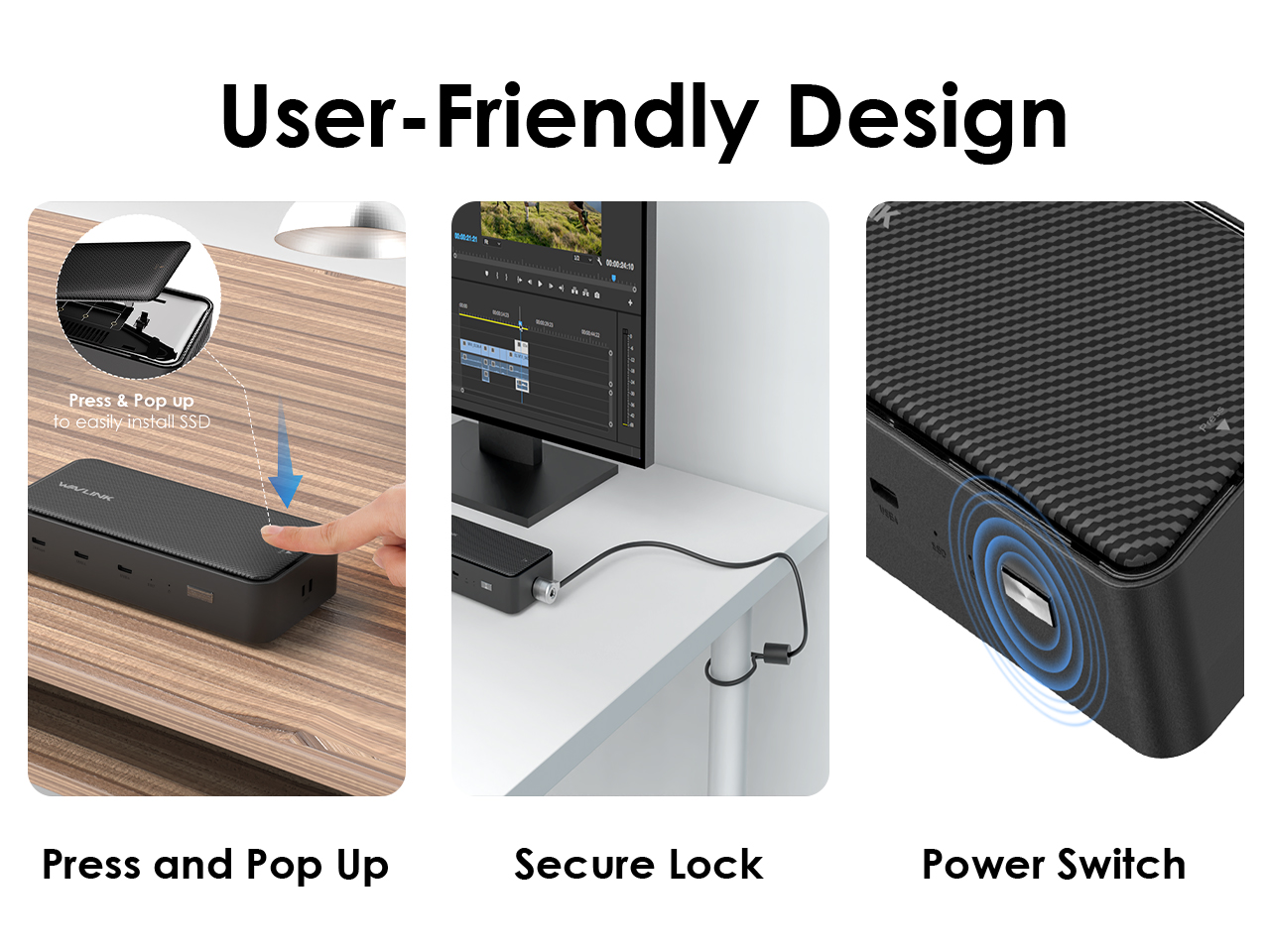
For a better user experience, we thoughtfully designed a pressable top lid, solitary power button, LED indicators, and lock.
SPECIFICATION
| Connection To Host | 1 x USB4 40Gbps Type-C to Type-C cable 50CM |
| Plug & Play | Driver-free, Plug and Play |
| Power Delivery | 1 x DC port for PD3.0 passthrough DC IN 130W, charge laptop up to 100W |
| USB Ports | 2 x USB4 port speed up to 40Gbps 1 x USB-C port speed up to 20Gbps |
| M.2 Port | 1 x M.2 port speed up to 20Gbps |
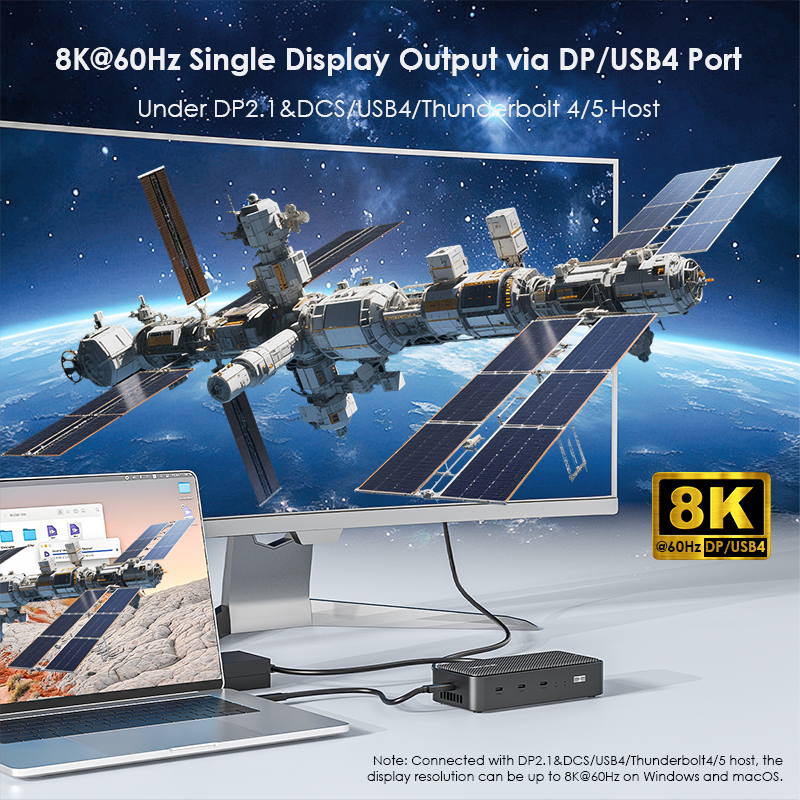
| Video Outputs | DP 1 (DP2.1) maximum resolution up to 8K@60Hz DP 2 (DP2.1) maximum resolution up to 8K@60Hz USB4 1 (DP2.1) maximum resolution up to 8K@60Hz USB4 2 (DP2.1) maximum resolution up to 8K@60Hz |
| Operating Systems | Microsoft Windows 7 / 8 / 10 / 11 Apple macOS 10.8 or later |
Resolution
| Scenarios | Systems | Connected with DP1.1 & DSC (USB4 / Thunderbolt 4 / 5 Host) | Connected with DP1.4 & DSC (USB4 / Thunderbolt 4 / 5 Host) | Connected with DP1.4 & DSC (USB-C Host) |
| Single Display | Windows | Extend DP: 7680x4320@60Hz USB4: 7680x4320@60Hz |
Extend DP: 3840x2160@144Hz USB4: 3840x2160@144Hz |
Extend DP: 3840x2160@144Hz USB4: 3840x2160@144Hz |
| macOS | Extend DP: 7680x4320@60Hz USB4: 7680x4320@60Hz |
Extend DP: 3840x2160@120Hz USB4: 3840x2160@120Hz |
Extend DP: 3840x2160@120Hz USB4: 3840x2160@120Hz |
|
| Dual Displays | Windows | Extend DP+DP: 3840x2160@160Hz 3840x2160@160Hz DP+USB4: 3840x2160@160Hz 3840x2160@160Hz USB4+USB4: 3840x2160@160Hz 3840x2160@160Hz |
Extend DP+DP: 3840x2160@120Hz 3840x2160@60Hz DP+USB4: 3840x2160@120Hz 3840x2160@60Hz USB4+USB4: 3840x2160@120Hz 3840x2160@60Hz |
Extend DP+DP: 1920x1080@60Hz 1920x1080@60Hz |
| macOS | Mirror or Extend DP+DP: (Mirror) 3840x2160@120Hz 3840x2160@120Hz DP+USB4: (Extend) 3840x2160@120Hz 3840x2160@60Hz USB4+USB4: (Extend) 3840x2160@120Hz 3840x2160@120Hz |
Mirror or Extend DP+DP: (Mirror) 3840x2160@120Hz 3840x2160@120Hz DP+USB4: (Extend) 3840x2160@120Hz 3840x2160@60Hz USB4+USB4: (Extend) 3840x2160@120Hz 3840x2160@60Hz |
Mirror: DP+DP: 3840x2160@120Hz 3840x2160@120Hz |
|
| Three Displays | Windows | Extend: DP+DP+USB4: 3840x2160@120Hz 3840x2160@120Hz 3840x2160@120Hz |
Extend: DP+DP+USB4: 3840x2160@60Hz 3840x2160@60Hz 3840x2160@60Hz |
Not supported |
| macOS | Mirror + Extend: DP+DP+USB4: (BBC) 3840x2160@120Hz 3840x2160@120Hz 3840x2160@120Hz |
Mirror + Extend: DP+DP+USB4: (BBC) 3840x2160@120Hz 3840x2160@60Hz 3840x2160@60Hz |
Not supported |
Description : WL-UMD4406-Manuals
Post Date : 17/04/2026
Available : WL-UMD4406
Online Reading : View
1.Your computer’s USB-C port must support DisplayPort Alt Mode (video output) for the external monitor to function through the dock. To verify this,you could contact the laptop/pc manufacturer or contact our support team and tell us the detail model number of your laptop.
2.If the docking comes with a type-c cable,please make sure you should use the original type-c cable.
This dock uses MST (Multi-Stream Transport) technology. macOS does not support MST, so all connected displays will mirror the same screen.
This is a limitation of macOS, not a defect of the dock.
Please ensure that your computer’s USB-C port supports charging. If the dock does not come with a power adapter, please connect a compatible power adapter to the dock to enable the charging function.
This dock is driver-free and supports plug-and-play functionality. Please ensure that your computer’s USB-C port supports video output for the external monitor to work with the dock.
No. This dock requires a native USB-C port that supports both data transfer and video output to function properly.
Please ensure that the power adapter you are using with the dock is in good condition. If possible, try using a different power adapter, another USB-C port on your computer, or another computer for testing. If the “slow charging” message still appears, please contact our support team for further assistance.
To ensure that four monitors can function properly (one built-in display and three external displays), your GPU must support up to four displays simultaneously. Please note that not all GPUs have this capability.
If you are unsure whether your device supports this feature, we kindly recommend contacting your laptop or PC manufacturer for confirmation. Alternatively, you may reach out to our support team and provide the detailed model number of your laptop—we will be happy to assist you further.
The maximum supported resolution depends on the DisplayPort (DP) version of the host USB-C port. We kindly recommend referring to the user manual to check the supported resolutions for different DP versions.
If you are unsure about the DP version of your device’s USB-C port, please contact your laptop or PC manufacturer for confirmation. Alternatively, you may reach out to our support team, and we will be happy to assist you further.
Get the Scoop First
Subscribe to our official website to receive exclusive first-hand news and stay up-to-date on our new product releases and promotions!