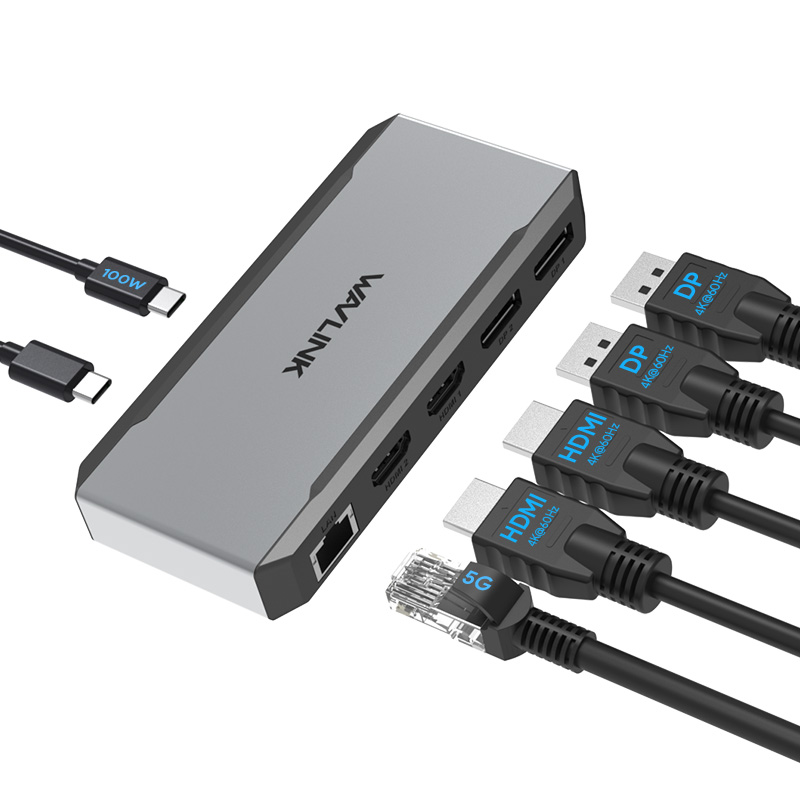
Model: WL-UMD323
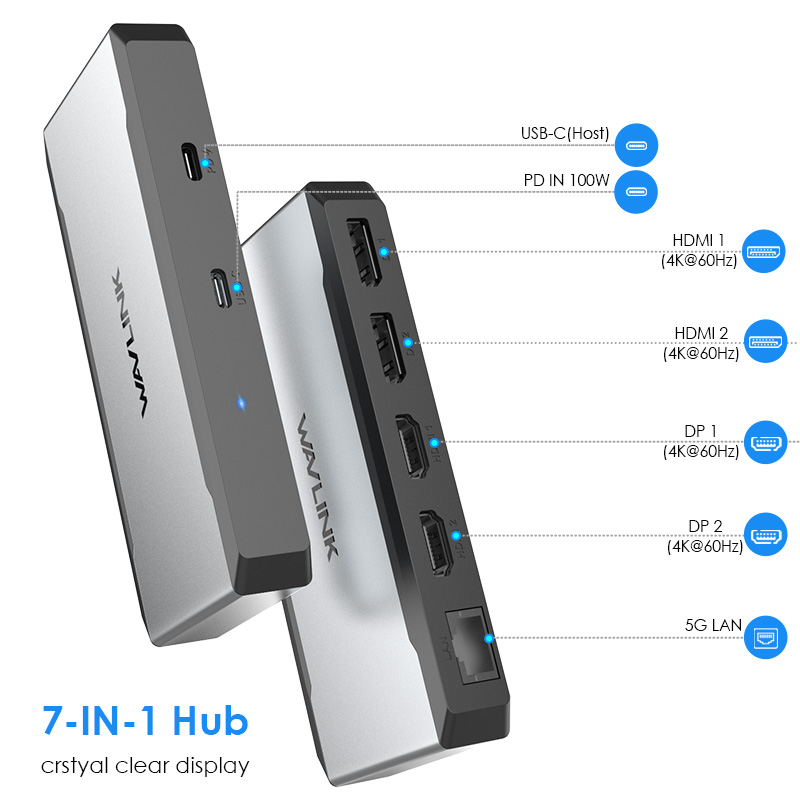
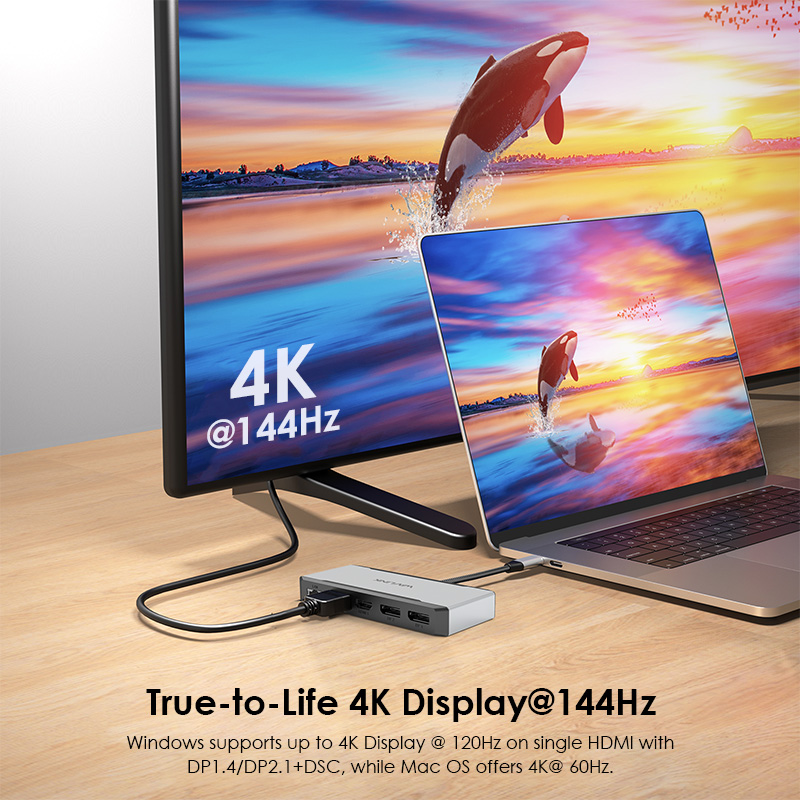
- 2x DP 2.1 ports and 2 x HDMI 2.1 ports can quadruple extend or mirror your screen up to vivid 4K@144Hz.
-1x 5Gbps LAN port speeds up your gaming and streaming playing backward 2500/1000/100/10Mbps.
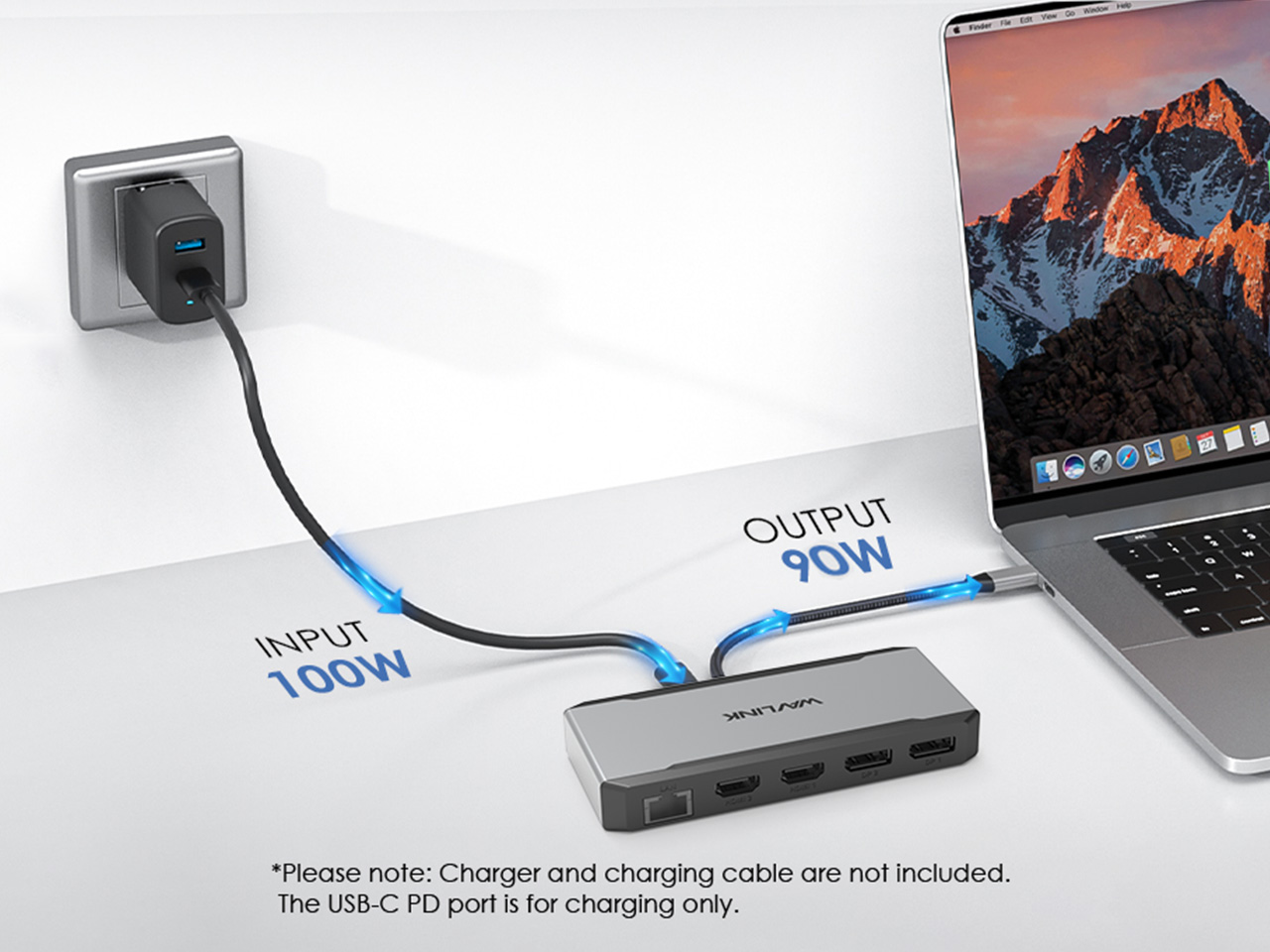
-1x USB-C port supports 90W upstream charging to your laptop, and 10W downstream charging to other devices.
- Driver-free,plug and play
7-IN-1 Power for an Enhanced Multi-Tasking Experience.
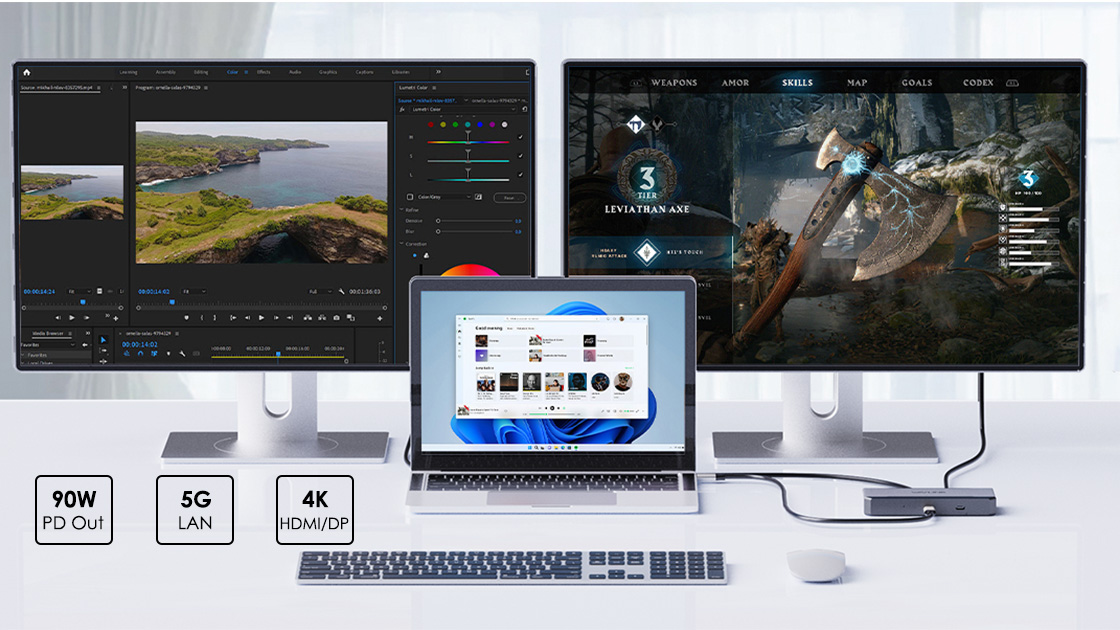
Engineered for the mobile office, this hub accepts up to 100W input to provide a full 90W of charging to your laptop, ensuring it stays powered through intensive tasks and critical work. It combines high-efficiency power management with seamless multi-device integration, making it the smart choice for the relentless professional.
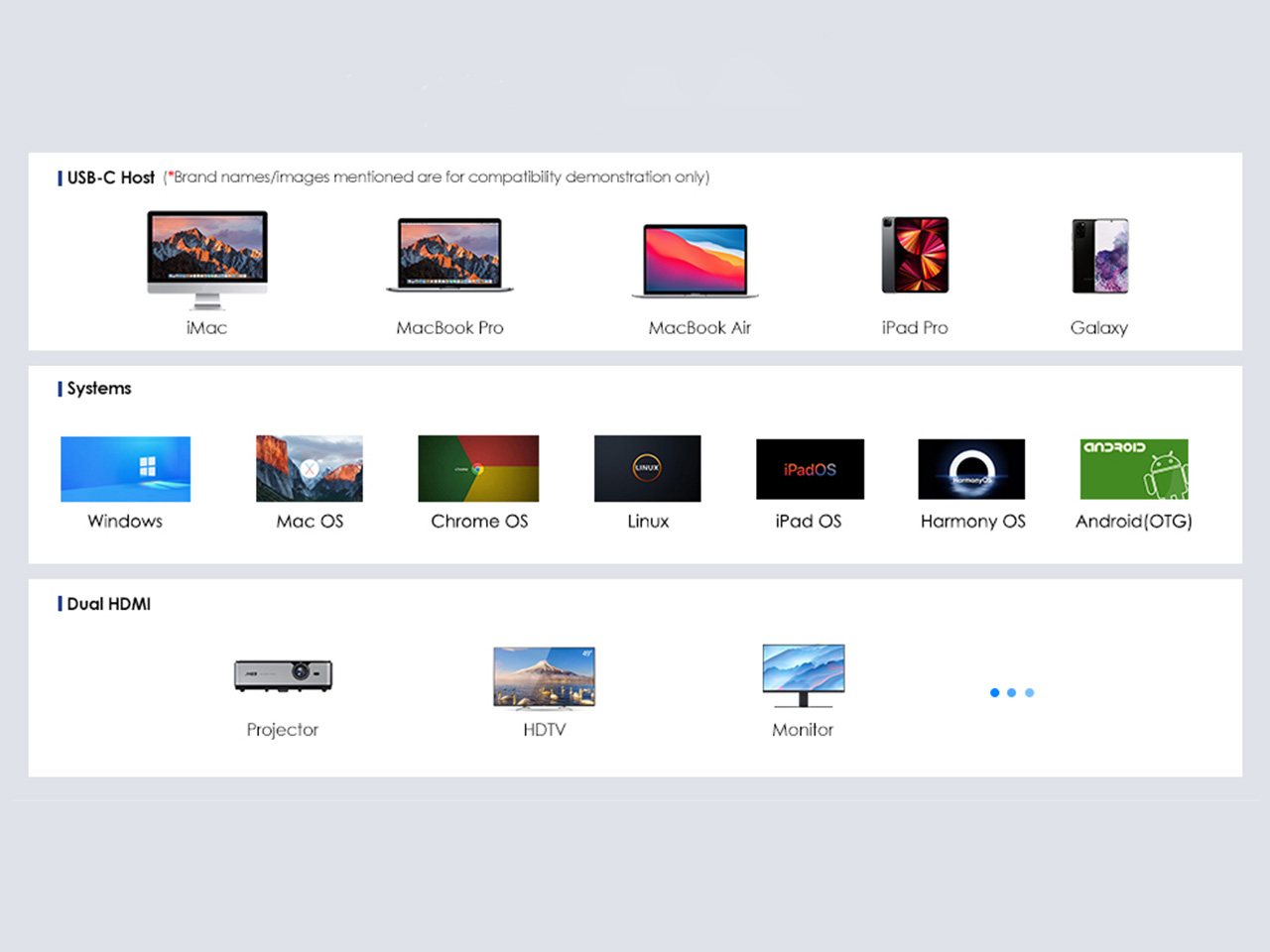
Designed for devices with full-featured USB-C ports that support both DisplayPort Alt Mode and Power Delivery. It offers broad compatibility with a range of laptops, tablets, and smartphones running Windows, macOS, Android, and other major operating systems. Please be advised: video output and external display support vary by device—please verify your USB-C port's specifications prior to use.
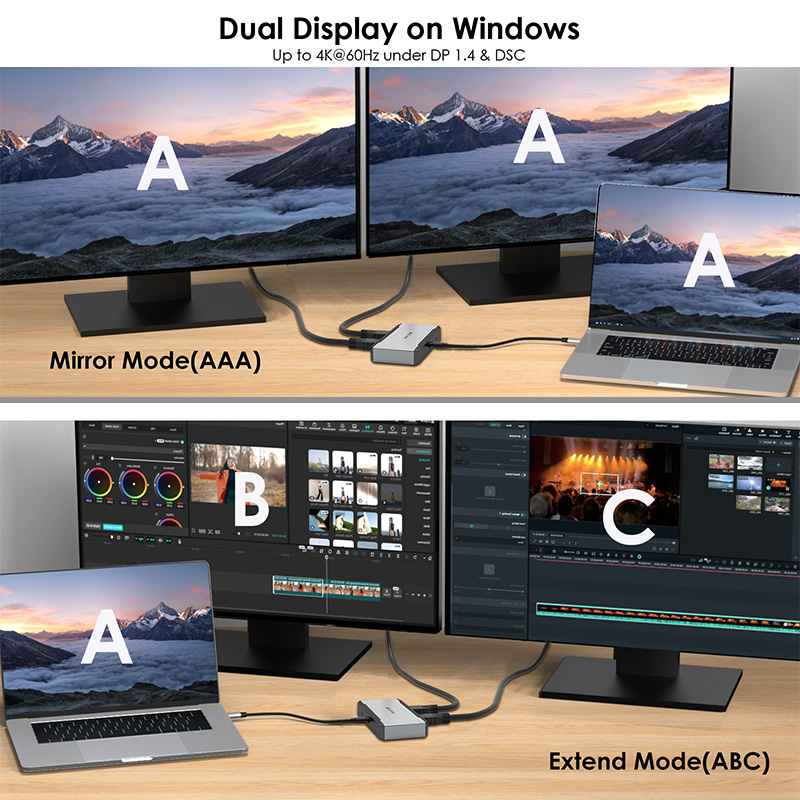
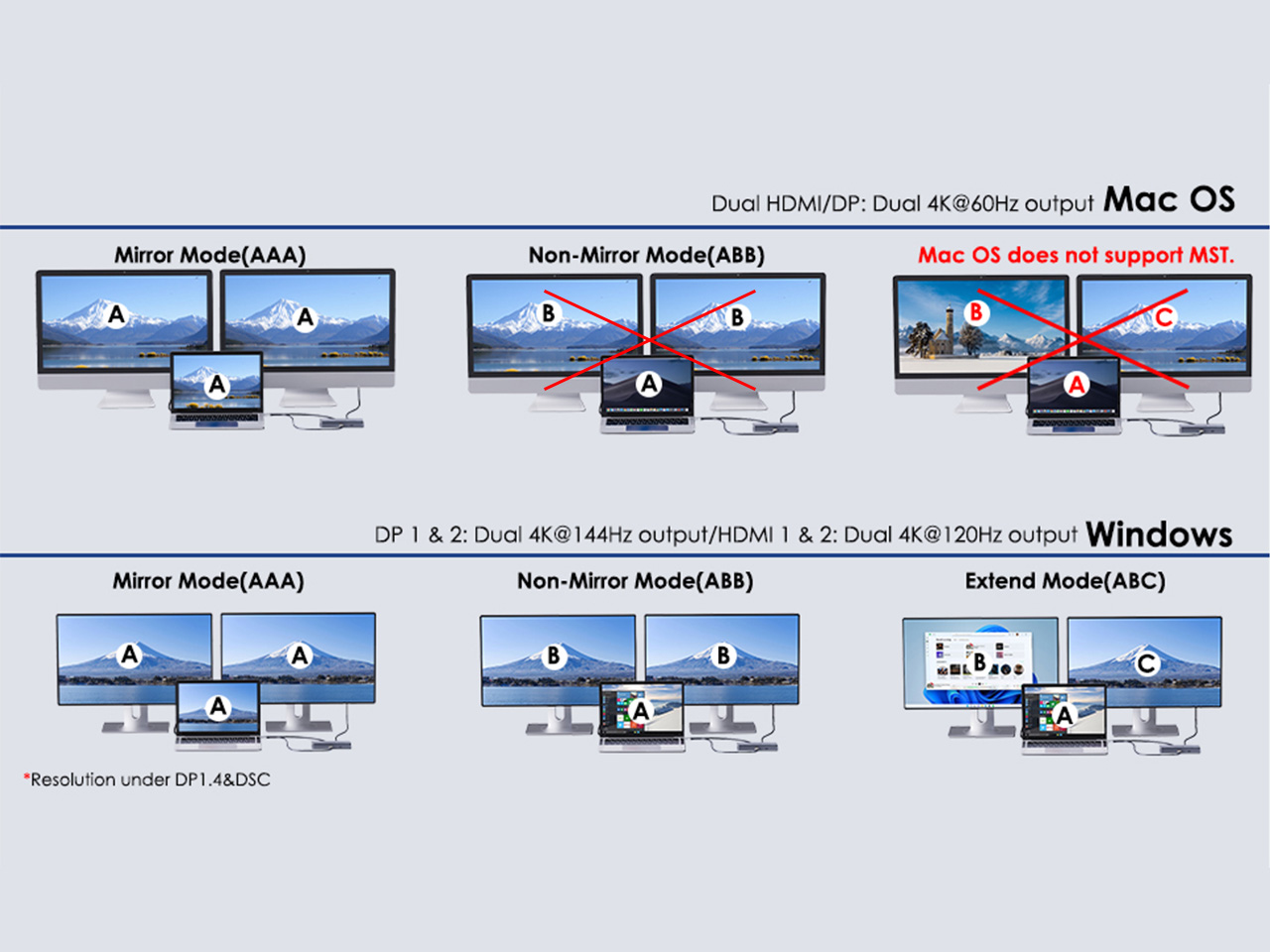
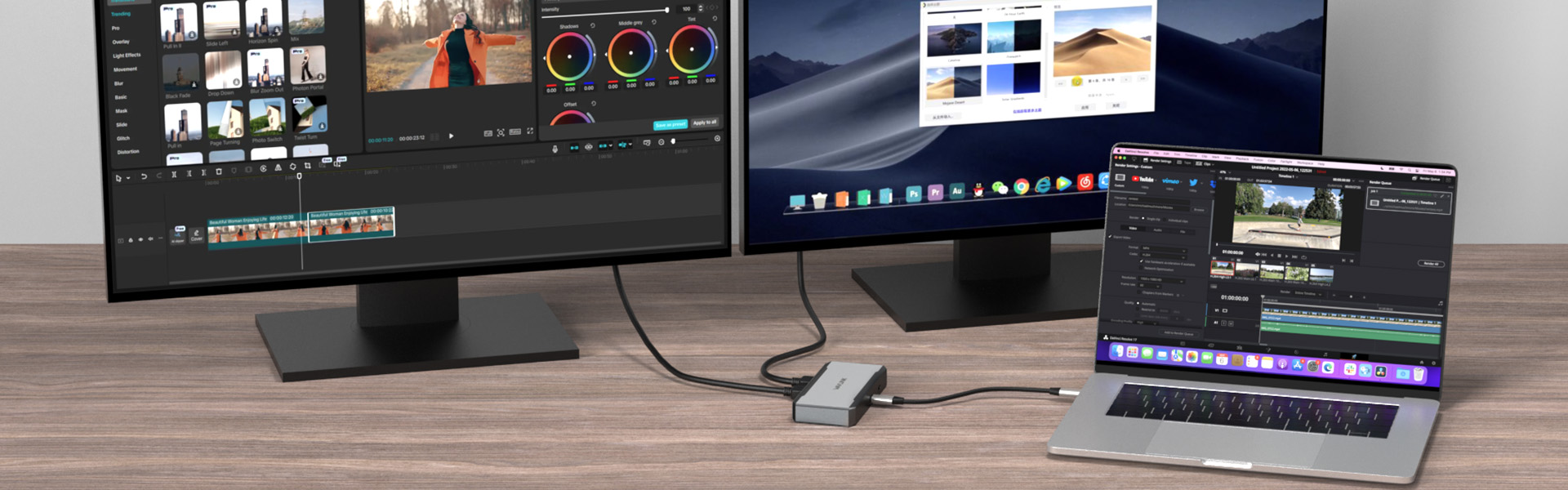
Transform your workflow with a fluid dual-screen setup. Effortlessly mirror screens for collaborative presentations, extend your canvas to manage multiple applications, or operate independent workspaces—unlocking new levels of efficiency and flexibility.
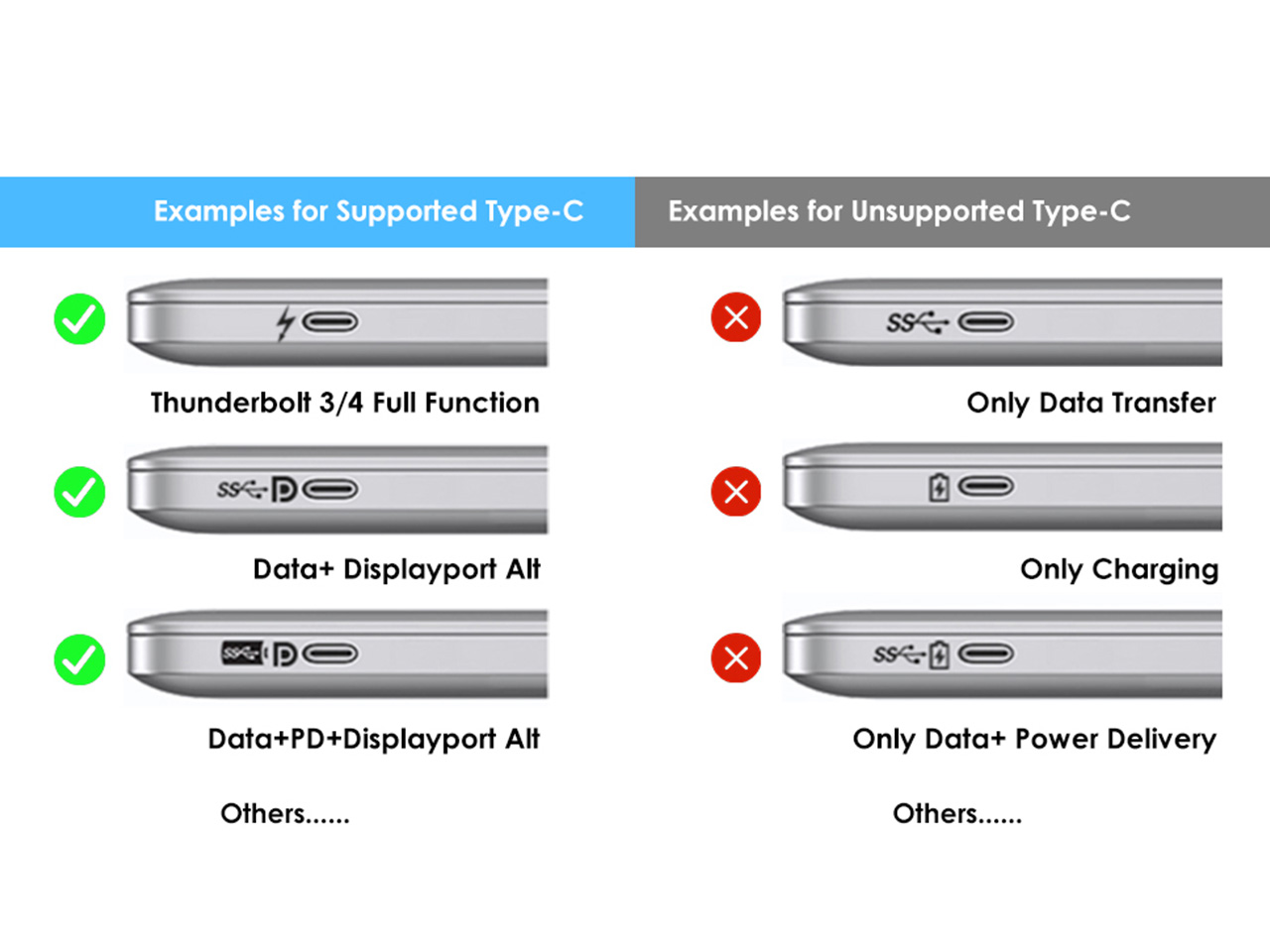
To ensure all features work properly, please verify that your device's Type-C port supports both video output and charging. Without this, the hub will not be able to charge your laptop or connect to external displays.
Enjoy a truly seamless setup with no drivers required. To enable the dual-display feature, simply connect the hub to a compatible USB-C port on a computer running Windows 10/11, or macOS 10.8 and later (for extended display mode). Please verify your device's port capabilities for video output.
SPECIFICATION
| Connection To Host | 1x USB-C to C E-Mark Cable | ||
| Plug & Play | Supported | ||
| Power Delivery | Supports 90W upstream charging to your laptop, and 10W downstream charging to other devices. | ||
| System Requirement | - Microsoft Windows 10/11 - Apple Mac OS 10.8 or later (Can extend a different display only) - Your computer must have a USB-C port that supports video output |
||
| Video Ports | 2x HDMI 2.1 2X DP 2.1 |
||
| LAN | 5Gbps(backward compatible with 2500/1000/100/10Mbps) | ||
| PD IN | 100W | ||
| Scenarios | Systems | Connected with DP 2.1 & DSC Computer | Connected with DP 1.4 & DSC Computer |
| Single Display | Windows | 1: Single HDMI 4K@120Hz 2: Single DP 4K@144Hz |
1: Single HDMI 4K@120Hz 2: Single DP 4K@144Hz |
| macOS | 1: Single HDMI 4K@60Hz 2: Single DP 4K@144Hz |
1: Single Mirror: HDMI 4K@60Hz 2: Single DP 4K@144Hz |
|
| Dual Display | Windows | 1: Dual DP 4K@44Hz 2: Dual HDMI 4K@120Hz 3: Single HDMI 4K@120Hz + Single DP 4K@144Hz |
Dual HDMI/DP 4K@60Hz |
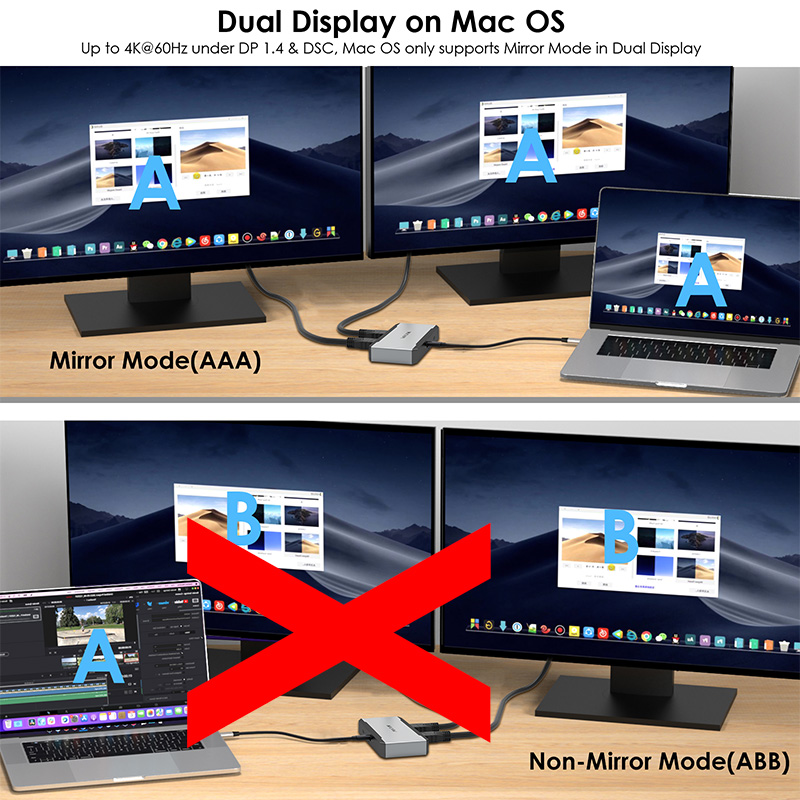
| macOS | Mirror: Dual 4K@60Hz | Mirror: Dual HDMI/DP 4K@60Hz | |
| Triple Display | Windows | 1: Single DP 4K@144Hz + Dual HDMI 4K@60Hz 2: Single HDMI 4K@120Hz + Dual DP 4K@60Hz |
Dual DP 4K@60Hz+Single 4K@30Hz HDMI |
| macOS | Mirror: Triple 4K@60Hz | Mirror: Triple HDMI/DP 4K@60Hz | |
| Quad Display | Windows | Quad 4K@60Hz | Single DP 4K 60Hz+Triple DP/HDMI 1080P@60Hz |
| macOS | Mirror: Quad 4K@60Hz | Mirror: Quad HDMI/DP 4K@60Hz | |
| *Note: Mac OS only supports Mirror Mode in Dual Display. On Windows, the Quad display turns off the laptop screen. This display outout chart is for reference only, the exact display output depends on your laptop and monitor. |
|||
Description : WL-UMD323-Manuals
Post Date : 05/03/2025
Available : WL-UMD323
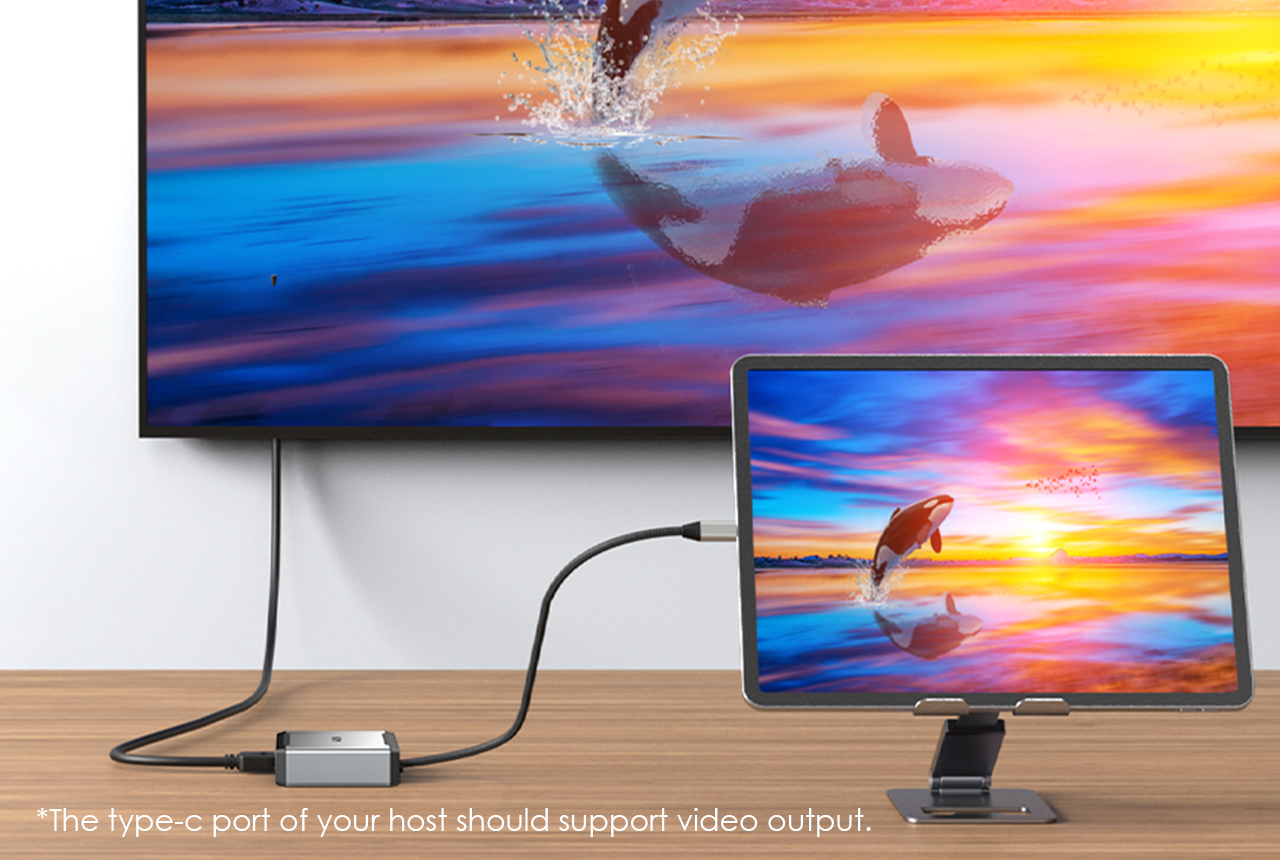
1.Your computer’s USB-C port must support DisplayPort Alt Mode (video output) for the external monitor to function through the dock. To verify this,you could contact the laptop/pc manufacturer or contact our support team and tell us the detail model number of your laptop.
2.If the docking comes with a type-c cable,please make sure you should use the original type-c cable.
This dock uses MST (Multi-Stream Transport) technology. macOS does not support MST, so all connected displays will mirror the same screen.
This is a limitation of macOS, not a defect of the dock.
Please ensure that your computer’s USB-C port supports charging. If the dock does not come with a power adapter, please connect a compatible power adapter to the dock to enable the charging function.
This dock is driver-free and supports plug-and-play functionality. Please ensure that your computer’s USB-C port supports video output for the external monitor to work with the dock.
No. This dock requires a native USB-C port that supports both data transfer and video output to function properly.
Please ensure that the power adapter you are using with the dock is in good condition. If possible, try using a different power adapter, another USB-C port on your computer, or another computer for testing. If the “slow charging” message still appears, please contact our support team for further assistance.
To ensure that four monitors can function properly (one built-in display and three external displays), your GPU must support up to four displays simultaneously. Please note that not all GPUs have this capability.
If you are unsure whether your device supports this feature, we kindly recommend contacting your laptop or PC manufacturer for confirmation. Alternatively, you may reach out to our support team and provide the detailed model number of your laptop—we will be happy to assist you further.
The maximum supported resolution depends on the DisplayPort (DP) version of the host USB-C port. We kindly recommend referring to the user manual to check the supported resolutions for different DP versions.
If you are unsure about the DP version of your device’s USB-C port, please contact your laptop or PC manufacturer for confirmation. Alternatively, you may reach out to our support team, and we will be happy to assist you further.
Get the Scoop First
Subscribe to our official website to receive exclusive first-hand news and stay up-to-date on our new product releases and promotions!