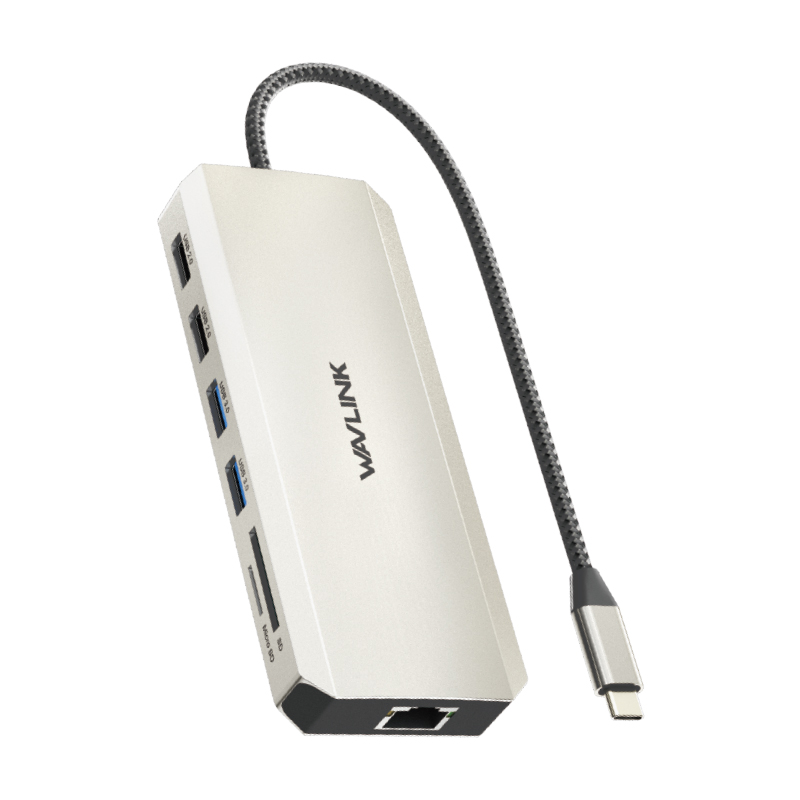
Model: WL-UMD303
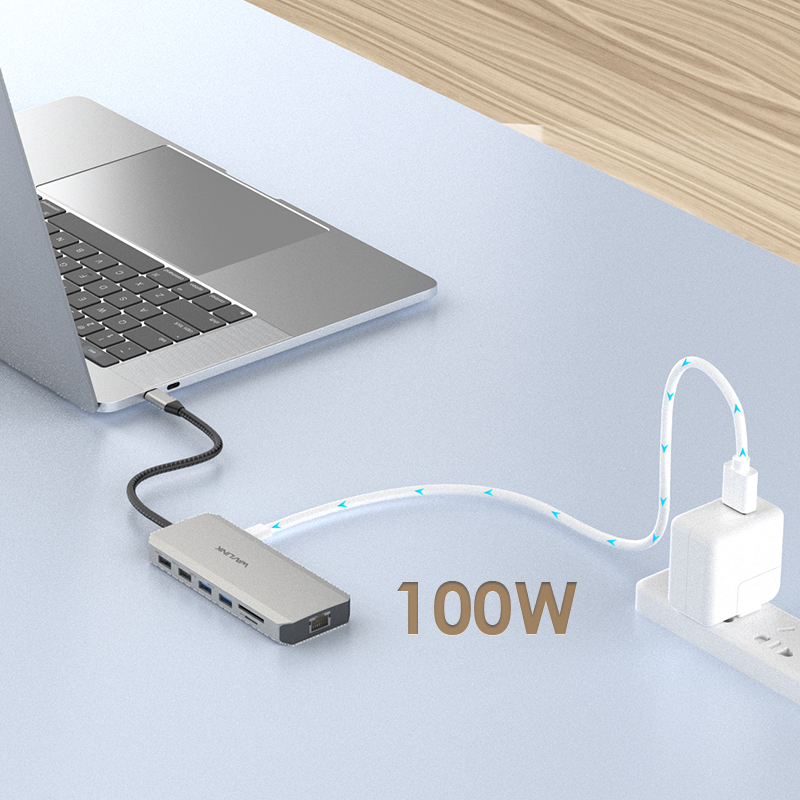
Supporting USB Power Delivery
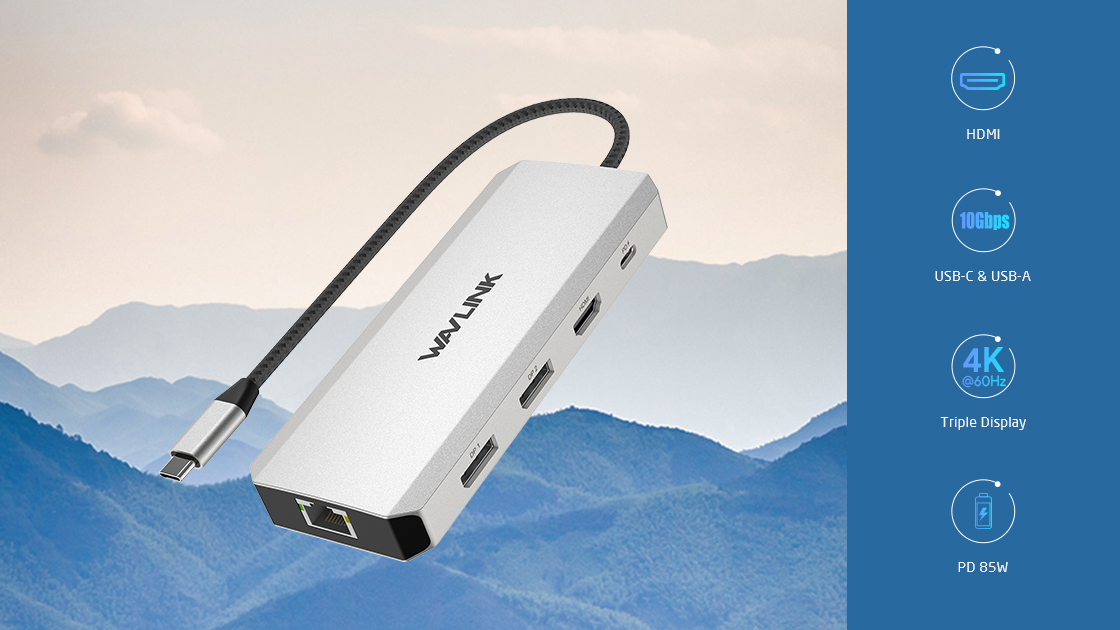
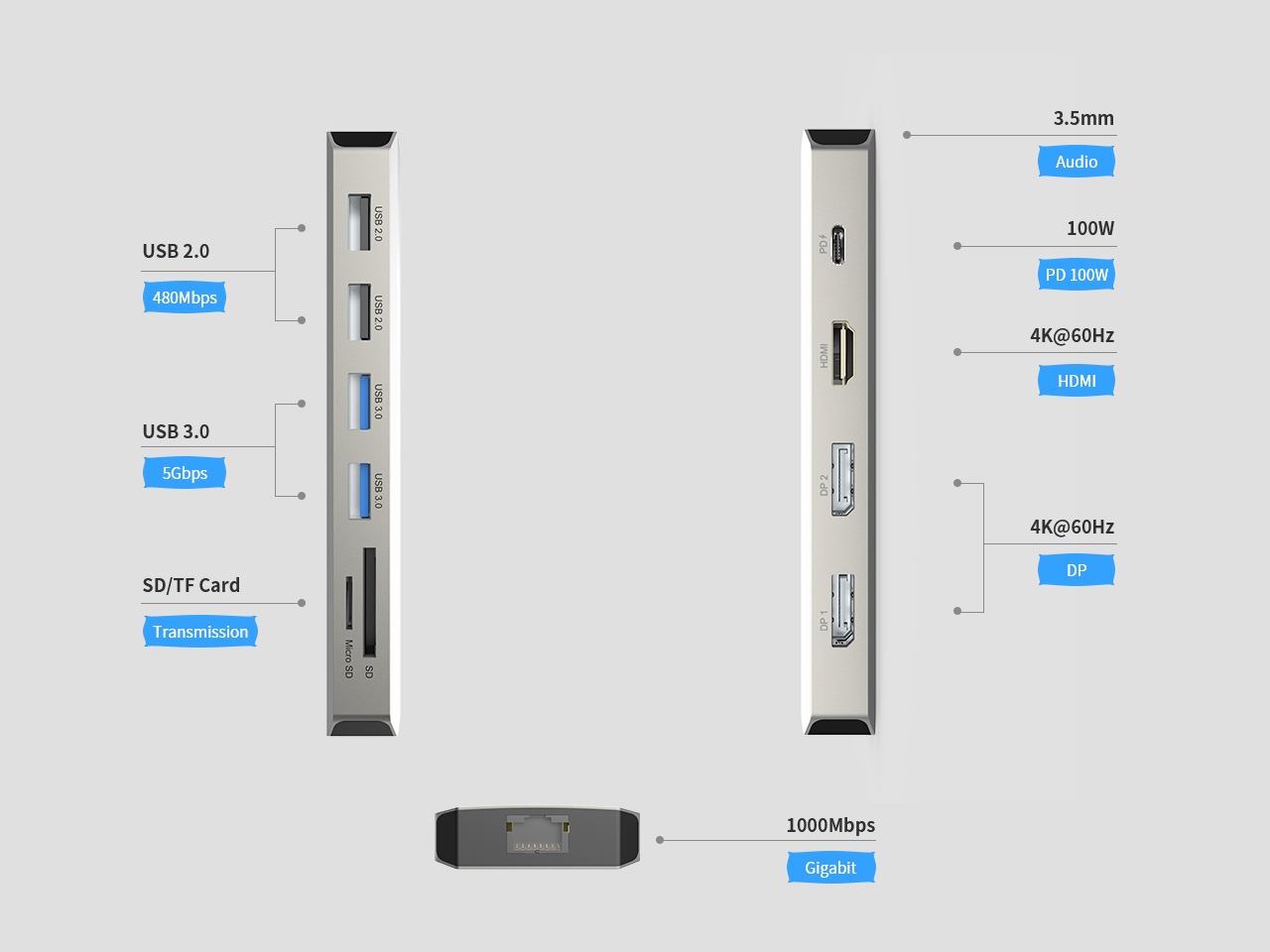
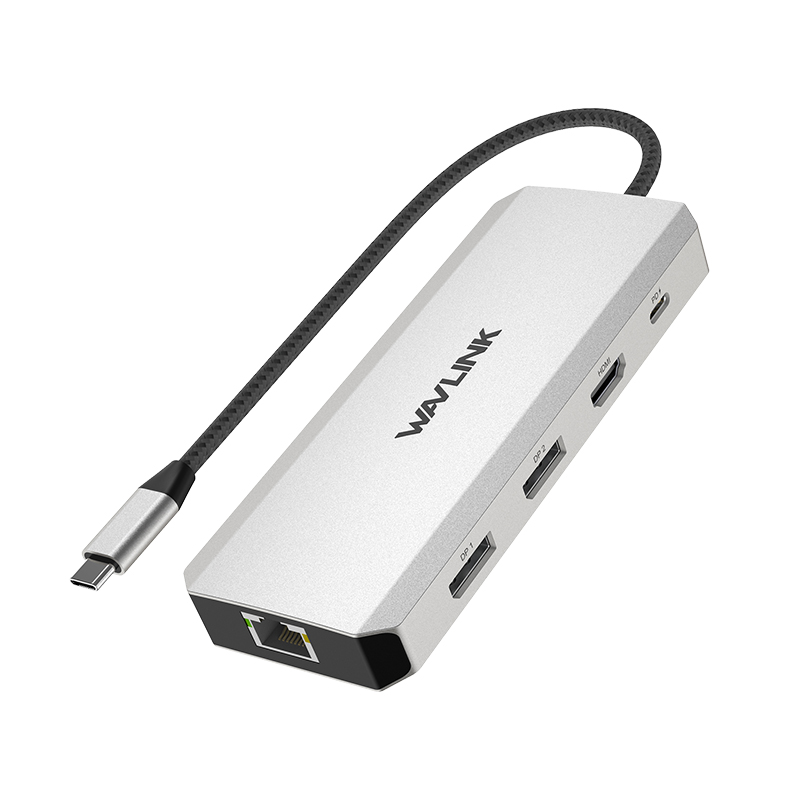
With 12 ports in one dock, this dock allows you to extend more ports and external monitors to help to improve efficiency without extra power adapters
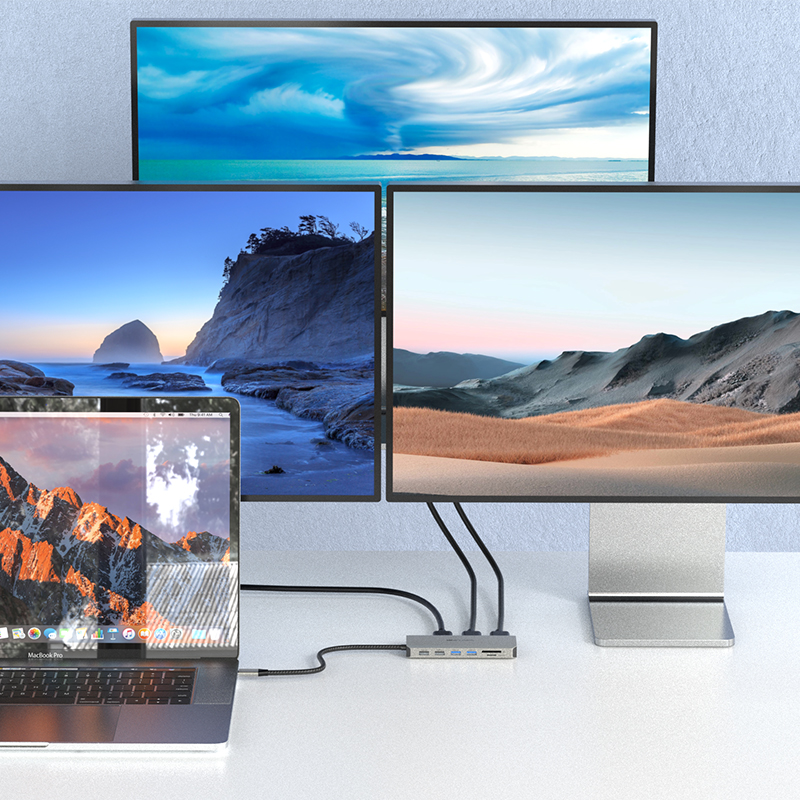
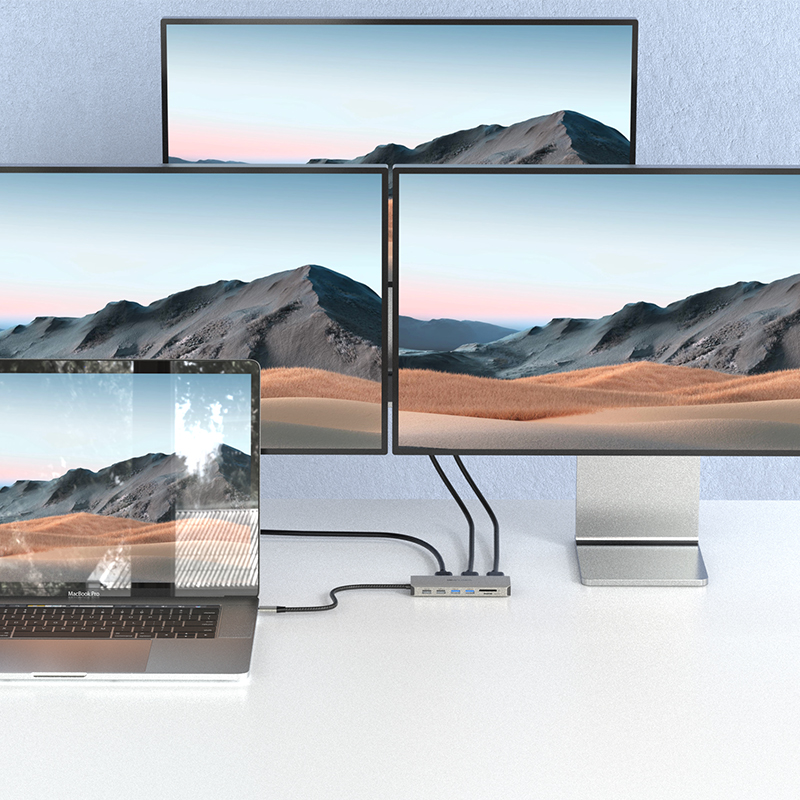
One HDMI ports and two DisplayPort support single display up to 4K@60Hz and triple displays up to 4K@60Hz (Mirror Mode on Mac). Higher definition external monitors help to improve your PC/laptop’s screen display.
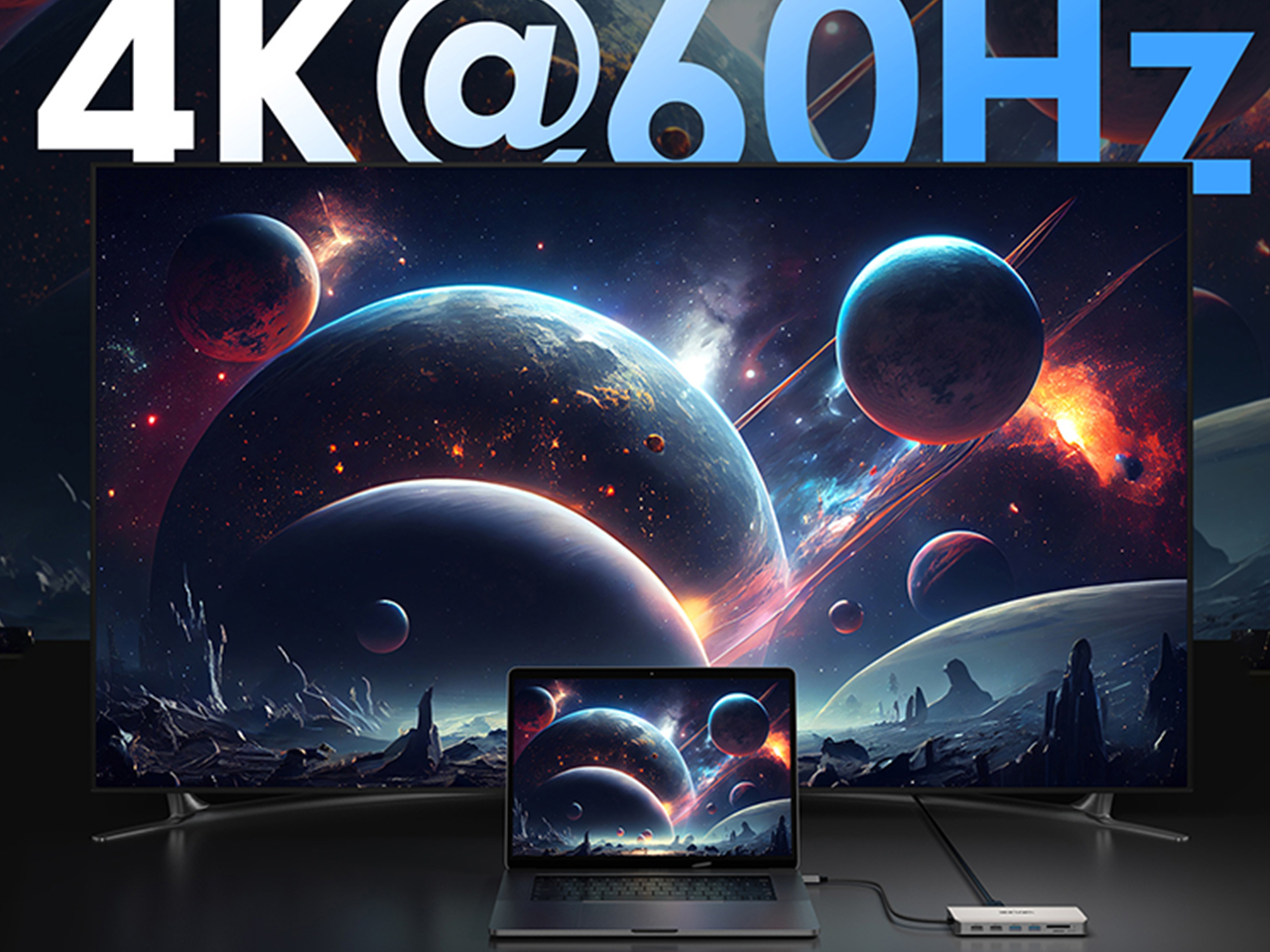
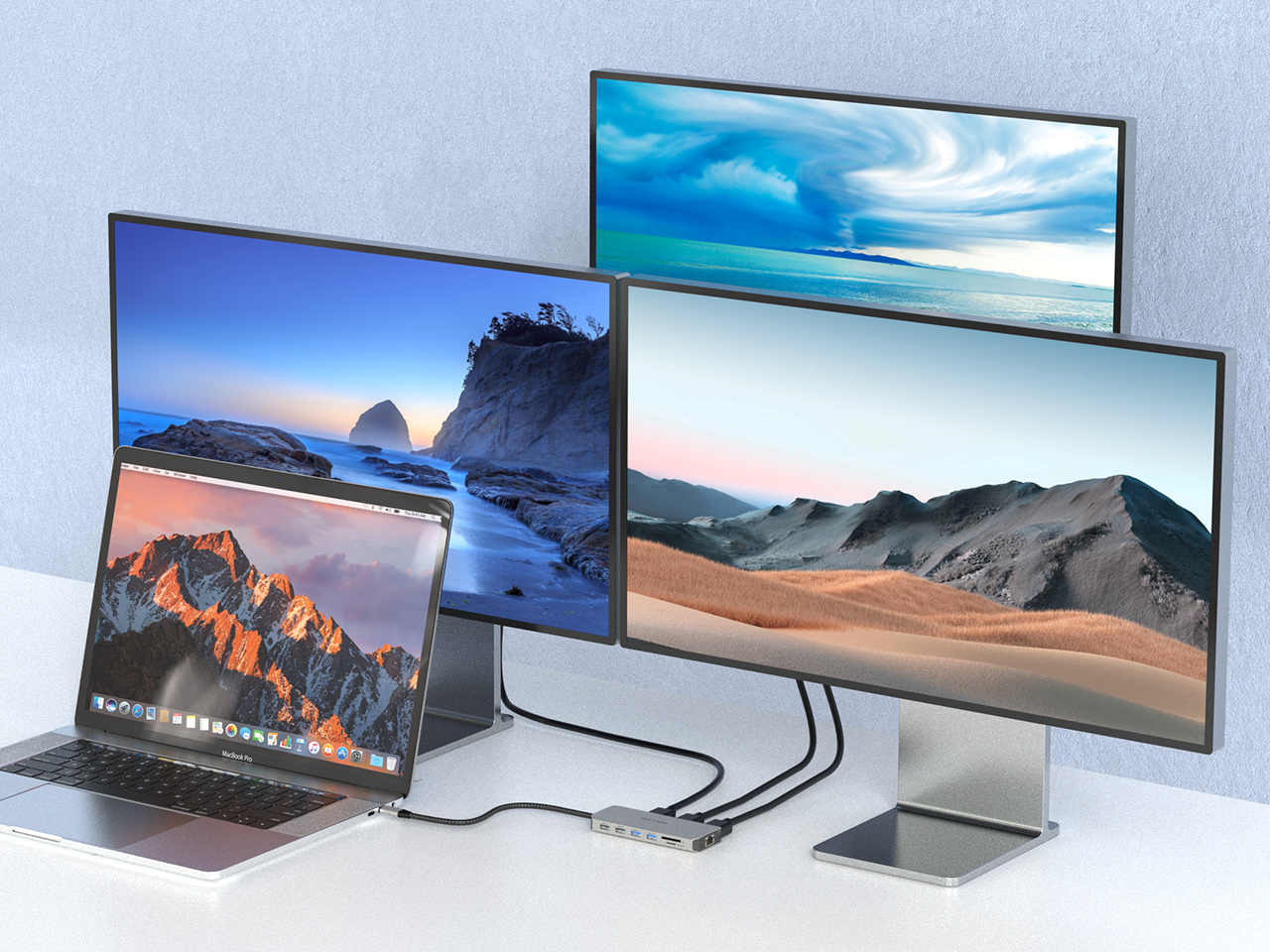
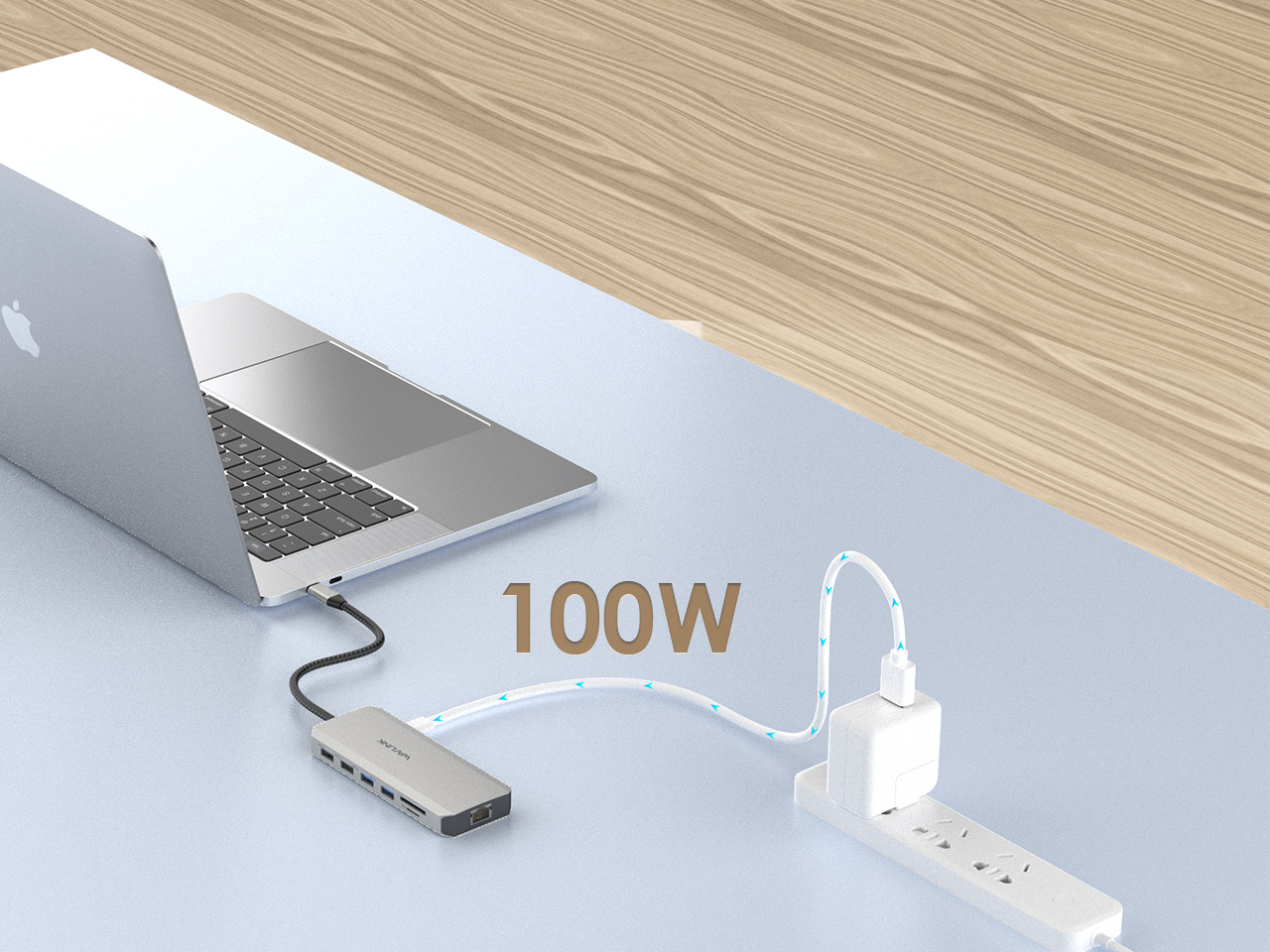
Connected to a power adapter, this dock supports USB Power delivery up to 85W upstream Charging for PC/laptop
2 x USB-A 3. 0(5Gbps) and 2 x USB-A 2.0 (480Mbps) for different needs.
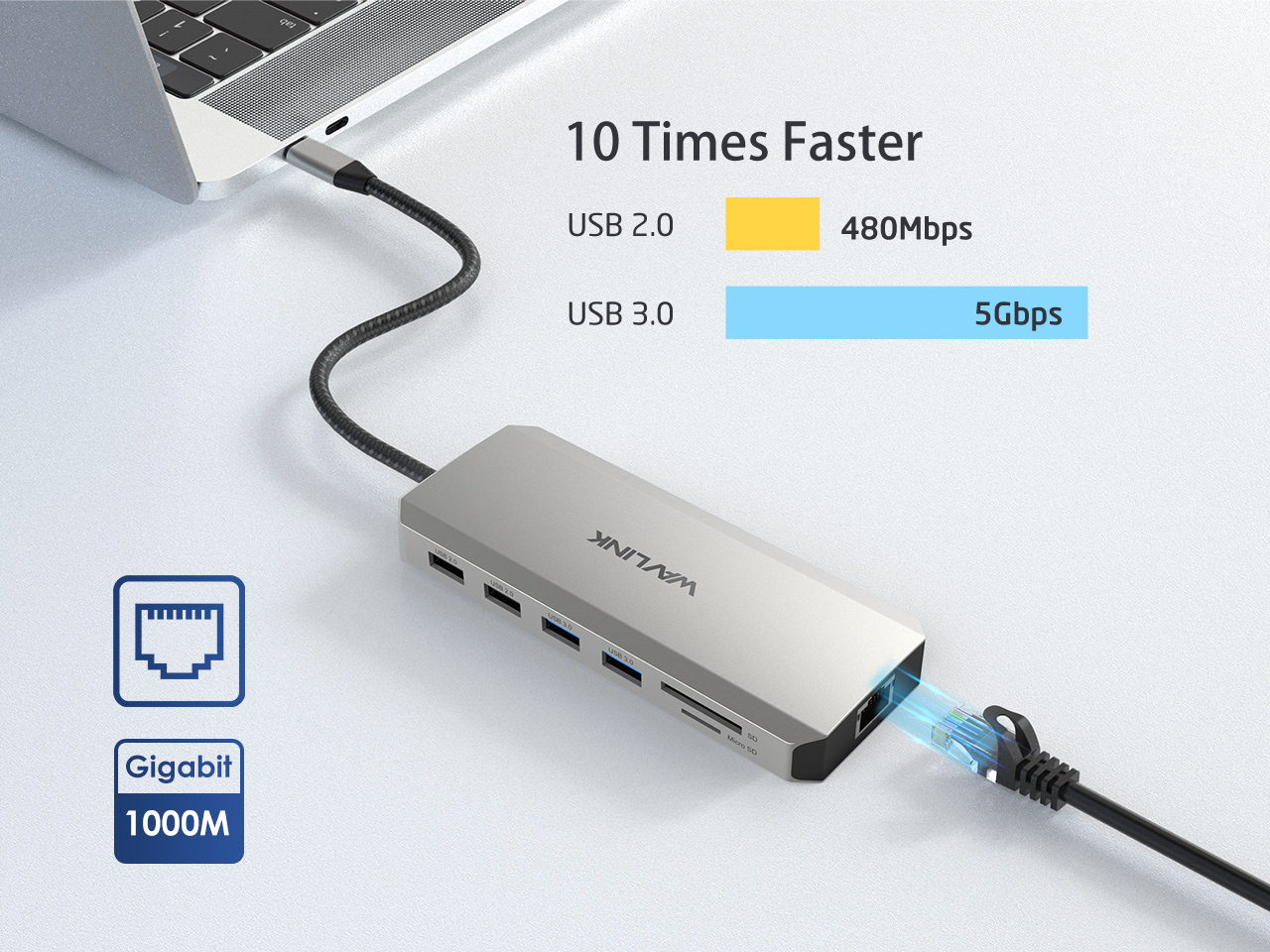
Gigabit Ethernet port provides stable network performance in wired connection, enhancing your use experience
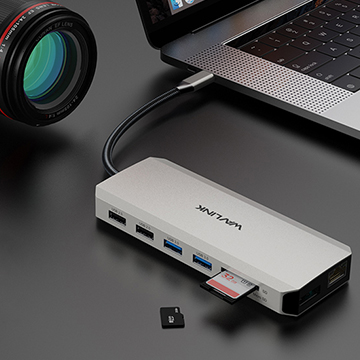
SD/Micro SD V3.0 Card Reader supports data transfer speed up to 104MB/s.
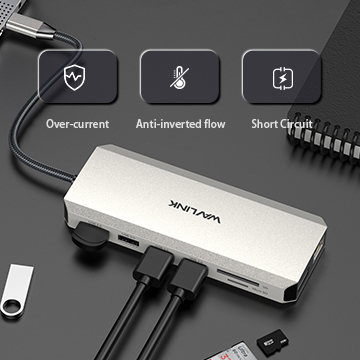
Audio/microphone jack provides additional convenience.
1.Your computer’s USB-C port must support DisplayPort Alt Mode (video output) for the external monitor to function through the dock. To verify this,you could contact the laptop/pc manufacturer or contact our support team and tell us the detail model number of your laptop.
2.If the docking comes with a type-c cable,please make sure you should use the original type-c cable.
This dock uses MST (Multi-Stream Transport) technology. macOS does not support MST, so all connected displays will mirror the same screen.
This is a limitation of macOS, not a defect of the dock.
Please ensure that your computer’s USB-C port supports charging. If the dock does not come with a power adapter, please connect a compatible power adapter to the dock to enable the charging function.
This dock is driver-free and supports plug-and-play functionality. Please ensure that your computer’s USB-C port supports video output for the external monitor to work with the dock.
No. This dock requires a native USB-C port that supports both data transfer and video output to function properly.
Please ensure that the power adapter you are using with the dock is in good condition. If possible, try using a different power adapter, another USB-C port on your computer, or another computer for testing. If the “slow charging” message still appears, please contact our support team for further assistance.
To ensure that four monitors can function properly (one built-in display and three external displays), your GPU must support up to four displays simultaneously. Please note that not all GPUs have this capability.
If you are unsure whether your device supports this feature, we kindly recommend contacting your laptop or PC manufacturer for confirmation. Alternatively, you may reach out to our support team and provide the detailed model number of your laptop—we will be happy to assist you further.
The maximum supported resolution depends on the DisplayPort (DP) version of the host USB-C port. We kindly recommend referring to the user manual to check the supported resolutions for different DP versions.
If you are unsure about the DP version of your device’s USB-C port, please contact your laptop or PC manufacturer for confirmation. Alternatively, you may reach out to our support team, and we will be happy to assist you further.
Get the Scoop First
Subscribe to our official website to receive exclusive first-hand news and stay up-to-date on our new product releases and promotions!