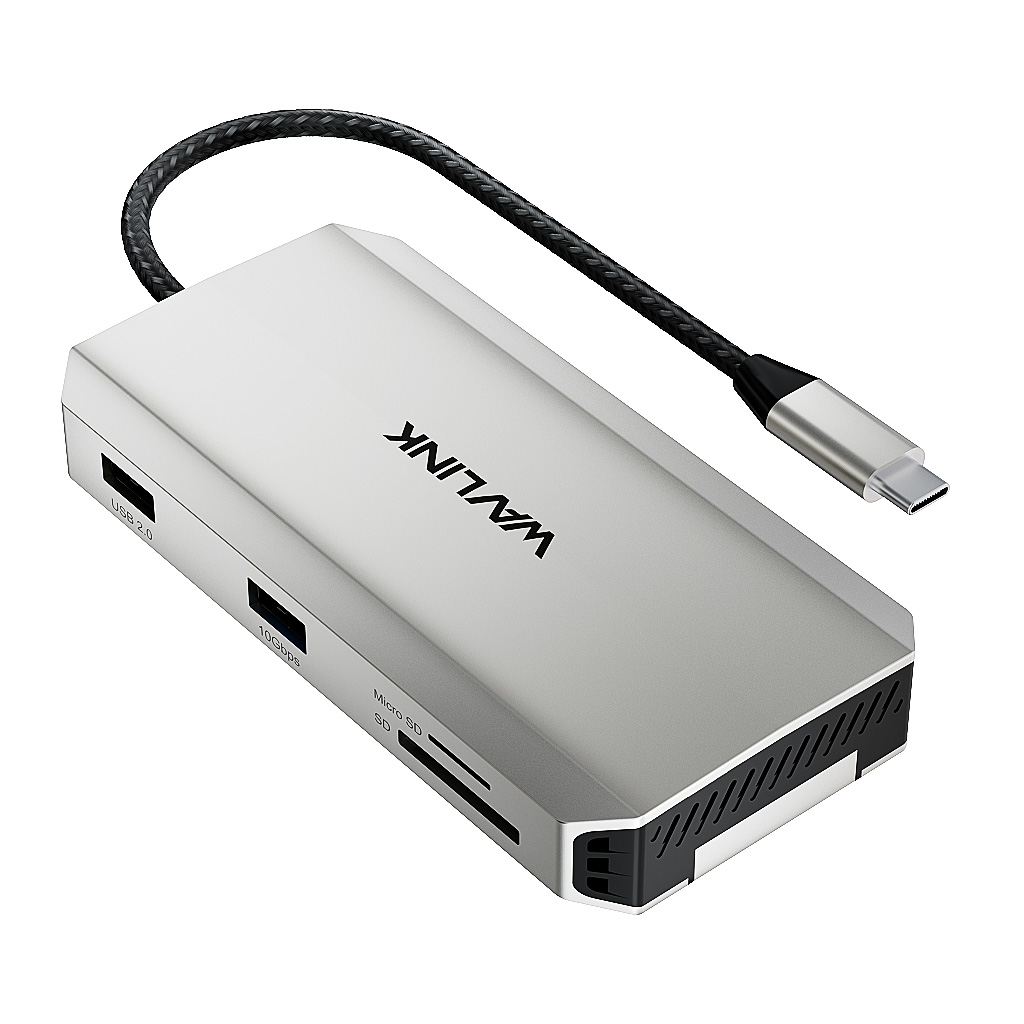
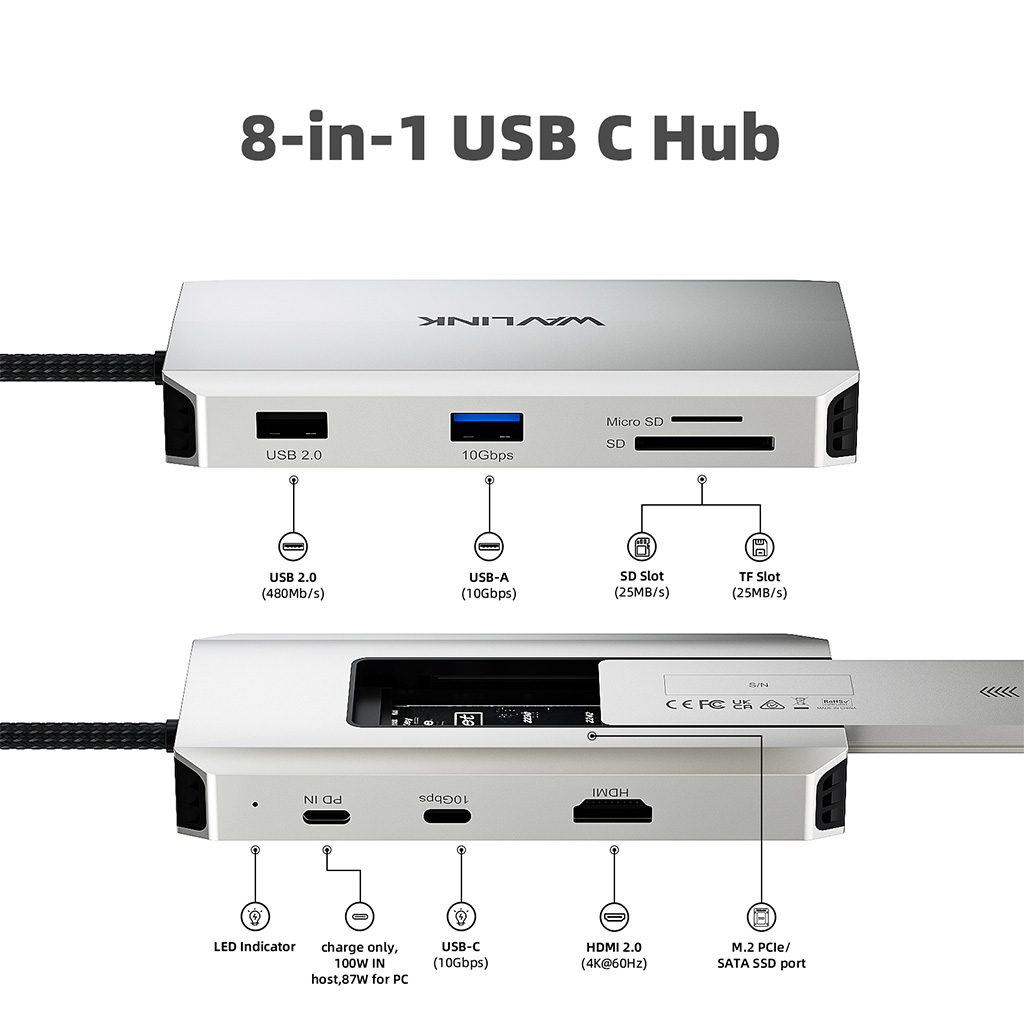
Model: WL-UHP3420
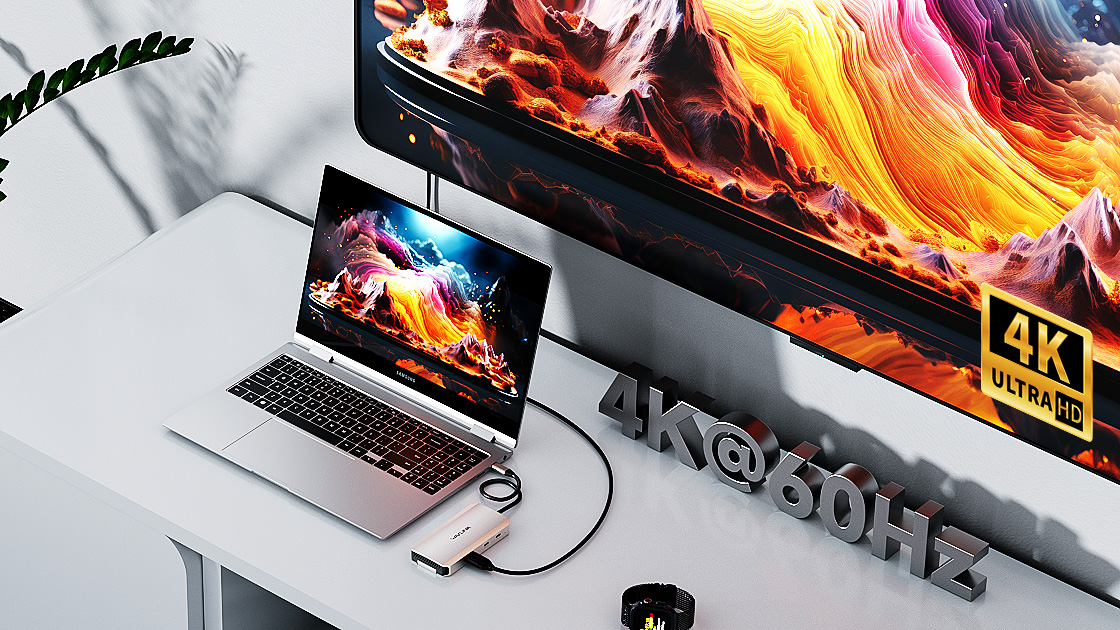
Single display reaches to 4K@60Hz with HDMI(DP1.4).
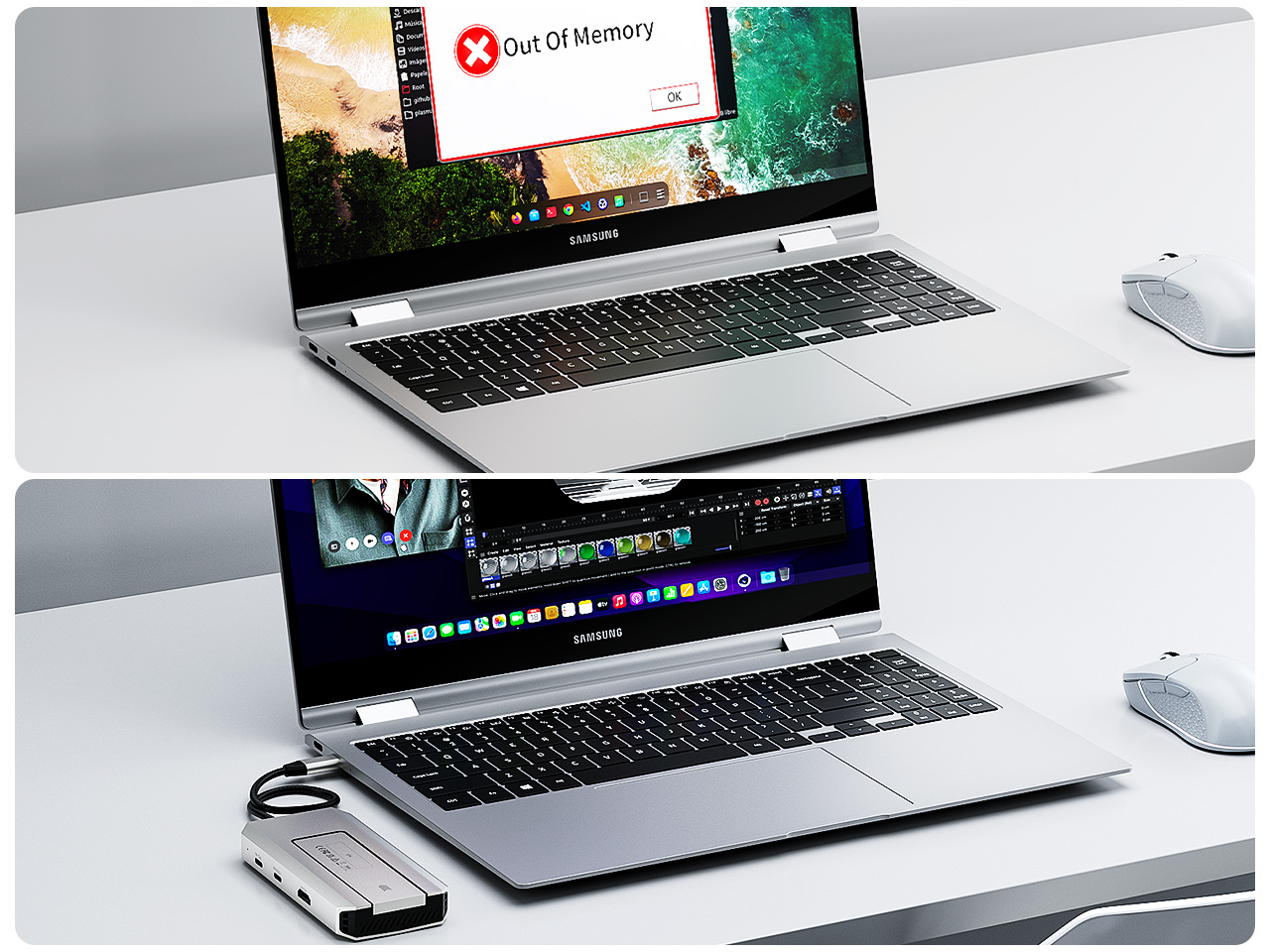
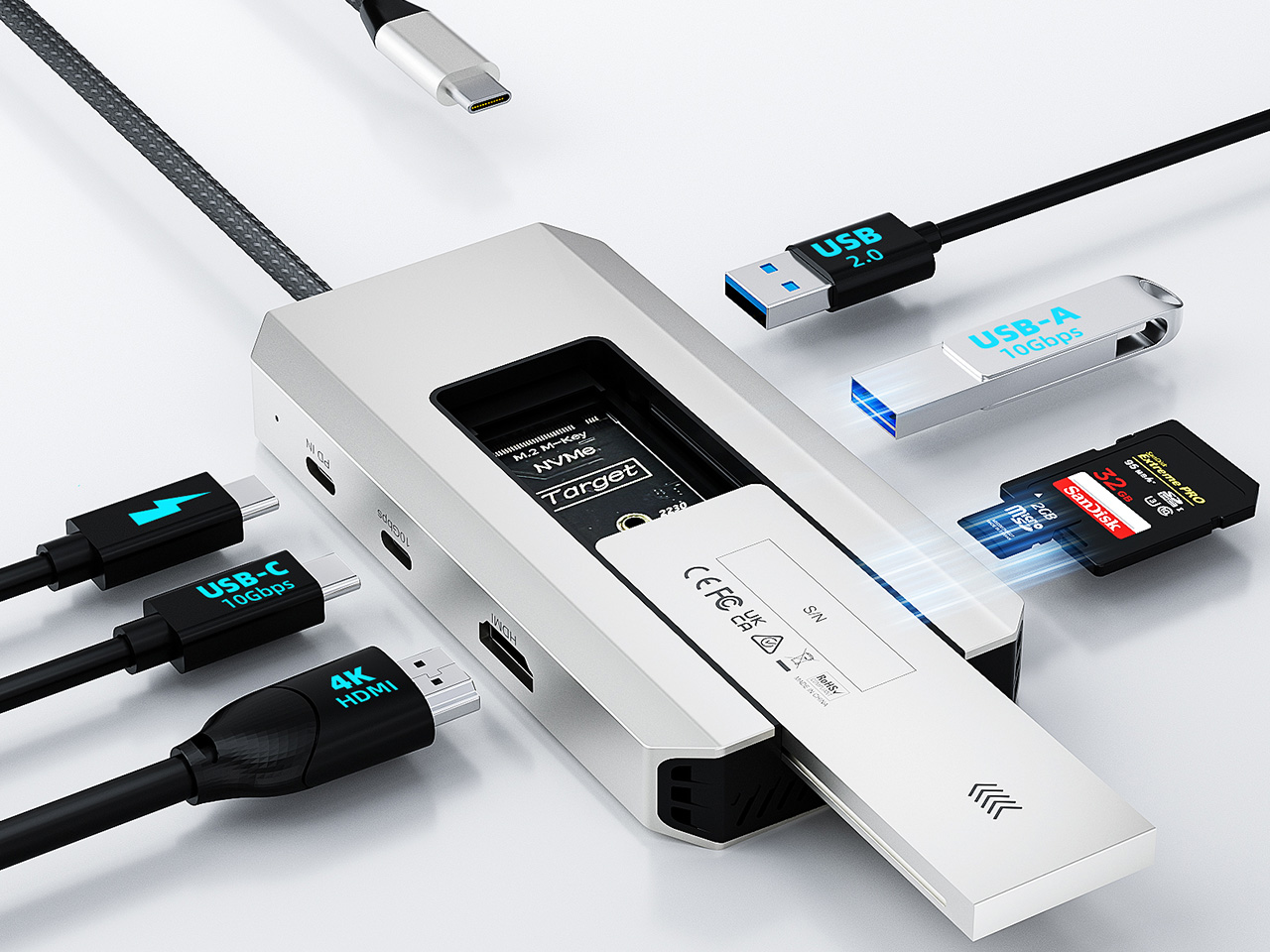
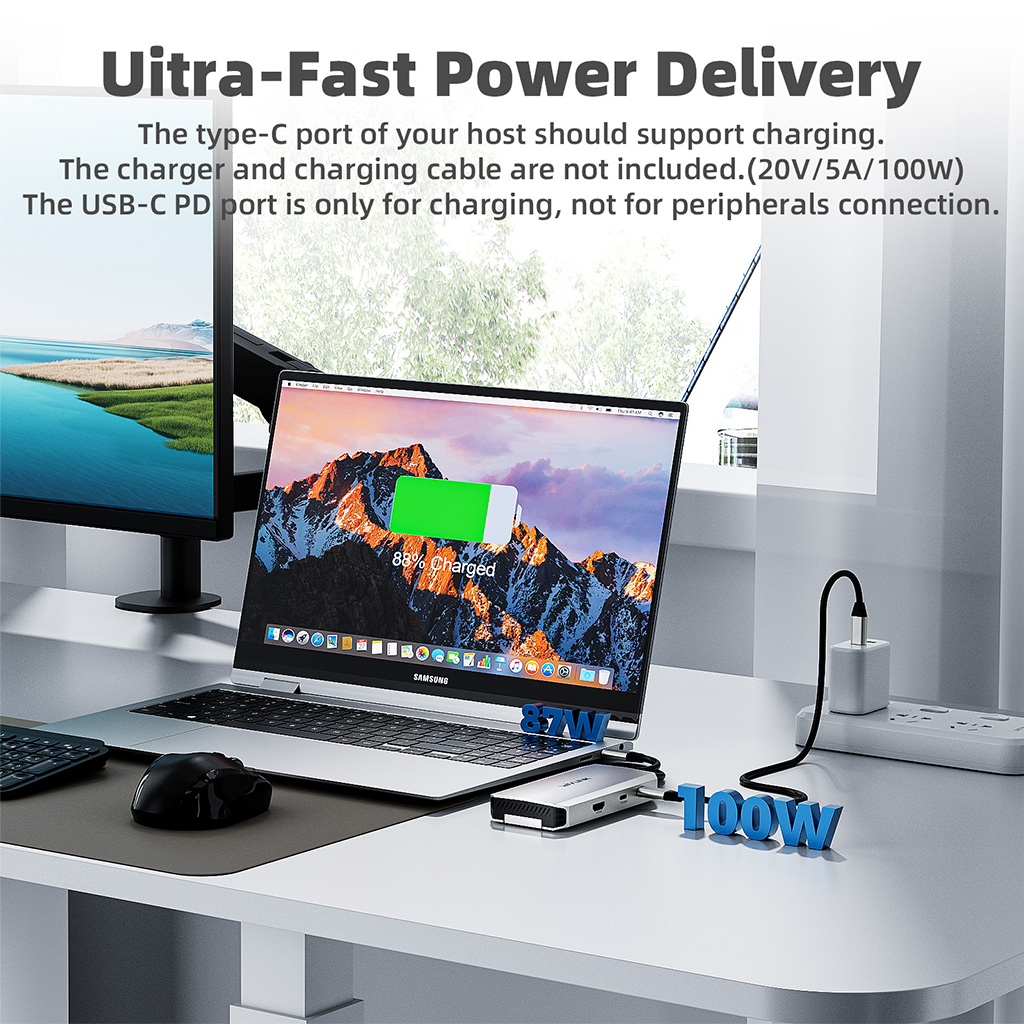
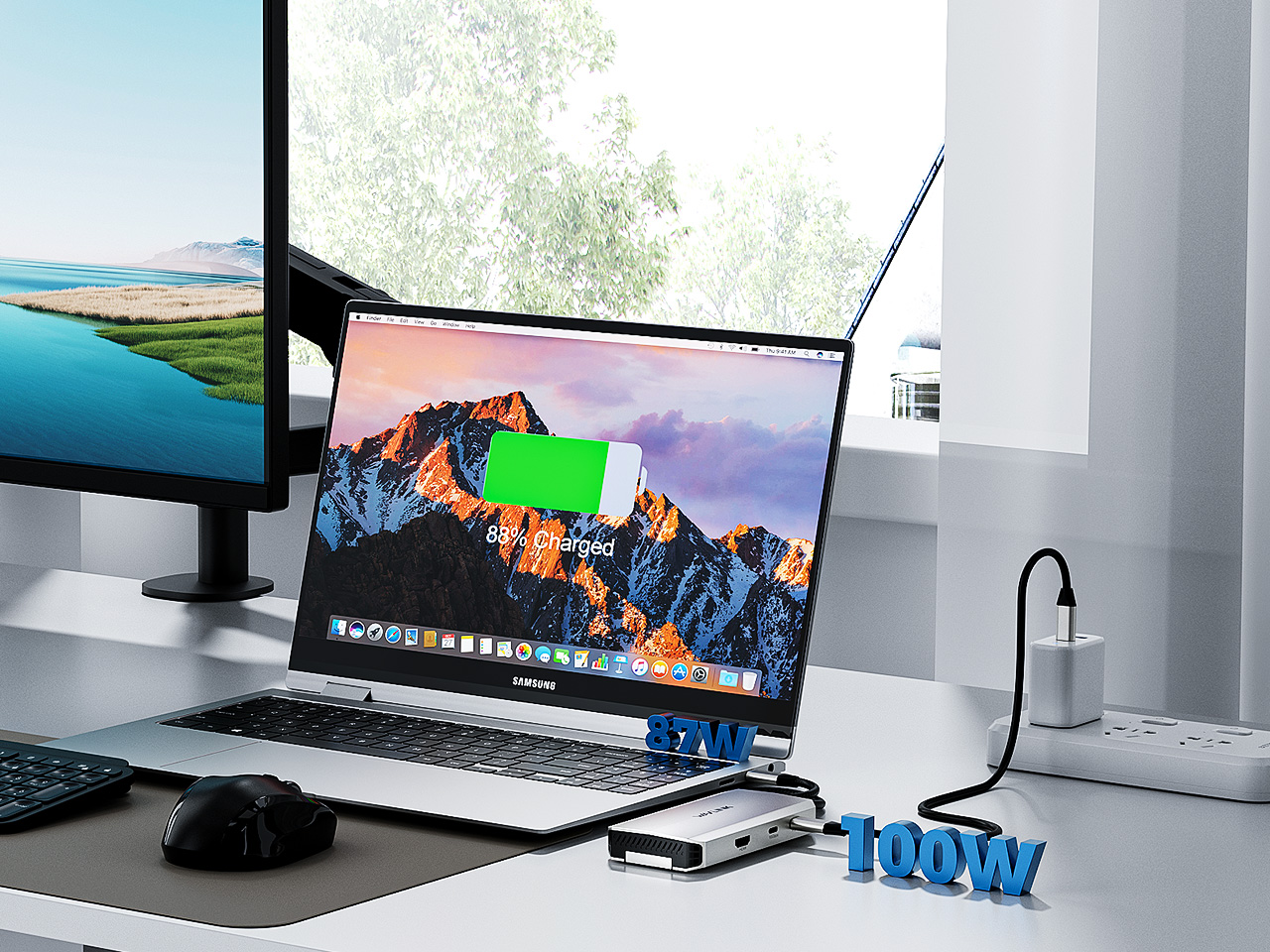
Le port USB-C de votre hôte doit prendre en charge la charge.Le chargeur et le câble de charge ne sont pas inclus (20 V/5 A/100 W).Le port USB-C PD est uniquement destiné à la charge, et non à la connexion de périphériques.
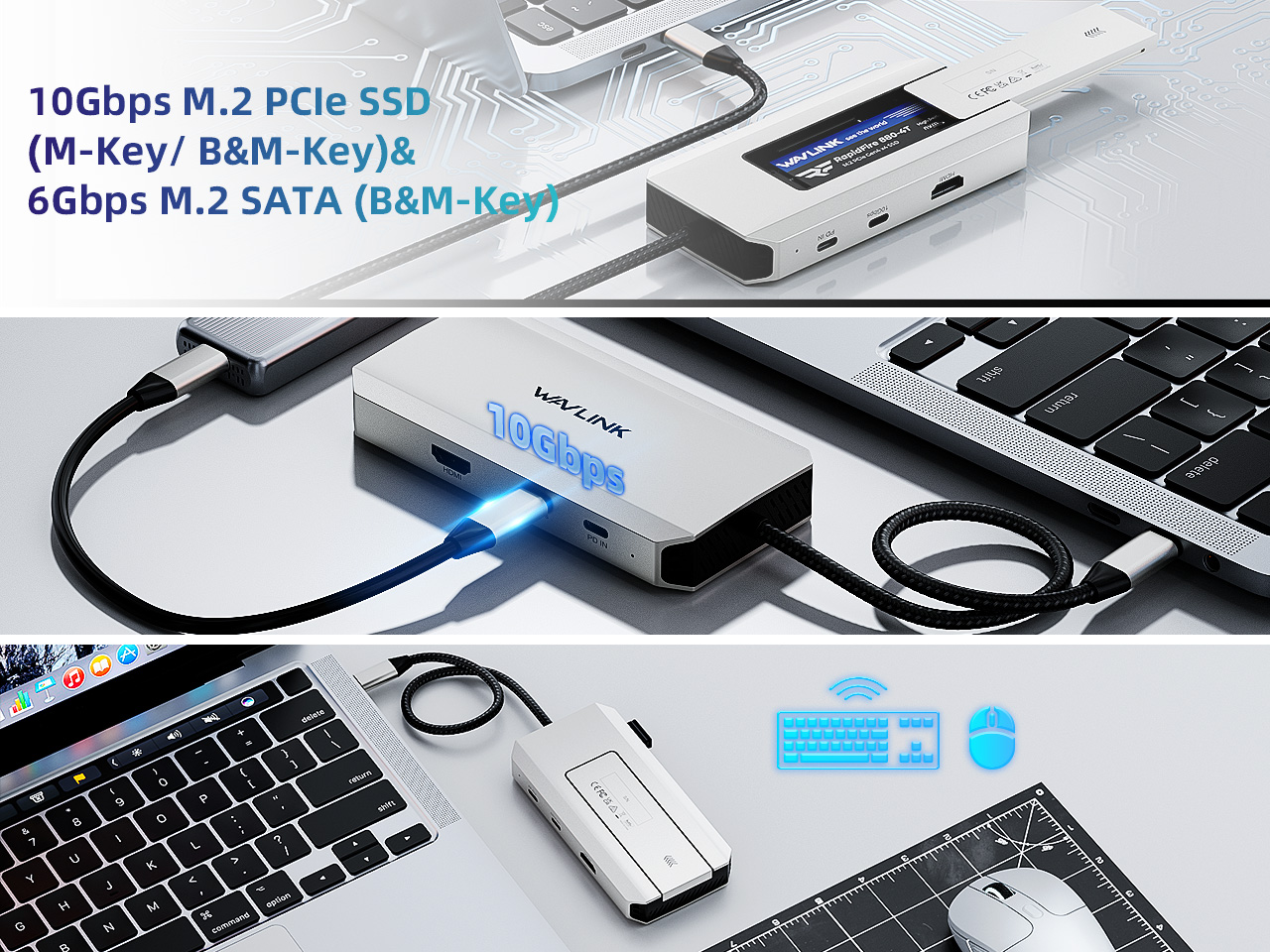
Compatible with Windows, Mac OS, Chrome OS, Linux, iPad OS, Android, iOS, and Harmony OS.
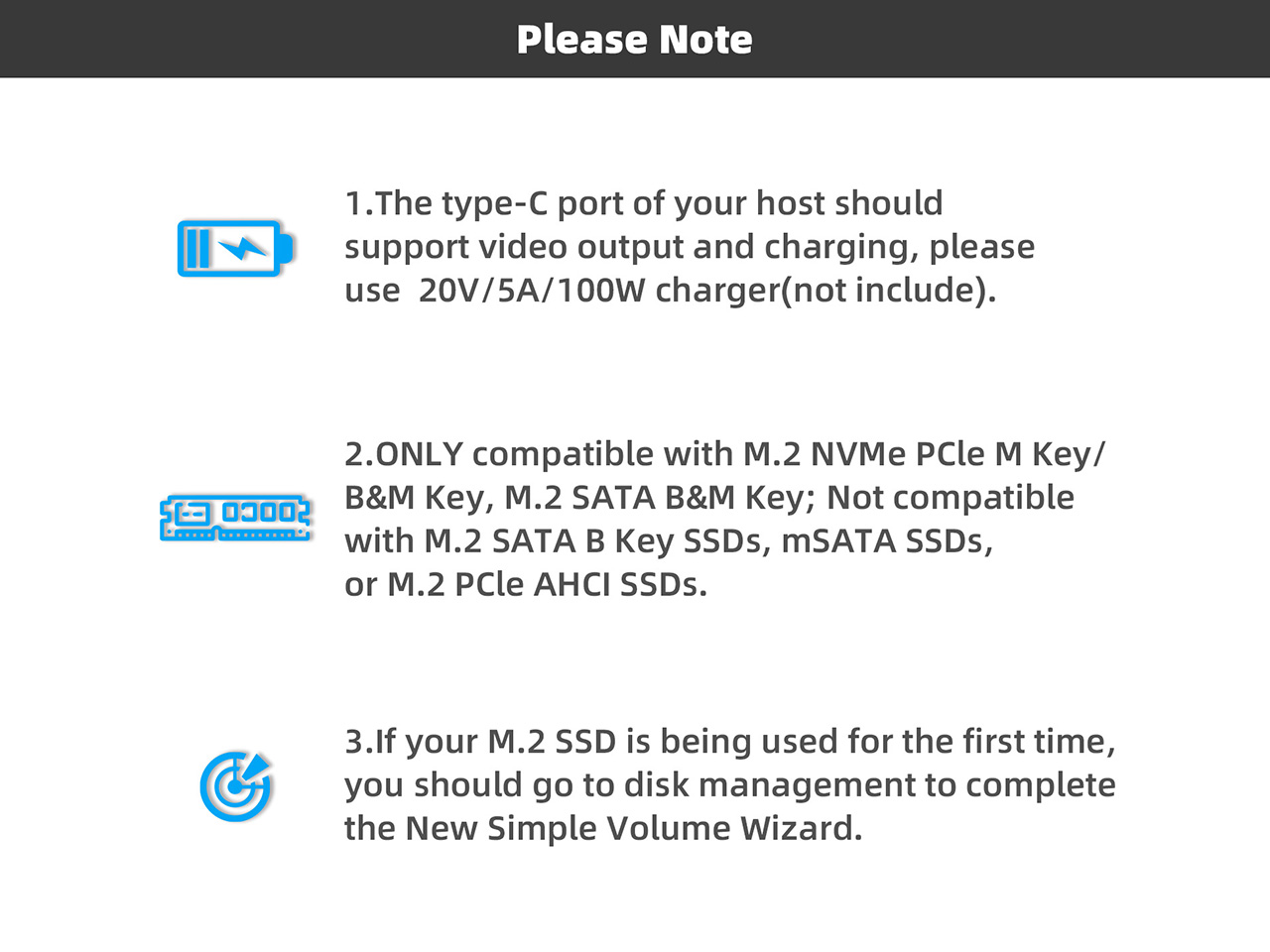
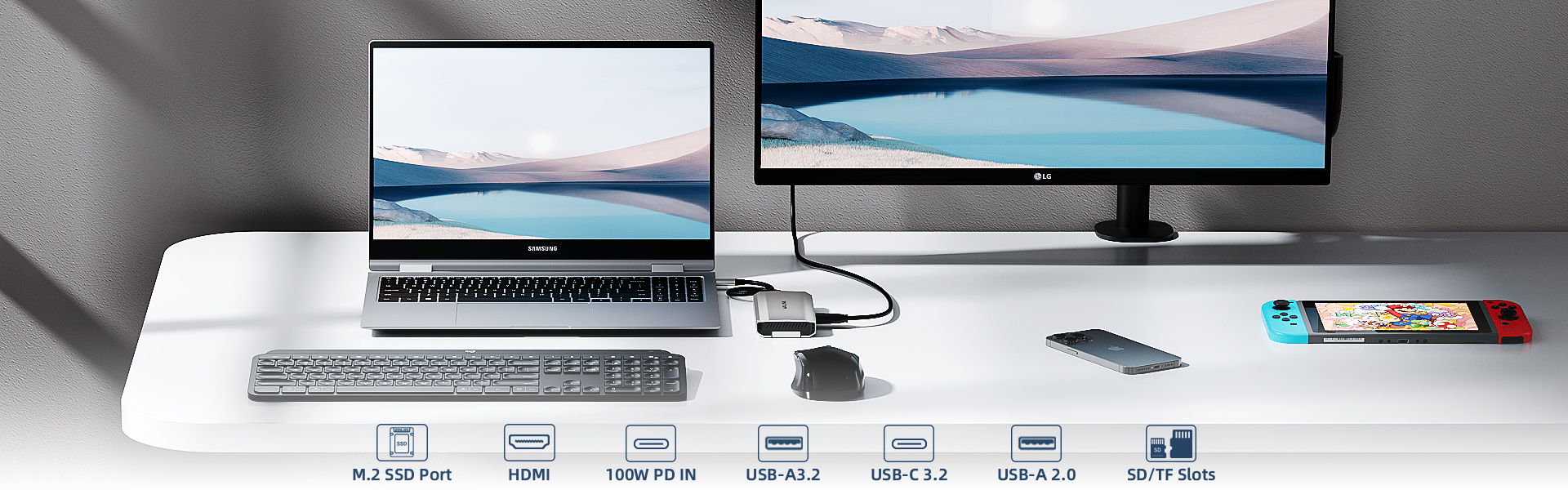
1.Your computer’s USB-C port must support DisplayPort Alt Mode (video output) for the external monitor to function through the dock. To verify this,you could contact the laptop/pc manufacturer or contact our support team and tell us the detail model number of your laptop.
2.If the docking comes with a type-c cable,please make sure you should use the original type-c cable.
This dock uses MST (Multi-Stream Transport) technology. macOS does not support MST, so all connected displays will mirror the same screen.
This is a limitation of macOS, not a defect of the dock.
Please ensure that your computer’s USB-C port supports charging. If the dock does not come with a power adapter, please connect a compatible power adapter to the dock to enable the charging function.
This dock is driver-free and supports plug-and-play functionality. Please ensure that your computer’s USB-C port supports video output for the external monitor to work with the dock.
No. This dock requires a native USB-C port that supports both data transfer and video output to function properly.
Please ensure that the power adapter you are using with the dock is in good condition. If possible, try using a different power adapter, another USB-C port on your computer, or another computer for testing. If the “slow charging” message still appears, please contact our support team for further assistance.
The maximum supported resolution depends on the DisplayPort (DP) version of the host USB-C port. We kindly recommend referring to the user manual to check the supported resolutions for different DP versions.
If you are unsure about the DP version of your device’s USB-C port, please contact your laptop or PC manufacturer for confirmation. Alternatively, you may reach out to our support team, and we will be happy to assist you further.
Top
Get the Scoop First
Subscribe to our official website to receive exclusive first-hand news and stay up-to-date on our new product releases and promotions!