Model: WL-UG7701
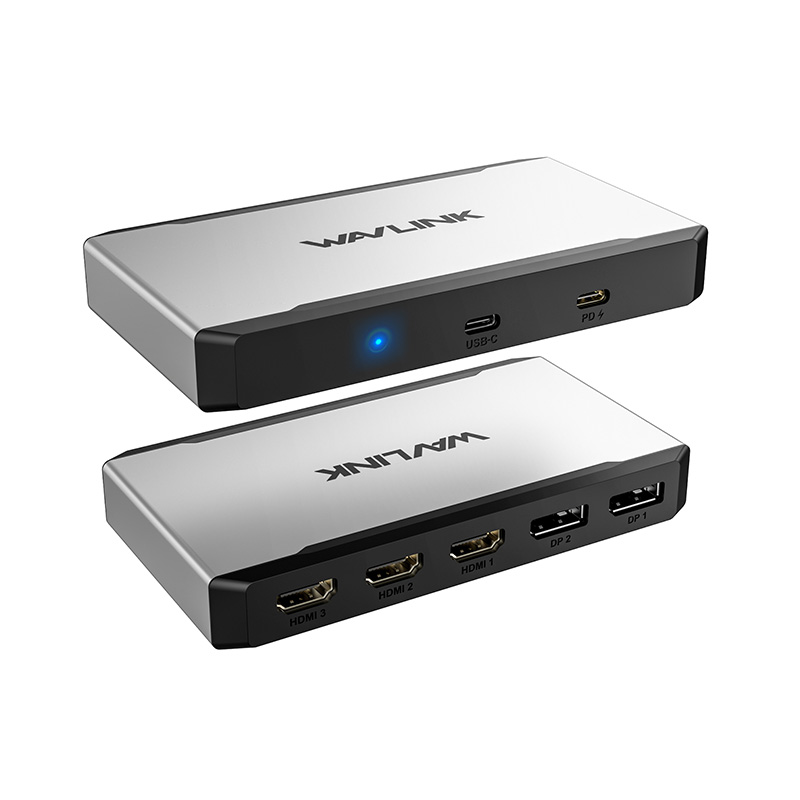
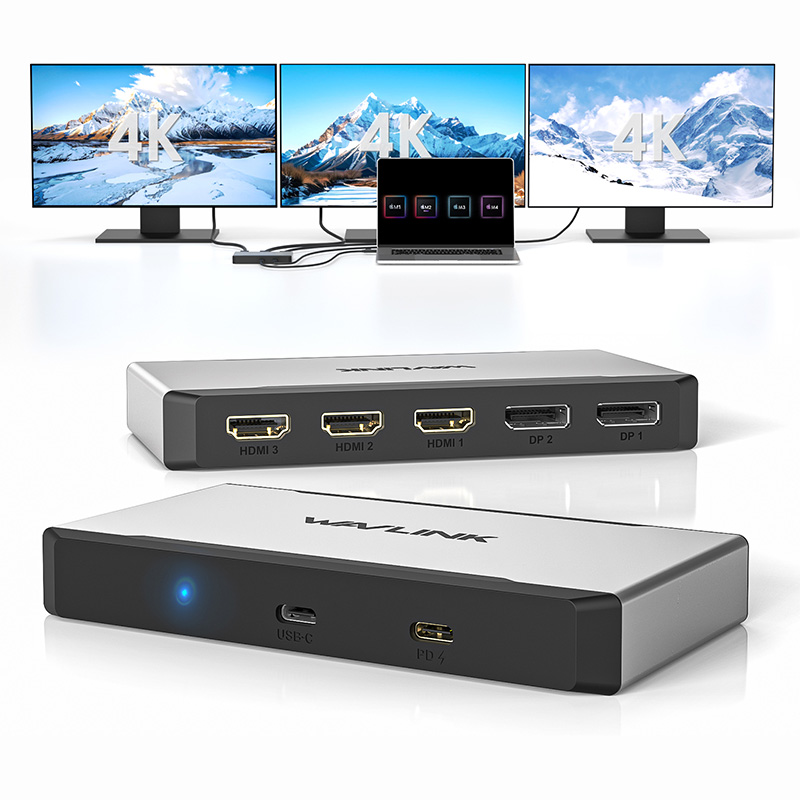
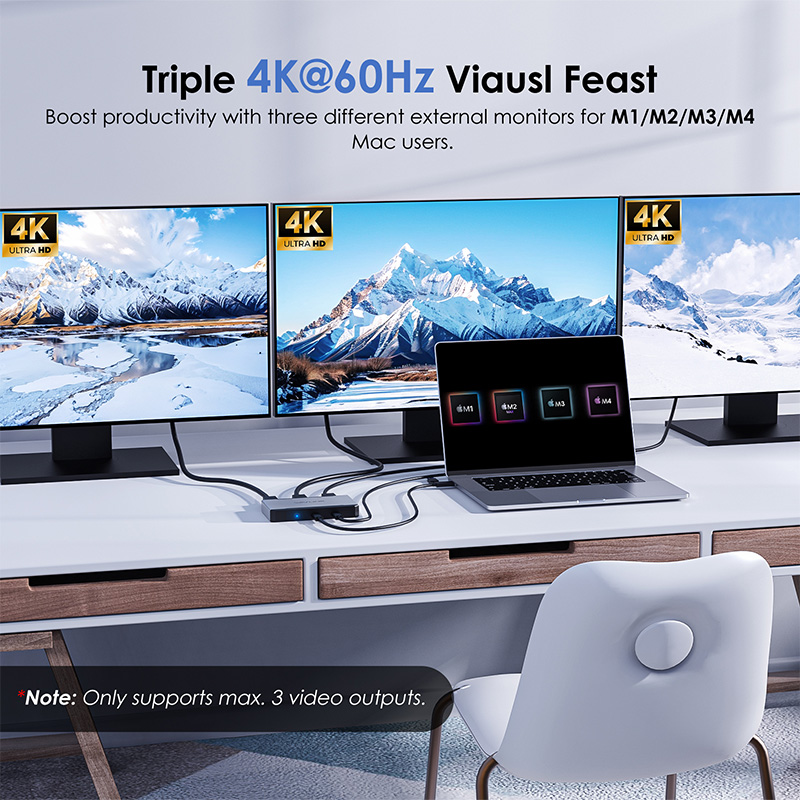
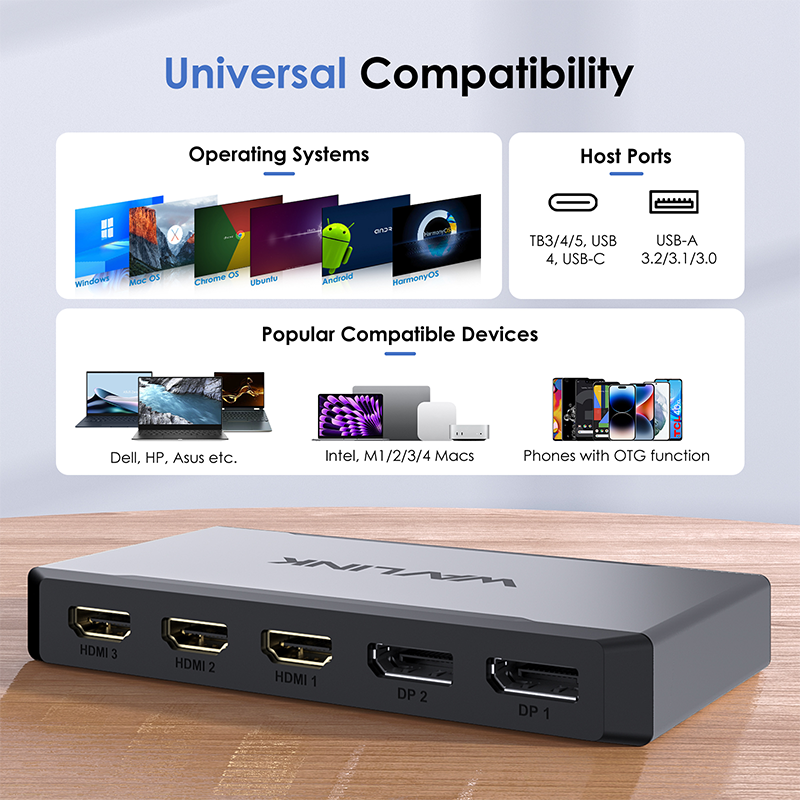
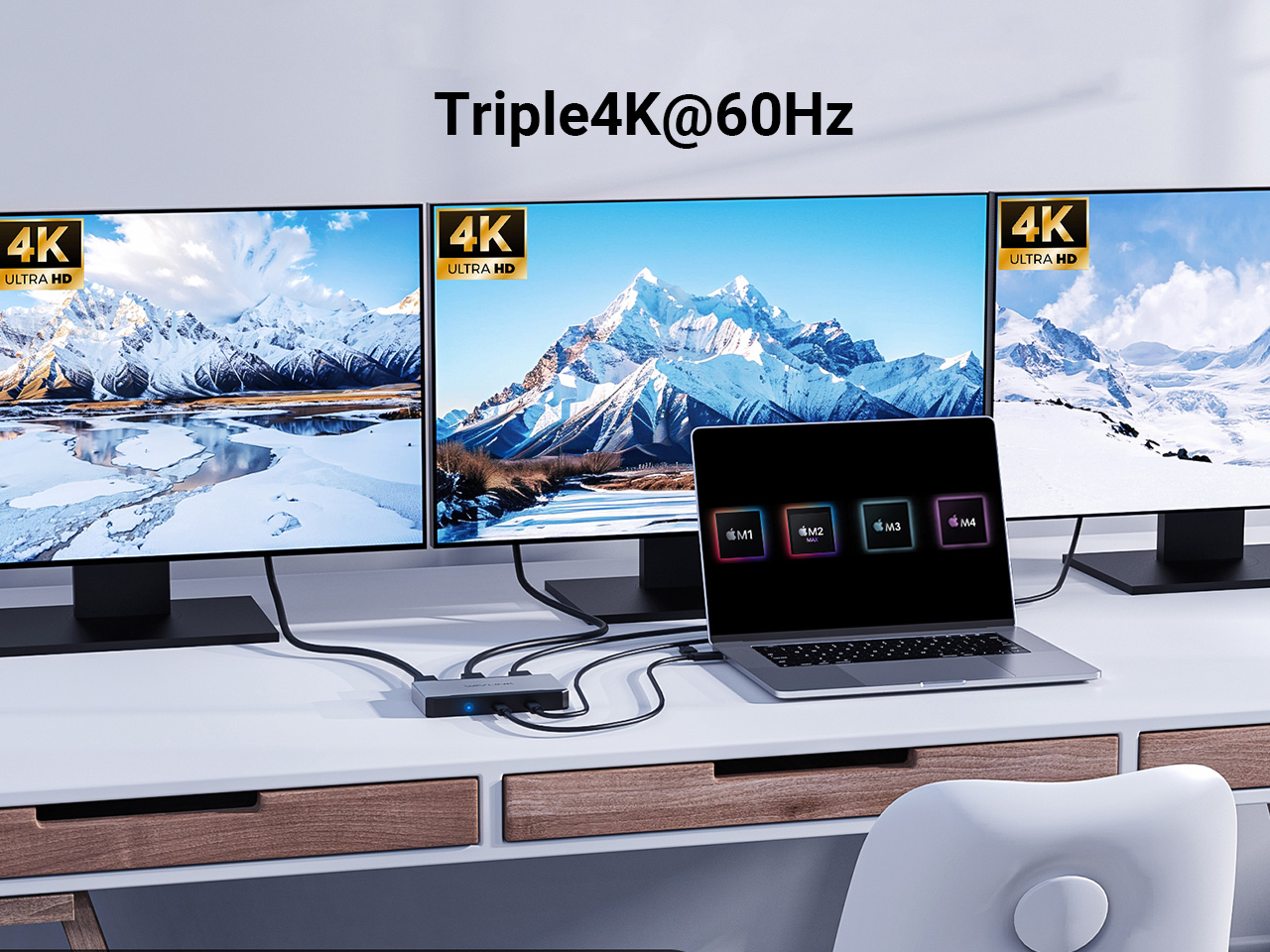
- 5*Video ports(3*HDMI+2*DP) support max. triple 4K@60Hz display in your required combination.
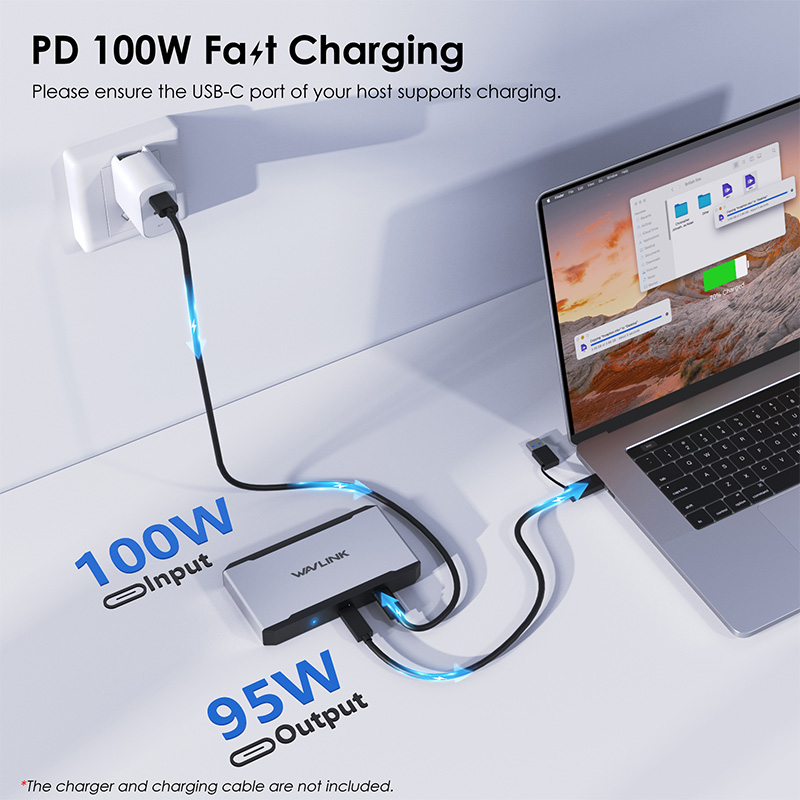
- 1*USB-C upstream is compatible with Thunderbolt 4/3 and full-functional USB4/3.2/3.1/3.0/2.0 Type-C/Type-A hosts, and provides up to 10Gbps data transfer and upstream 95W power delivery for the USB-C hosts.
- 1*USB-C PD IN 3.0 passthrough provides 100W power supply for the adapter.
Power Redefined, Clutter Erased
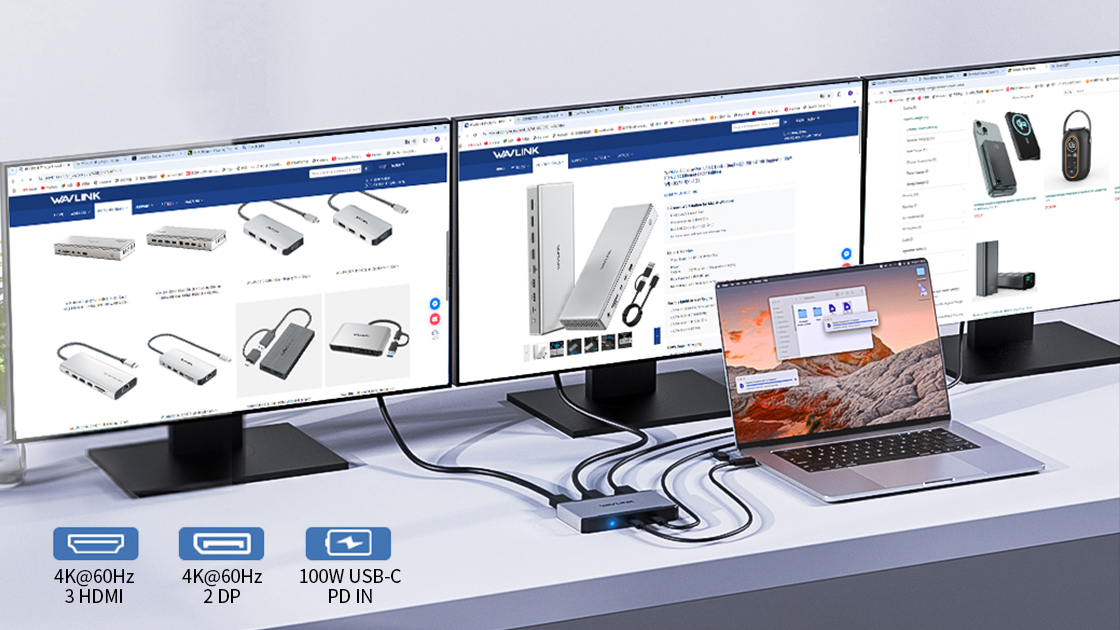
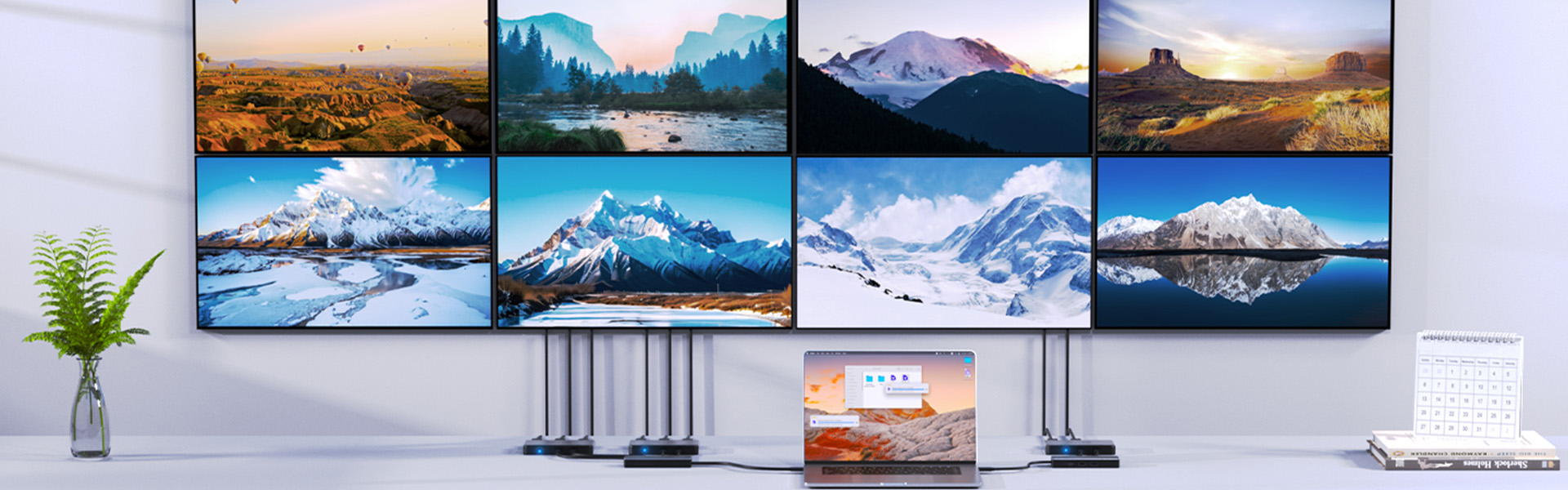
Fuels three 4K@60Hz screens simultaneously (3 outputs from 3*HDMI or 2*DP) – designed for financial analysts, 4K image enthusiast, project manager and more.
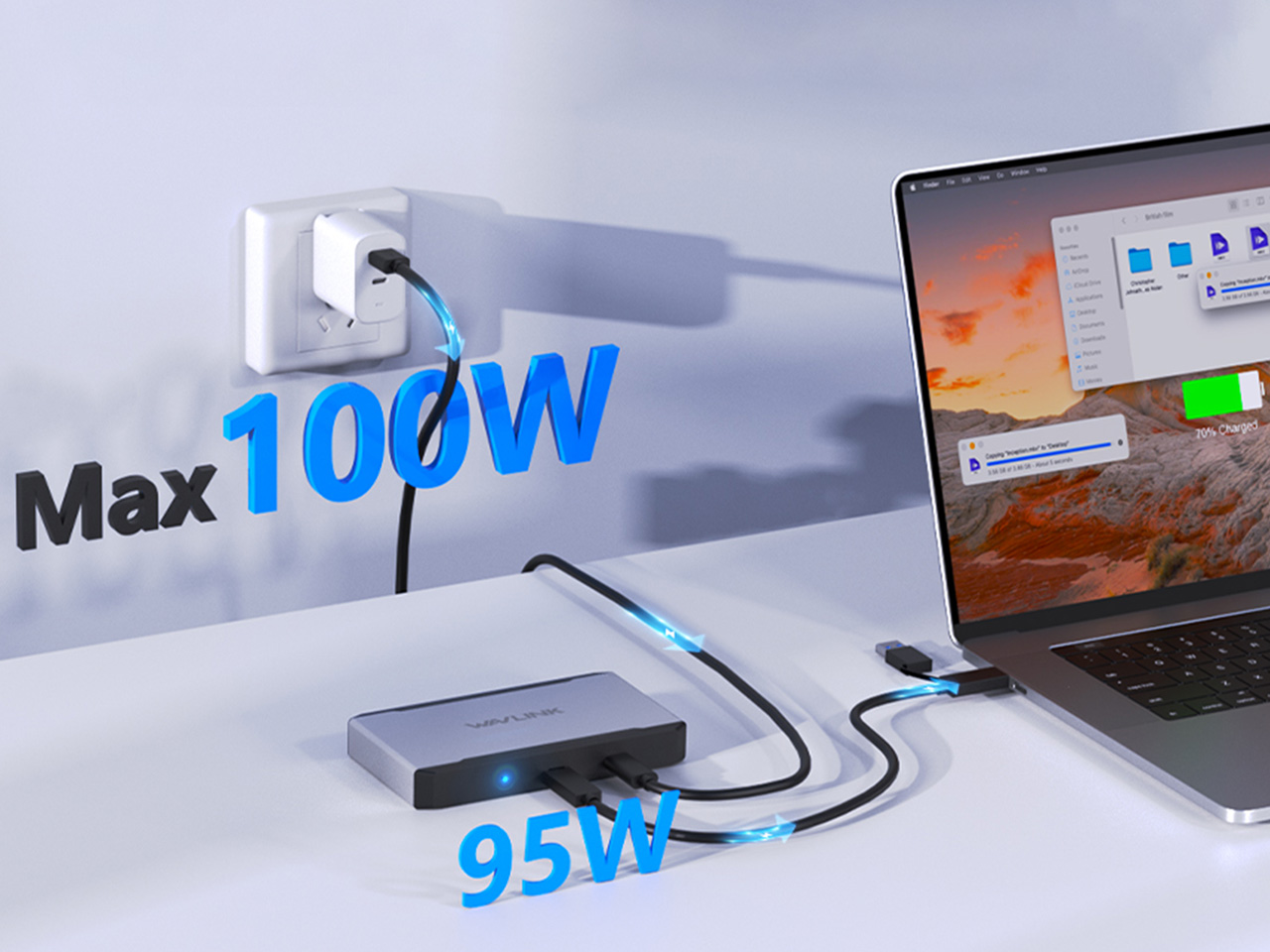
Ensure your laptop’s USB-C port supports charging, and bring a qualified charger and cable.
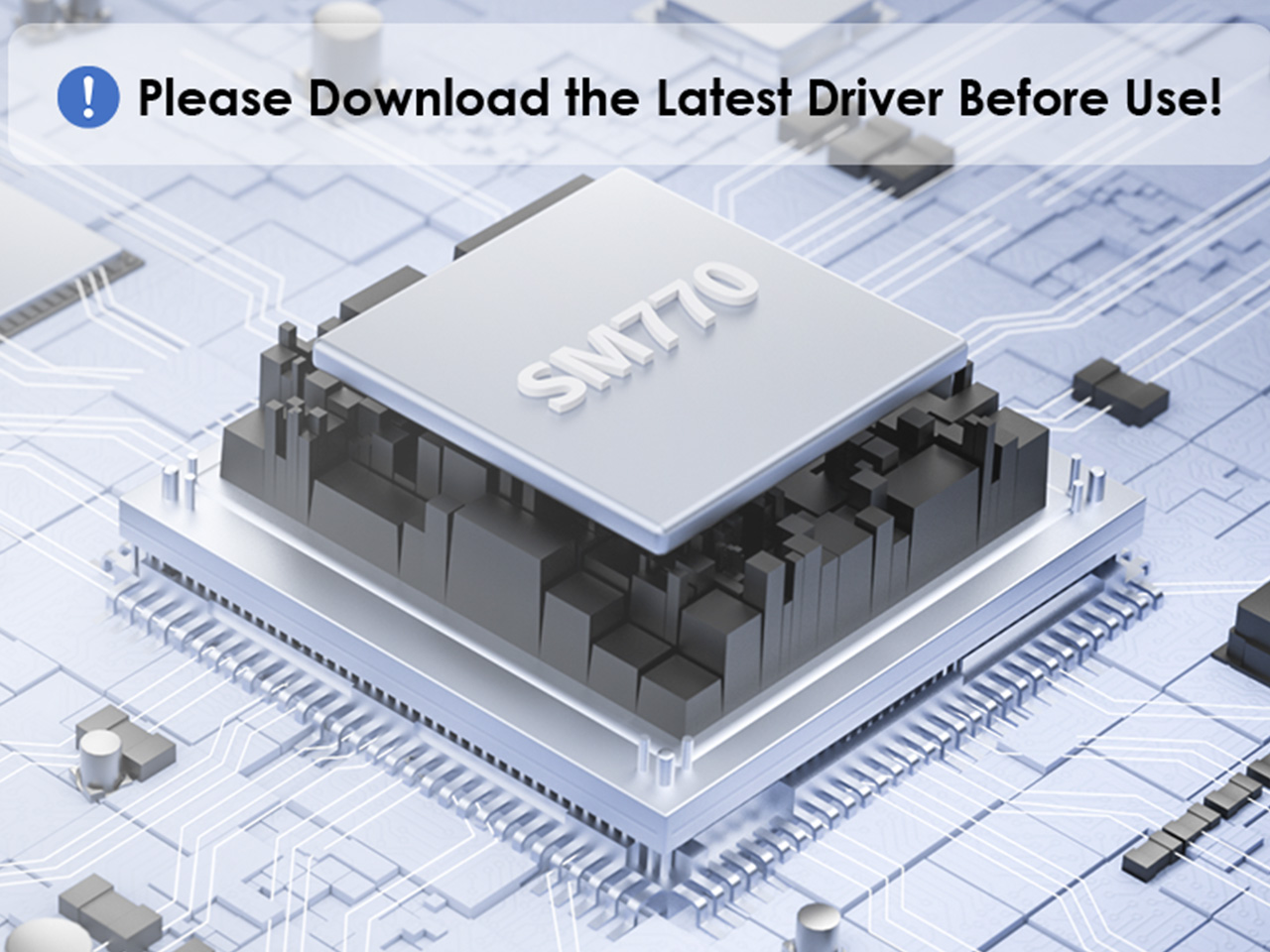
Equipped with SM770 chip for ultra-stable performance. Does NOT support plug & play, please install the latest driver from our website (www.wavlink.com) to ensure full functionality of the dock.
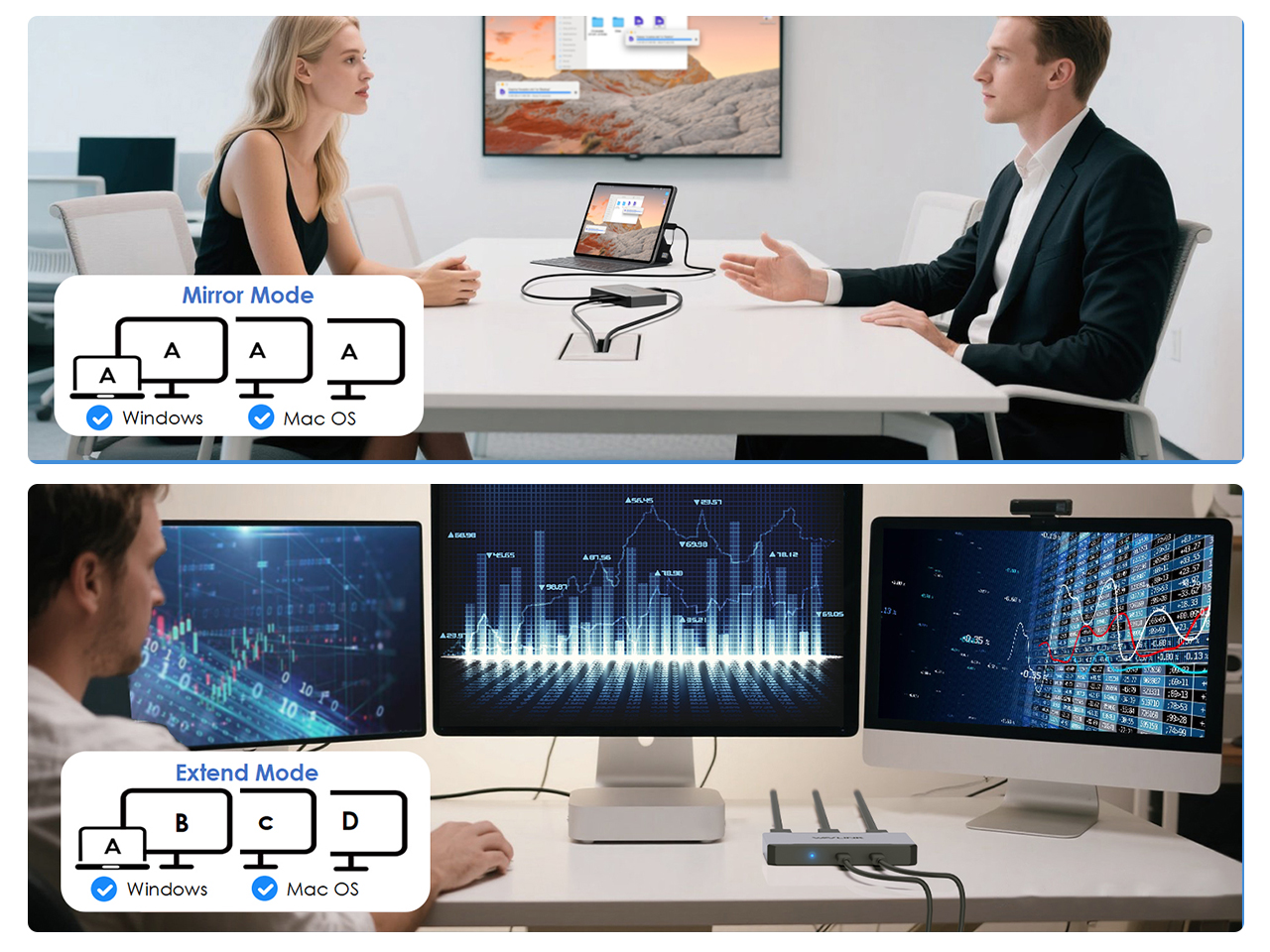
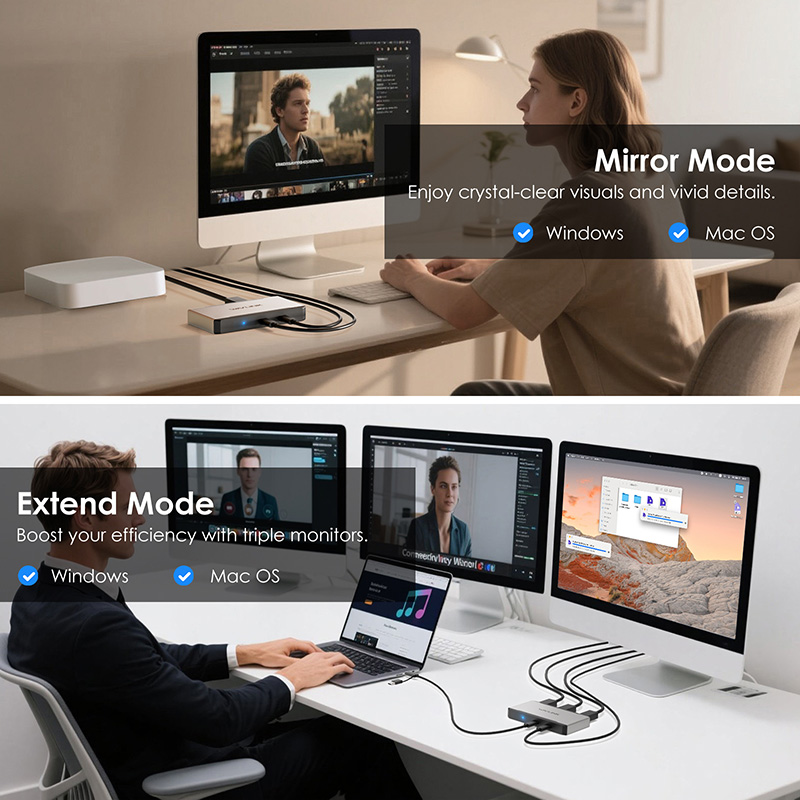
Both Windows and Mac support Mirror Mode and Extend Mode; Especially suitable for MacBook users, allowing them run different apps, windows, and workflows across multiple screens simultaneously.
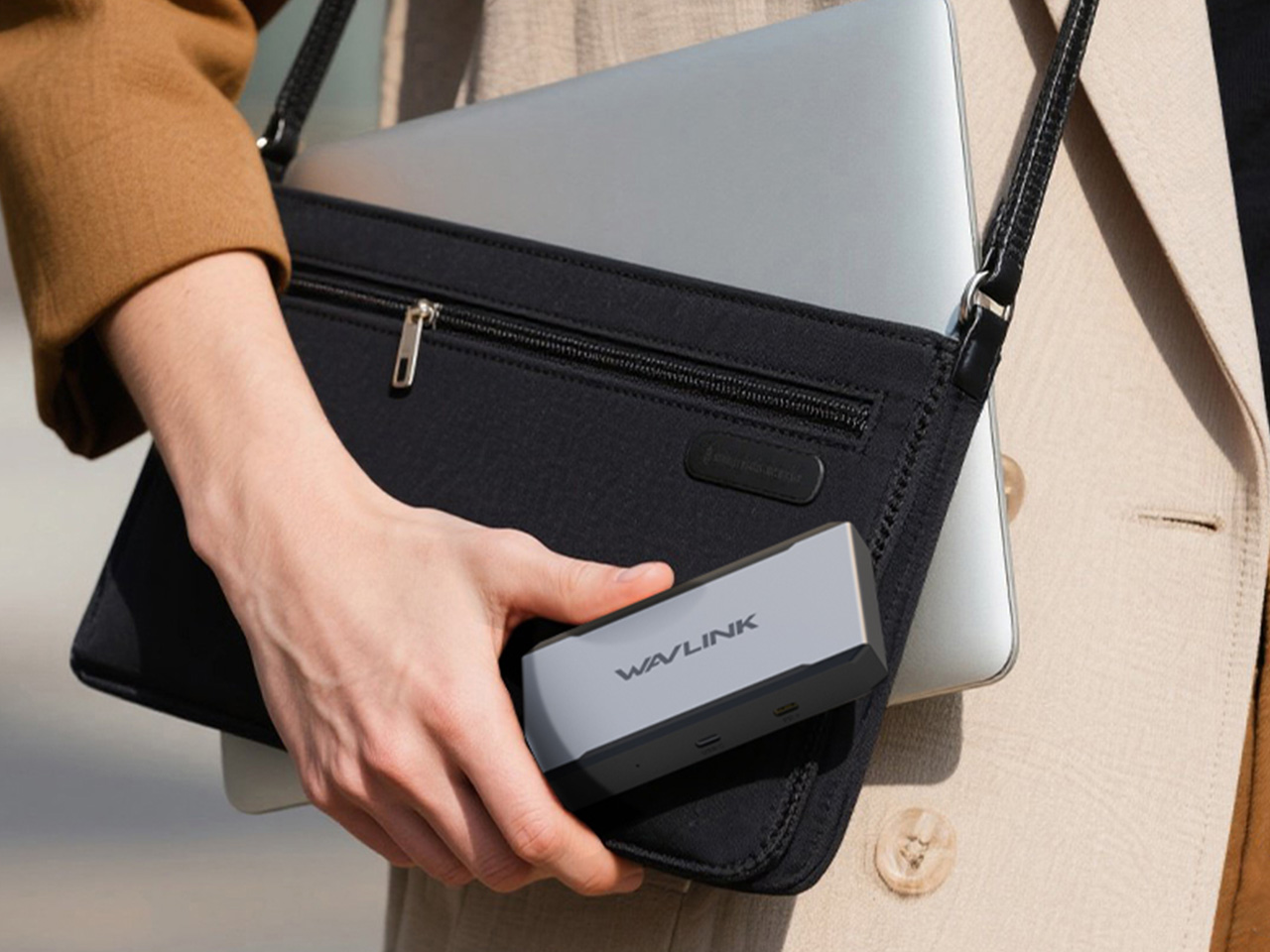
The compact size of 13.7x7.7x2.0cm and lightweight of 182g make it easy to carry in your pocket or bag, ideal for professionals who need to work on-the-go.
TECHNICAL SPECIFICATIONS
| Connection To Host | 1 x 100cm Type-C to Type-C cable with a USB-C to USB-A adapter |
| Chip | SM770 |
| USB Power Delivery | 1 x PD port for USB3.0 PD passthrough PD IN 100W, charge laptop up to 95W |
| USB Port | 1 x USB 3.2gen2 upstream |
| Video Outputs | 2 x DP |
| 3 x HDMI | |
| LED | 1 x POWER LED |
| Operating Systems | - Windows 11/10 - Mac OS 13.x or later - Chrome OS - Android - Harmony OS - Ubuntu |
Please ensure that the appropriate driver for the dock is installed. You can download the latest driver from the link below:
macOS requires Screen Recording permission for the Silicon Motion driver to function properly. The InstantView app does not transmit any information to Wavlink or Silicon Motion, so there is no need to worry.
1.The docking station does not support HDCP, so protected content from services like Apple TV, Hulu, and Netflix cannot be played while the dock is connected. This is expected behavior. Please disconnect the dock when playing these videos.
2.Alternatively, you can try :
1) Open Google Chrome settings.
2) Click on "Advanced" and select "System."
3) Disable "Use hardware acceleration when available"
4) Select "Relaunch" to activate the new settings.
No, the driver of Silicon Motion graphics software does not support blue light reduction, so applications such as f.lux, Night shift won't affect the display.
Please use the USB-C to USB-A cable to connect the dock to your laptop.
This will prevent the dock from supplying power.
Get the Scoop First
Subscribe to our official website to receive exclusive first-hand news and stay up-to-date on our new product releases and promotions!