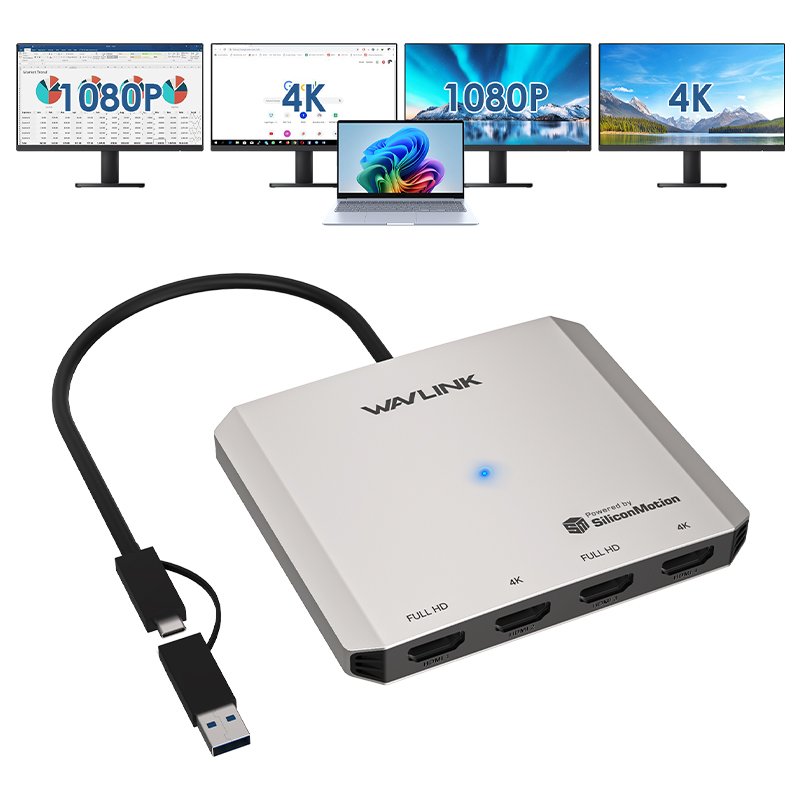
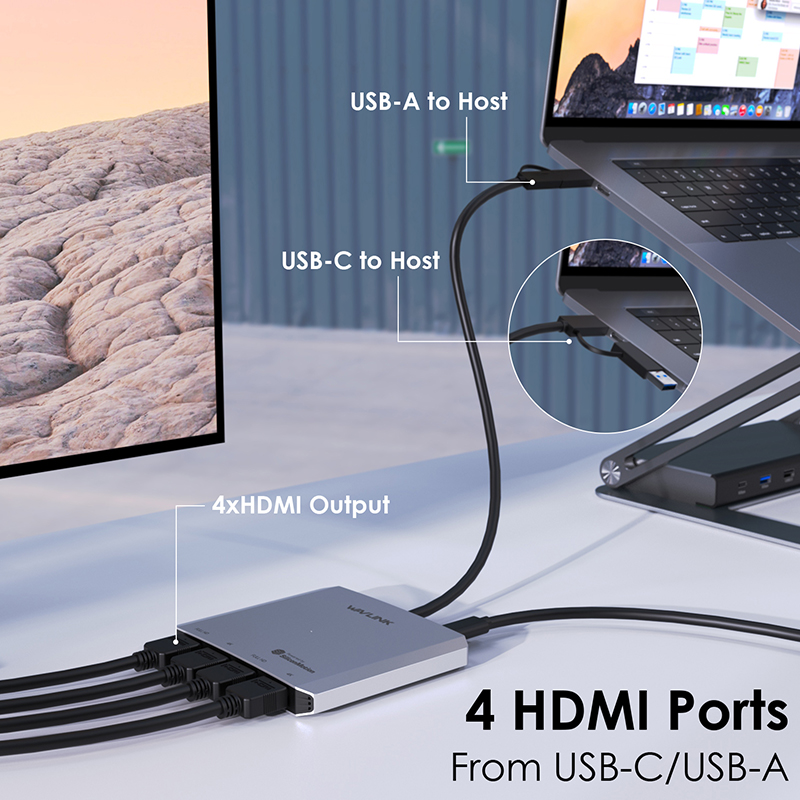
Model: WL-UG7607H
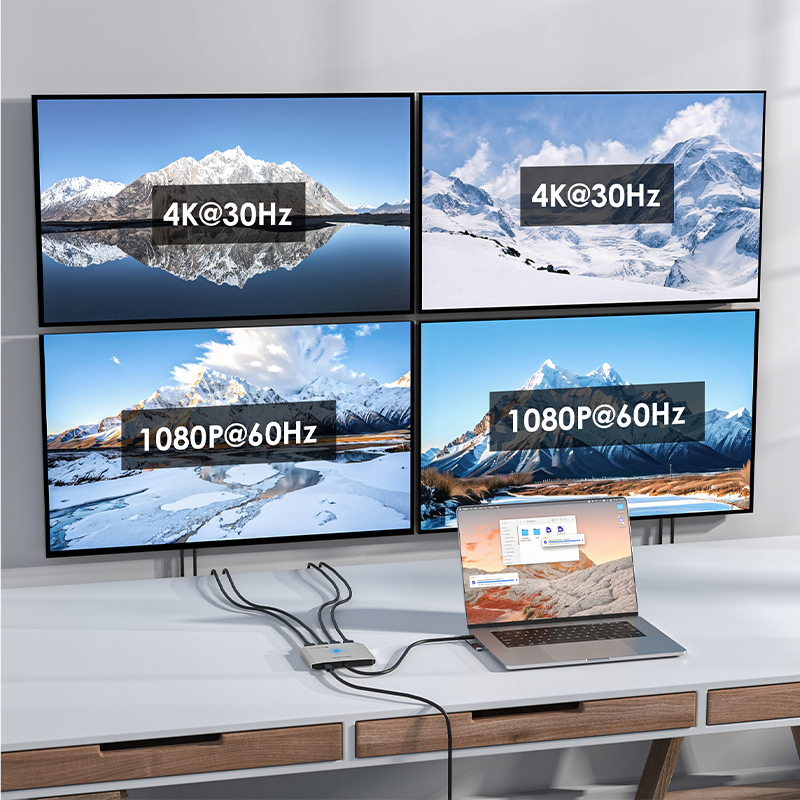
-Supports a quad display setup, with two capable of delivering 4K@30Hz resolution.
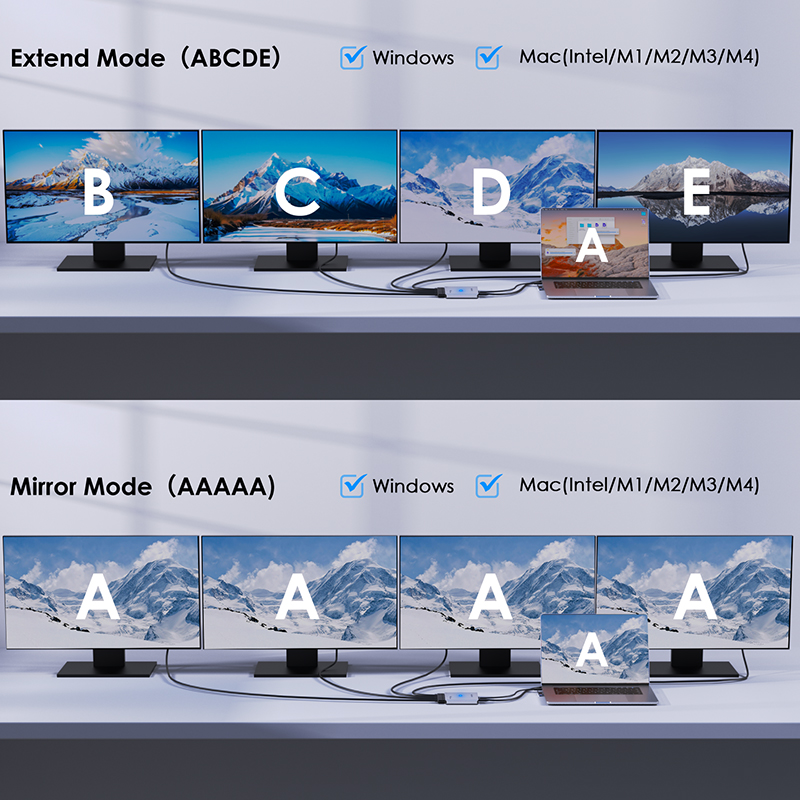
-Supports extend and mirror modes.
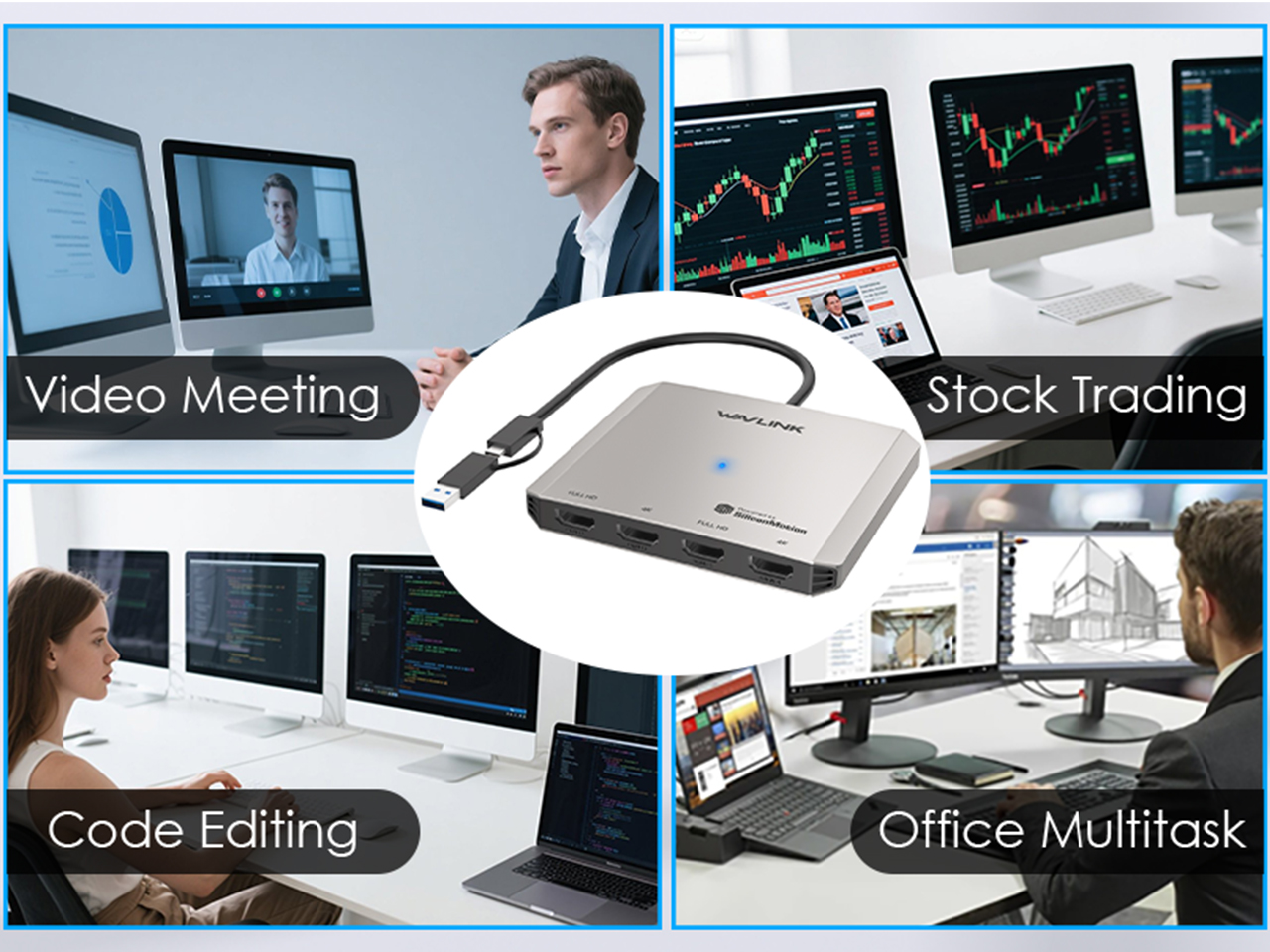
-Ideal choice for stocking business analysis, office work, and video clipping.
-Compact size to carry.
-This good-quality, super design, and user-friendly docking adapter can be your good companion while working.
Expand Your View, Boost Your Flow
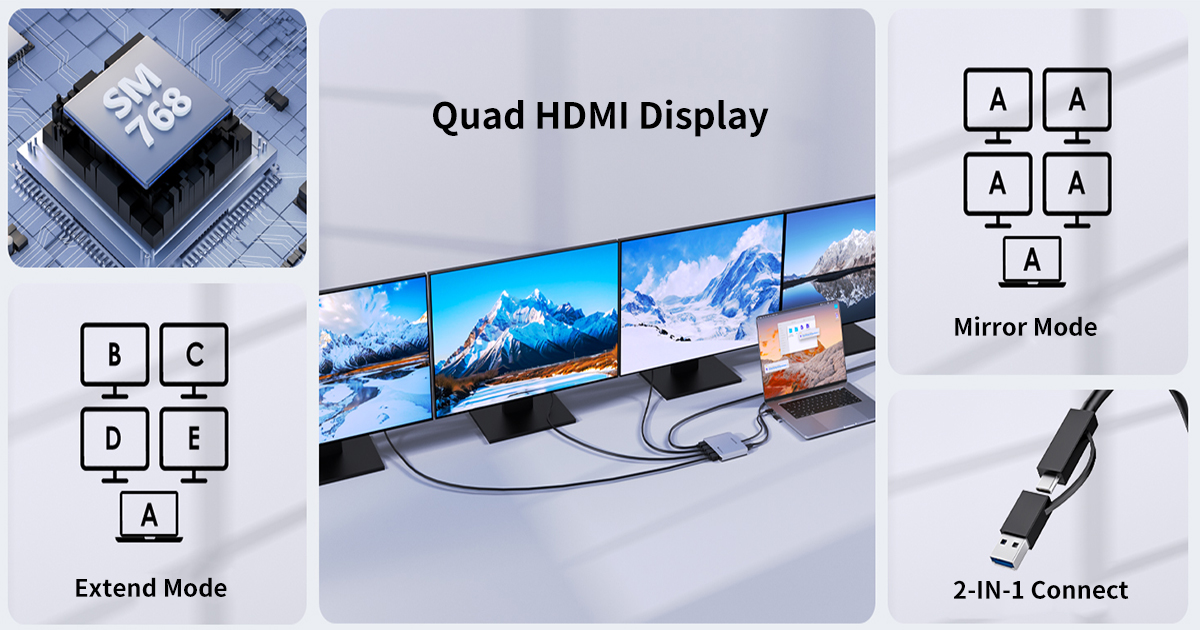
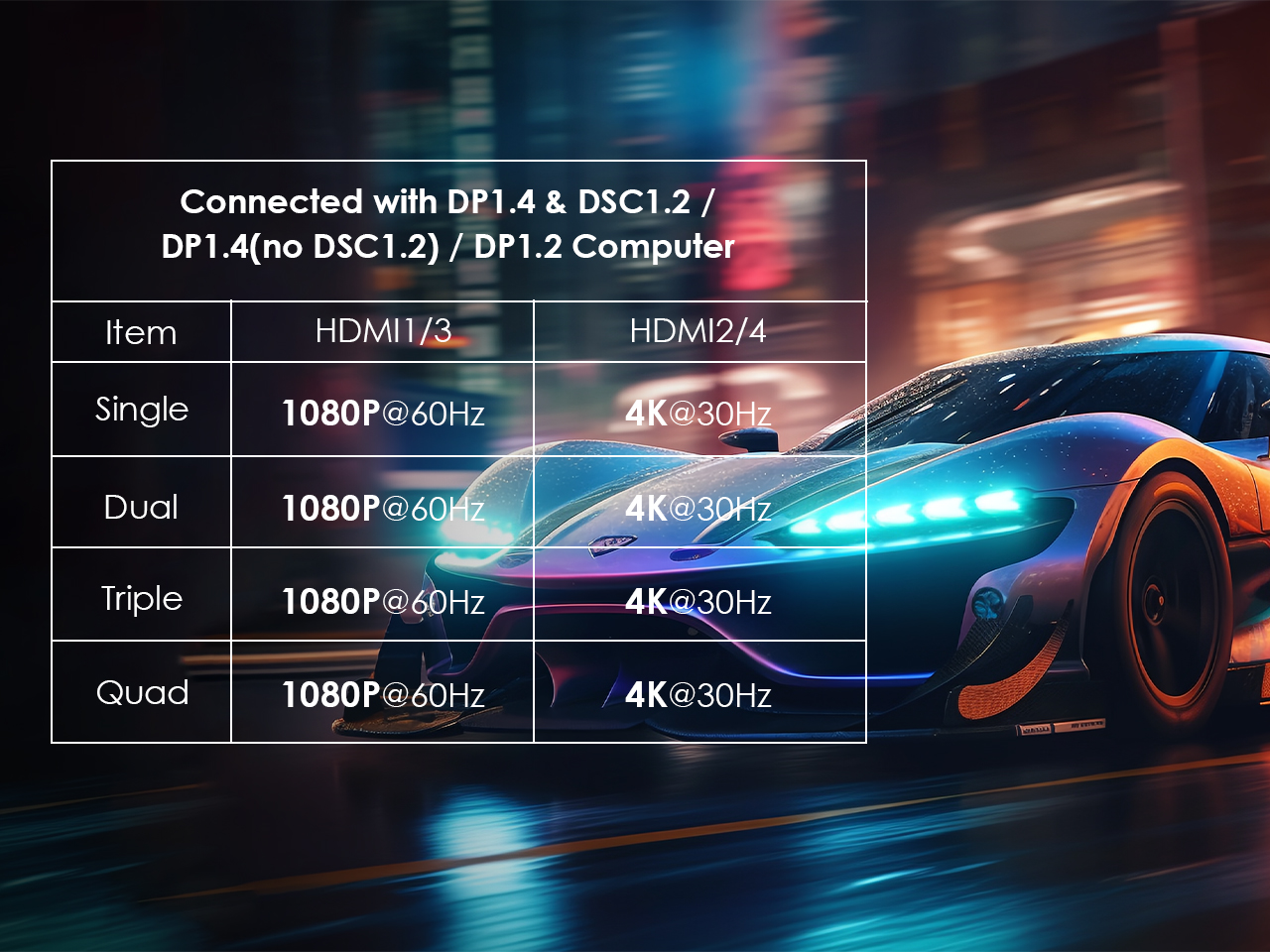
Whether you’re driving dual 4K monitors for professional-grade editing or switching to 1080P@60Hz for smooth multitasking, this product ensures reliable, high-performance output tailored to your needs.
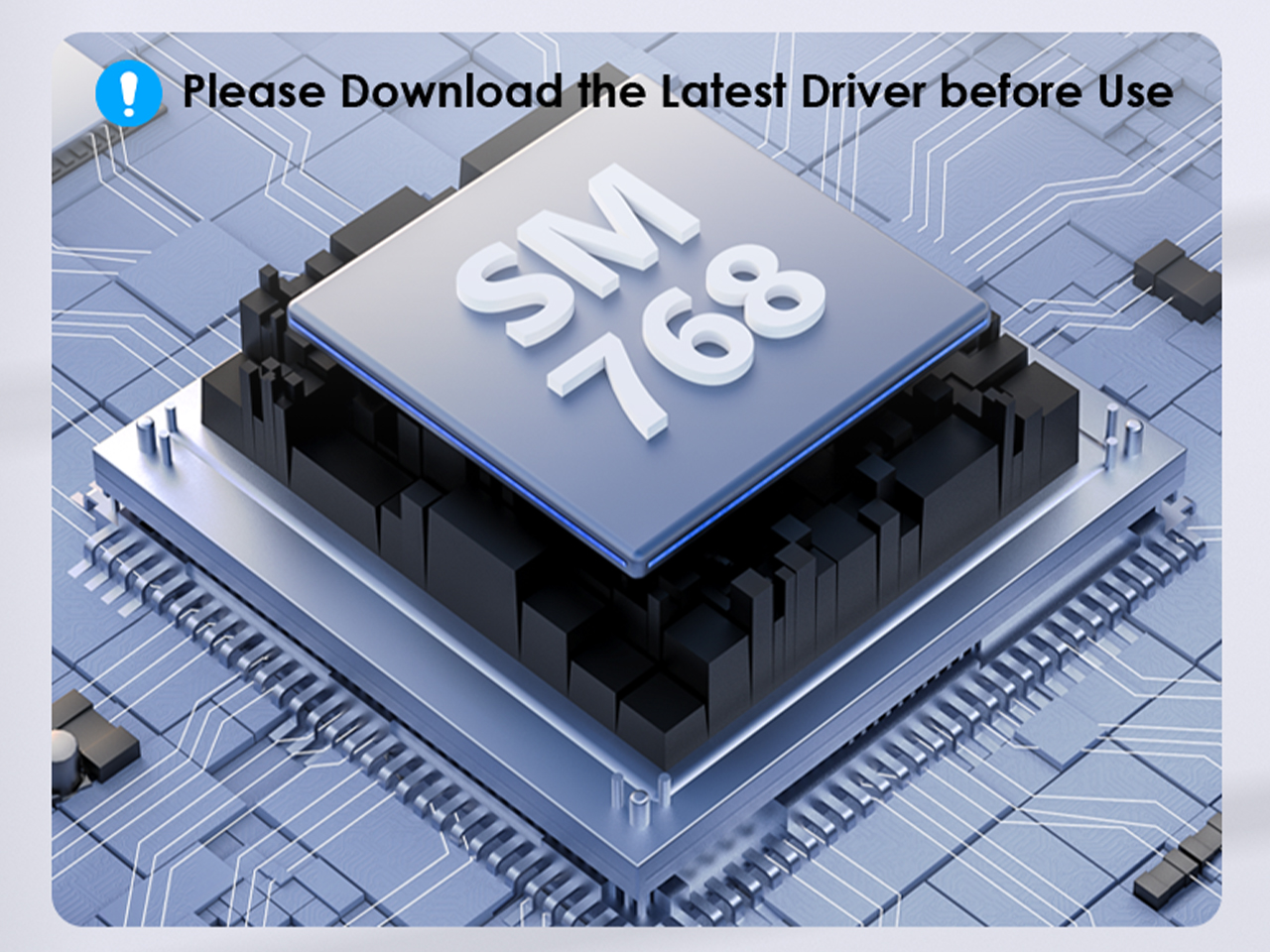
Equipped with SM768 chip for advanced multi-device connectivity. It does NOT support plug & play — install the latest driver from our website (www.wavlink.com) to ensure full compatibility and stable operation of the dock.
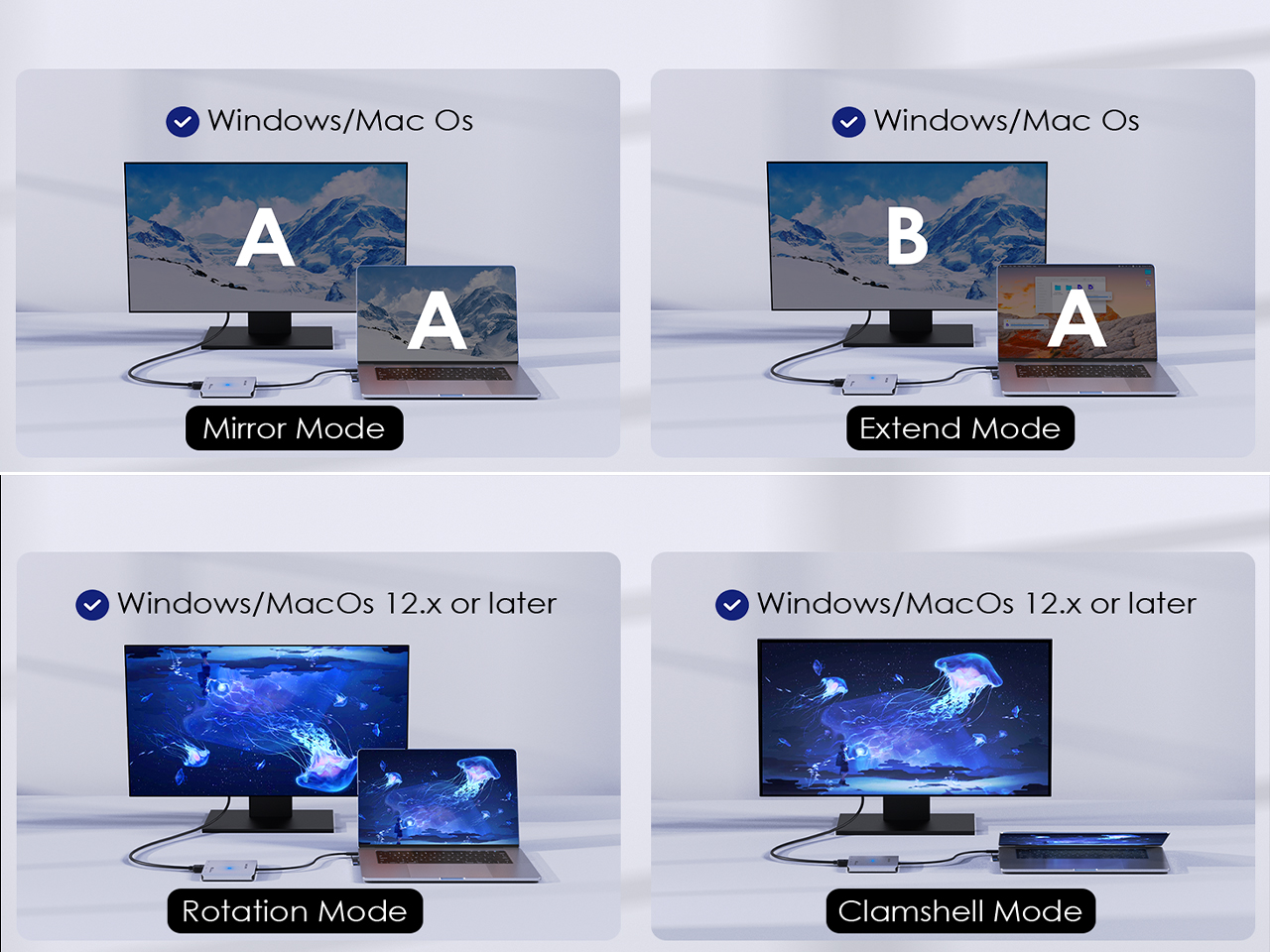
Supports mirror and extend mode on Windows and macOS for seamless multi-screen tasks. Rotation mode and clamshell mode work on Windows and macOS 12.x+, enabling MacBook users rotate displays for creative workflows or use external monitors in clamshell mode.
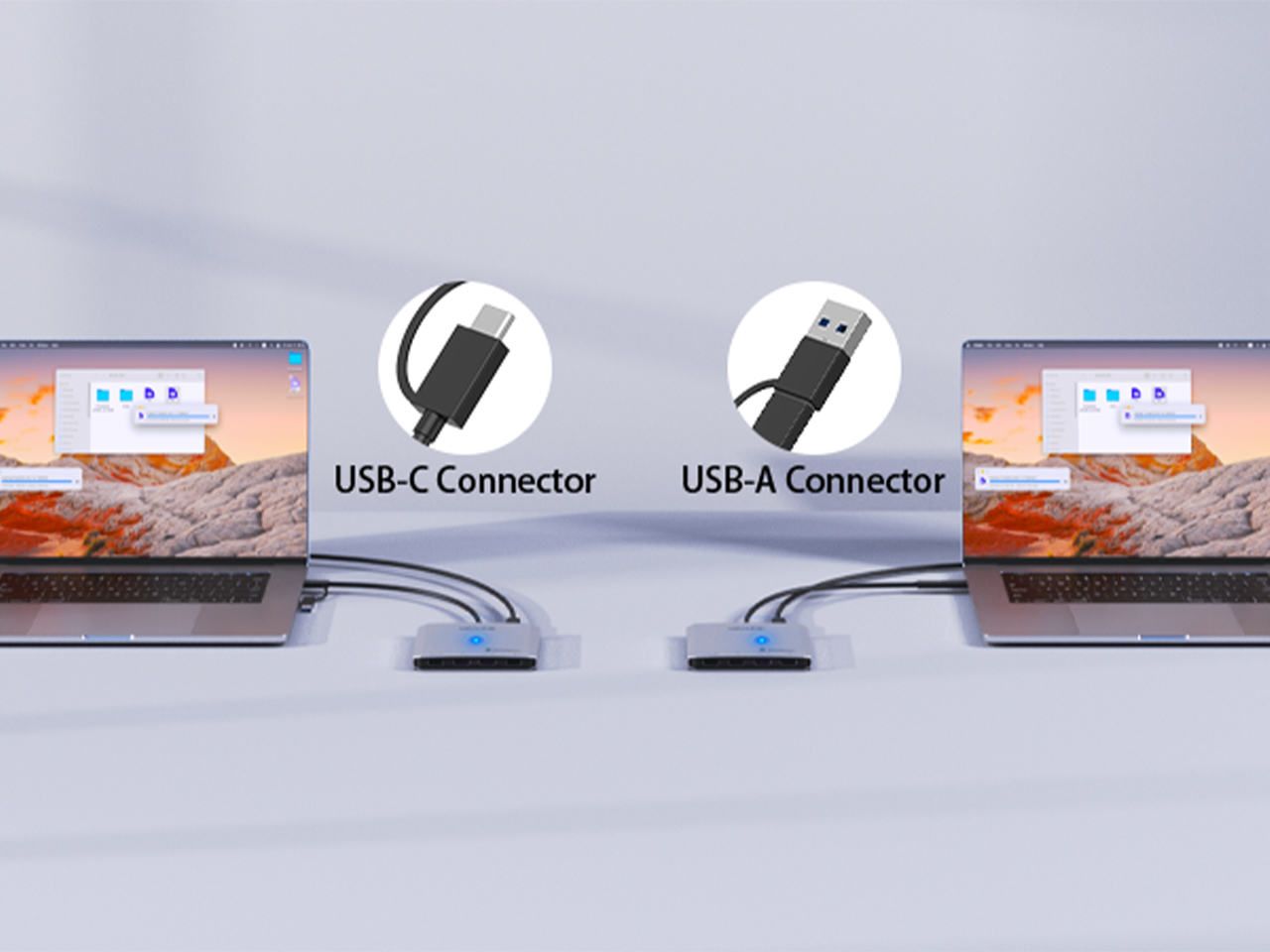
This compact adapter offers flexibility with USB-C and USB-A interfaces. Switch plugs easily to connect various devices, and supports video signal transmission at up to 5Gbps — ideal for connecting displays and extending your screen.
Whether you're analyzing real-time financial data, managing complex spreadsheets, or working across multiple displays, it extends your existing workspace by adding external monitors — streamlining workflows and boosting efficiency.

TECHNICAL SPECIFICATIONS
| Connection To Host | 1 x USB-C/USB-A connector |
| Plug & Play | Requires driver installation |
| USB Port | 1 x USB-C port for 5V external power supply |
| Video Output | HDMI 1/3 (1080P@60Hz) HDMI 2/4 (4K@30Hz) |
| LED | 1 x Power LED |
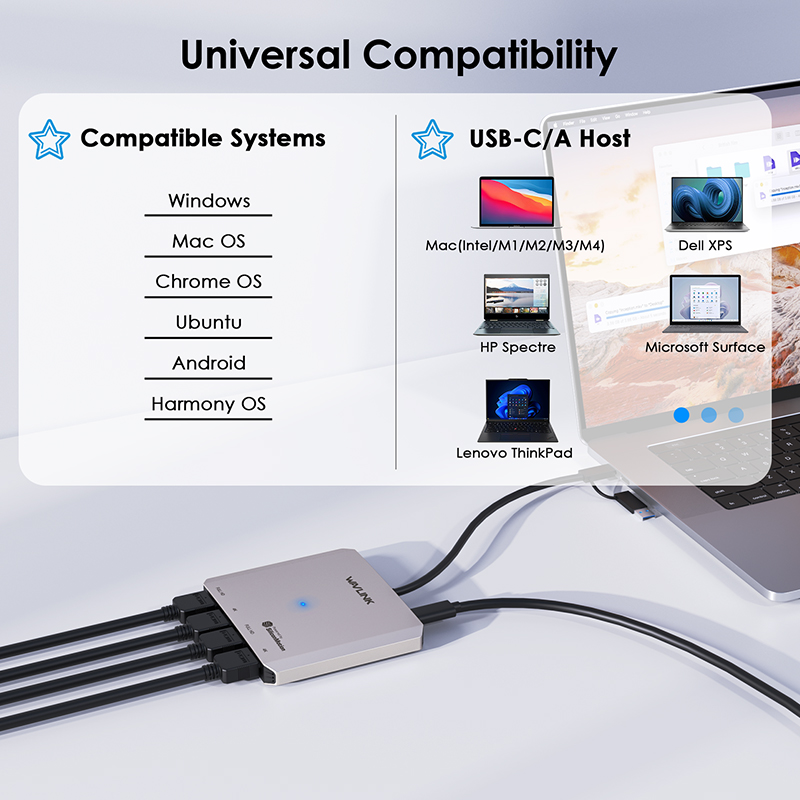
| Operating Systems | Microsoft Windows 10 / 11 macOS 14 / 13 / 12 / 11 |
Please ensure that the appropriate driver for the dock is installed. You can download the latest driver from the link below:
macOS requires Screen Recording permission for the Silicon Motion driver to function properly. The InstantView app does not transmit any information to Wavlink or Silicon Motion, so there is no need to worry.
1.The docking station does not support HDCP, so protected content from services like Apple TV, Hulu, and Netflix cannot be played while the dock is connected. This is expected behavior. Please disconnect the dock when playing these videos.
2.Alternatively, you can try :
1) Open Google Chrome settings.
2) Click on "Advanced" and select "System."
3) Disable "Use hardware acceleration when available"
4) Select "Relaunch" to activate the new settings.
No, the driver of Silicon Motion graphics software does not support blue light reduction, so applications such as f.lux, Night shift won't affect the display.
The driver of Silicon Motion graphics software generates a "virtual desktop" image, which is sent through a USB connection to the adapter. The pixels of this image are then rendered by the Silicon Motion chip integrated into the adapter.
Due to the significant amount of data being sent by the software driver, the data had to be compressed to efficiently pass through USB connections. This is why some images may not appear as "crisp" when using the Silicon Motion graphics adapter or docking station.
Get the Scoop First
Subscribe to our official website to receive exclusive first-hand news and stay up-to-date on our new product releases and promotions!