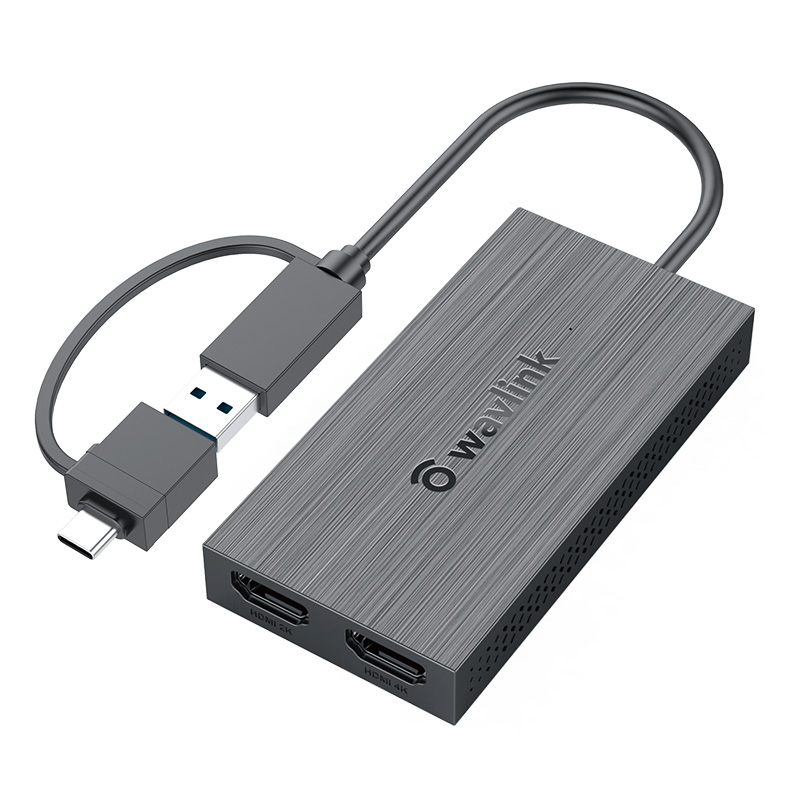
Model: WL-UG7602HC Magazine Review

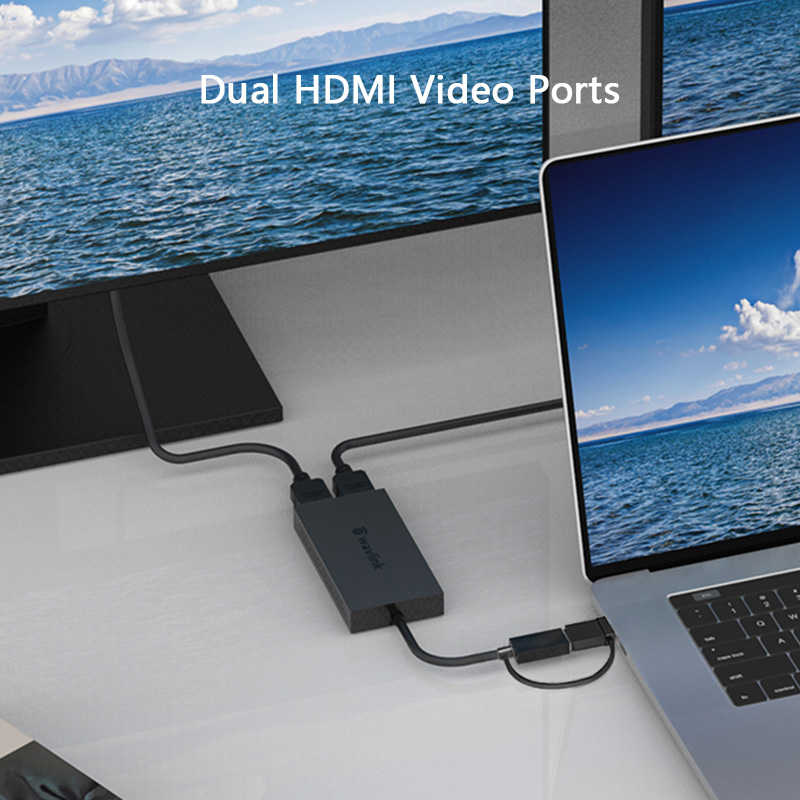
Support one 4K(3840x2160)@30Hz output and the other is 1920x1080@60Hz display output.

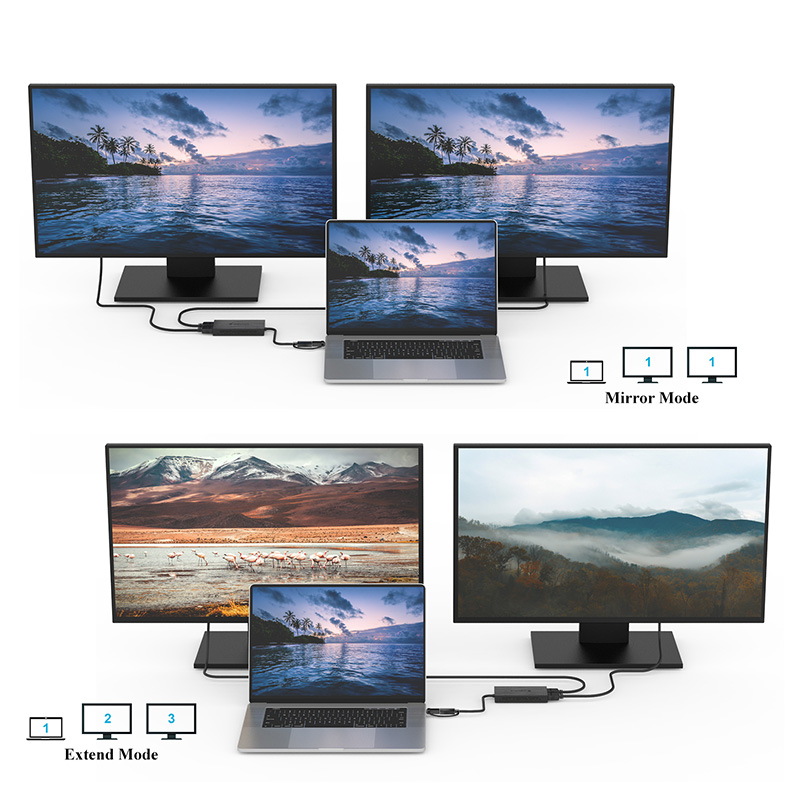
Show the same content on two screens and give you a better visual experience
Split-screen to have multitask operation and improve your working efficiency

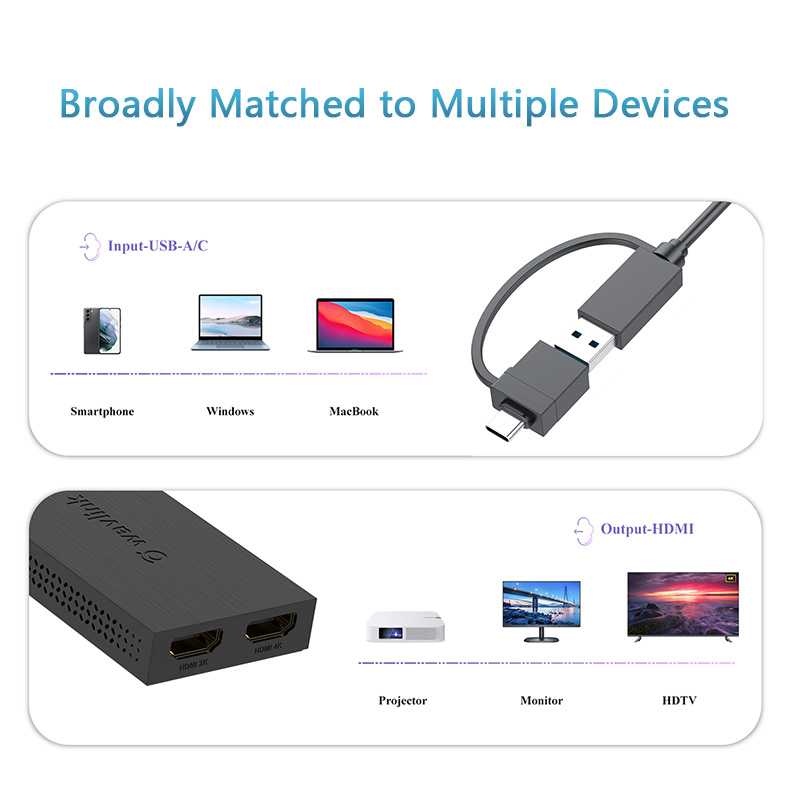
UG7602HC can extend your image/video to an external display such as the projector, HDTV, or HDMI-based monitor, giving you additional display screen(s) you need to simplify multi-tasking and maximize your productivity.

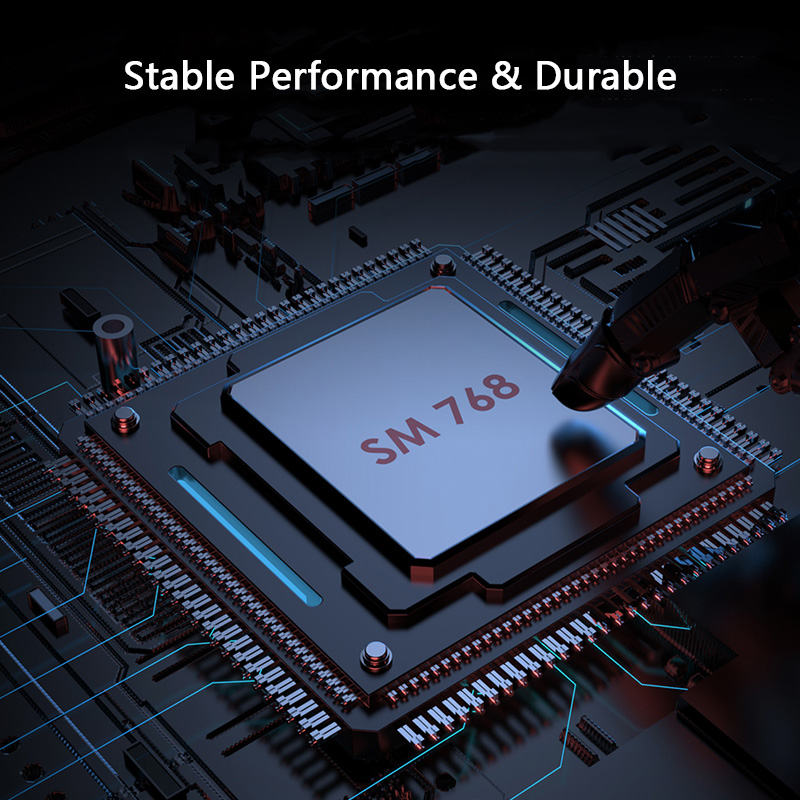
With SM7 68 chip, GPU build in "Content Adaptive Technology" to improve display performance and decrease CPU loading by up to 70%.

Whether you need to extend a monitor for work or entertainment, its extensive compatibility is of great help to assist you with your task.

WL-UG7602HC
1 × USB3.0-A Pigtail Cable 150mm
2 × HDMI
1 × Blue Color LED
100mm x 50mm x 15mm( L x W x H )
80g
ABS plastic
Black
1 × WL-UG7602HC USB 3.0 to HDMI 4K Display Adapter
1 x USB3.0 Type-A to Type-C Converter
1 x Quick Start Guide
Description : WL-UG7602HC Manuals
Post Date : 14/09/2026
Available : WL-UG7602HC
Online Reading : View
Please ensure that the appropriate driver for the dock is installed. You can download the latest driver from the link below:
macOS requires Screen Recording permission for the Silicon Motion driver to function properly. The InstantView app does not transmit any information to Wavlink or Silicon Motion, so there is no need to worry.
1.The docking station does not support HDCP, so protected content from services like Apple TV, Hulu, and Netflix cannot be played while the dock is connected. This is expected behavior. Please disconnect the dock when playing these videos.
2.Alternatively, you can try :
1) Open Google Chrome settings.
2) Click on "Advanced" and select "System."
3) Disable "Use hardware acceleration when available"
4) Select "Relaunch" to activate the new settings.
No, the driver of Silicon Motion graphics software does not support blue light reduction, so applications such as f.lux, Night shift won't affect the display.
The driver of Silicon Motion graphics software generates a "virtual desktop" image, which is sent through a USB connection to the adapter. The pixels of this image are then rendered by the Silicon Motion chip integrated into the adapter.
Due to the significant amount of data being sent by the software driver, the data had to be compressed to efficiently pass through USB connections. This is why some images may not appear as "crisp" when using the Silicon Motion graphics adapter or docking station.
Get the Scoop First
Subscribe to our official website to receive exclusive first-hand news and stay up-to-date on our new product releases and promotions!