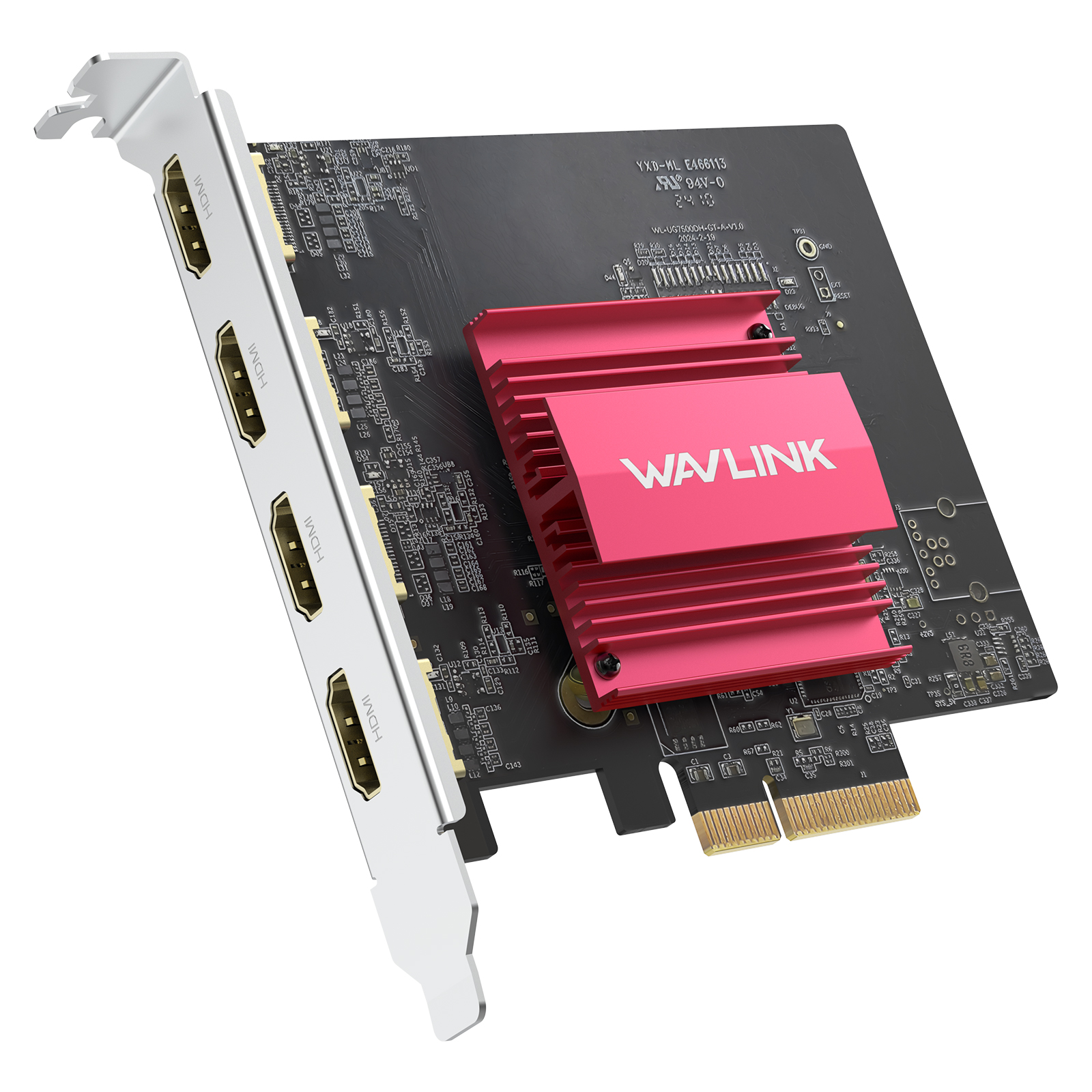
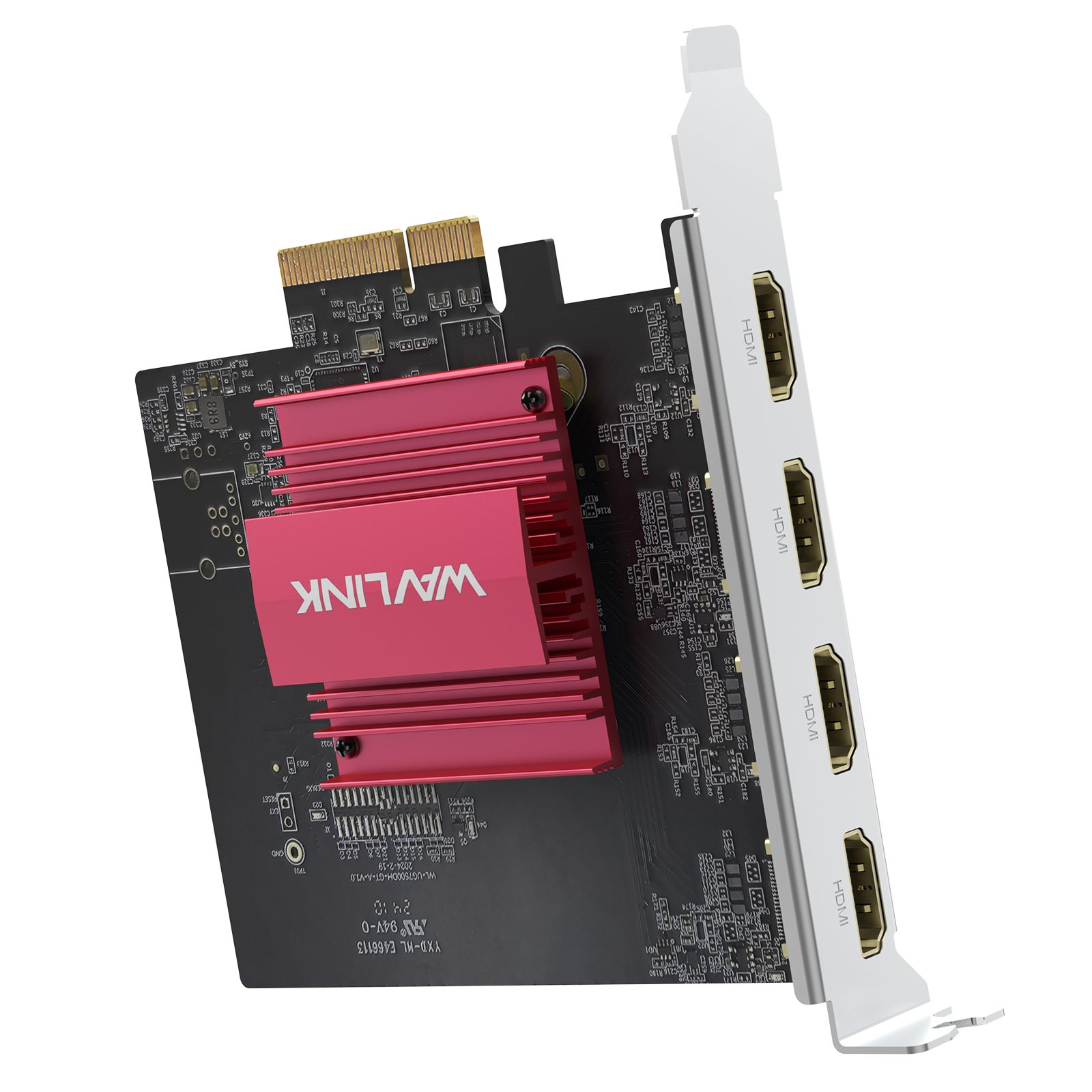
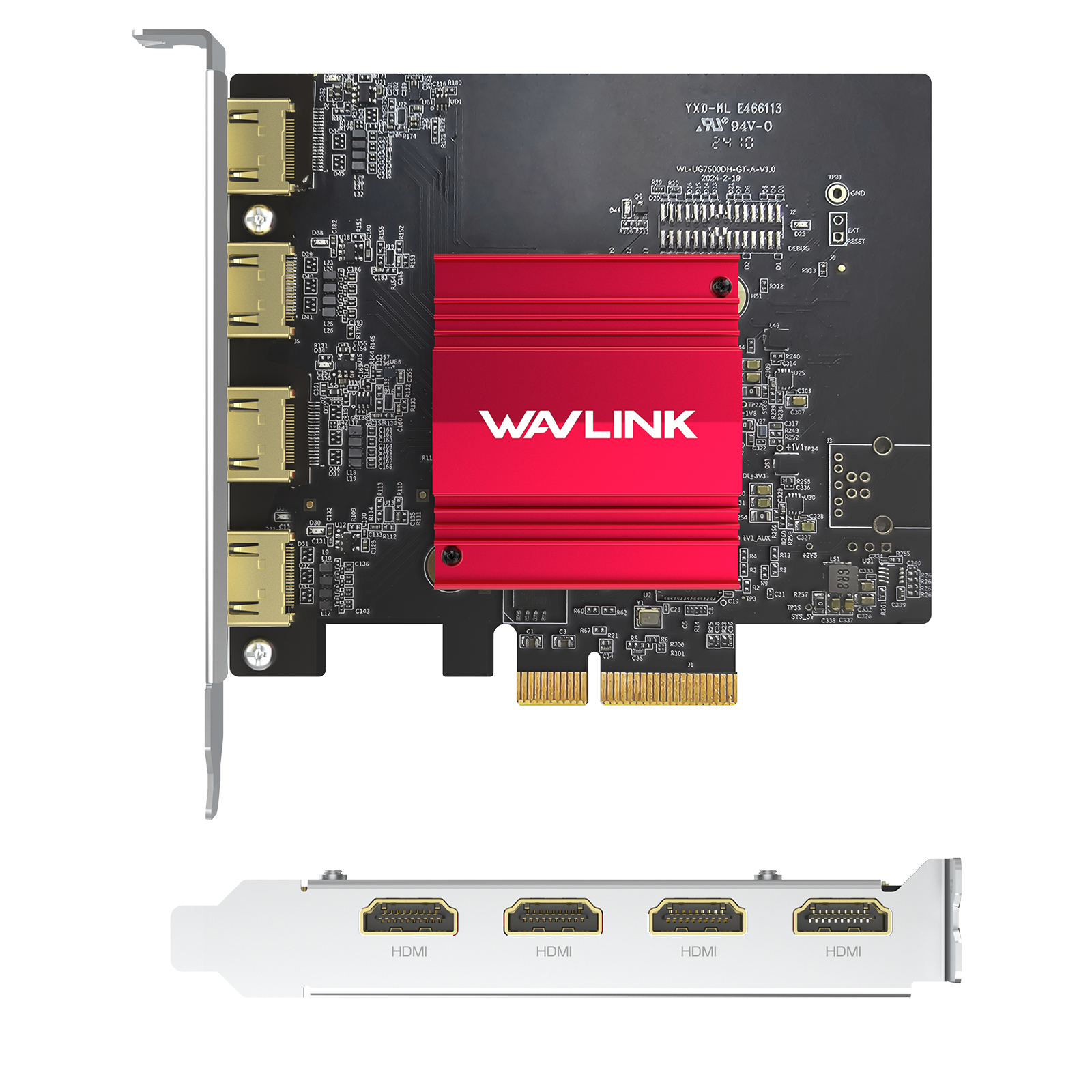
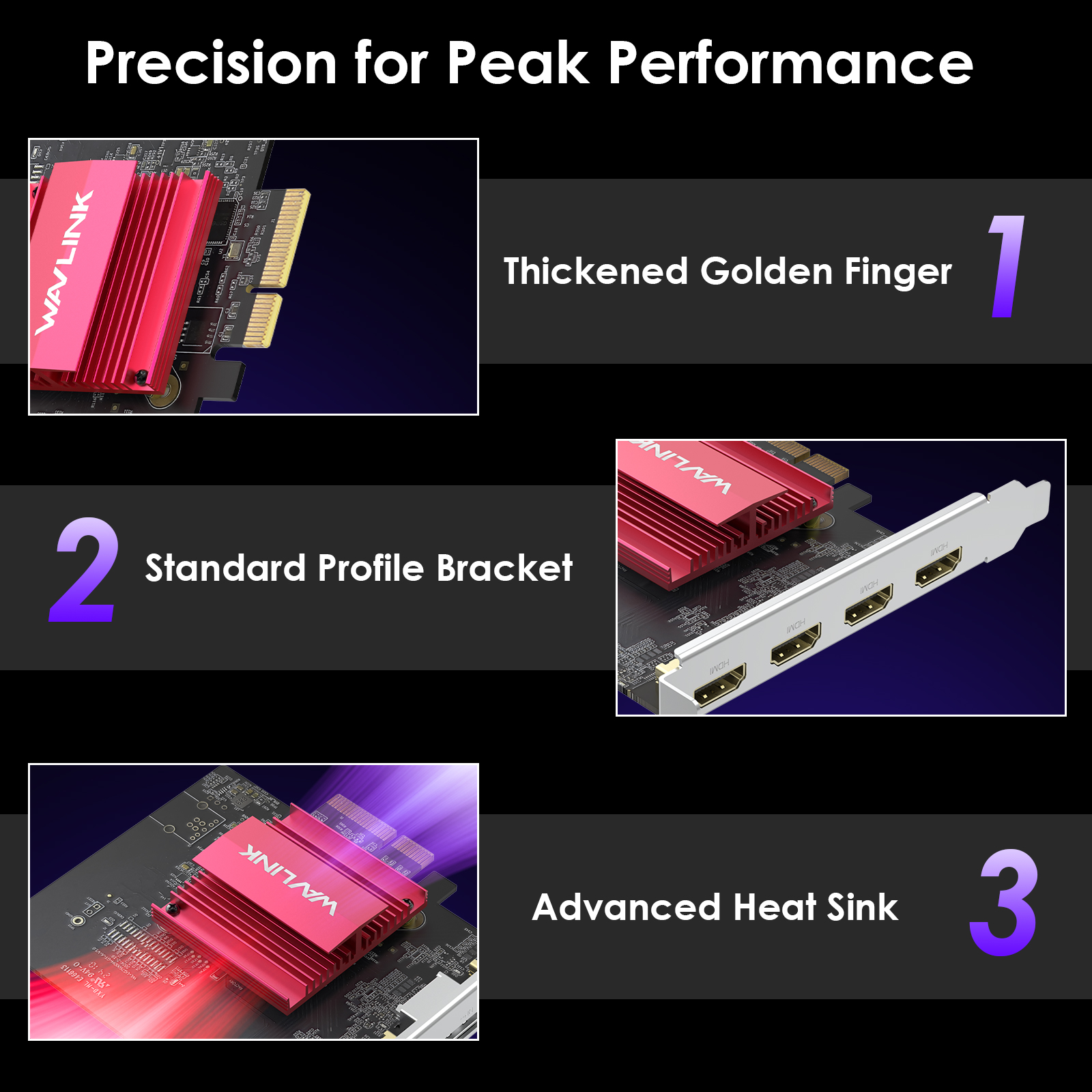
Model: WL-UG7500H
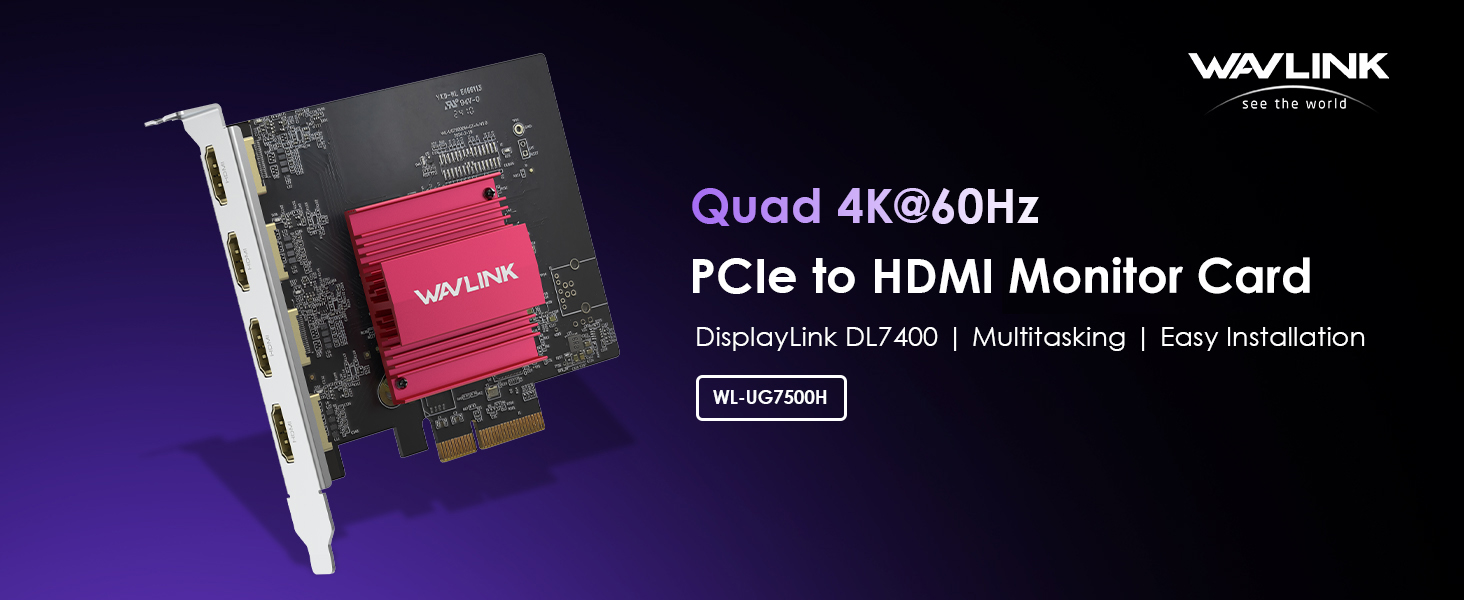
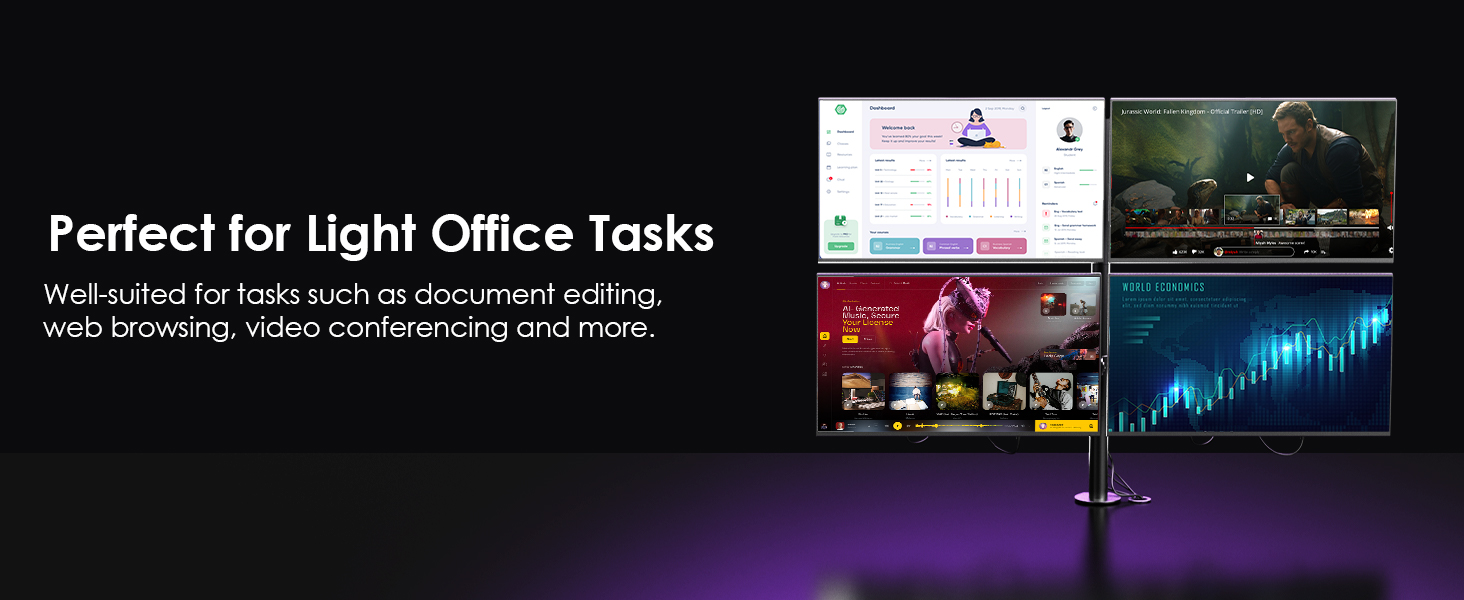
【Quad 4K@60Hz Display】 Enjoy stunning visuals with four HDMI ports, each supporting up to 4K (3840x2160) @60Hz resolution. Perfect for multi-monitor setups, whether for work or entertainment. Supports both mirror and extend display modes, allowing you to customize your workspace to suit your needs.
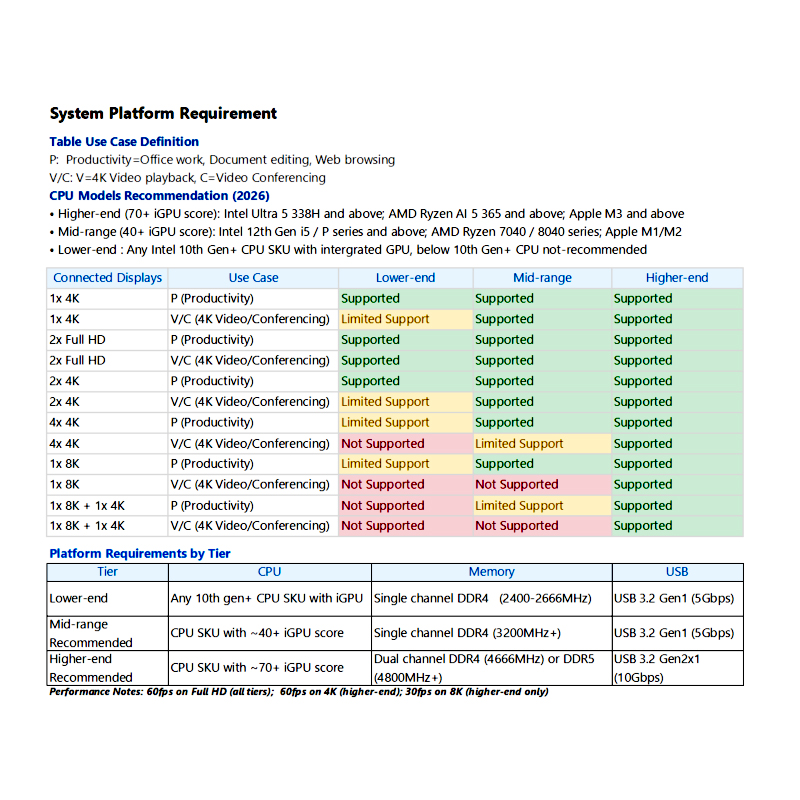
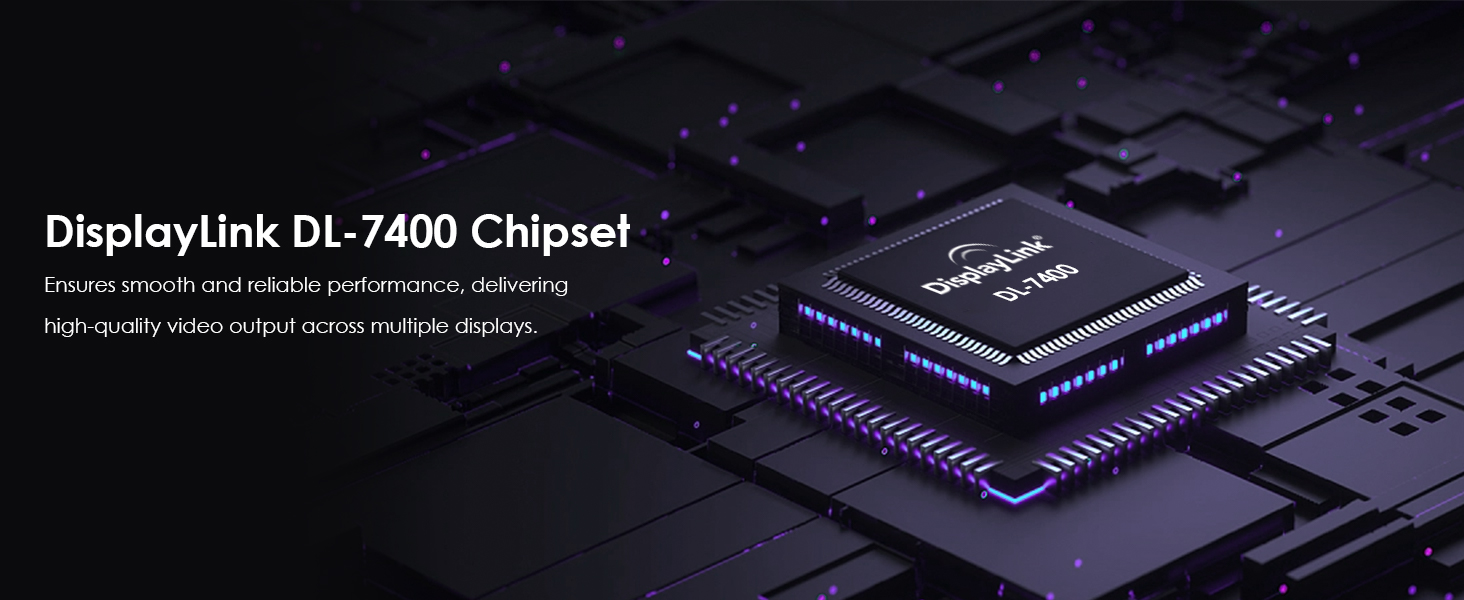
【DisplayLink DL7400 Chipset】 Powered by the latest DisplayLink DL7400-N chipset, this PCIe 3.0 x4 Monitor card ensures smooth and reliable performance, delivering high-quality video output across multiple displays. Especially fits light office environments where tasks such as document editing, web browsing, and video conferencing are common.
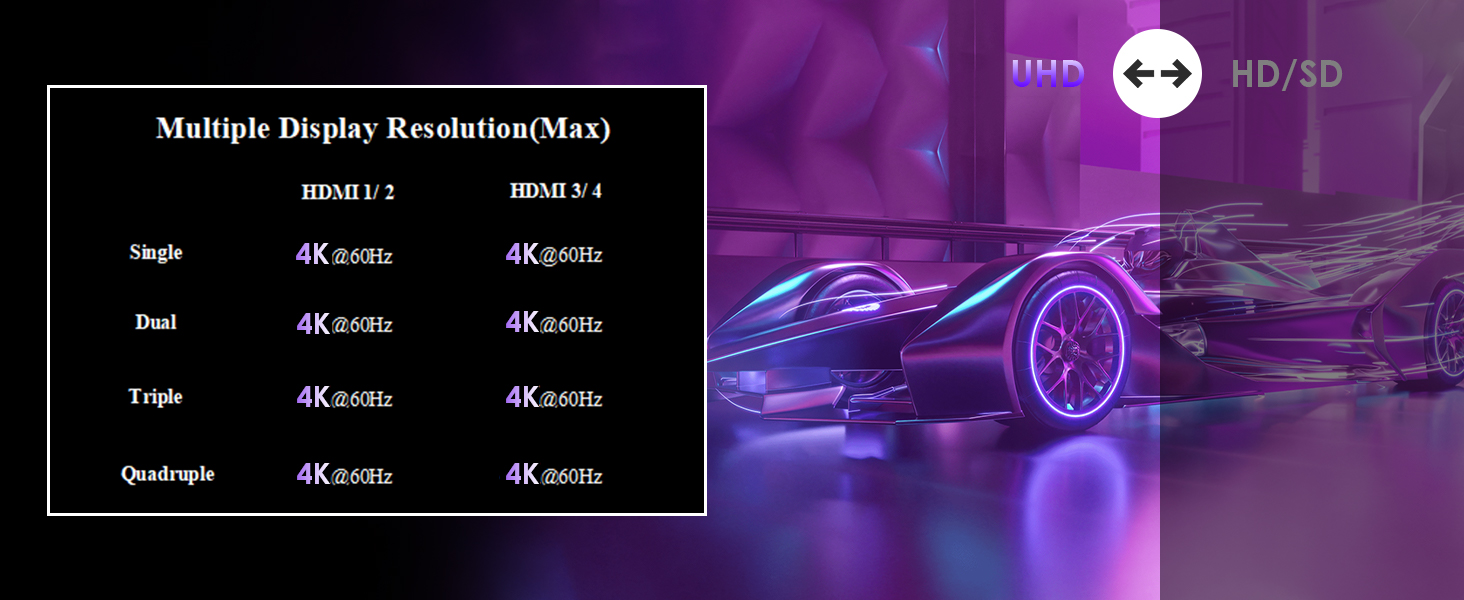
【Multiple Display Configurations】 Supports a variety of display configurations with single, dual, triple, and quadruple 4K displays at 60Hz. Flexible setup options allow you to tailor your workspace to your needs, enhancing productivity and the visual experience. Whether you need to mirror displays for presentations or extend your desktop for multitasking, this card has you covered.
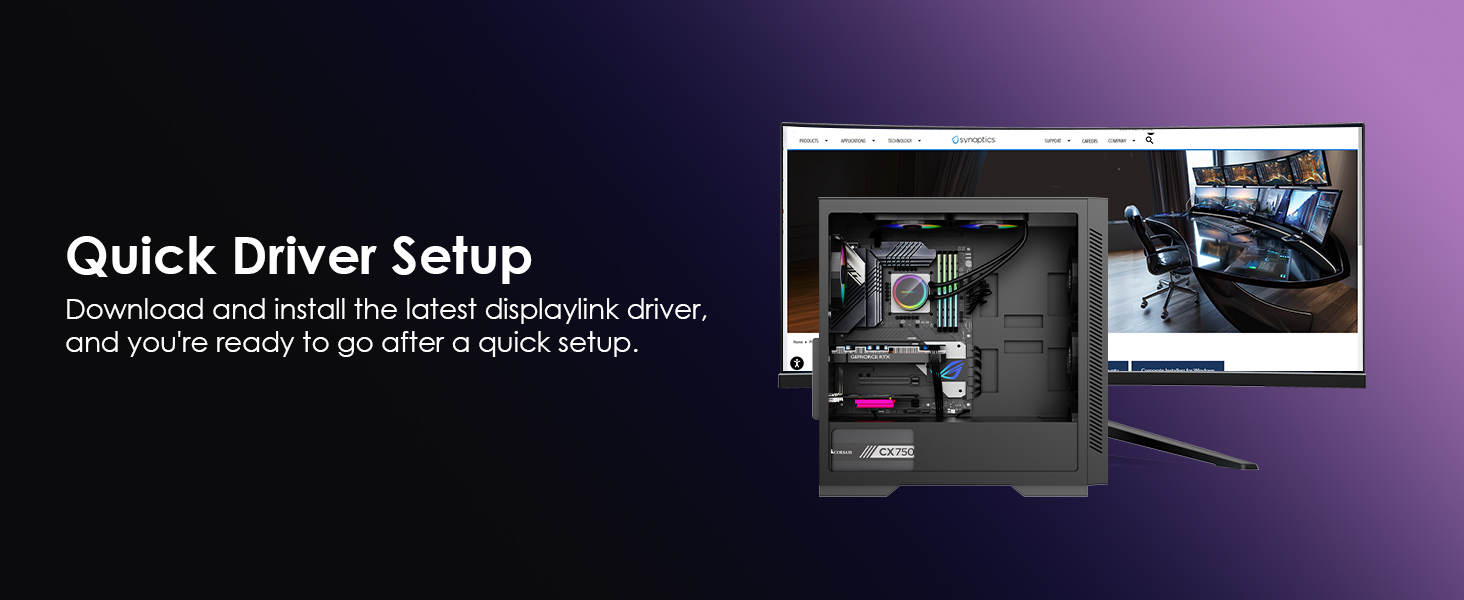
【Easy Driver Installation】 Simple driver installation by visiting displaylink.com, finding the corresponding driver for your system, downloading, and installing. Start using your new Monitor card after a quick and easy setup process. The straightforward installation makes it easy to get up and running, even for those with limited technical expertise.
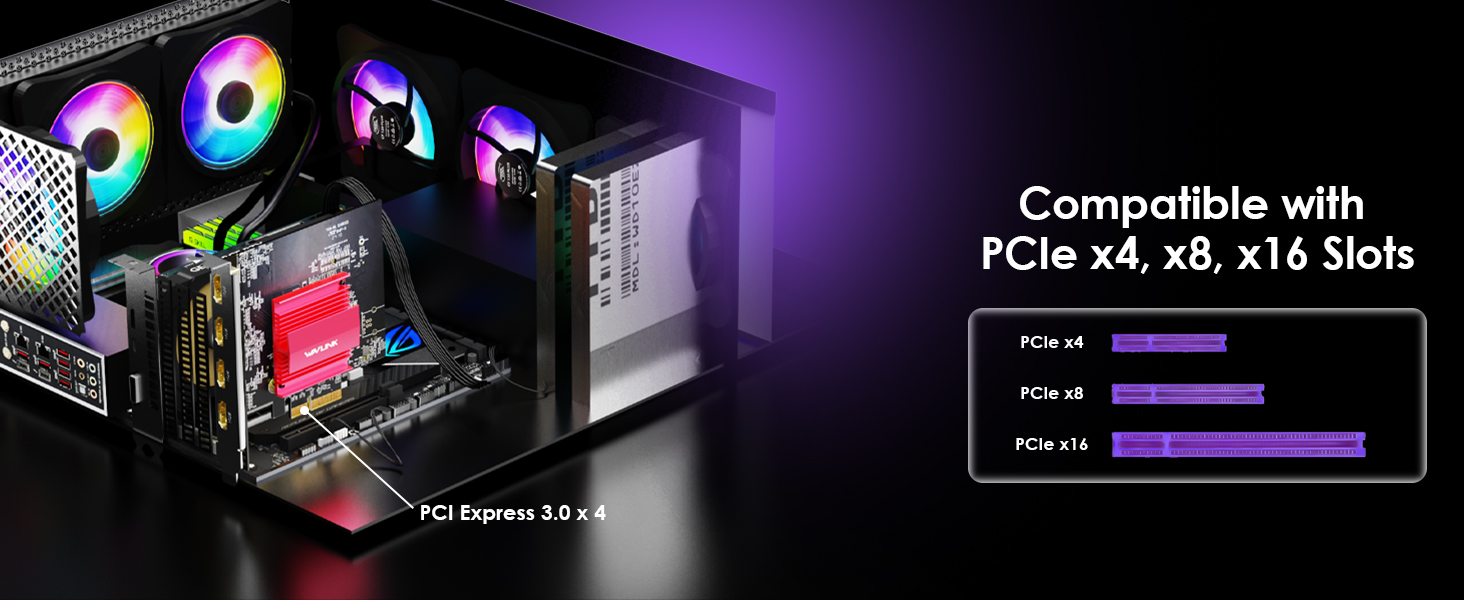
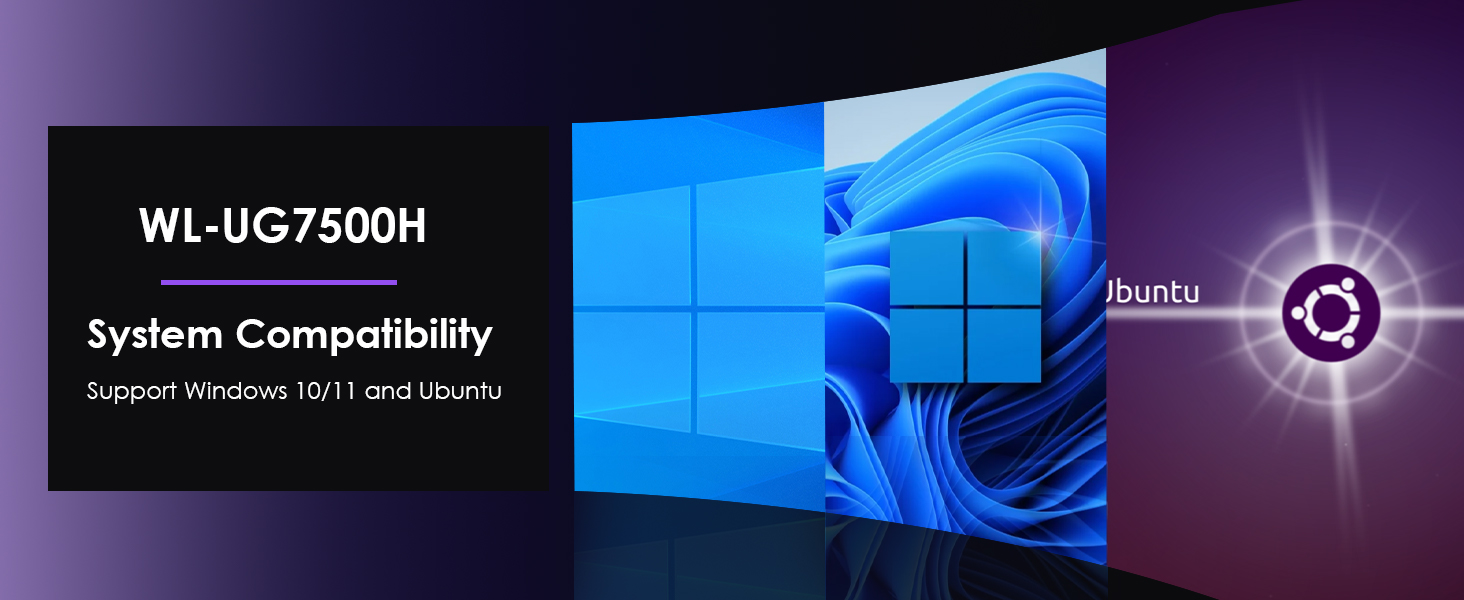
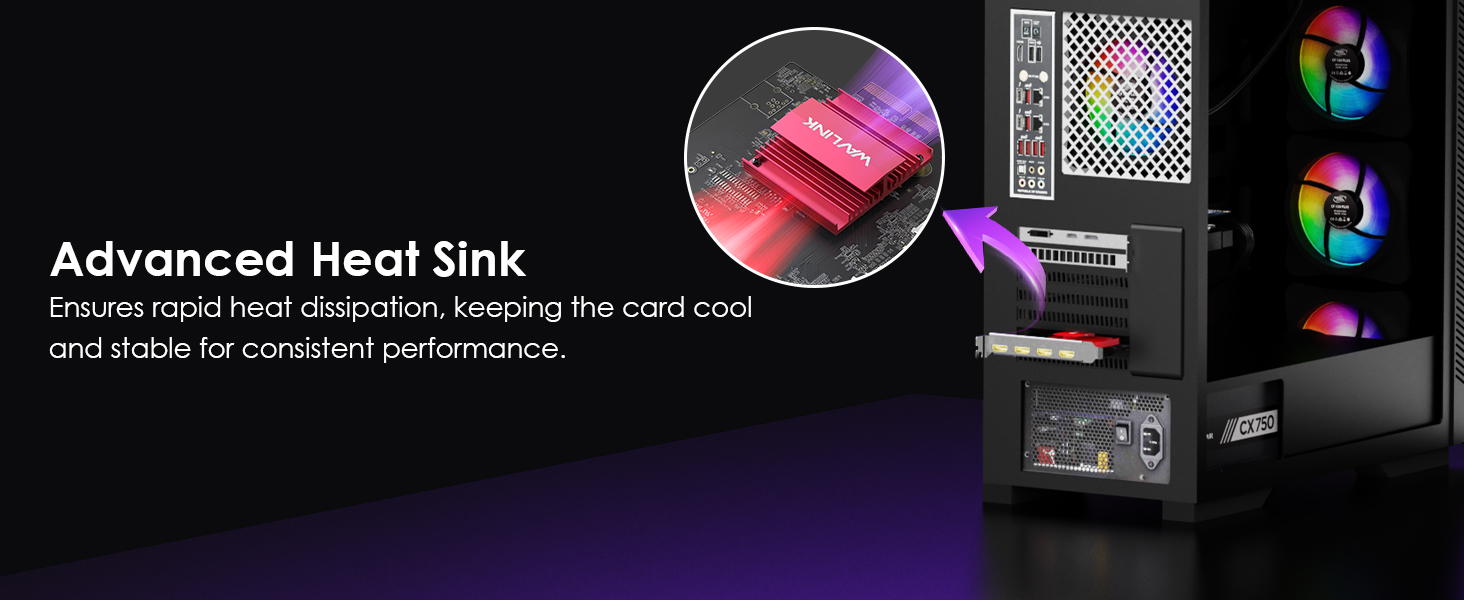
【Compatibility & System Requirements】 Compatible with Windows 11/10, Ubuntu systems, and most desktops with an available standard PCIe x4/x8/x16 slot. Ideal for both home and office use. For protected content like Hulu and Netflix, disconnect the Monitor card or disable hardware acceleration in Chrome for seamless playback.
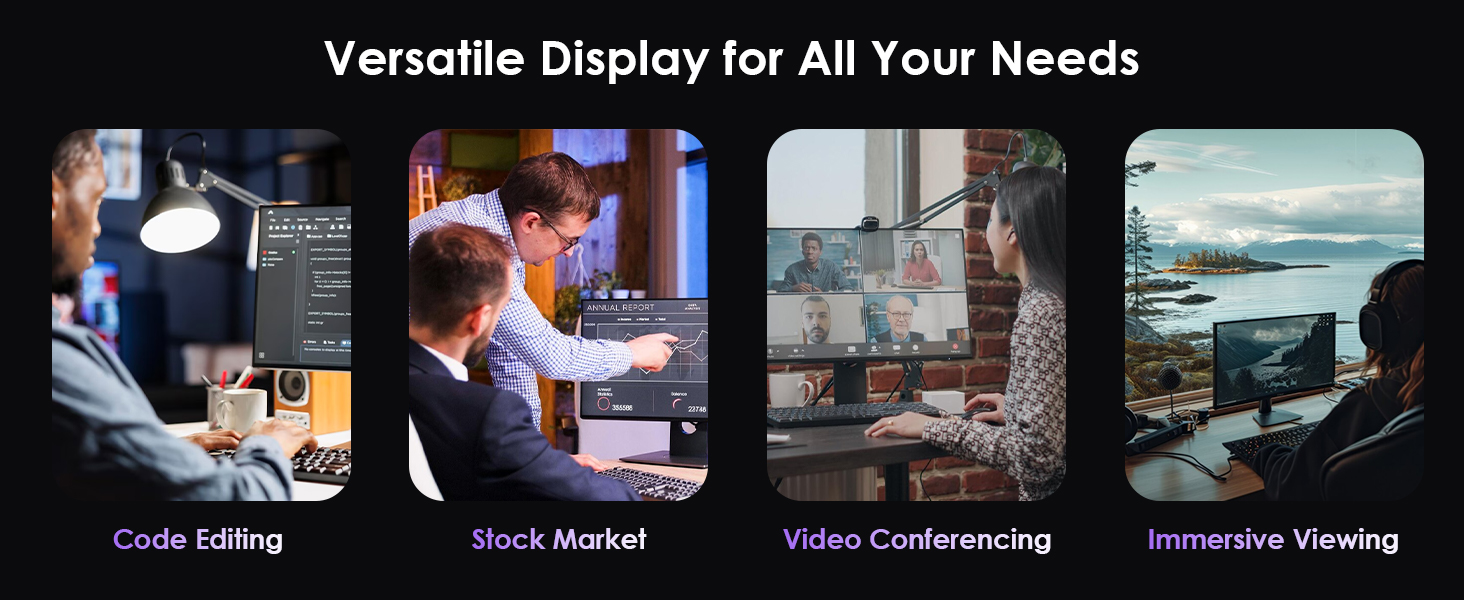
【Non-Gaming GPU】 Optimized for light office use (spreadsheets, coding, conferencing). Not a gaming GPU—avoid 3D rendering/HDCP content. This 4 monitor video card maximizes productivity but won’t replace dedicated gaming graphics cards.

WL-UG7500H
DisplayLink DL7400-N
PCIE 3.0 x4
4 x HDMI
Windows 10/11 or later, Ubuntu
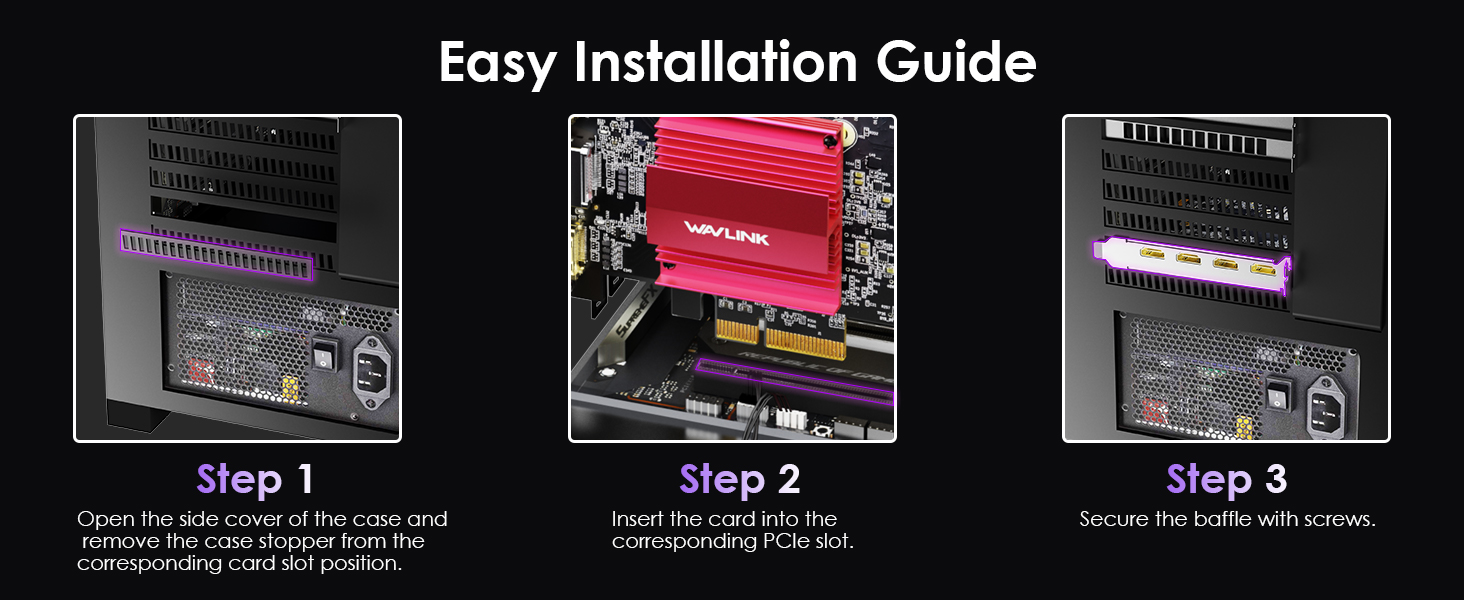
Desktop with at least one available standard PCIe x4/x8/x16 slot
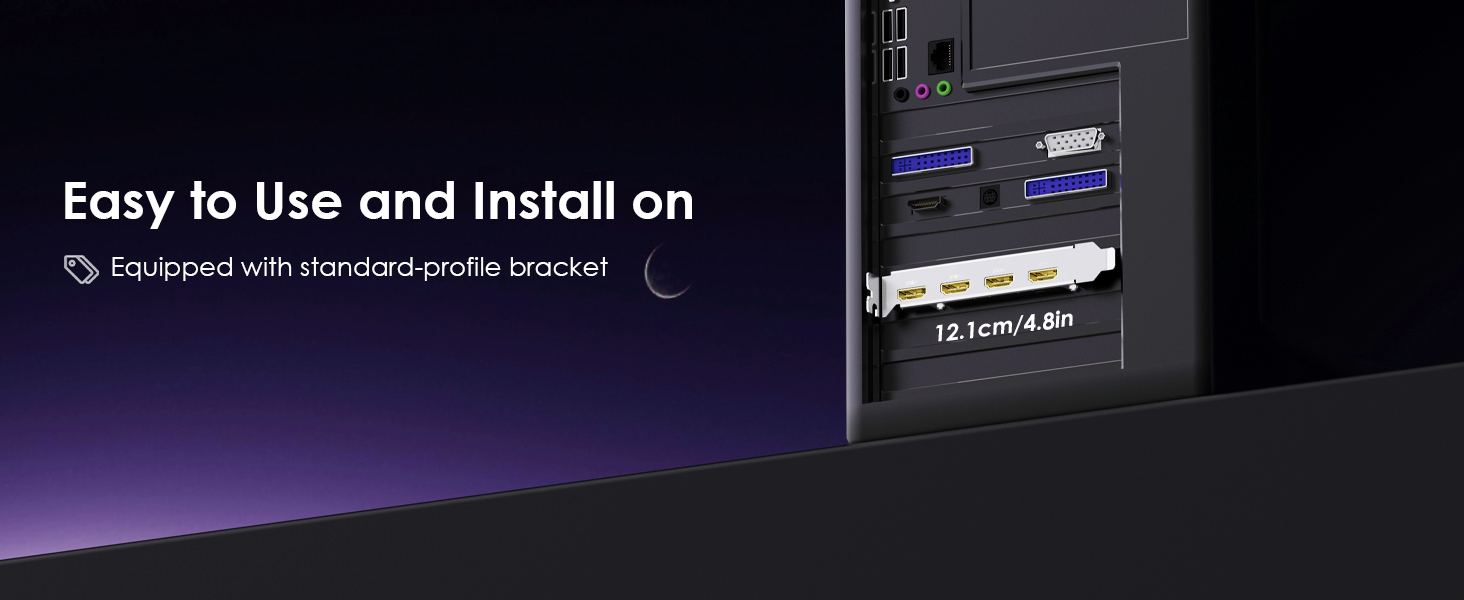
12.4 x 12.1 x 2.2cm/4.9 x 4.8 x 0.9in (L x W x H)
95g/3.4oz
Description : WL-UG7500H-Manuals
Post Date : 22/05/2024
Available : WL-UG7500H
Please follow the steps below:
1. Disconnect the card from your computer and unplug the power cable to fully power it off. Keep it disconnected until the final step.
2. Uninstall any DisplayLink software from Control Panel > Programs and Features (if present).
3. Download and run the DisplayLink Cleaner Tool:
DisplayLink Installation Cleaner for Windows | Synaptics
4. Restart your computer (even if not prompted).
5. Download and install the latest DisplayLink driver:
Windows Driver Downloads for Downloads Section | Synaptics
6. Reconnect the dock’s power first, then connect the card to your computer.
If the device is not detected during installation, click “Skip” to complete the process, then restart your system again.
1.The card does not support HDCP, so protected content from services like Apple TV, Hulu, and Netflix cannot be played while the dock is connected. This is expected behavior. Please disconnect the card when playing these videos.
2.Alternatively, you can try :
1) Open Google Chrome settings.
2) Click on "Advanced" and select "System."
3) Disable "Use hardware acceleration when available"
4) Select "Relaunch" to activate the new settings.
Get the Scoop First
Subscribe to our official website to receive exclusive first-hand news and stay up-to-date on our new product releases and promotions!