Model: WL-UG69PD25 / WL-UG69PD25 PRO Magazine Review
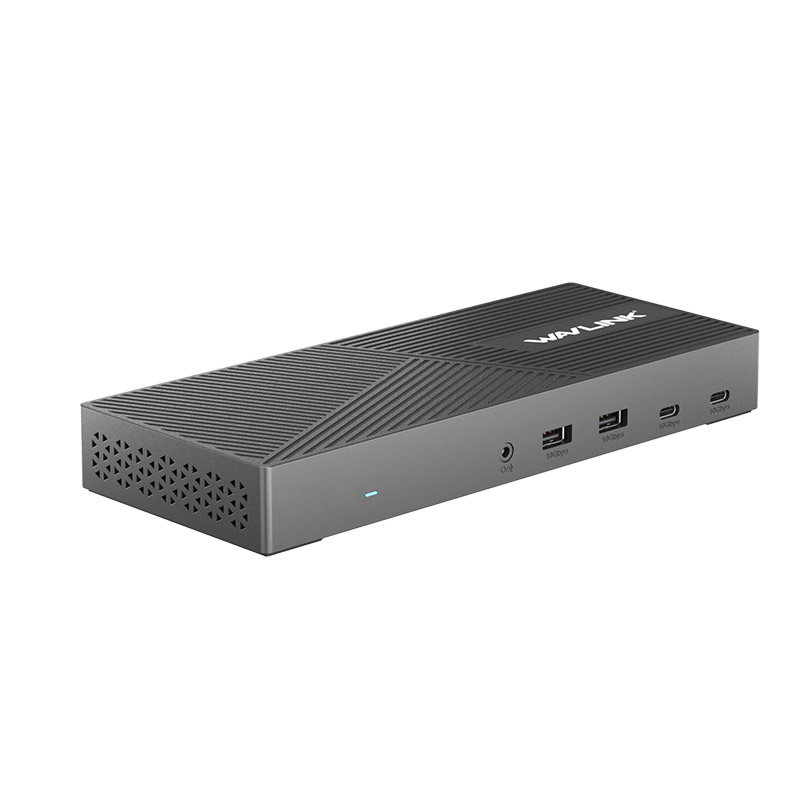
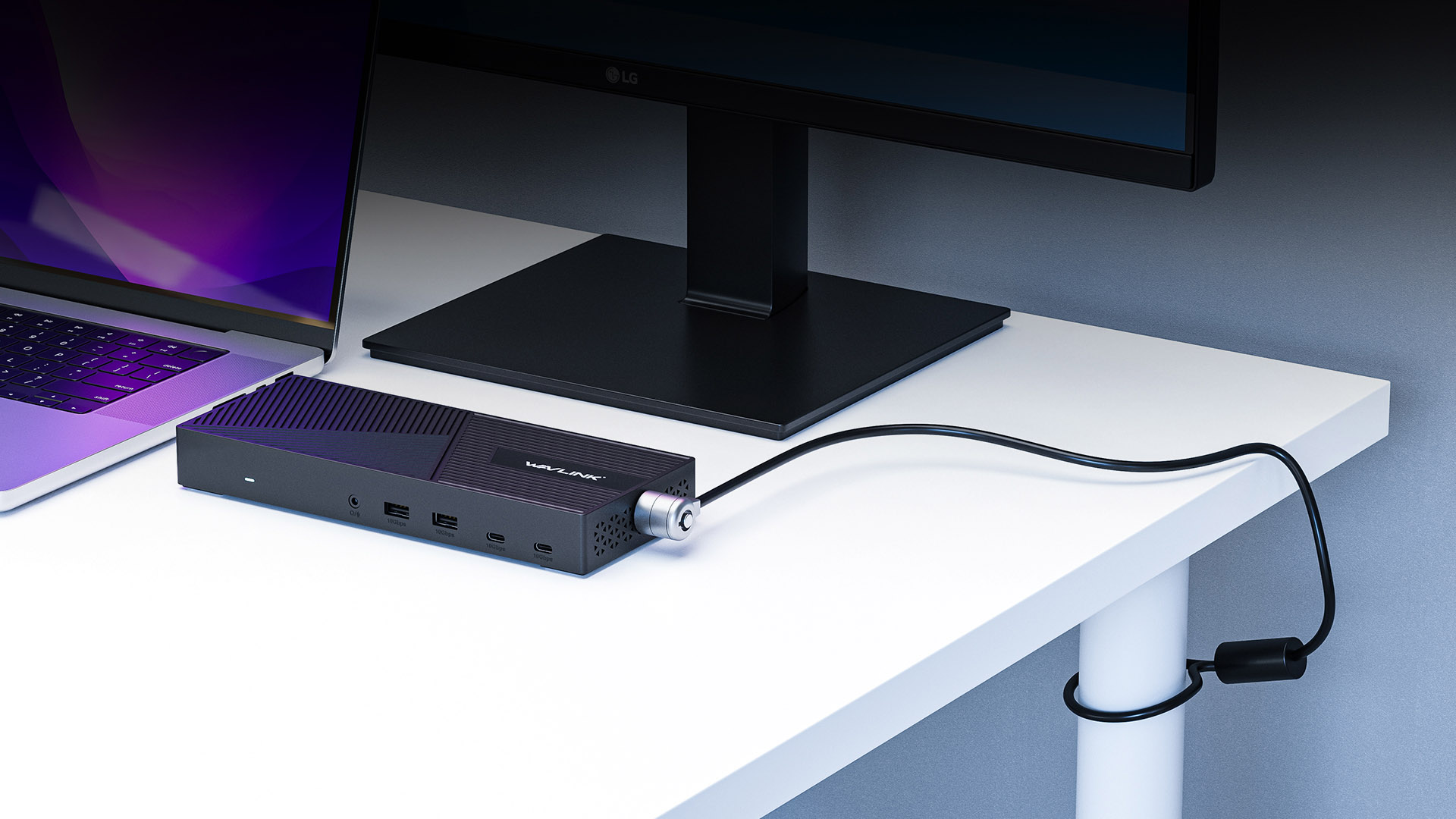
Wavlink WL-UG69PD25 or WL-UG69PD25 PRO dock is one universal docking station compatible with USB 3.0 and USB-C notebooks across all notebook brands and platforms. It allows you to add triple displays 4K@60Hz with 2x DisplayPort (DP1.2) ports and 3x HDMI (HDMI2.0) ports. It provides an operating desk environment by connecting 11 accessories and peripherals with just one cable to your laptop, making it easier to do more work in less time. The dock also features full 6 USB Gen2 ports which support high speed 10Gbps.
Let your laptop interface is no longer a single
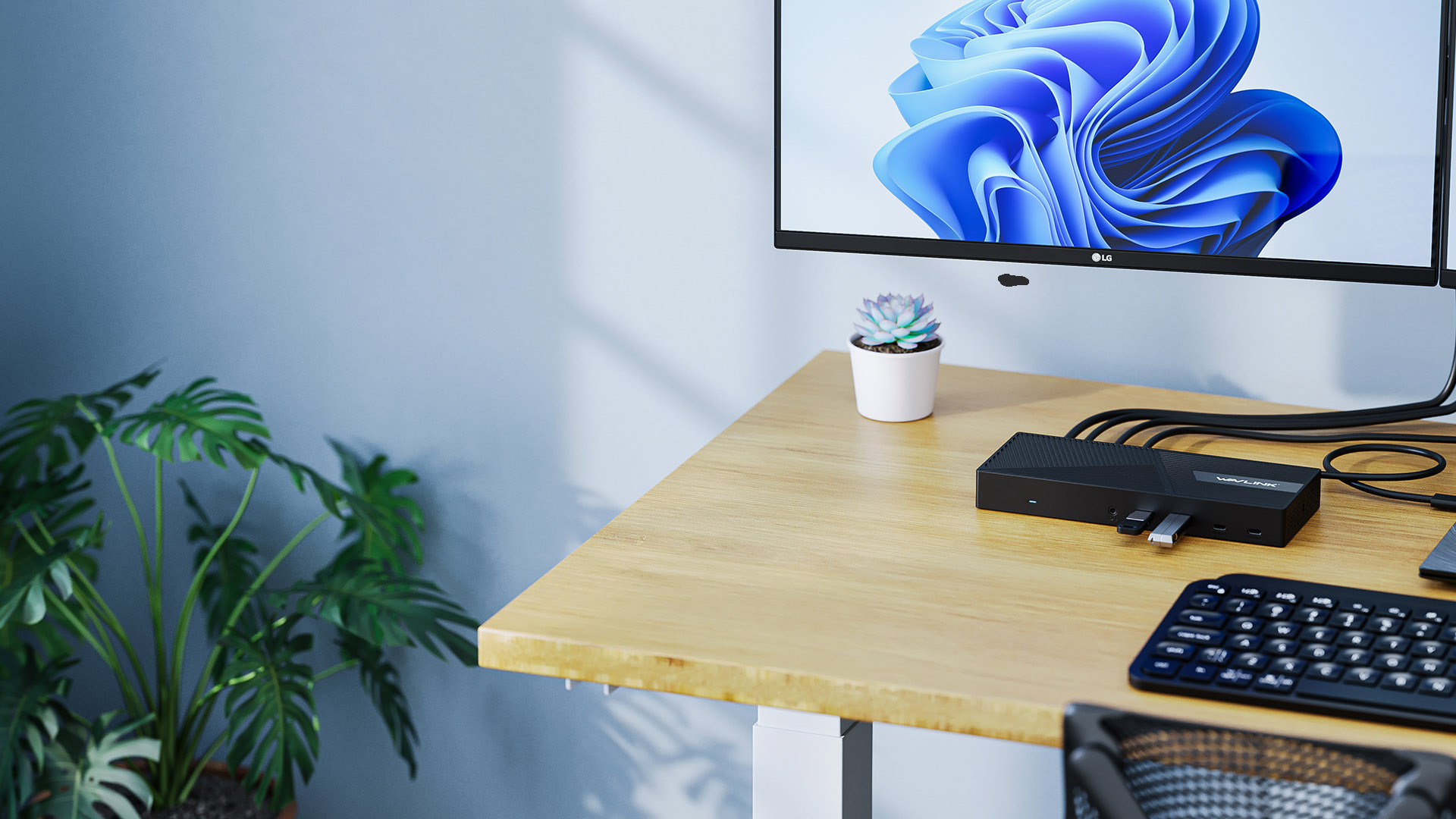
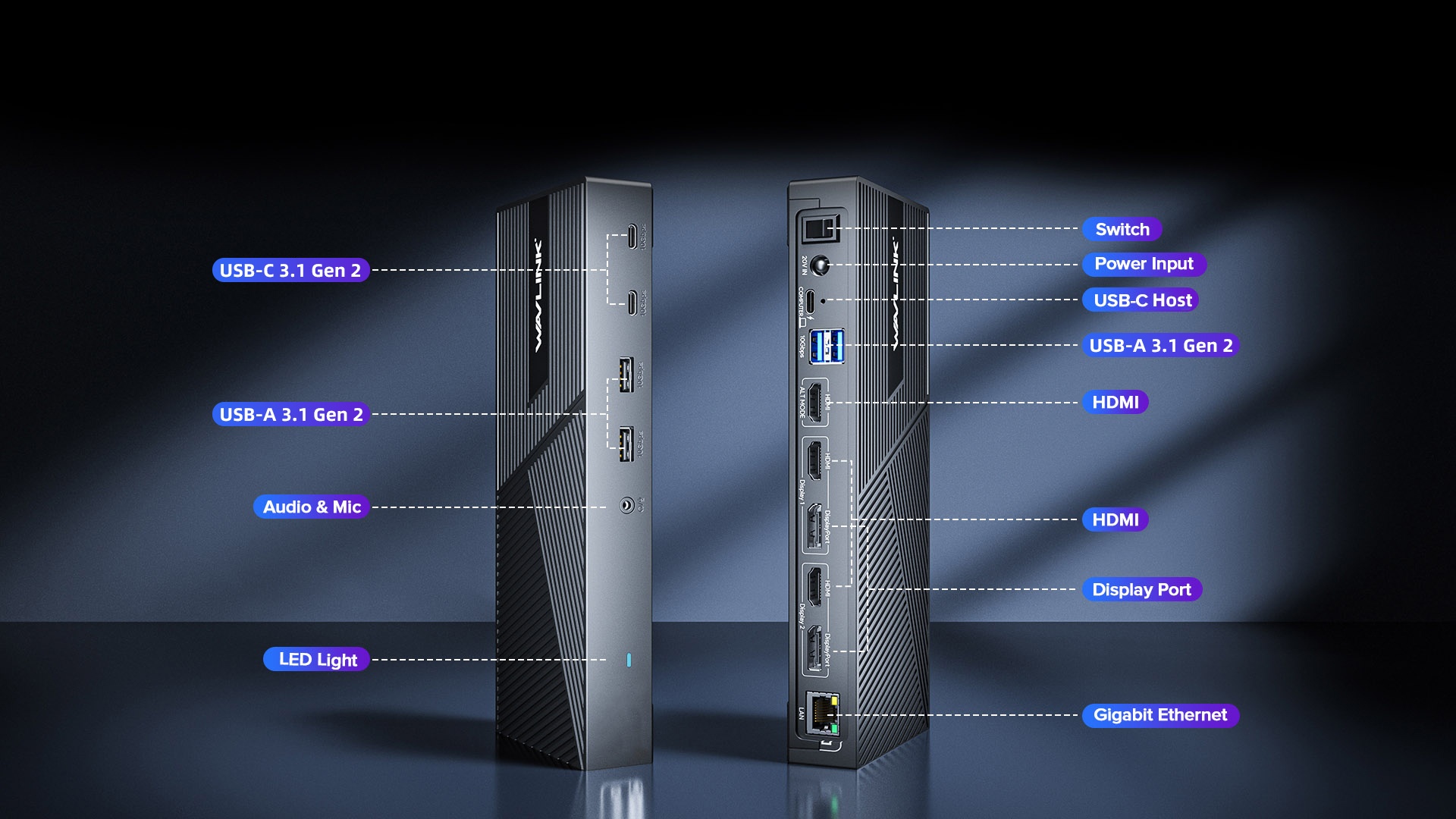
A variety of indispensable expansion ports in one.The 10 expansion ports save you work and is a great helper for your work.
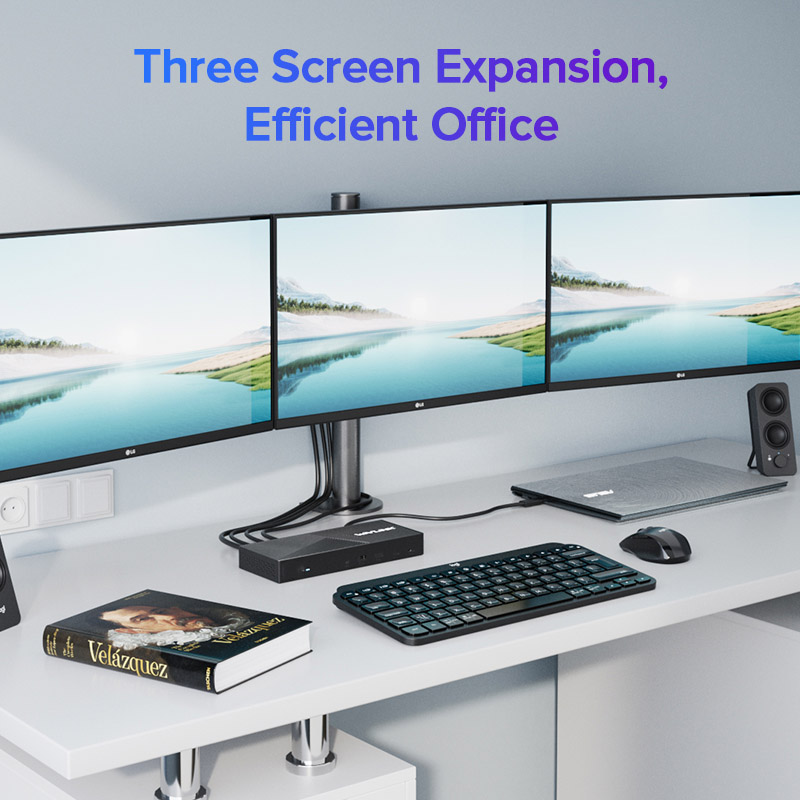
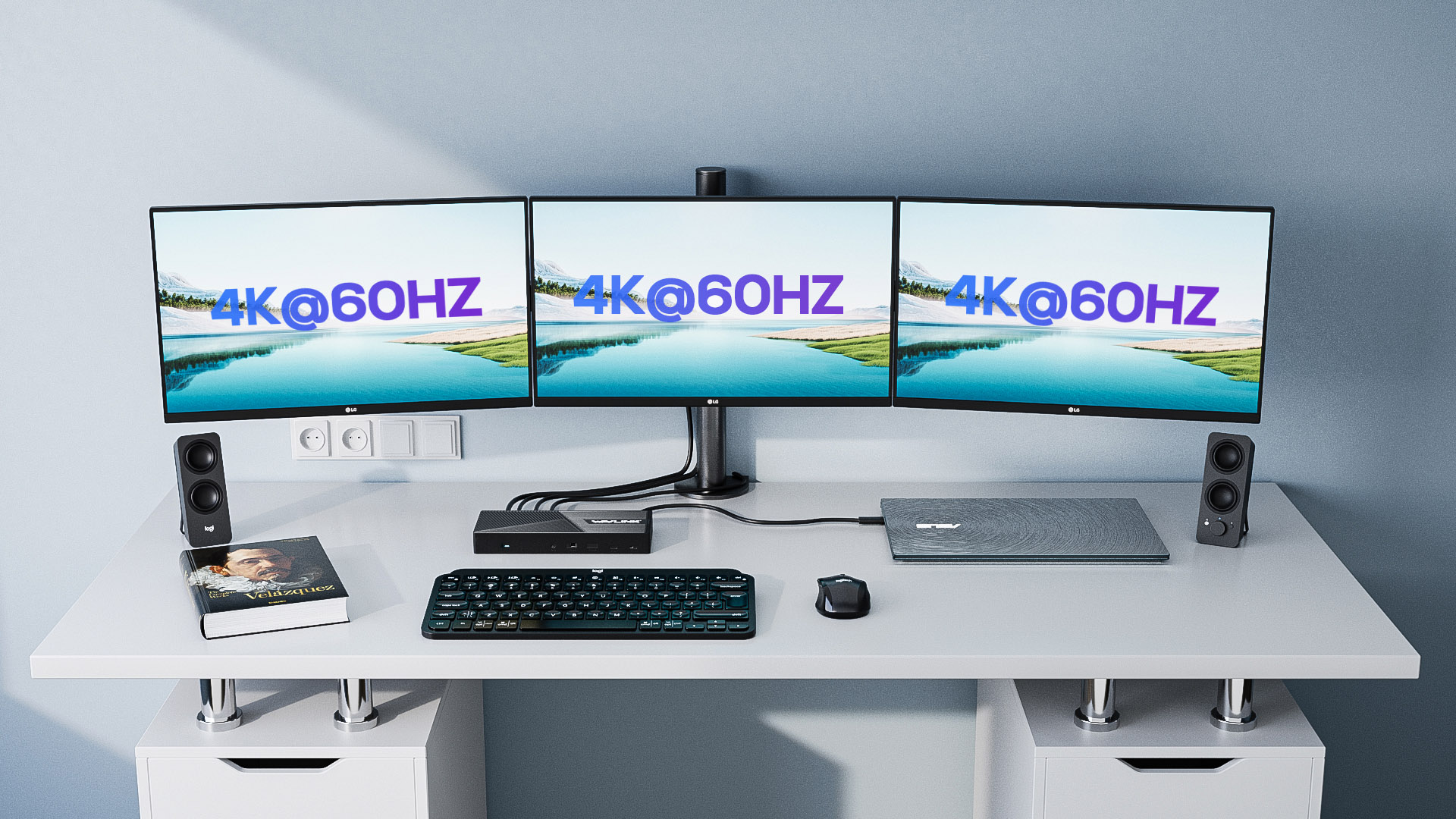
With three video interfaces (2 x DP (DP1.2)+1 x HDMI (DP Alt Mode)), three external screens can be displayed at the same time, letting you work more efficiently.
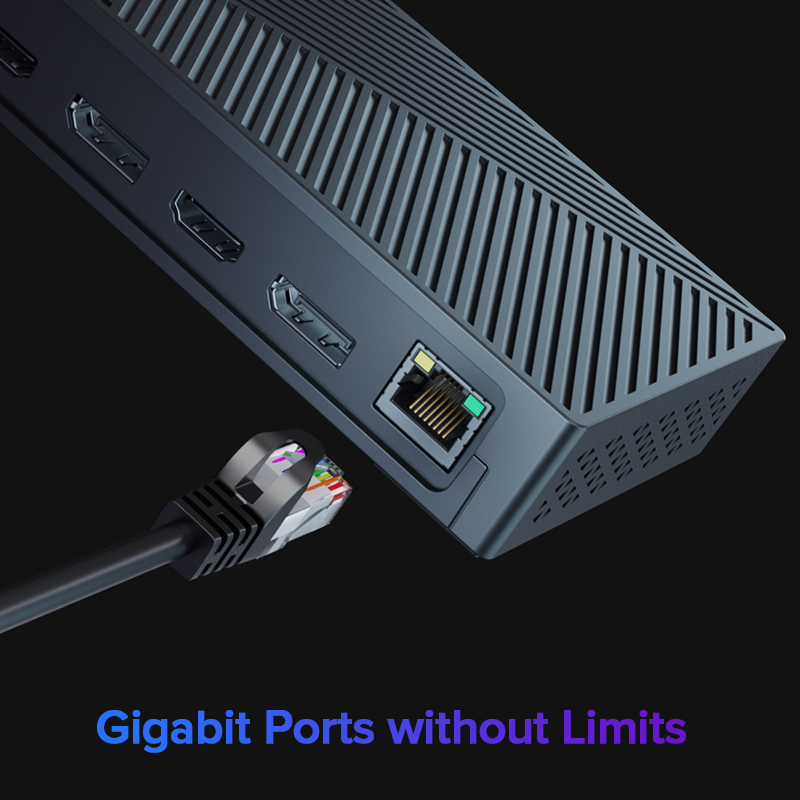
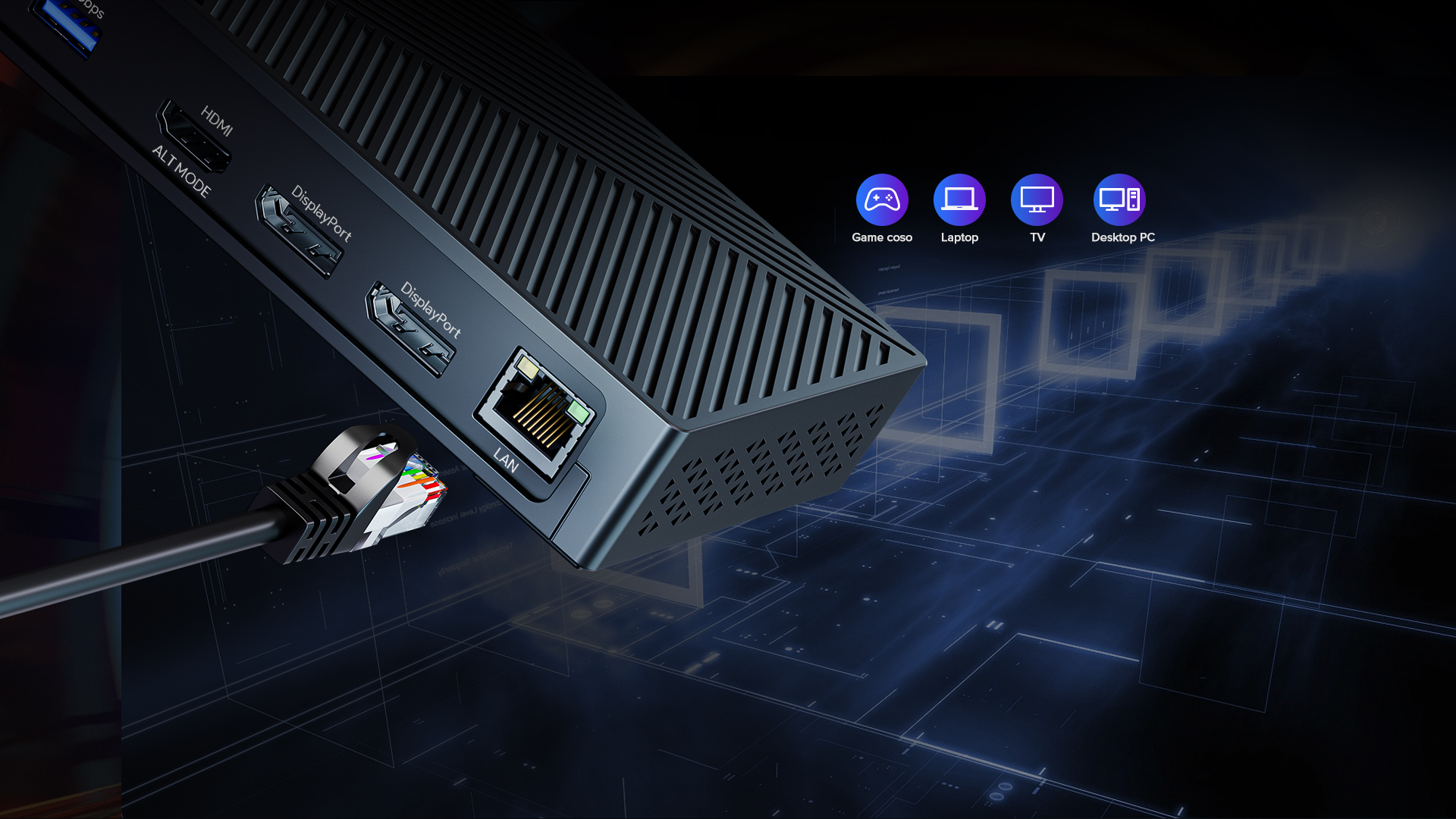
Connecting other devices such as laptops through this Gigabit Ethernet port can greatly increase Internet the speed of Internet access and support transfer rates of up to Gigabit.
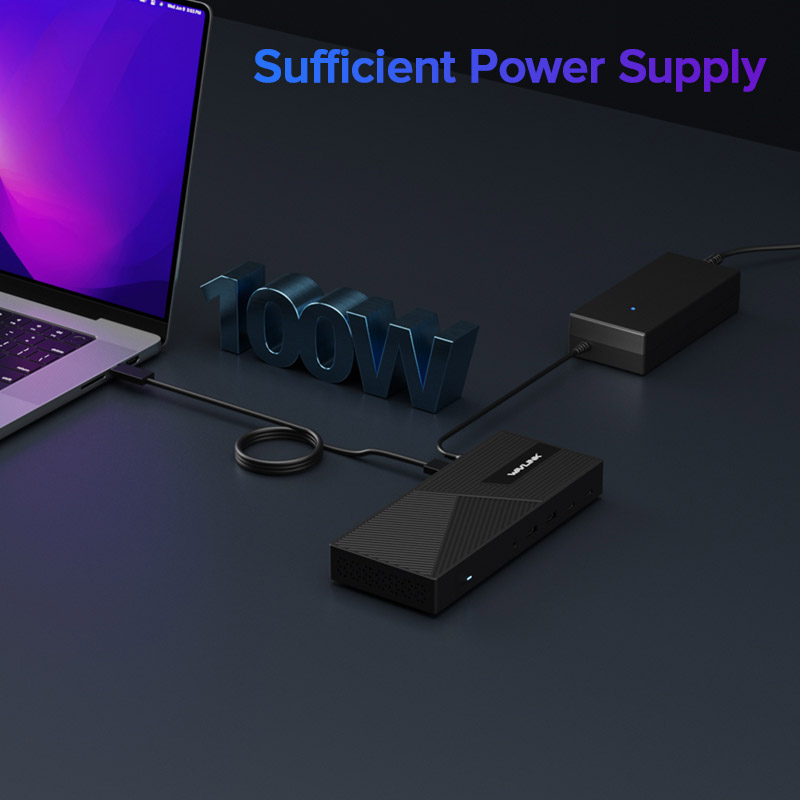
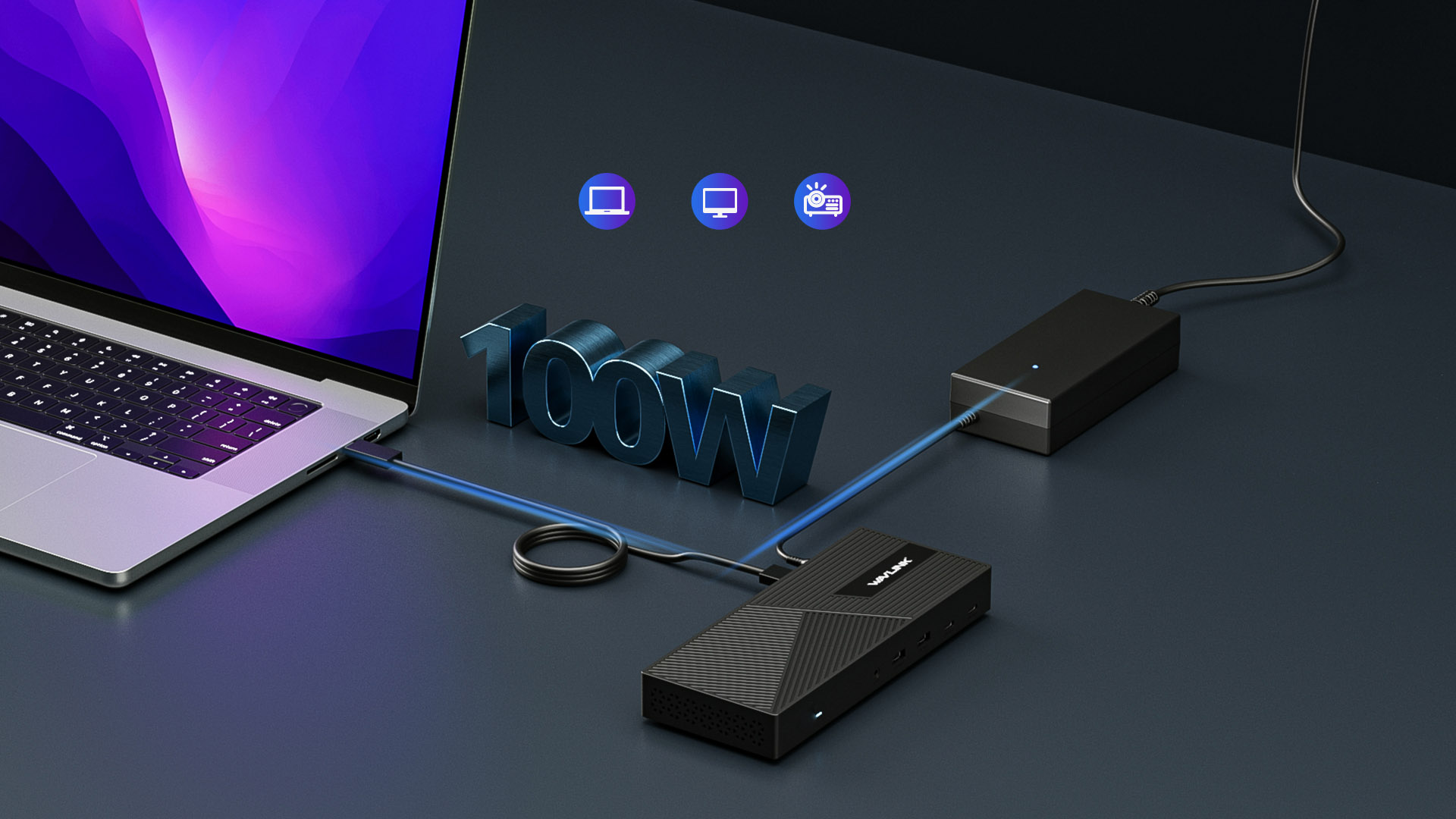
100W of power can be supplied to each system via USB-C, which is enough power to drive high-powered devices such as laptops, monitors and DLP® movie projectors.
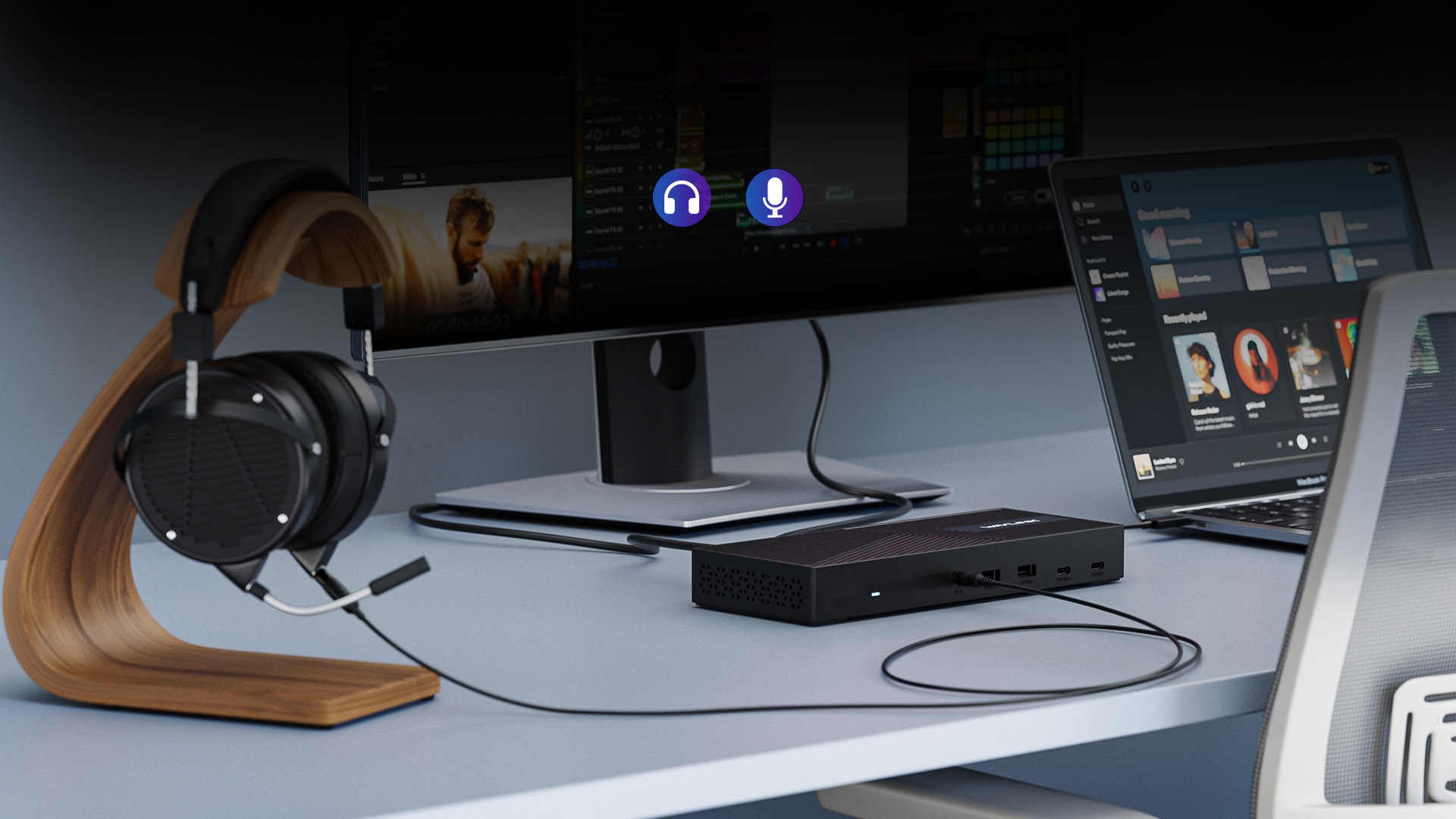
Integrated combo audio headset and microphone port can connect microphones, headphones or mini stereos, improving the access experience qualitatively and efficiently.
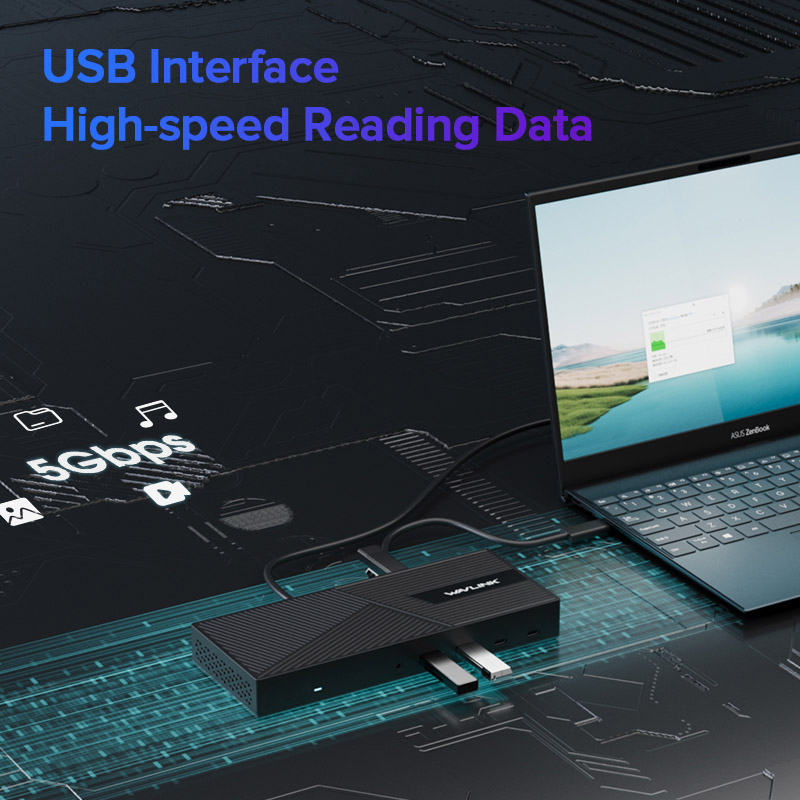
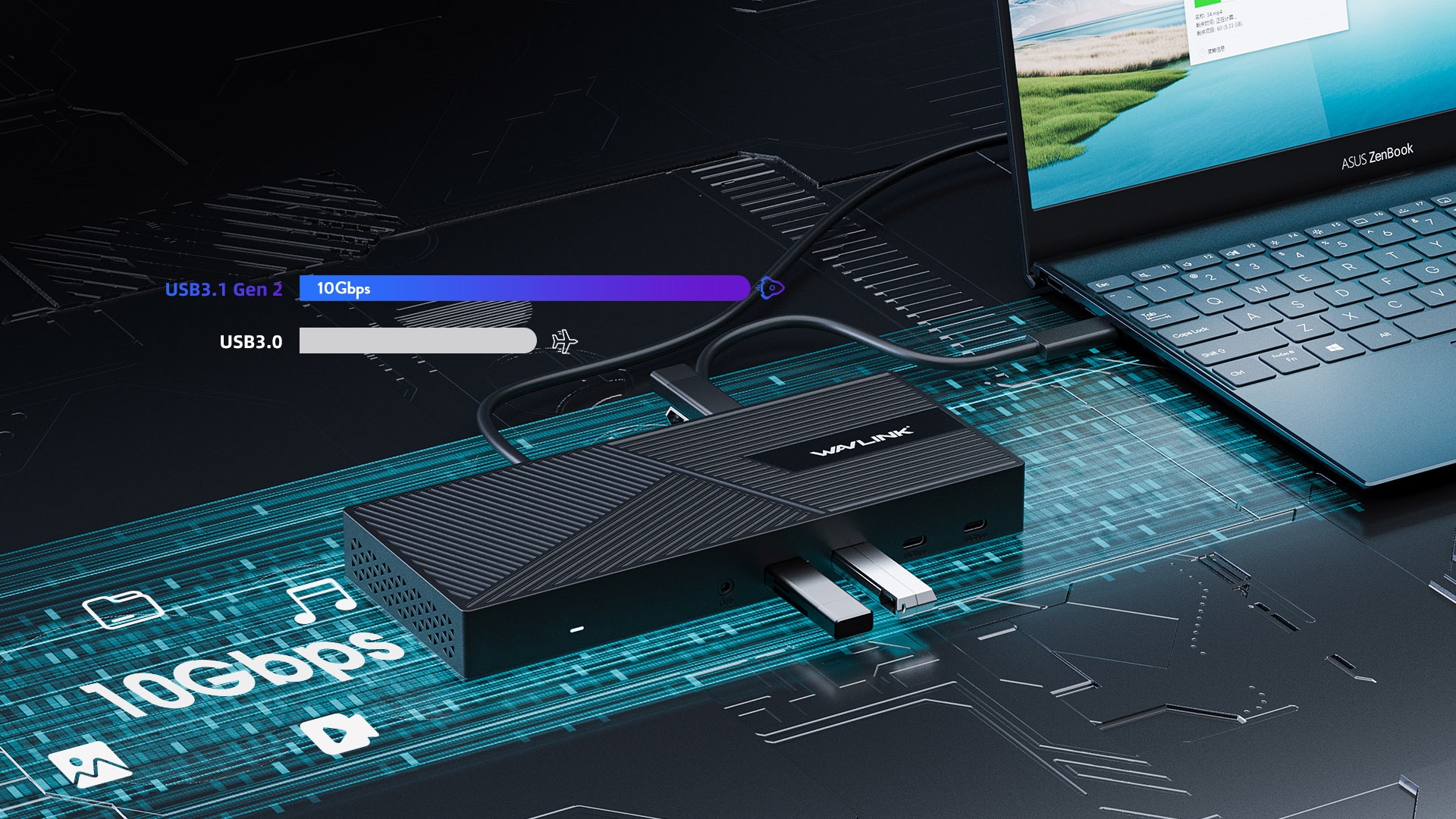
USB-C and four USB 3.1 Gen2 can reach a maximum rate of 10Gbps with no delay in data transfer.
This docking station supports Kensington lock for security, which can save your device and important data from theft.
USB-C to C or USB3.0 Cable
Latest DisplayLink Driver
Supports USB-C PD100Watt Power Delivery
1x USB-C(USB3.1 Gen2) for host connection, supporting 100W Power Delivery to charging PC system.
2x USB-C(USB3.1 Gen2) supporting data transfer 10Gbps.
4xUSB-A (USB3.1 Gen2) supporting data transfer 10Gbps
1 monitor:
DisplayPort (DP1.2): Resolutions up to 4K@60Hz
HDMI (HDMI 2.0): Resolutions up to 4K@60Hz
HDMI (DP Alt Mode): Resolutions up to 4K@60Hz
2xDisplayPort together can support ONE 5K@60Hz monitor
2 monitors :
Stream A: DisplayPort or HDMI: Resolutions up to 4K@60Hz
Stream B: DisplayPort or HDMI: Resolutions up to 4K@60Hz
1 x HDMI (DP Alt Mode): Resolutions up to 4K@60Hz
3 monitors:
Stream A: DisplayPort or HDMI: Resolutions up to 4K@60Hz
Stream B: DisplayPort or HDMI: Resolutions up to 4K@60Hz
1 x HDMI (DP Alt Mode): Resolutions up to 4K@60Hz
1 x Power LED
One combo Audio/Mic port
1x RJ45 10/100/1000Mbps Ethernet
ON/OFF button to turn the docking station on and off
Kensington lock
WL-UG69PD25: DC20V/6.5A 130Watt (Brick style)
WL-UG69PD25 PRO: DC20V/8A 160Watt (Brick style)
Supports USB-C PD100Watt Power Delivery
Microsoft Windows 7 / 8 / 10
Apple Mac OS 10.8 or later
223 X 160 X 29.5mm
Approx 361g
1 x USB-C Universal Dock
1 x USB-C to USB-C 1m cable(E-mark) with USB-A converter
1 x DC20V Power Adapter
1 x AC Power 1.5m Cable
1 x Cable Srew Holder
1 x Quick Start Guide
Please ensure that the DisplayLink driver for the dock is installed.
For macOS: Make sure you have installed the DisplayLink Manager App and granted permission for Screen Recording.
You can download the driver here :
DisplayLink macOS Software for Downloads Section | Synaptics
Please follow the steps below:
1. Disconnect the dock from your computer and unplug the power cable to fully power it off. Keep it disconnected until the final step.
2. Uninstall any DisplayLink software from Control Panel > Programs and Features (if present).
3. Download and run the DisplayLink Cleaner Tool:
DisplayLink Installation Cleaner for Windows | Synaptics
4. Restart your computer (even if not prompted).
5. Download and install the latest DisplayLink driver:
Windows Driver Downloads for Downloads Section | Synaptics
6. Reconnect the dock’s power first, then connect the dock to your computer.
If the device is not detected during installation, click “Skip” to complete the process, then restart your system again.
1.Your computer’s USB-C port must support DisplayPort Alt Mode (video output) for the external monitor to function through the dock. To verify this,you could contact the laptop/pc manufacturer or contact our support team and tell us the detail model number of your laptop.
2.If the docking comes with a type-c cable,please make sure you should use the original type-c cable.
macOS requires users to grant Screen Recording permission for the DisplayLink driver to function properly. The DisplayLink Manager App does not send any information to Wavlink or DisplayLink/Synaptics, so there is no need to worry.
1.The docking station does not support HDCP, so protected content from services like Apple TV, Hulu, and Netflix cannot be played while the dock is connected. This is expected behavior. Please disconnect the dock when playing these videos.
2.Alternatively, you can try :
1) Open Google Chrome settings.
2) Click on "Advanced" and select "System."
3) Disable "Use hardware acceleration when available"
4) Select "Relaunch" to activate the new settings.
Please use the USB-C to USB-A cable to connect the dock to your laptop.
This will prevent the dock from supplying power.
Top
Get the Scoop First
Subscribe to our official website to receive exclusive first-hand news and stay up-to-date on our new product releases and promotions!