WAVLINK Universal DisplayLink Docking Station, 4K+Dual 2K USB C USB 3.0 Laptop Dock for M1 M2 M3 Mac and Windows, 15 In 1 with 3 HDMI, 2 DP, RJ45, Audio/Mic, SD/TF, 5 USB Ports, 130W AC Power Supply
  • WAVLINK Universal DisplayLink Docking Station, 4K+Dual 2K USB C USB 3.0 Laptop Dock for M1 M2 M3 Mac and Windows, 15 In 1 with 3 HDMI, 2 DP, RJ45, Audio/Mic, SD/TF, 5 USB Ports, 130W AC Power Supply 1
  • WAVLINK Universal DisplayLink Docking Station, 4K+Dual 2K USB C USB 3.0 Laptop Dock for M1 M2 M3 Mac and Windows, 15 In 1 with 3 HDMI, 2 DP, RJ45, Audio/Mic, SD/TF, 5 USB Ports, 130W AC Power Supply 2
  • WAVLINK Universal DisplayLink Docking Station, 4K+Dual 2K USB C USB 3.0 Laptop Dock for M1 M2 M3 Mac and Windows, 15 In 1 with 3 HDMI, 2 DP, RJ45, Audio/Mic, SD/TF, 5 USB Ports, 130W AC Power Supply 3
  • WAVLINK Universal DisplayLink Docking Station, 4K+Dual 2K USB C USB 3.0 Laptop Dock for M1 M2 M3 Mac and Windows, 15 In 1 with 3 HDMI, 2 DP, RJ45, Audio/Mic, SD/TF, 5 USB Ports, 130W AC Power Supply 4
  • WAVLINK Universal DisplayLink Docking Station, 4K+Dual 2K USB C USB 3.0 Laptop Dock for M1 M2 M3 Mac and Windows, 15 In 1 with 3 HDMI, 2 DP, RJ45, Audio/Mic, SD/TF, 5 USB Ports, 130W AC Power Supply 5
  • WAVLINK Universal DisplayLink Docking Station, 4K+Dual 2K USB C USB 3.0 Laptop Dock for M1 M2 M3 Mac and Windows, 15 In 1 with 3 HDMI, 2 DP, RJ45, Audio/Mic, SD/TF, 5 USB Ports, 130W AC Power Supply 6

WAVLINK Universal DisplayLink Docking Station, 4K+Dual 2K USB C USB 3.0 Laptop Dock for M1 M2 M3 Mac and Windows, 15 In 1 with 3 HDMI, 2 DP, RJ45, Audio/Mic, SD/TF, 5 USB Ports, 130W AC Power Supply

WL-UG63PD13Pro

Model: WL-UG63PD13Pro
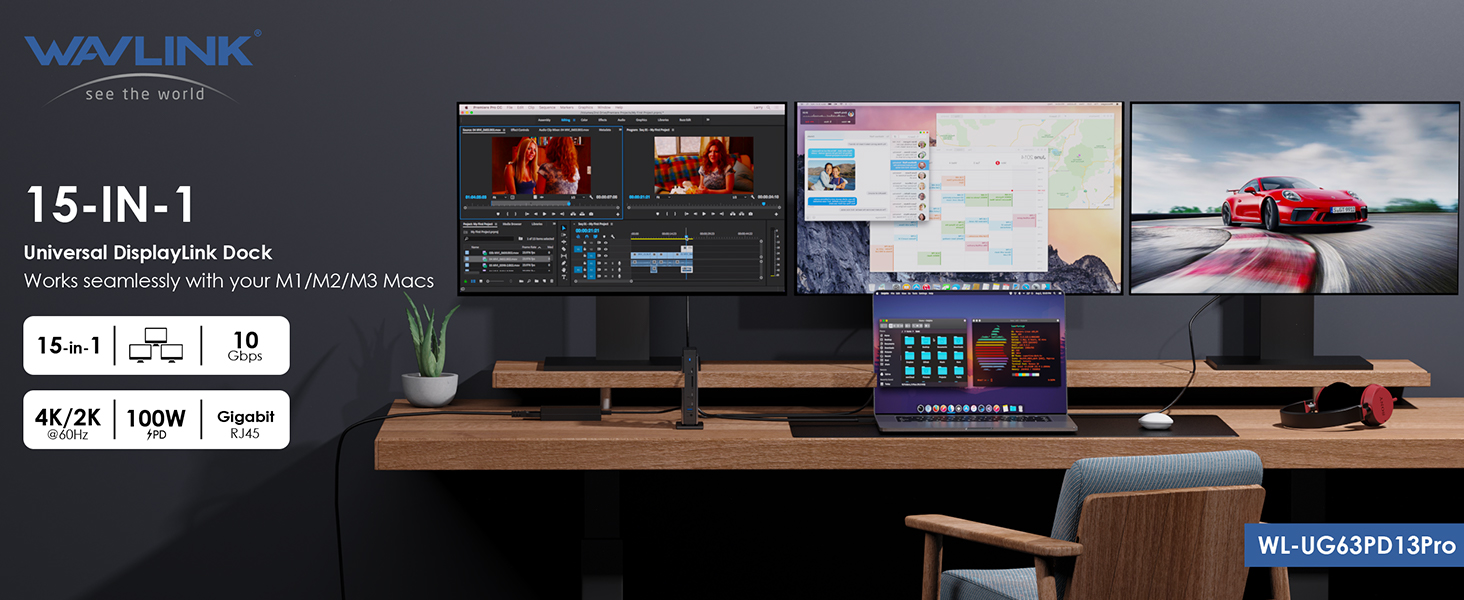
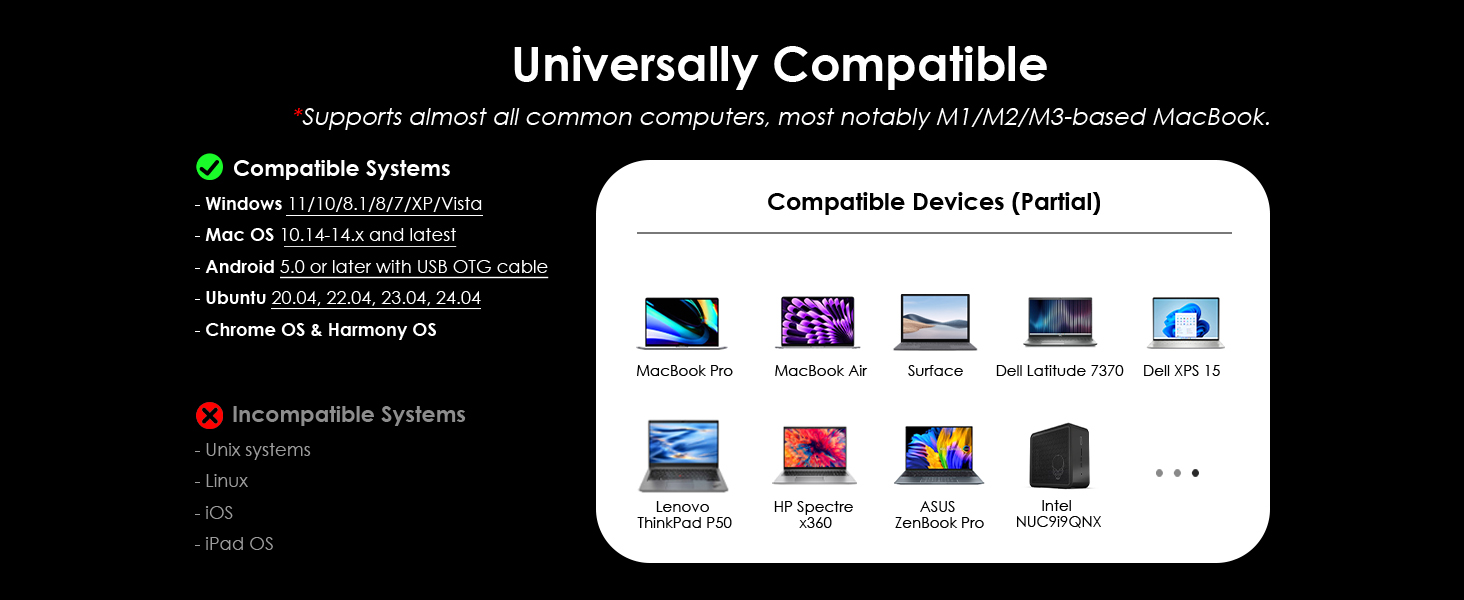
- Working with USB-C, Thunderbolt & USB-A laptops.
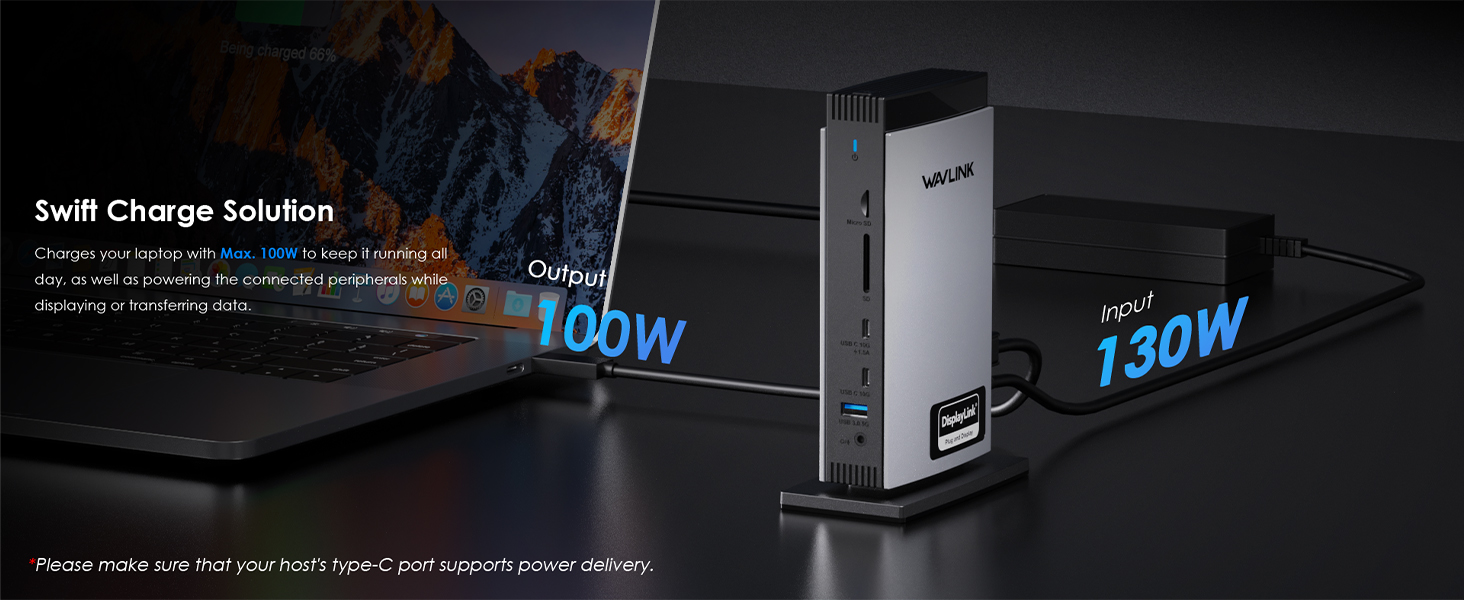
- 130W power adapter with maximum 100W upstream charging for your laptop via USB-C Host port.
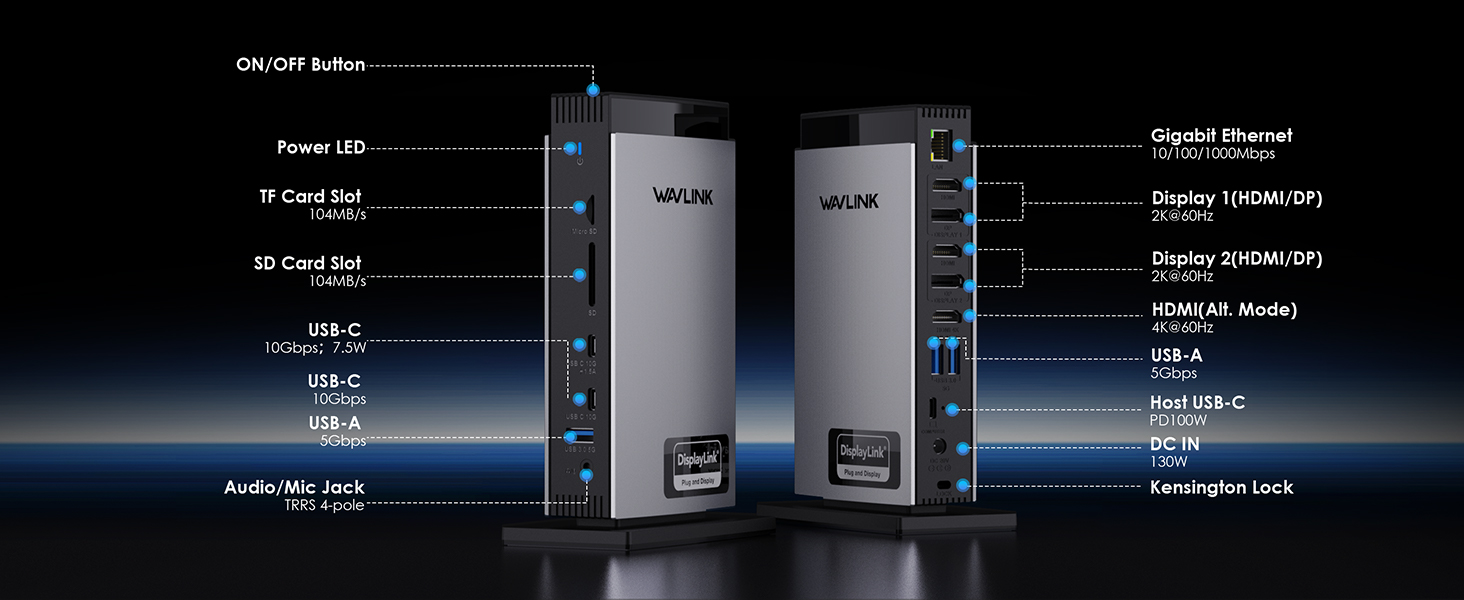
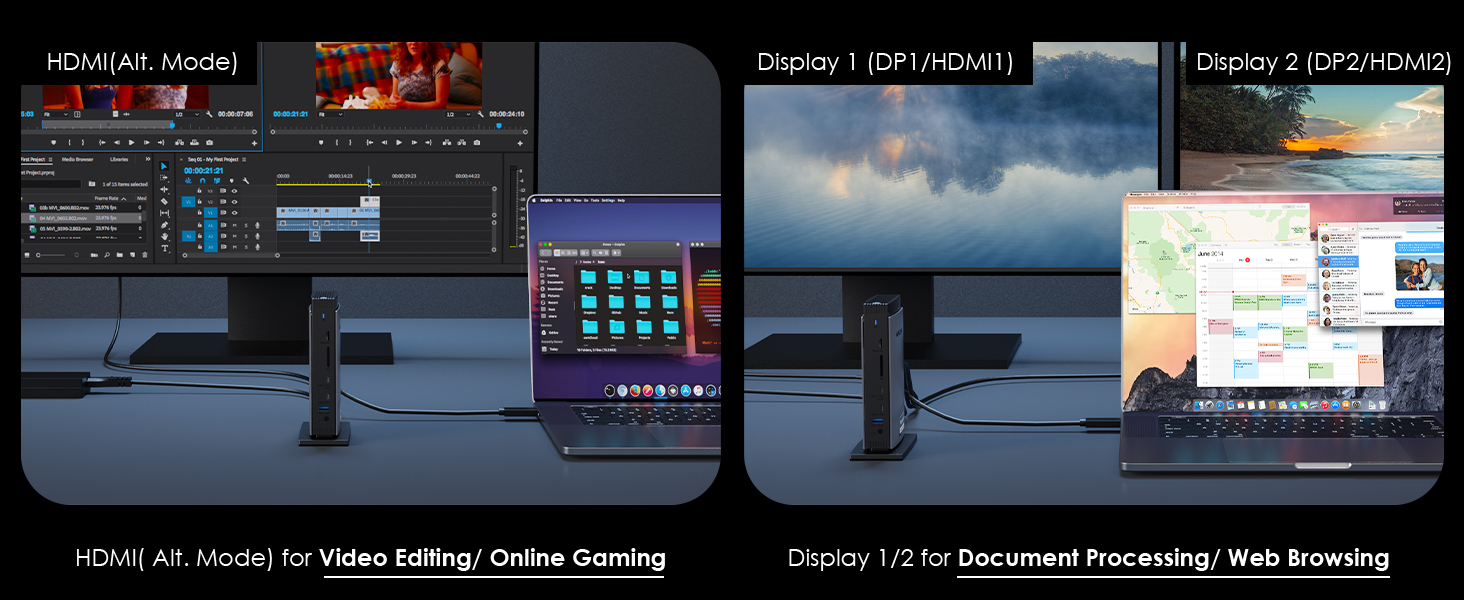
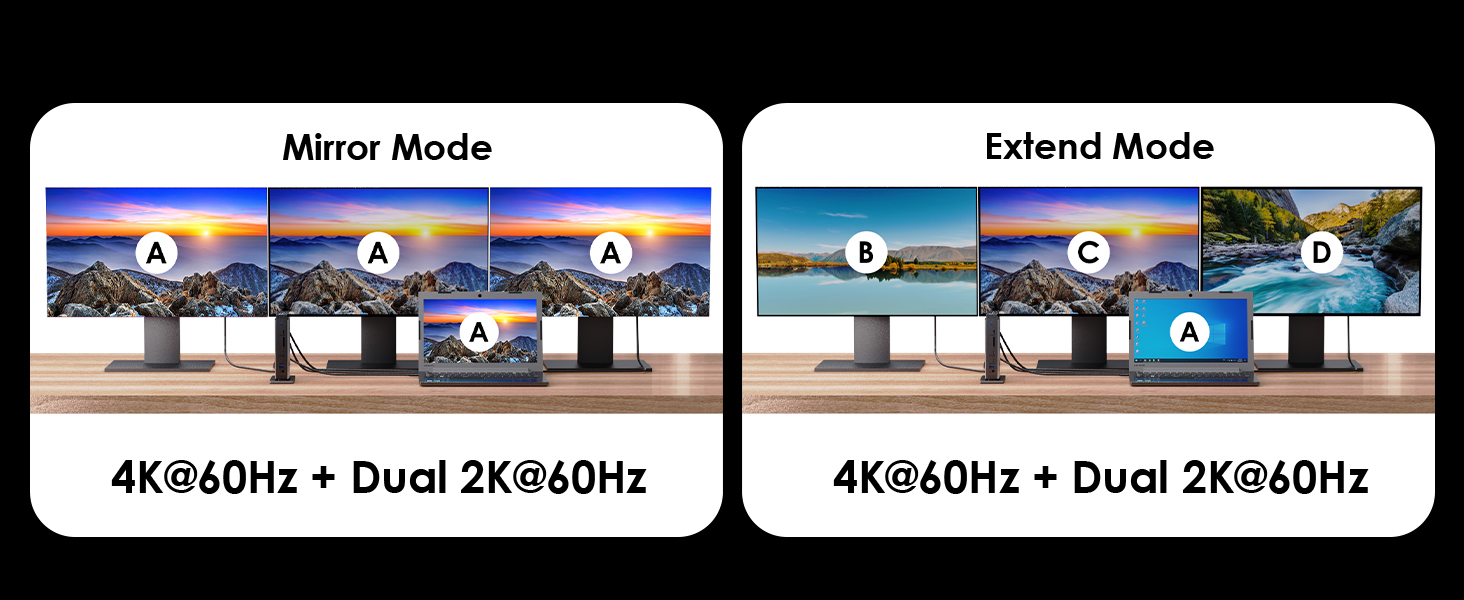
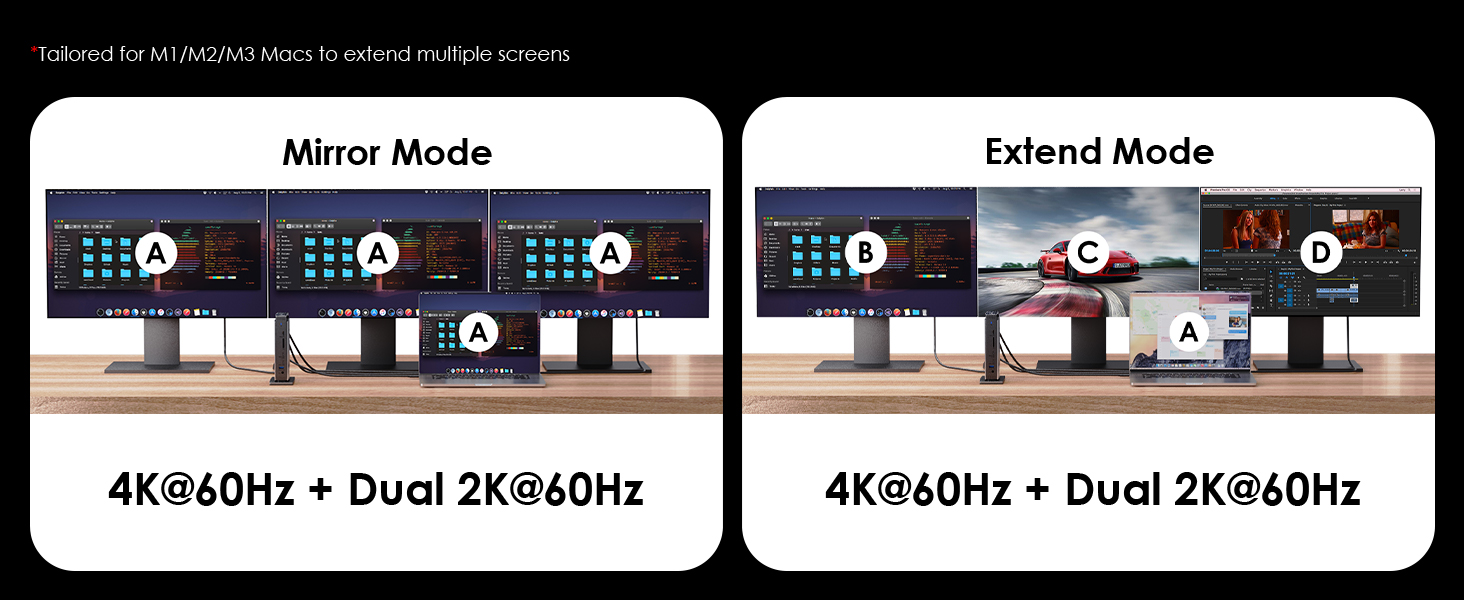
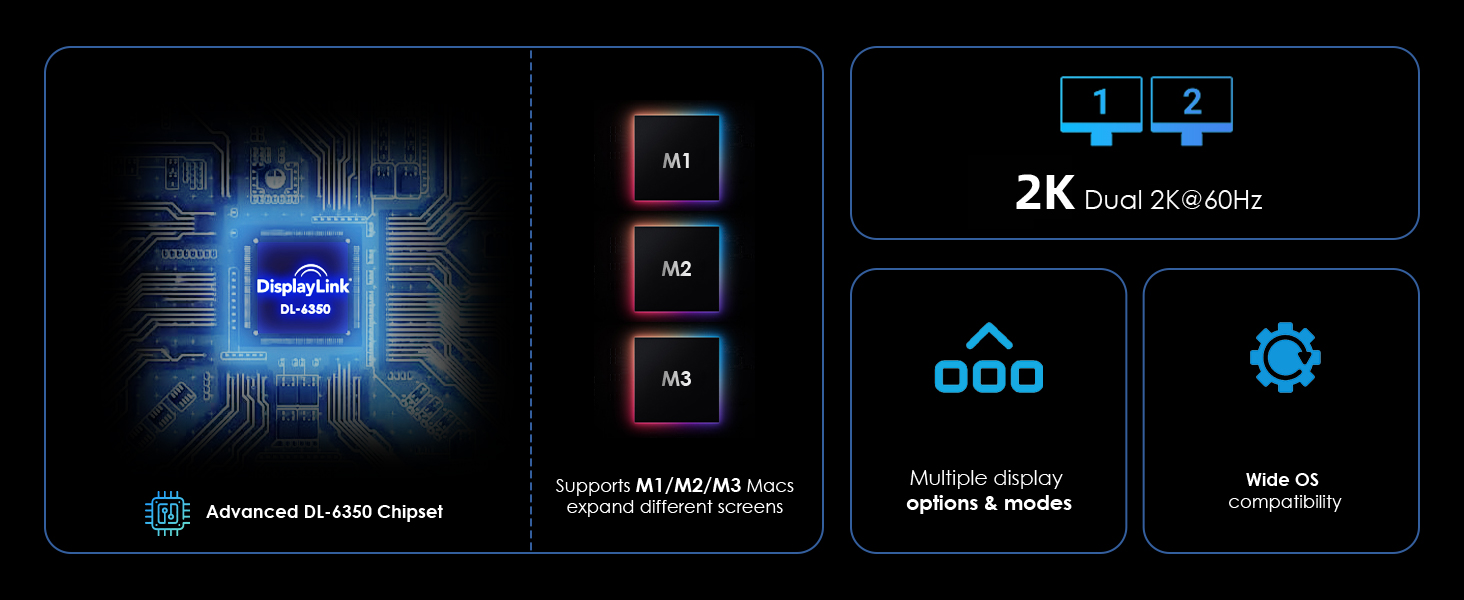
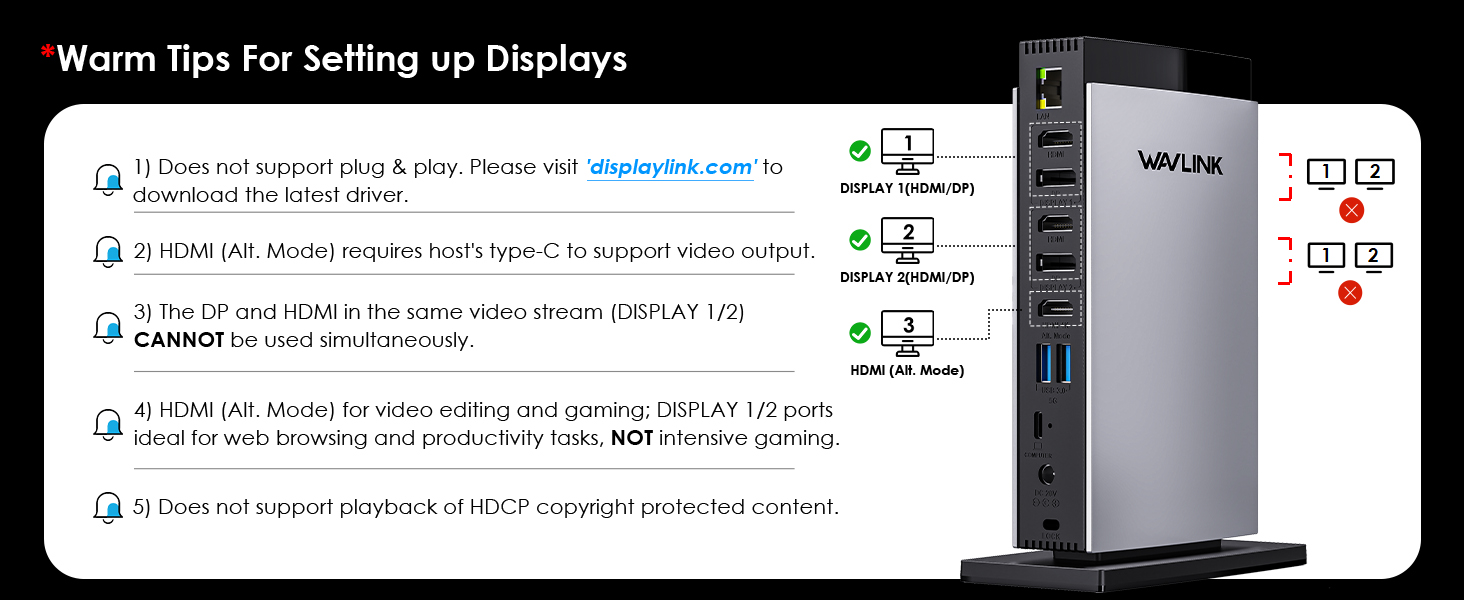
- One Alt Mode HDMI, two HDMI ports and two DisplayPort support up to one 4K@60Hz + dual 2K@60Hz video output, allowing you to connect multiple screens.
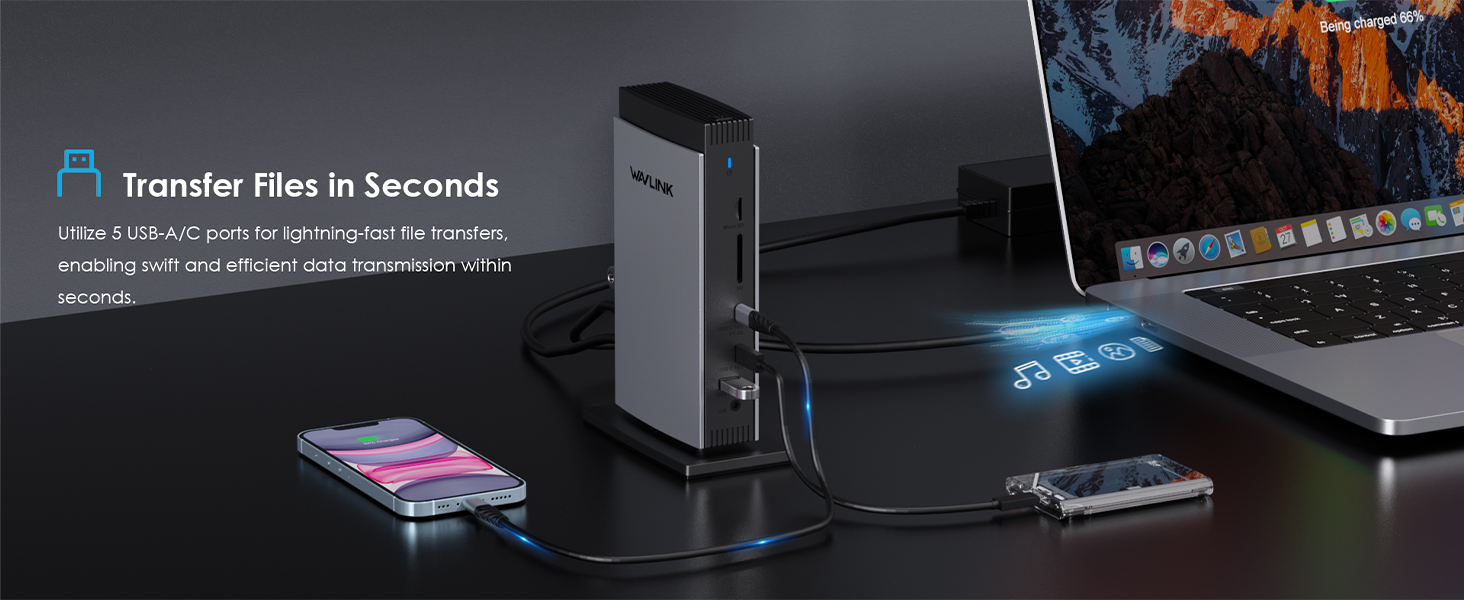
- Two USB-C ports with transfer speeds up to 10Gbps; one of them provides BC 1.2 fast charging.
- Three USB-A ports with transfer speeds up to 5Gbps; backward compatible with USB 2.0.
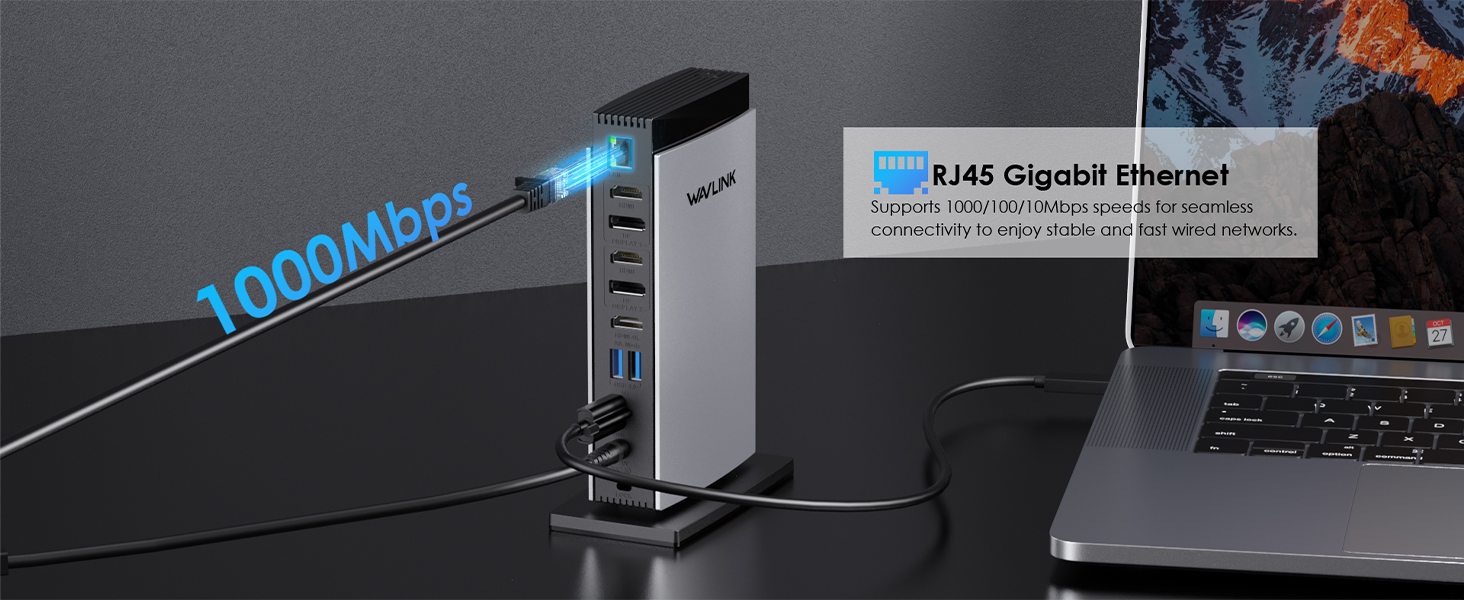
- RJ-45 Gigabit Ethernet port supports stable and high-speed network connections and is backward compatible with 10/100Mbps Ethernet networks.
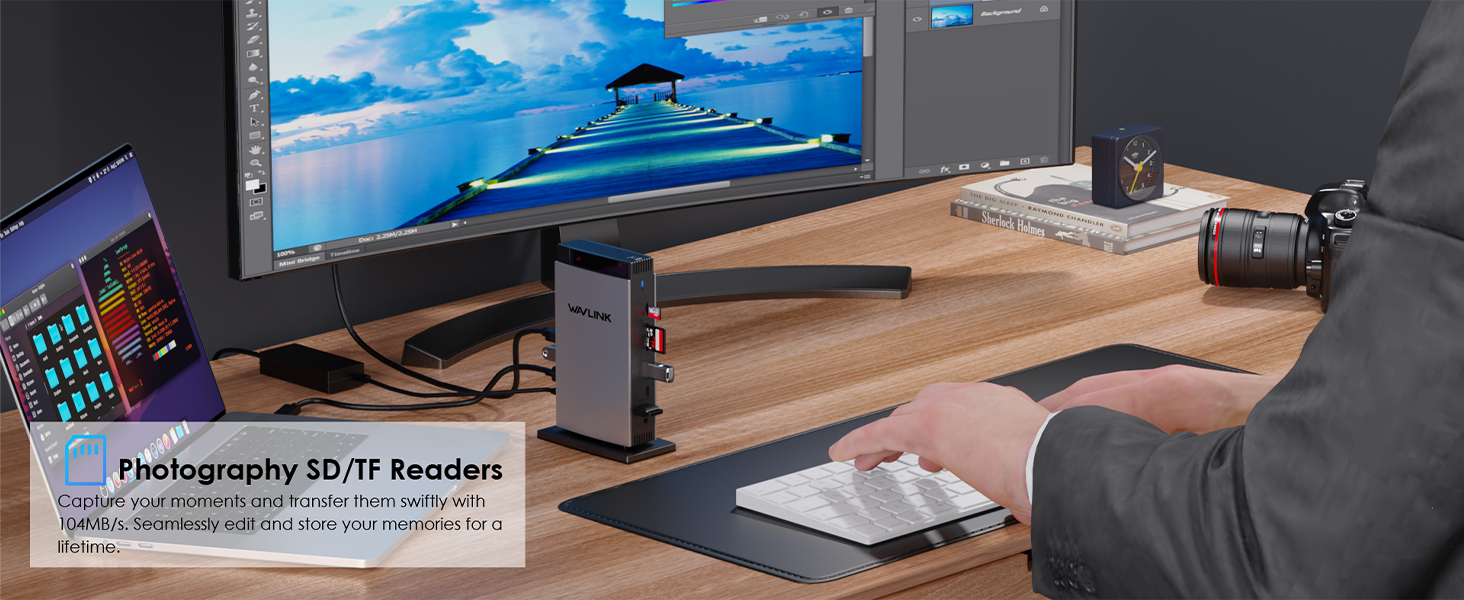
- SD/Micro SD Slot supports integrated SD V3.0 Card Reader transferring rate at the speed of 104MB/s, ideal for copying any photos.
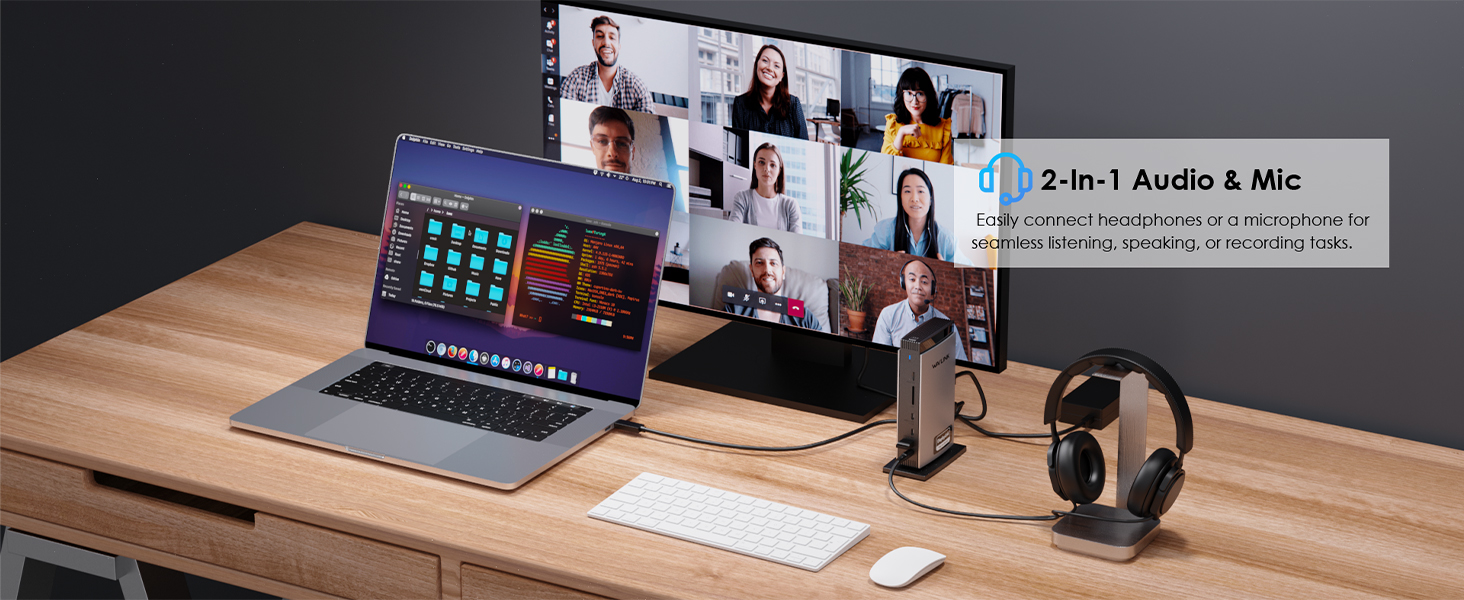
- Integrated TRRS 4-pole Phone Jack for audio speaker out and mic in.

Like it, Buy now:

Specifications

  • TECHNICAL SPECIFICATIONS
  • Model

    WL-UG63PD13Pro

  • Ports

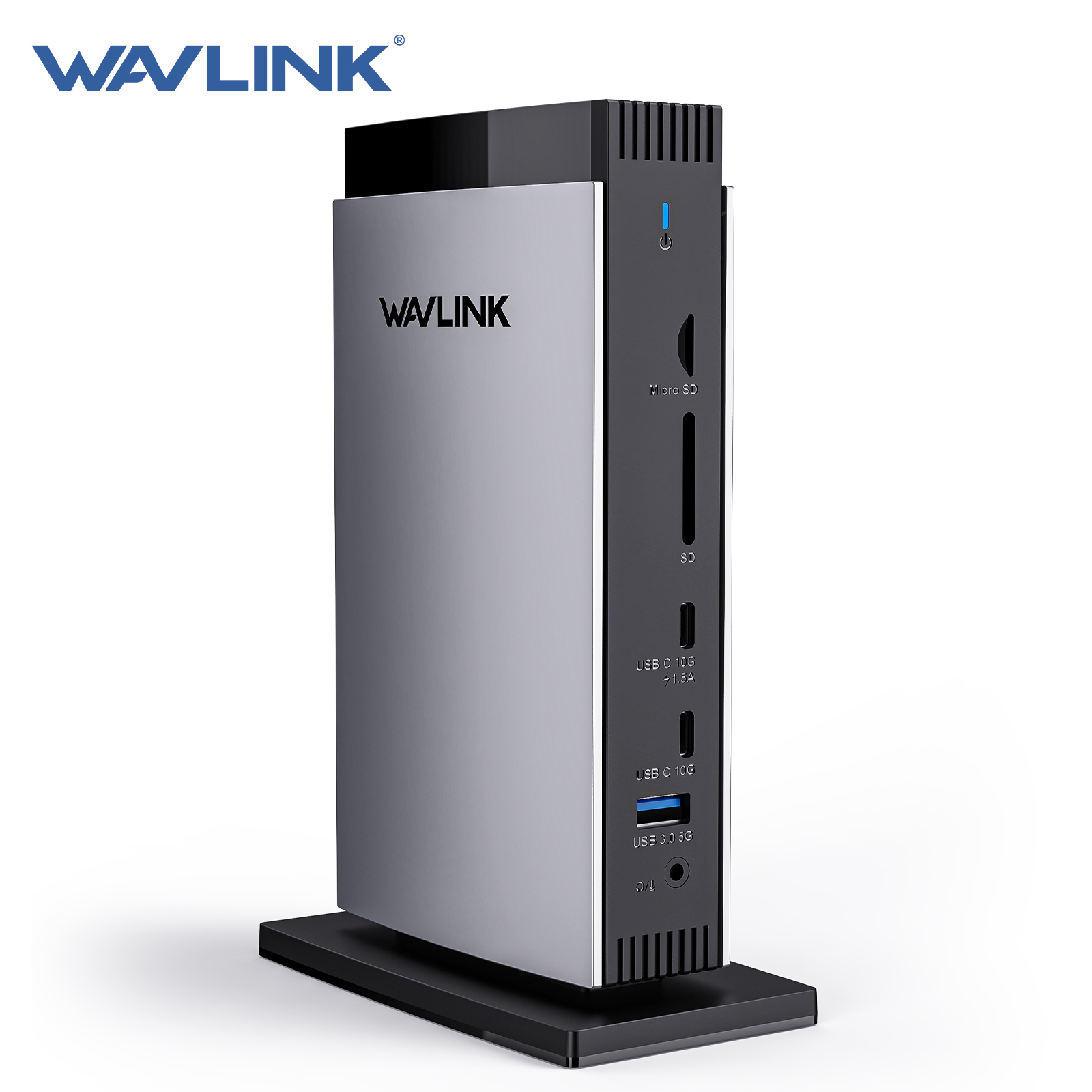
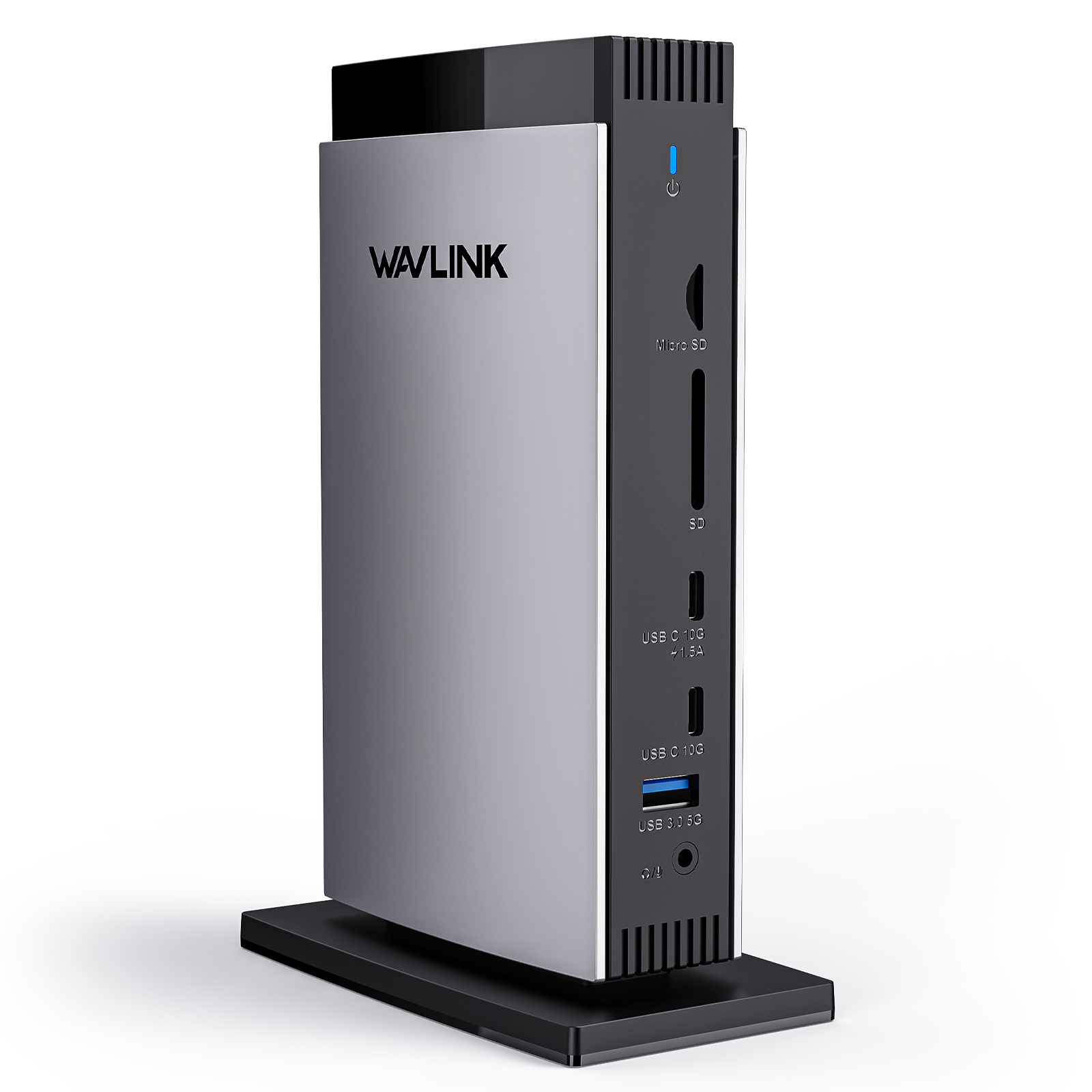
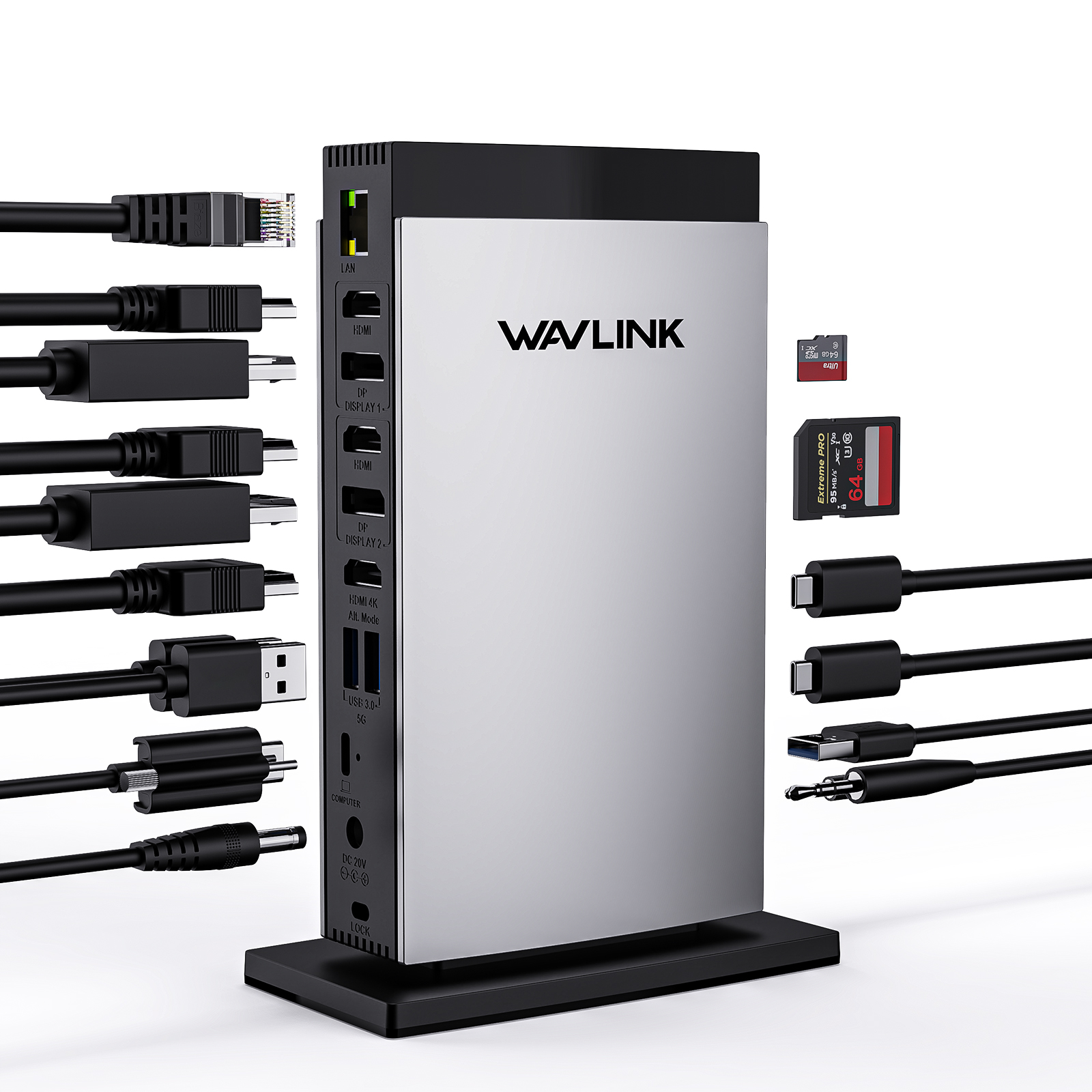
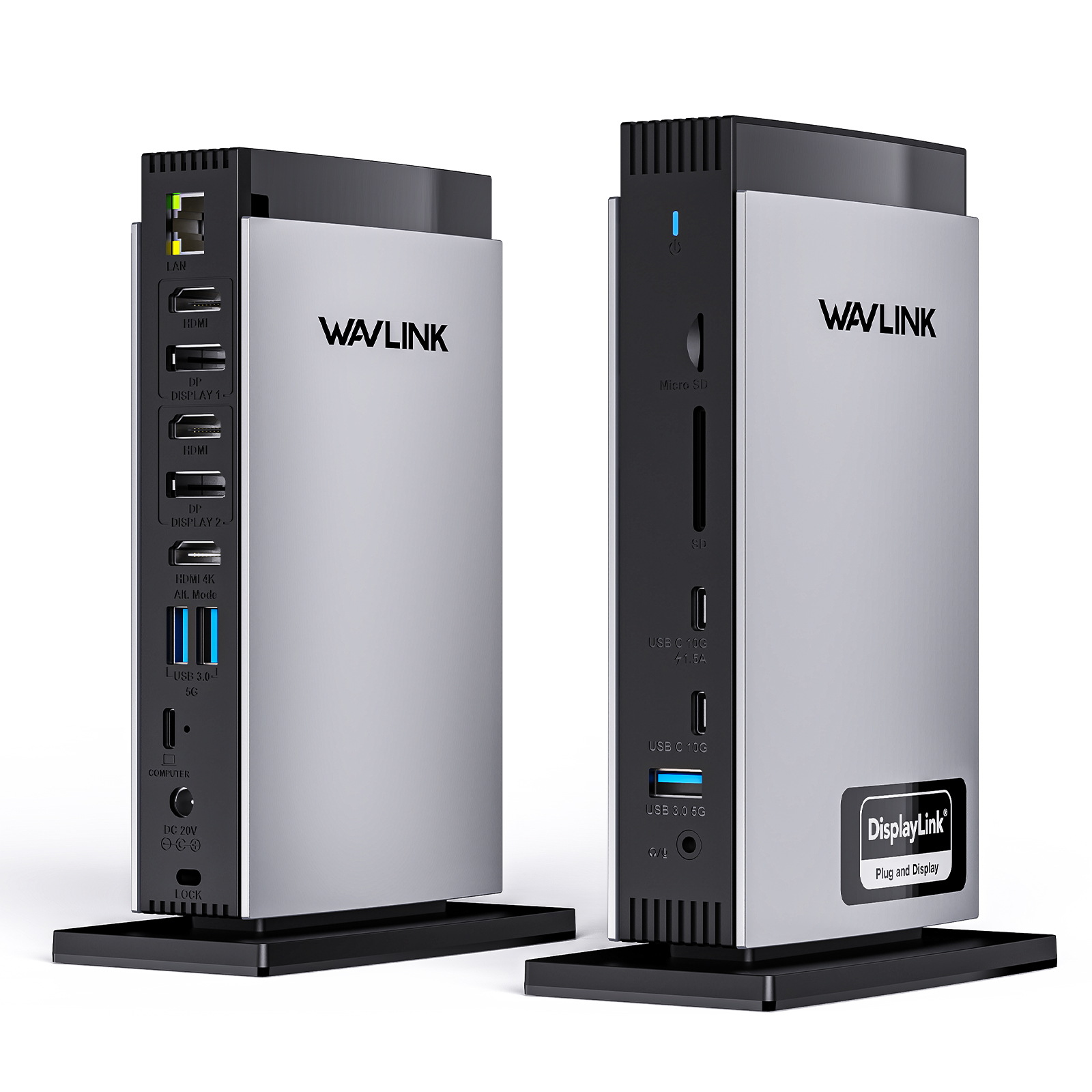
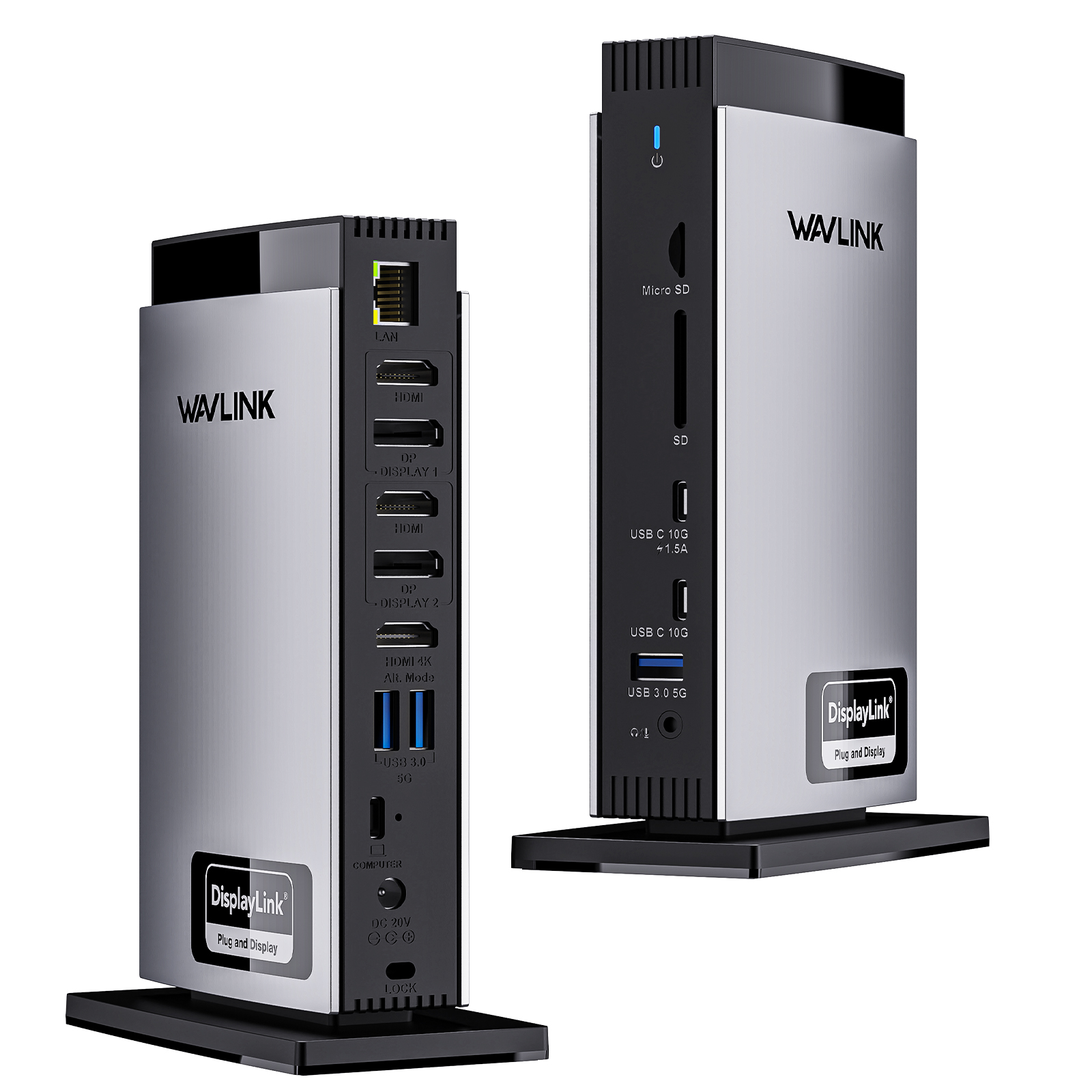
    Front Panel: 1x TF Card Slot, 1x SD Card Slot, 2 x USB-C 10Gbps, 1 x USB-A 5Gbps, 1 x 4-Pole Phone Jack;
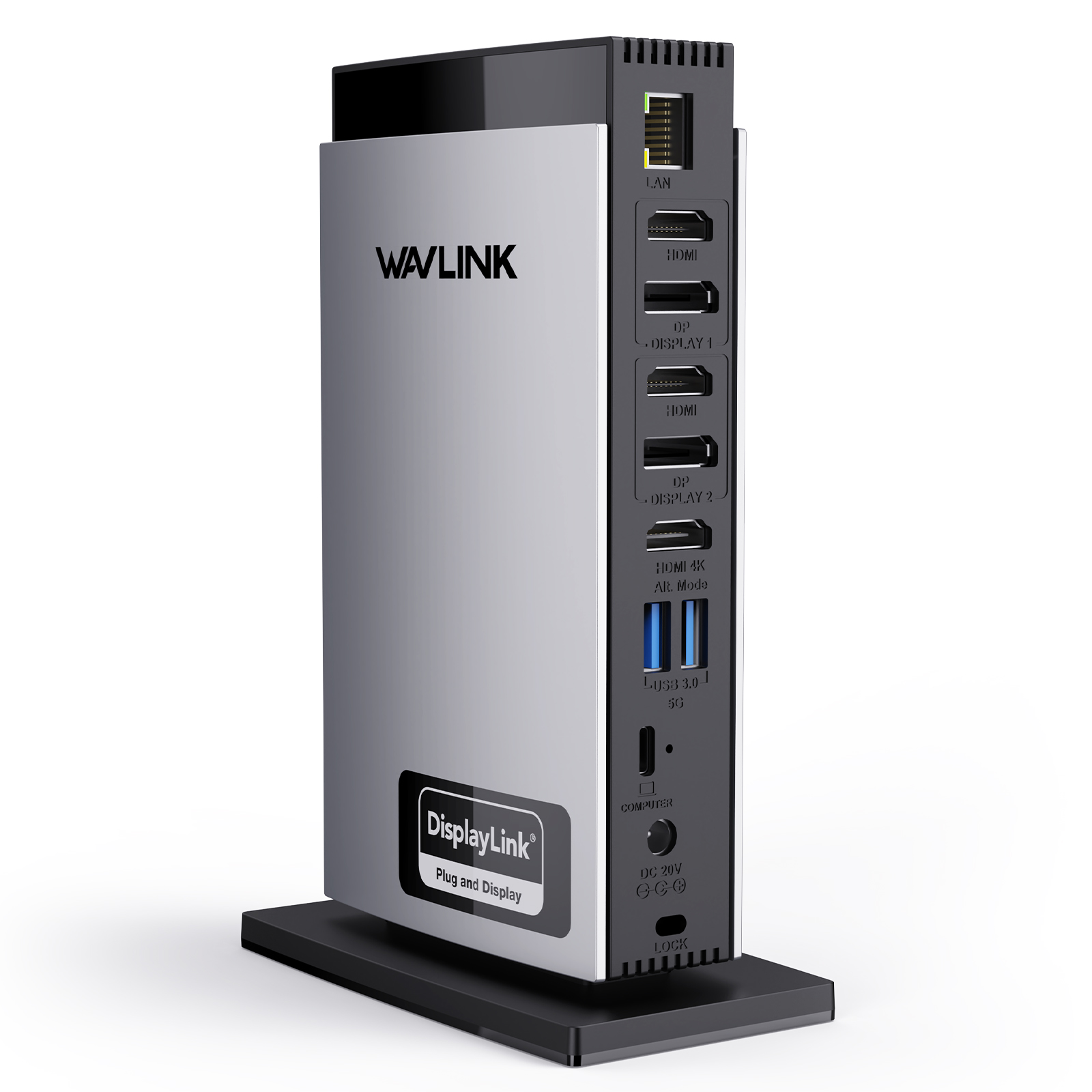
    Rear Panel:  1x RJ45(10/100/1000Mbps), 1 x Display 1(HDMI/DP), 1 x Display 2(HDMI/DP), 1 x 4K HMDI(Alt. Mode), 2 x USB-A 5Gbps, 1x USB-C (Host, PD100W), 1x DC IN (20V/6.5A, 130W)

  • Unit Size

    12.2x6.6x18.5cm/4.8x2.6x7.3in (WxDxH)

  • USB-C to C Cable Length

    100cm/39.4in

  • Power Adapter Cable Length(plug end)

    150cm/59in

  • Power Adapter Cable Length (round port end)

    120cm/47in

  • Unit Weight

    570g/20.1oz

  • Housing Material

    ABS Plastic

  • Power LED

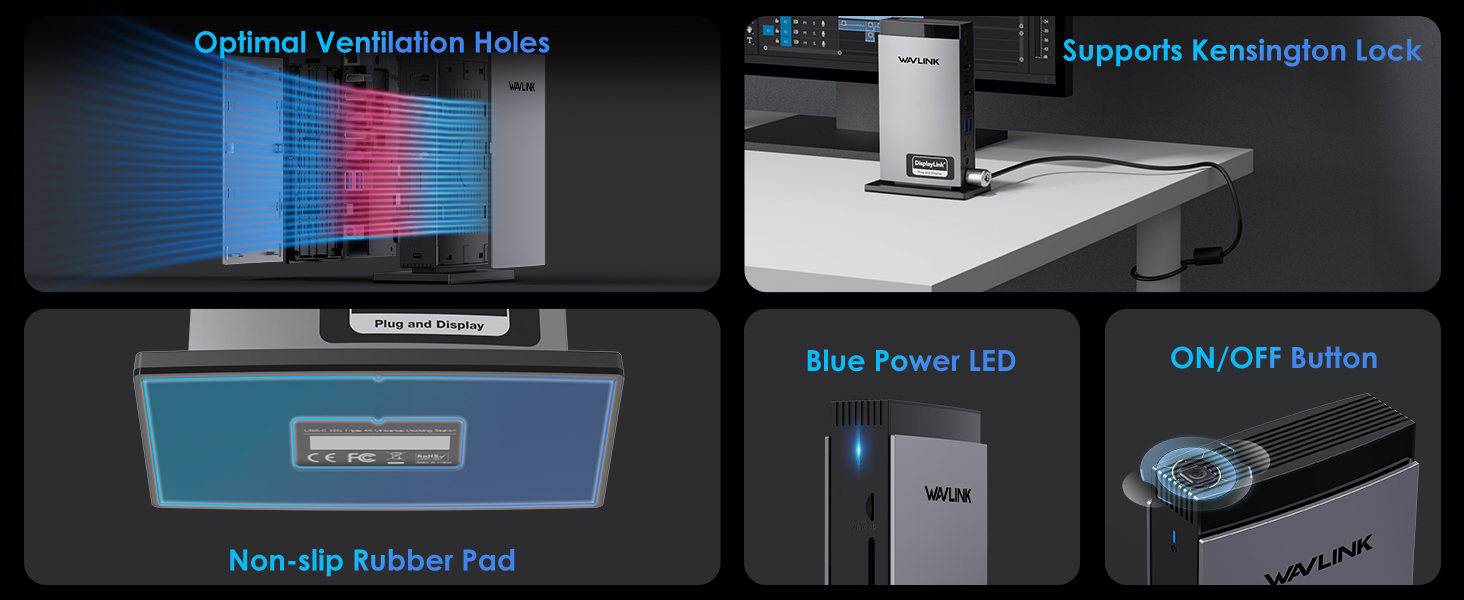
    Blue

Q&A

What should I do if the video ports of the docking are not working?

Please ensure that the DisplayLink driver for the dock is installed.

For macOS: Make sure you have installed the DisplayLink Manager App and granted permission for Screen Recording.

You can download the driver here :

DisplayLink macOS Software for Downloads Section | Synaptics

What should I do if the dock is not working as expected on a Windows computer?

Please follow the steps below:

1. Disconnect the dock from your computer and unplug the power cable to fully power it off. Keep it disconnected until the final step.

2. Uninstall any DisplayLink software from Control Panel > Programs and Features (if present).

3. Download and run the DisplayLink Cleaner Tool:

DisplayLink Installation Cleaner for Windows | Synaptics

4. Restart your computer (even if not prompted).

5. Download and install the latest DisplayLink driver:

Windows Driver Downloads for Downloads Section | Synaptics


6. Reconnect the dock’s power first, then connect the dock to your computer.

If the device is not detected during installation, click “Skip” to complete the process, then restart your system again.

What should I do if the Alt Mode HDMI port of the dock does not work?

1.Your computer’s USB-C port must support DisplayPort Alt Mode (video output) for the external monitor to function through the dock. To verify this,you could contact the laptop/pc manufacturer or contact our support team and tell us the detail model number of your laptop.

2.If the docking comes with a type-c cable,please make sure you should use the original type-c cable.

Why does the DisplayLink Manager App request screen recording access on my MacBook?

macOS requires users to grant Screen Recording permission for the DisplayLink driver to function properly. The DisplayLink Manager App does not send any information to Wavlink or DisplayLink/Synaptics, so there is no need to worry.

Why can’t Apple TV, Hulu, or Netflix play when the docking station is connected?

1.The docking station does not support HDCP, so protected content from services like Apple TV, Hulu, and Netflix cannot be played while the dock is connected. This is expected behavior. Please disconnect the dock when playing these videos.

2.Alternatively, you can try

1)  Open Google Chrome settings.

2)  Click on "Advanced" and select "System."

3)  Disable "Use hardware acceleration when available"

4)  Select "Relaunch" to activate the new settings.

How can I stop the dock from charging my laptop?

Please use the USB-C to USB-A cable to connect the dock to your laptop.

This will prevent the dock from supplying power.

Top

Get the Scoop First

Subscribe to our official website to receive exclusive first-hand news and stay up-to-date on our new product releases and promotions!