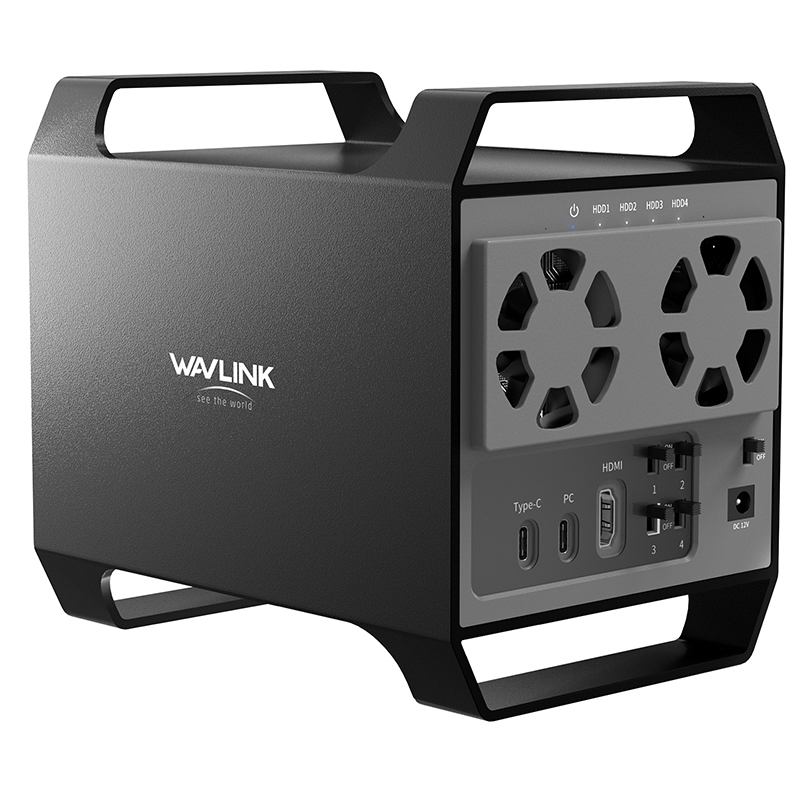
Quad Bay 3.5" SATA HDD Enclosure
  • Quad Bay 3.5" SATA HDD Enclosure 1
  • Quad Bay 3.5" SATA HDD Enclosure 2
  • Quad Bay 3.5" SATA HDD Enclosure 3
  • Quad Bay 3.5" SATA HDD Enclosure 4
  • Quad Bay 3.5" SATA HDD Enclosure 5

Quad Bay 3.5" SATA HDD Enclosure

Model: RapidFire-H4

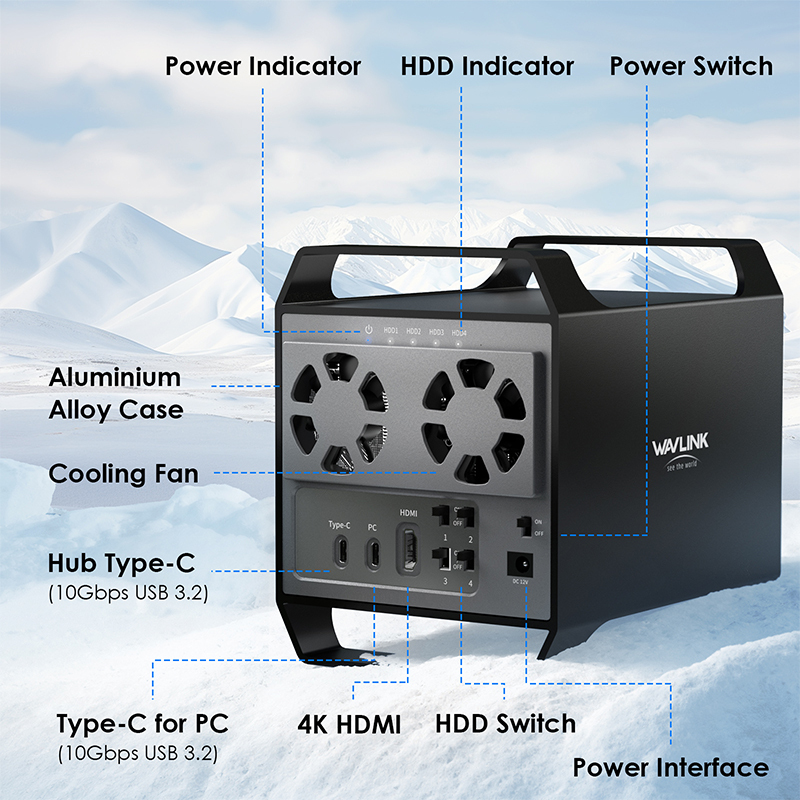
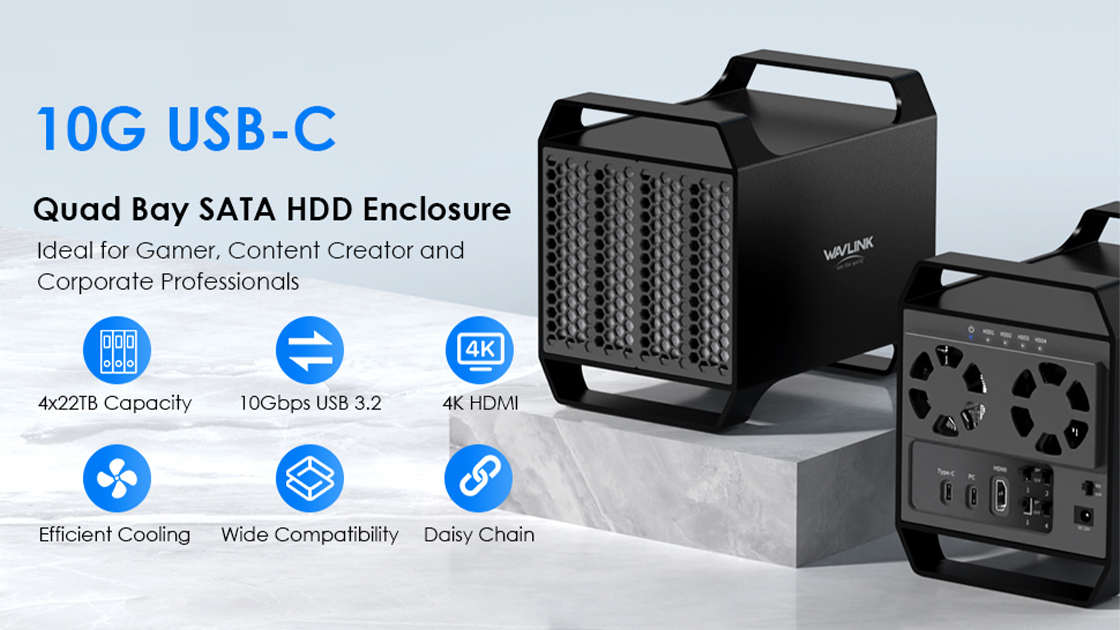
-One USB-C interface transfers speed up to 10Gbps, and compatible with USB3.1/3.0/2.0 computers.
-Quad bay 3.5" SATA bays for massive storage capacity expansion.
-One HDMI outputs max. 4K video.
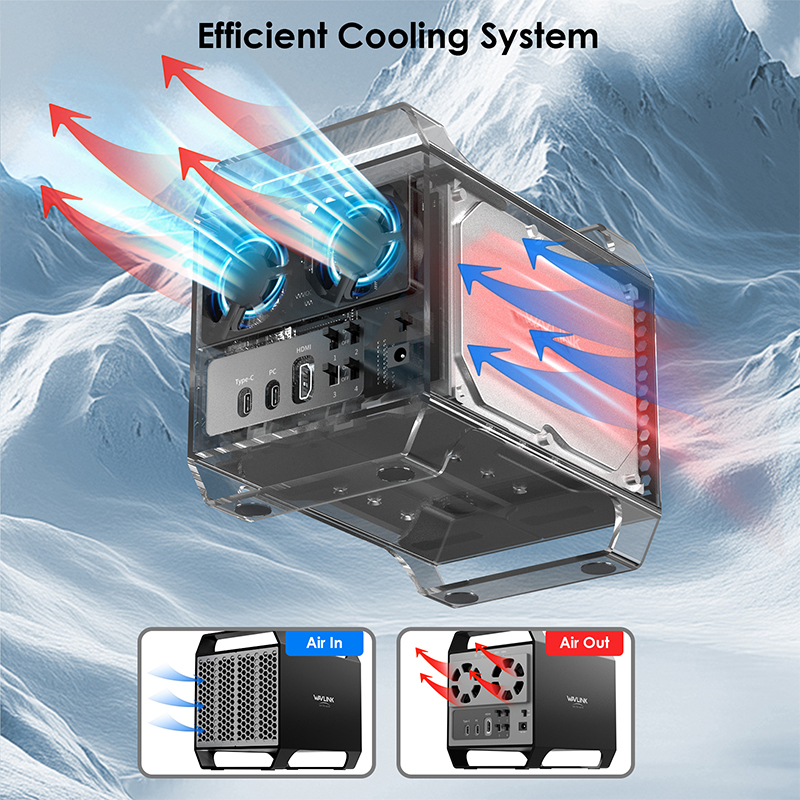
-Aluminum alloy panel and temperature-controlled fan are designed for efficient heat dissipation.
High-Speed 10Gbps USB-C Hub
Quad Bay 3.5" SATA HDD Enclosure for Massive Storage Expansion
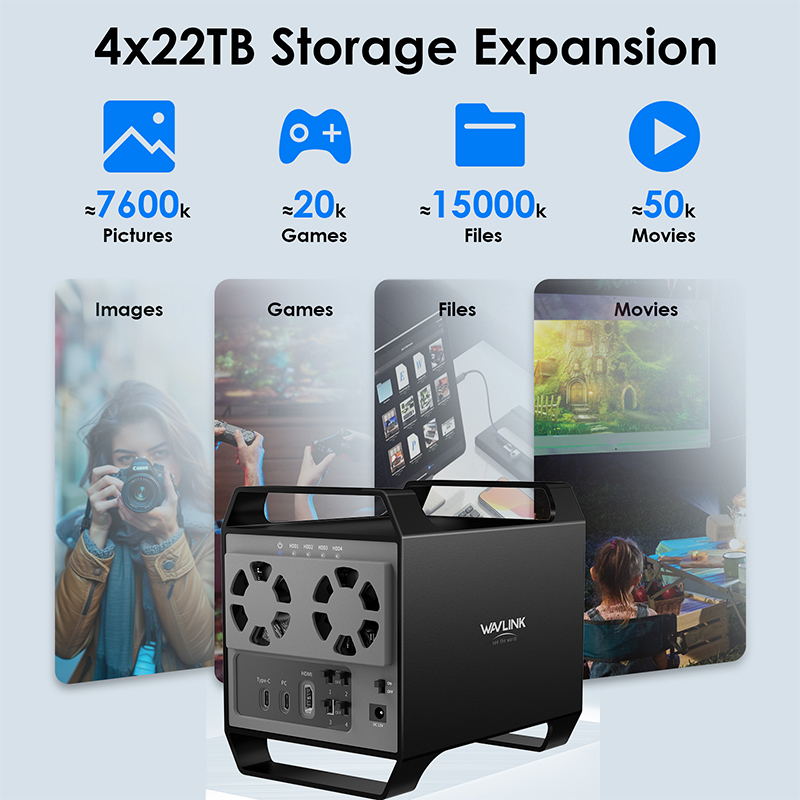
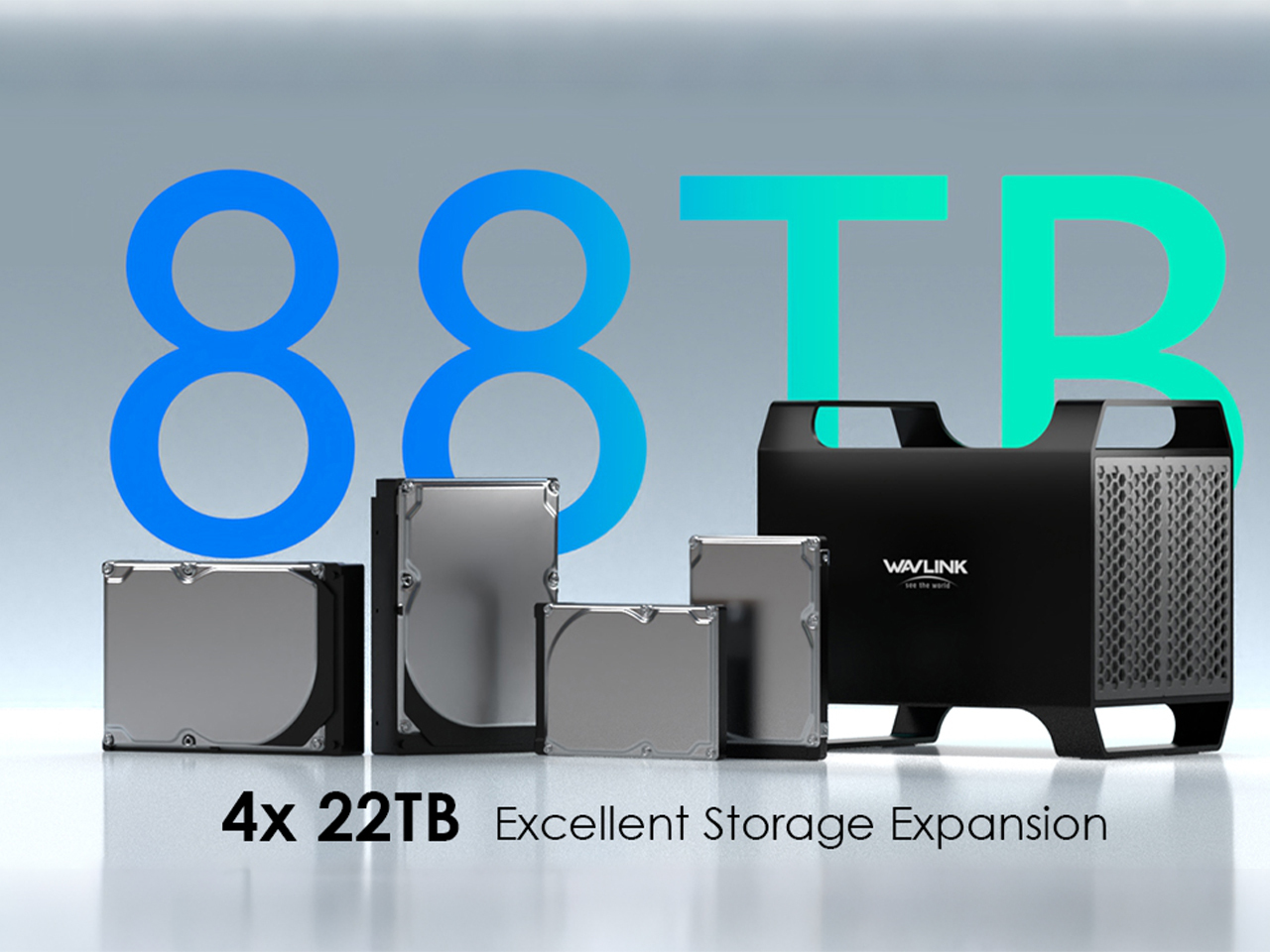
88TB of Pure Storage Power
Unleash your digital potential with massive 88TB storage expansion. Seamlessly power your workflow with four 22TB drives, combining sleek design and robust performance for your most demanding data needs.
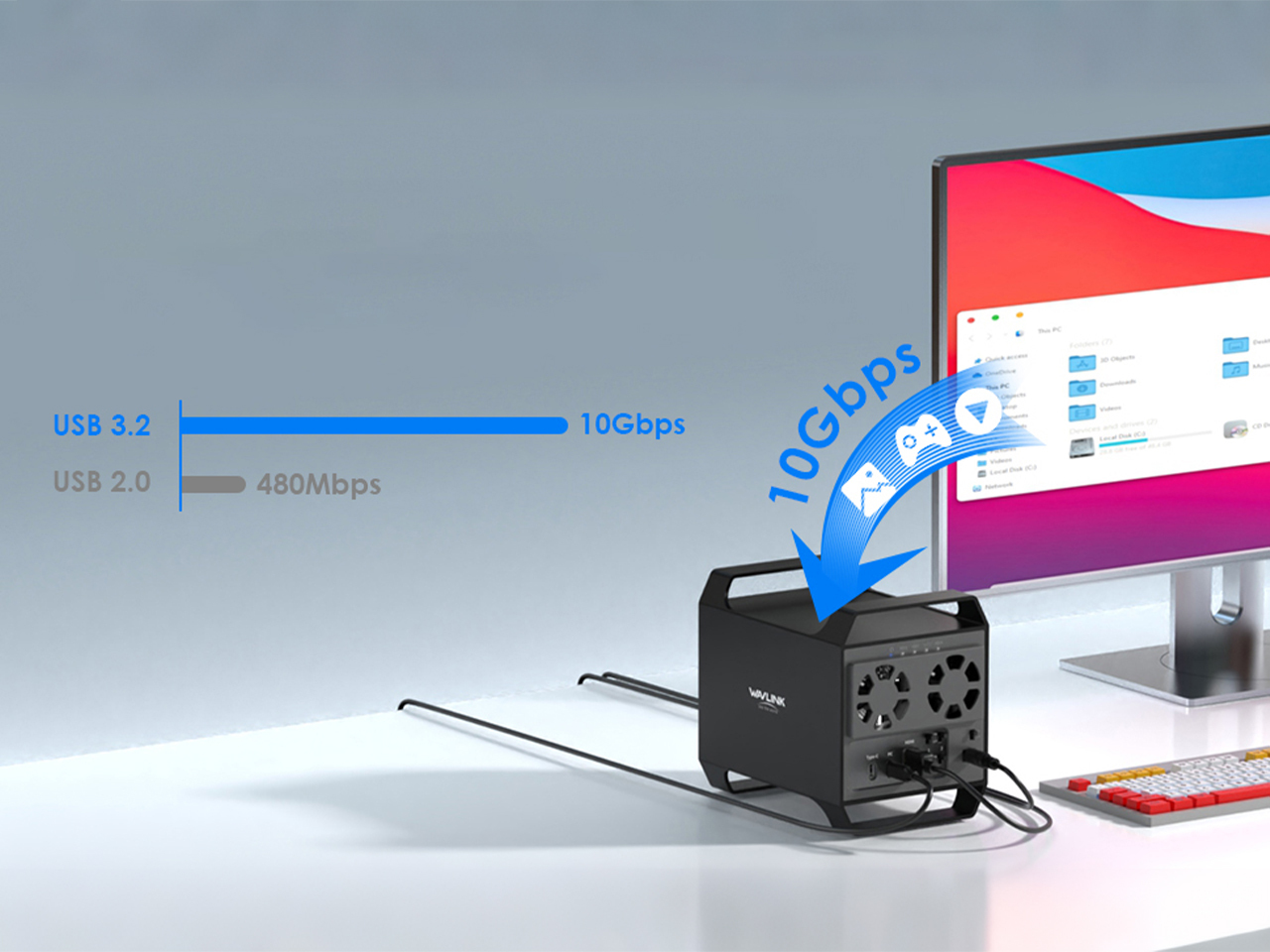
Lightning-Fast Data Transfer
Experience seamless file sharing with 10Gbps USB 3.2-C technology, enabling rapid transmission of large files in seconds for enhanced productivity and efficiency.

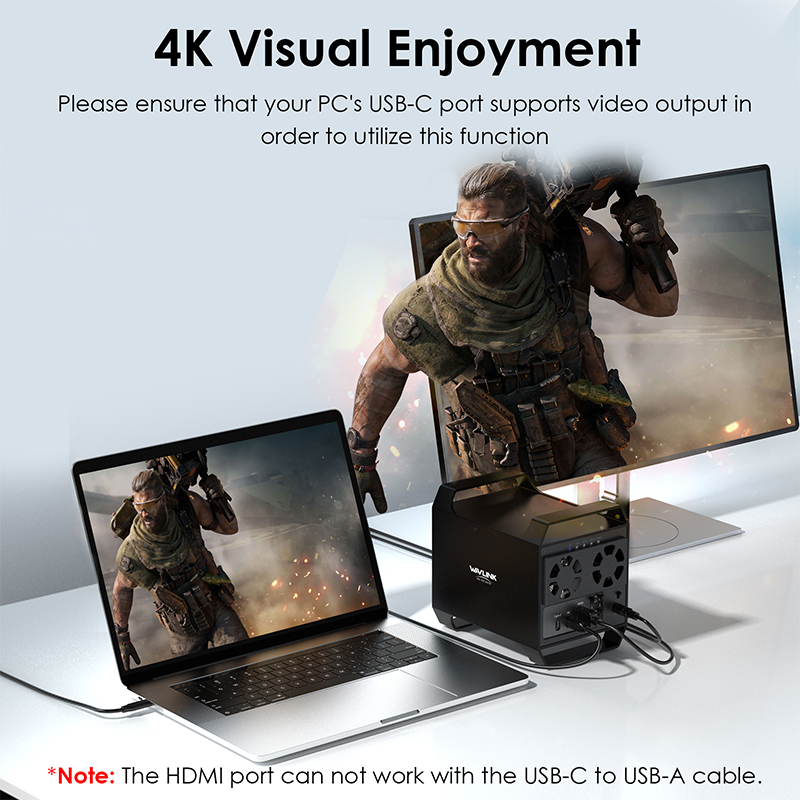
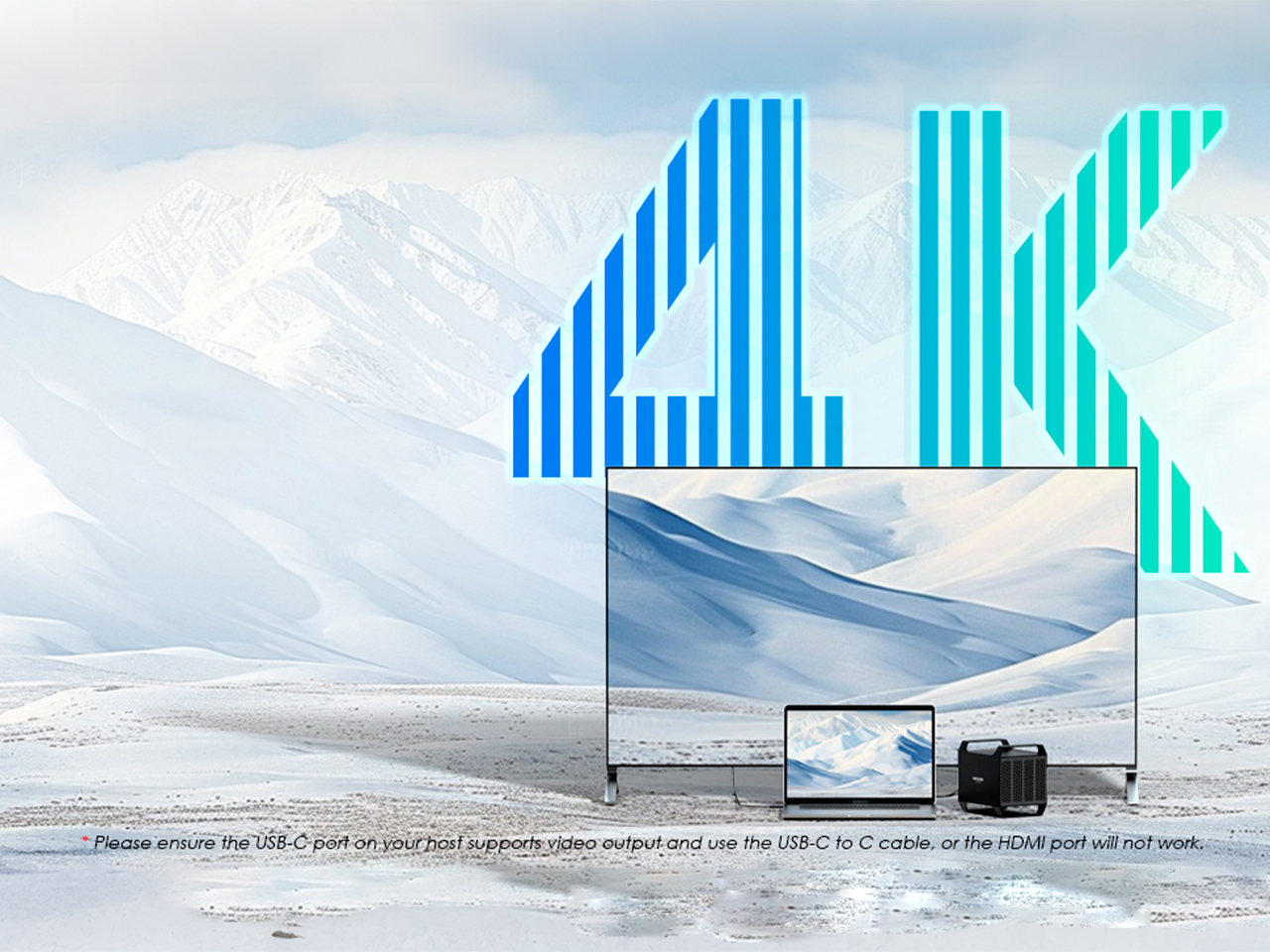
4K Ultra HD Picture Quality
This device features broad compatibility, seamlessly working with popular handhelds like the Steam Deck, ROG Ally, Legion Go, and Claw. Please note it is not compatible with the Ally X, AYANEO, or Nintendo Switch.

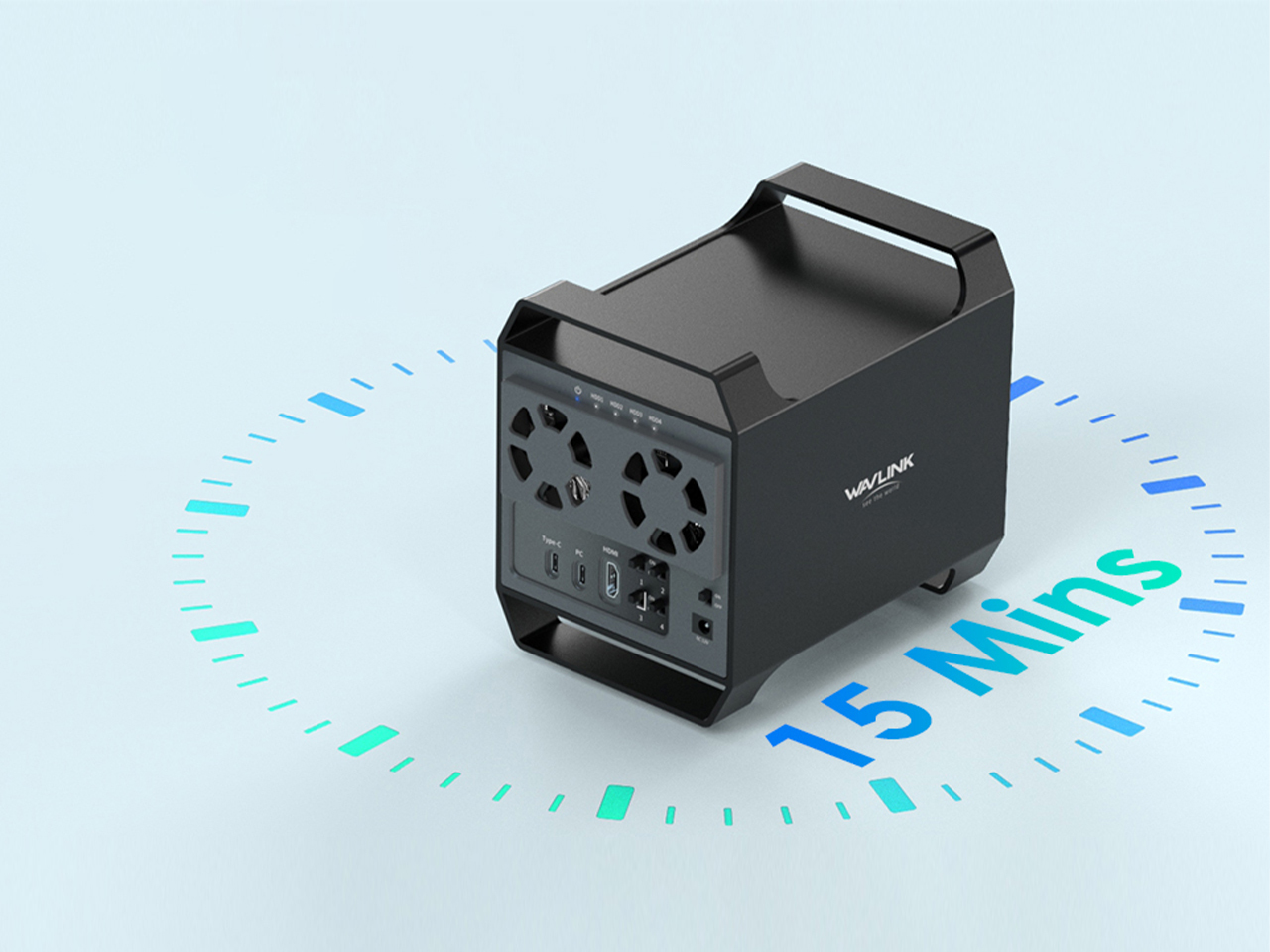
15 Mins Auto Sleep
The device automatically enters sleep mode after 15 minutes of inactivity, helping to save energy and reduce unnecessary power consumption.

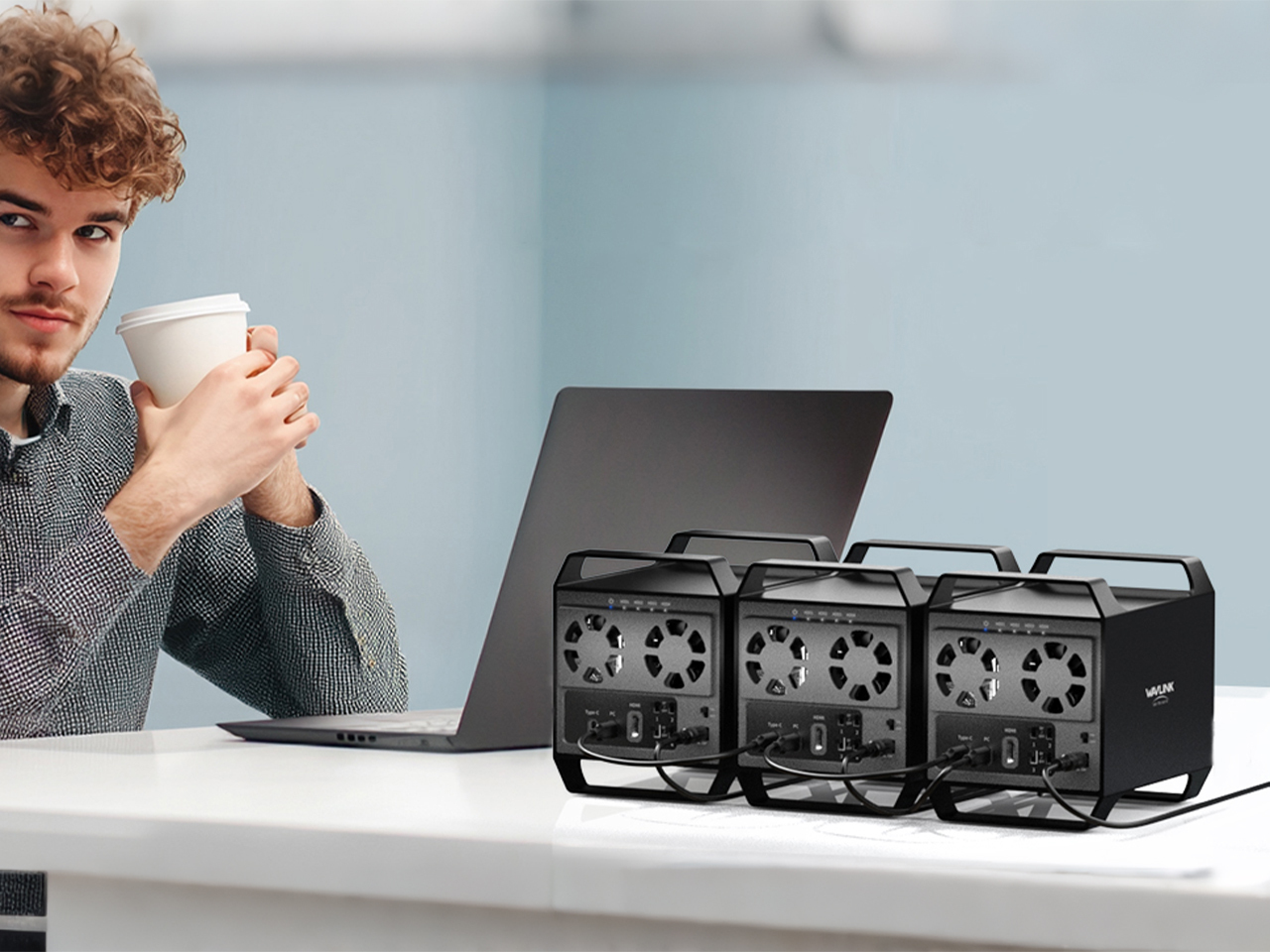
Daisy Chain Connection
Connect multiple devices in a series to a single port, supporting up to three devices simultaneously. This efficient setup enhances your workflow by reducing cable clutter and simplifying connectivity, delivering greater convenience and productivity.

Specifications

Transmission Interface Type-C Interface, HDMI 4K HD Interface (HDMI video output requires the device's Type-C port to support DP functionality.)
Supported Hard Drives 3.5-inch SATA HDD
Bays 4 Bays
Product Material ABS + Aluminum Alloy
Operating System Windows, Mac OS, Linux
Indicator Lights After powering on, the power light stays solid blue;
When a hard drive is inserted, the HDD indicator stays solid white;
When reading data, the HDD indicator flashes white.

Top

Get the Scoop First

Subscribe to our official website to receive exclusive first-hand news and stay up-to-date on our new product releases and promotions!